

Rahul Vithala

How To Uninstall Multiple Windows Programs In One Click
Sometimes we need to uninstall multiple applications once. Windows default ‘Add or Remove Programs feature is good but options are basic and limited. You can uninstall only one program at a time, it doesn’t support batch uninstallation. We can easily overcome this situation by installing third-party uninstallers on Windows. Control Panel Using control panel->uninstall programs…

How to Show Hidden Files in Windows 11
Windows 11 is rolling out slowly for all compatible machines globally. It is easy to use and many advanced features are introduced in Windows 11. Many features are introduced in the Windows 11 to make our computing tasks quicker and much powerful. Many things are changed in Windows 11 including File Explorer. Now it is…
How to Fix Printer “Port in Use” Error on Windows 10
Usually, the traditional way of connecting a printer to the computer is by the means of a USB port. The latest printers are coming in various connectivity options, however, still many people are using the USB port to connect their printer to the computer. Technical issues are most common in computers. One of the most…
How to Find the Windows 11 Startup Folder Location
Microsoft officially revealed the latest Windows 11 OS which is scheduled to launch in late 2021. Windows 11 has already got appreciation in terms of new features and attractions. Some of the attractive features are Integrated Android app usage, latest widgets, Microsoft Teams integration, better multi-tasking features, virtual desktop support, and many more. Coming to…

How to fix TeamViewer Commercial Use Detected in Windows 10
TeamViewer is a very popular program for making desktop remote connections. It will let you access any system remotely from anywhere in the world. It is complete freeware for personal use and a commercial version is available for work purposes. In the initial run of the program, TeamViewer asks your purpose of use. Depending on…

How To Check Hardware Before A Zoom Call: Zoom Test Meeting
Online meetings are becoming crucial during pandemic times. Many people are option Zoom over other video conferencing platforms because of the ease of use and simplicity. However, it is advised to perform a Zoom test meeting before attending a real meeting. For an online meeting, we require three things to check. One is a stable…
How to Record Zoom Meeting on iPhone
Sometimes we need a recording of an important online meeting. Whether it is a business meet or a friend’s reunion, some memories need to be stored. Video conferencing is fully evolved after the COVID-19 effect on our lives. Many people are using the Zoom video conferencing program for their online meetings and we today learn…

How To Turn Off Automatic Updates in Skype for Windows 10
As a regular Internet user, I can say Skype is one of the best communication apps which is suitable for both personal and business use. Skype has exceptionally clean navigation, situation friendy emo’s, fluid user-interface and a ton of great set of features which gives tough competition to the other apps. Skype regularly pushes the…
How Do I Install A VPN On Mac?
We are living in the digital age, connected with the internet. While the internet has its own benefits and perks, it also comes with a major issue- lack of privacy. The Internet has become a gold mine of information valuable for hackers and training AI models. Every company on the internet wants your data and…
Upset with WhatsApp Privacy Policy? Best secured alternatives to the WhatsApp
The recent WhatsApp privacy policy update has created a lot of buzz on the Internet among privacy-conscious people. The latest Privacy Policy of WhatsApp states that it can share your personal data to the sibling apps Facebook and Instagram. The acceptance of a new privacy policy is a must if you want to continue using…
PS5 vs Xbox Series X: Which Console Is Best For You?
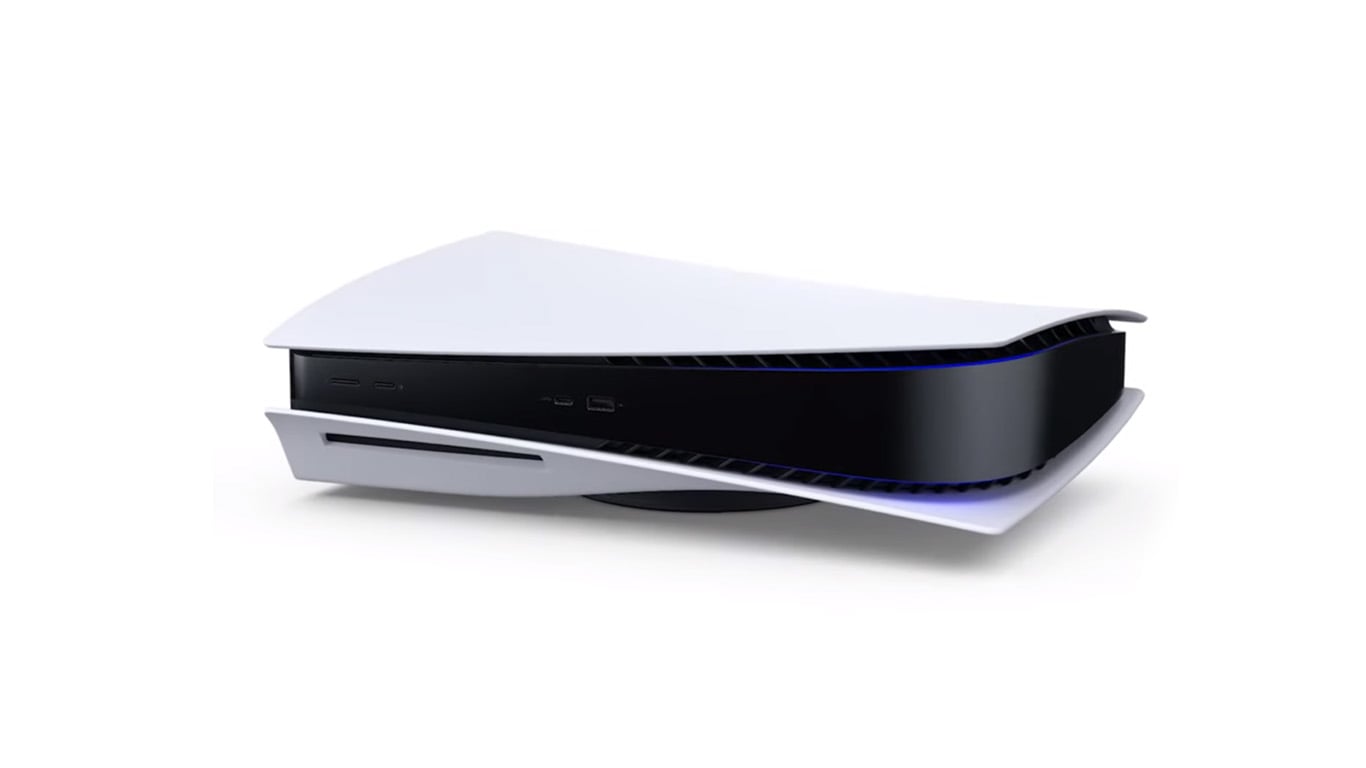
Now that Sony has released its much-awaited PlayStation 5 gaming console, it has revived the age-old rivalry of Microsoft Xbox and Sony Playstation. Xbox Series X and PS5 bring a giant leap to ray tracing and high resolution to usher into a new age of gaming. While 8K compatibility has arrived on the gaming consoles…
How To Fix Windows Defender Won’t Start In Windows 10
Windows Defender is a default security program to fight against threats like Virus, Spyware, Malware, Trojan and many more on Windows. Due to some unknown reasons, the Windows Defender may fail to start with the Window sometimes. Technically, there are some reasons behind the issue and in this article, we will discuss how to fix…