

How-to
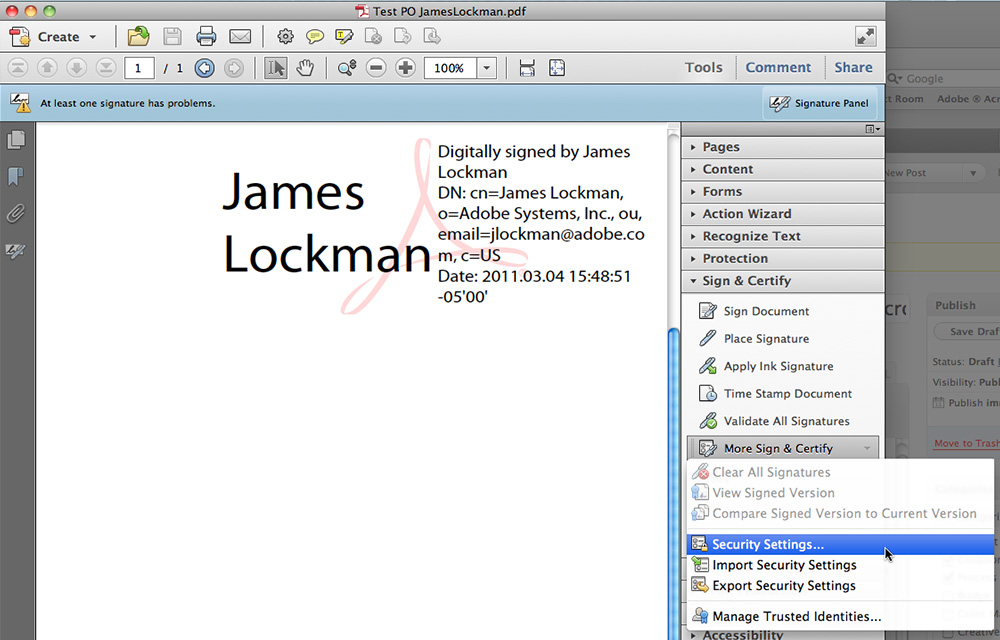
How to Create E-Signatures in Adobe Acrobat
An electronic signature or e-signature is a very useful way to sign documents without printing them. Instead of printing, signing with a pen and scanning the page again, you can add your signature to a PDF in a few clicks. Adobe Acrobat is widely used software that lets you sign PDF documents, and it can…
How to Convert PNG to PDF
Ever wondered how your friend was able to convert those files you sent him from one format to the other? It’s not magic, there are paid and free tools out there that helped him with the file conversions. Conversion from PNG to PDF isn’t a herculean task like many have claimed especially if you know…

How to Install Alexa Toolbar in Your Browser
Toolbars have been a specialty in web browsing for quite some time now. They have given us a form of a shortcut to access some of our favorite tools whenever we need them. In this article, we shall talk about how to install the Alexa toolbar in your browser. Of course, this will differ depending…
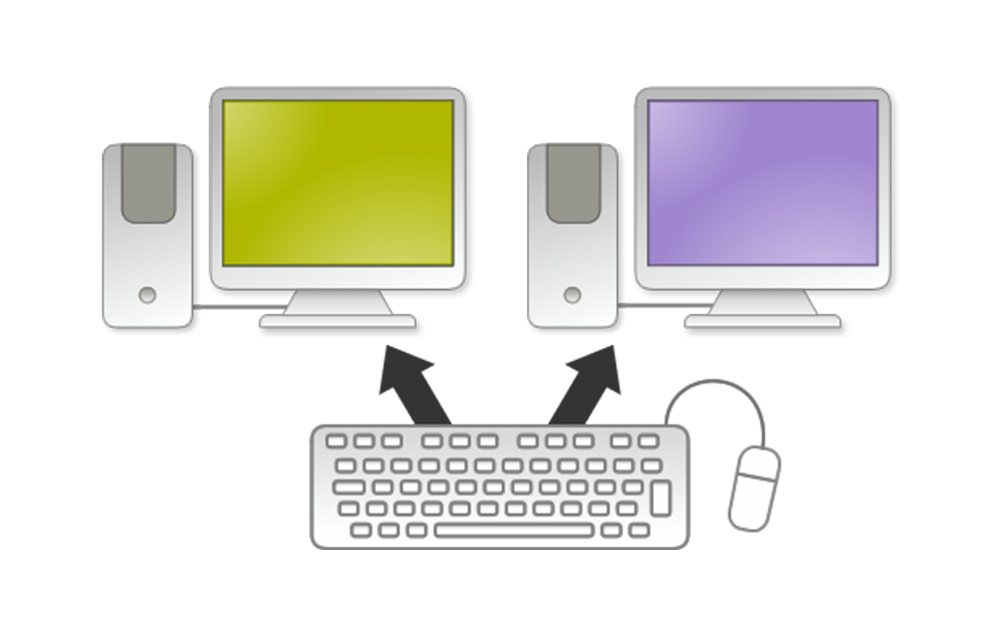
How to Share Mouse and Keyboard between Computers
Ever faced a situation where you have no mouse and keyboard for the second PC? Whenever you needed something from that PC, you kept changing the ports frequently. If you feel it very irritating, here we have a method to help you share mouse and keyboard between computers. We use two softwares namely Microsoft Garage for sharing…

How to Download Music from iTunes
Download Music from iTunes using the methods in this article. iTunes is one of the best music sources dedicated for the Apple devices. If you ever owned one, you might be familiar with this awesome service where thousands of songs and MP3 files stacked together. Are you new to the Apple devices? Or to the…

How to Buy Songs from iTunes
Read this article to know How to buy songs from iTunes. iTunes is one of the best music sources available for the Apple devices. With the collection of thousands of songs, iTunes is a big competitor to any other music services like SoundCloud and Google Play Music. Being one of the best in the field,…

How to Download Music from Spotify in Desktop, iPhone, iPad or Android
Spotify is an evergreen music source with a wide collection of all kind of user’s favorites. The offline mode of the service allows users to download music from Spotify easily. So, in this article, we are going to help you to download songs from Spotify in any of the platforms including Desktop, iPhone, iPad, and…

How to Colorize Black and White Photos
Ever wanted to see your grandparent’s photos in colors? At a time, where the colored photos are even not invented, it was absolute foolishness to expect real-life like looking colored photographs. So, they managed to capture valuable moments in their life with the latest technology available at that time, the black and white photography. But…

How to Promote your Small Business Online?
Promoting your startup or small business in not an easy task, especially if you are a beginner in the field. It takes a lot of sweat, time, and patience to be successful. If you are struggling to promote small business online, we have a small guide for you. In this article, we will be listing…

How to Download Pokemon Go APK
From the Niantic’s Real World Gaming Platform, Pokemon Go is already made a flood in the gaming world. The completely different game is said to be a real-world gaming experience where the real world will be the setting. Apart from just sitting on your bed for having a gaming session, the Pokemon Go brings a…

3 Methods to Format SD Card Effectively
SD cards are there for a while and the people keeping it for many purposes including data carrying or essential smartphone operations. Having one on the smartphone is always a blessing especially for movie nerds and music lovers. Anyhow, once you want to format SD card in your android smartphone, it is not that rocket…

Samsung Fonts for your Lovely Samsung Galaxy Devices
Samsung devices are top notch products in terms of the quality they are offering. But, regarding pricing, it still has some curses from the users. Anyhow, if you own a Samsung Galaxy smartphone and thinking for a change to the old granny UI, we have a good solution for you. It is not hidden that the…