

How-to
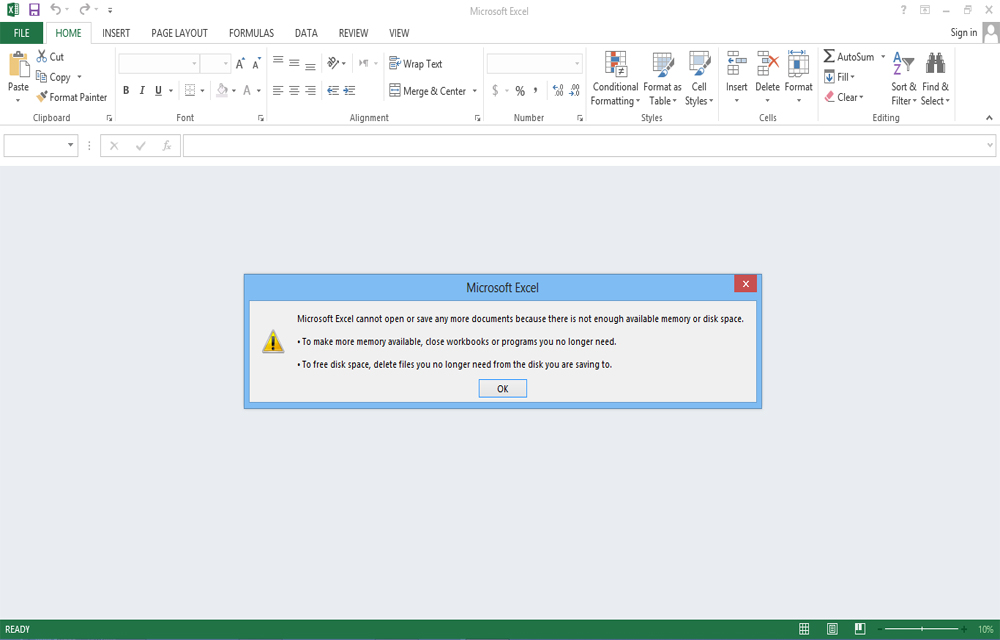
Fix “Microsoft Excel Cannot Open or Save Anymore Documents Because there is not Enough Available Memory or Disk space” Error in Excel
While trying to access some Excel files, Getting an error saying “Microsoft Excel cannot open or save any more documents because there is not enough available memory or disk space“? You probably answer, Yes. That’s why you are here now. This error occurs mostly when trying to access some excel sheets downloaded from some websites or…

Locate iTunes Library File, Change Backup Location & Delete iTunes Duplicates in Windows 10
iTunes usually gets installed in the C drive, unless the user chooses otherwise. However, there are some disadvantages of installing iTunes in the default installation location as the backup itself is stored in the same location. A Windows corruption can cause irreversible damage and loss of iTunes data in this case. So it is wise…
Problems of Rooting Android Devices
Anyone of you doesn’t like any limitations. And in your smartphone too, the limits set by the providers may be irritating you for the past few days. You might find out rooting of your Android device to break the limitations set by the developers will help you. Eagerness to access the world behind those limitations…
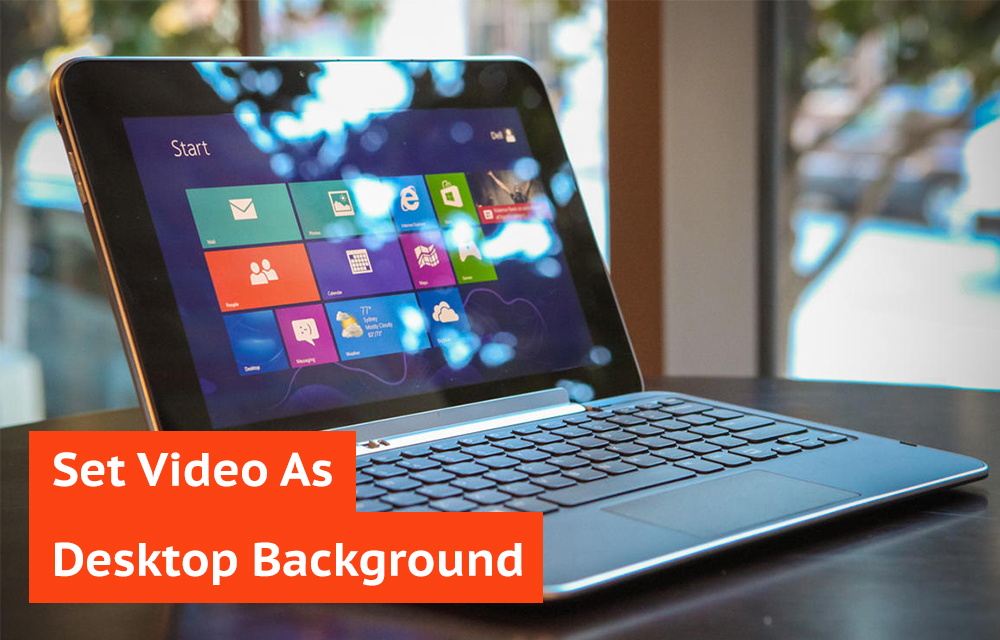
How to Set Video as Desktop Wallpaper using VLC Media Player
Are you still using those static desktop backgrounds in your computer? Want a difference from the usual look and feel of your desktop? How it would be if you got your favorite videos playing on your desktop background? Instead of those statically stuck backgrounds which don’t make you comfy on your computer, set those moving…

A Tricky and Quick way to Free up iPhone Memory
Even at the presence of a stable wifi or a rock-solid mobile data connection, is you iPhone making you wait? With such a sweet device in hand, being late to do tasks are very irritating. One of the best products in the global market has a good hardware inside covered by a nice outer design.…
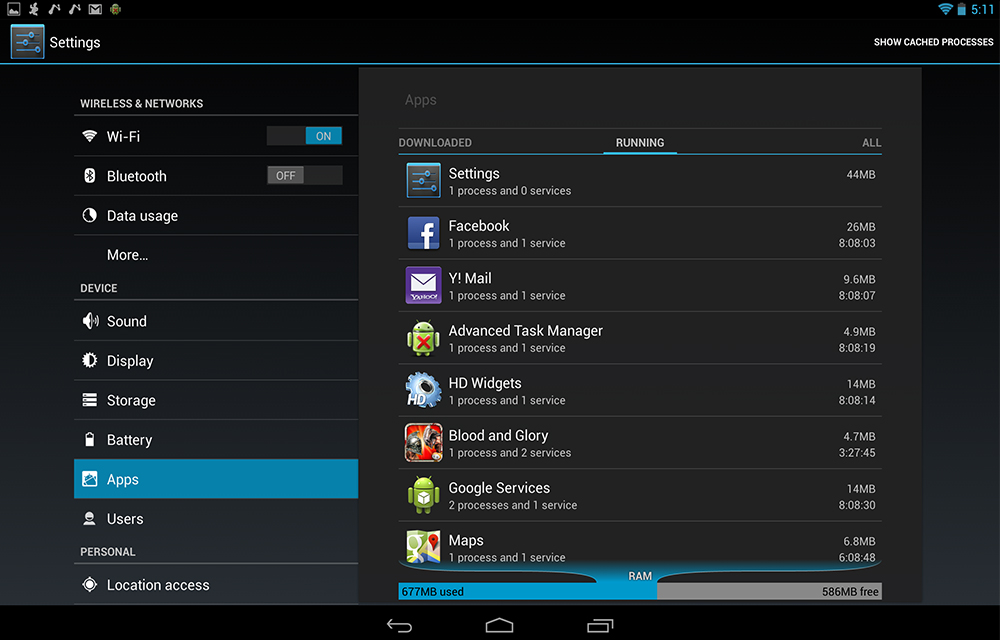
How to Stop Android Apps from Running in the Background
Android is built for providing a great user experience on your smartphone with its unlimited features. Android apps are the sweetening flavours of the OS which makes it the popular one among the smartphone lovers. For making the apps ready to respond anytime with the exact details, android running the apps in the background for…

How to Factory Reset Samsung Gear S2 SmartWatch
Samsung recently launched the Gear S2 as the successor of the previous models. When it comes to the smartwatches, Samsung always paid attention in producing high-quality products. The elegance in the design and the simplicity in the manufacturing process made it stand out in the crowd of the competitors. The device power packs a number…

How to Record Android Gameplay
Android devices dominating the tech market for the past years. Gamers are all having a good time on the high-end devices which perform very well on the modern day games. All of you like games and you also like to share your skills on the games to the outer world. The best way is to record…

How to Create a Gmail Account
Creating a Gmail account is not that much of a tough task. Having a Gmail account is a necessity in this communicative world. Most of your friends might have a gmail account for emailing each other. Why don’t you have one?. Gmail allows you to transfer your files and important information over the internet in…

How to Recover Deleted Internet History
Once you find that, your deleted internet history had some important websites you had forgot to note down, you will be embarrassed. You may try several methods to find it out. But, failed. The first thing I have to say is that. Don’t restart your computer if you lost the history in this session of computer usage.…
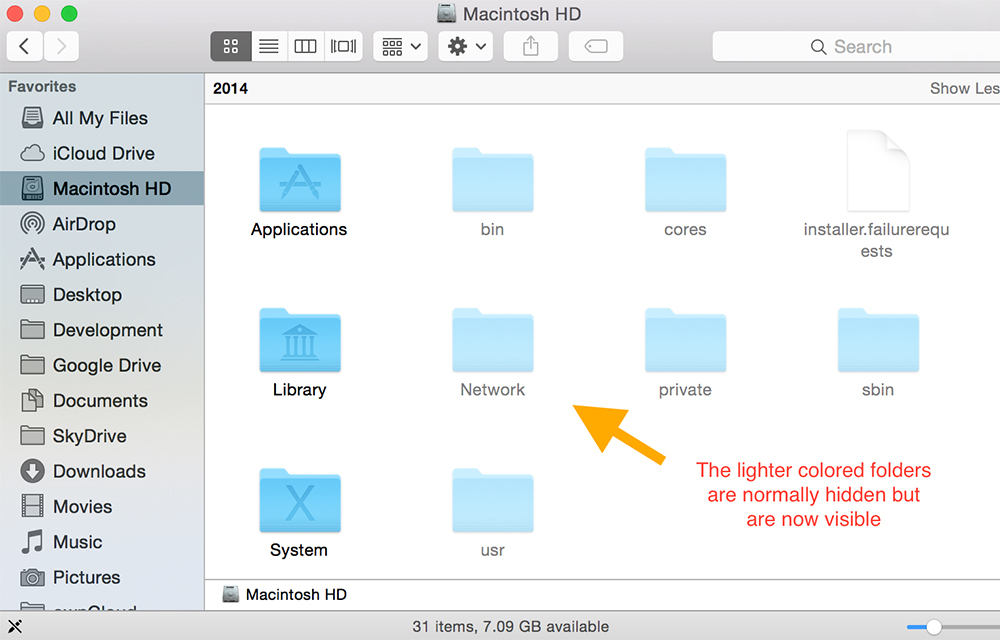
How to Show Hidden Files and Folders in Windows and Mac
You may face several situations where you need the access to hidden files in your computer. The system itself protects some important files by hiding them in various parts of the computer to keep them safe from accidental deletions or misplacement. So, the computer blocks the users from accessing the hidden files. Hidden files can’t…

How to View Cookies in your Computer
“Cookie” is a small text file stored in your Internet browser. Cookies provide the information about the user to various websites they visit. Without cookies, the websites can’t store any information regarding the visitors. Cookies can keep track of your movements within the site, help you resume from exactly where you left off, remember your registered login…