

How to Create a Gmail Account
Creating a Gmail account is not that much of a tough task. Having a Gmail account is a necessity in this communicative world. Most of your friends might have a gmail account for emailing each other. Why don’t you have one?. Gmail allows you to transfer your files and important information over the internet in…

create-gmail-account-main
Creating a Gmail account is not that much of a tough task. Having a Gmail account is a necessity in this communicative world. Most of your friends might have a gmail account for emailing each other. Why don’t you have one?. Gmail allows you to transfer your files and important information over the internet in an easy and quick manner. Google introduced it in 2004. The past 12 years were enough for gmail to set up its unbreakable identity on the industry. So, having a gmail account is an important factor to stay updated with the outer world. In this article, we will teach you how to create a gmail account. Follow the simple steps given below to set up a gmail account within minutes.
This may also help:
Setting up a Gmail account
To create gmail account, carefully follow the steps given below.
- Go to www.gmail.com.
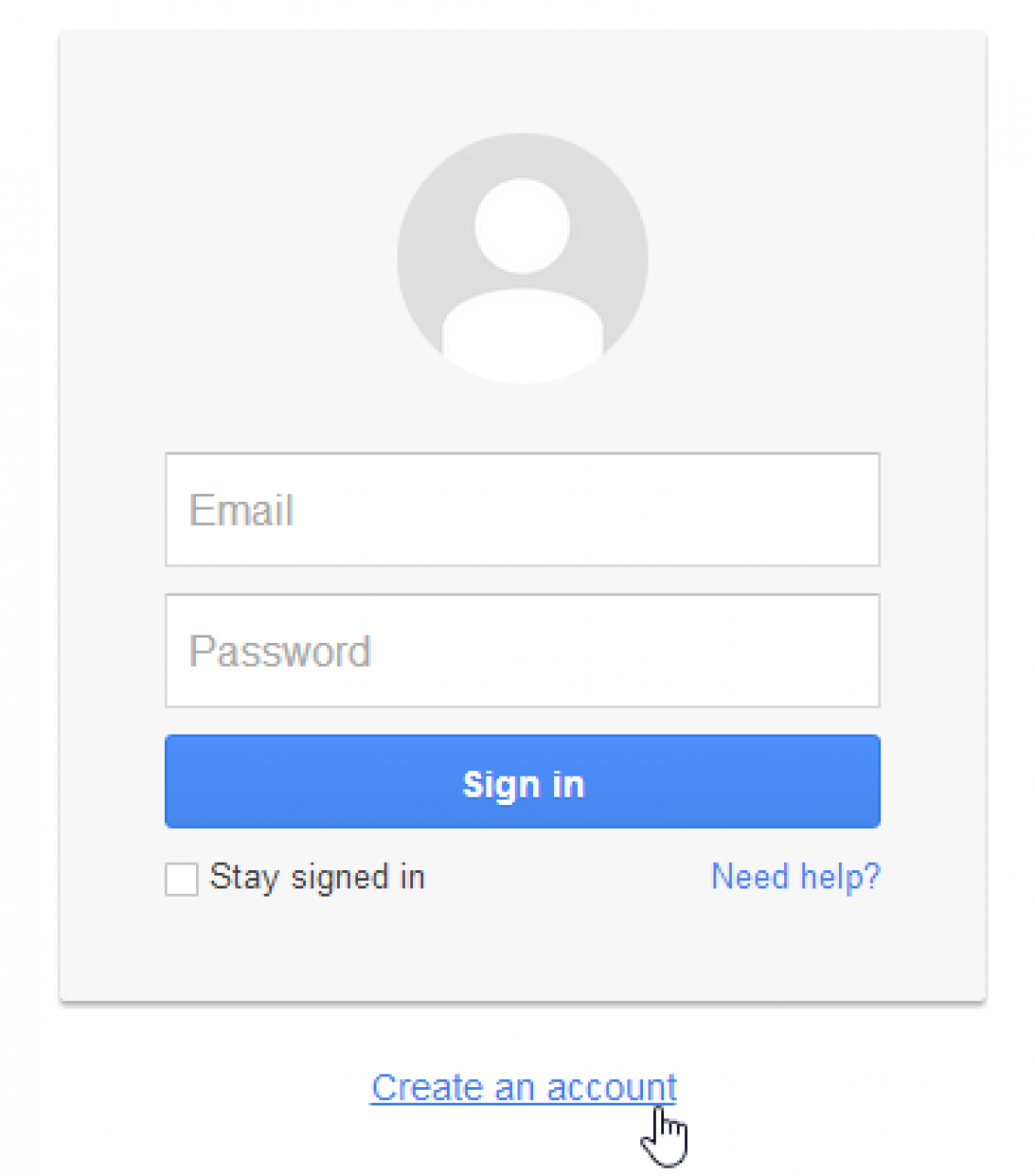
- Click Create an account option under the email and password text box.
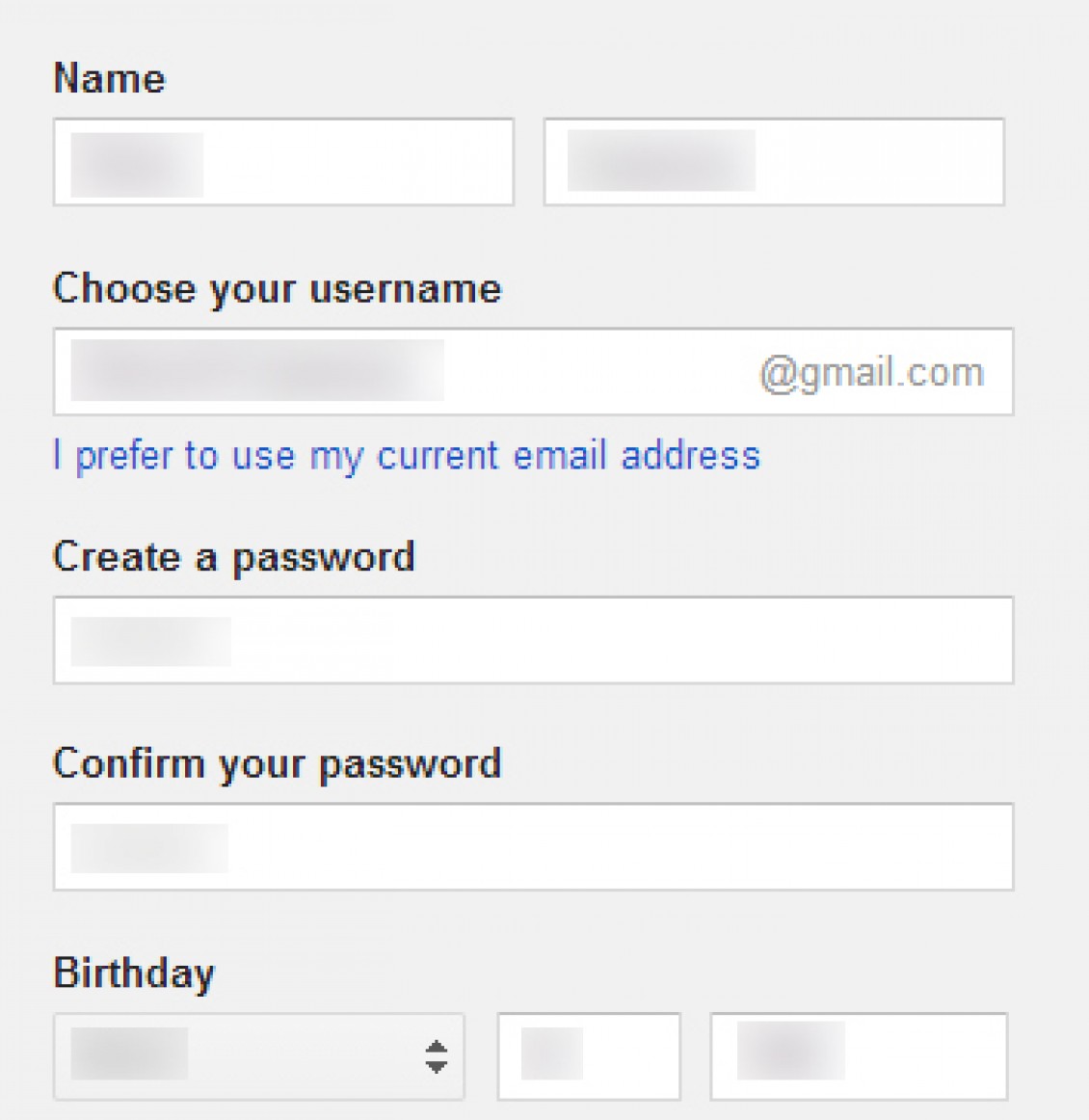
- The Gmail signup form will appear in front of you. Enter the required information, such as your name, email id you need for your account, a strong password, birth date, etc…
Note: The email id you entered may be taken before. If so, you must enter something unique either by choosing the suggestions that automatically displayed or entering your own choice. While choosing the password, be sure to make it something easy to remember and also make it something which can’t be guessed easily by others.
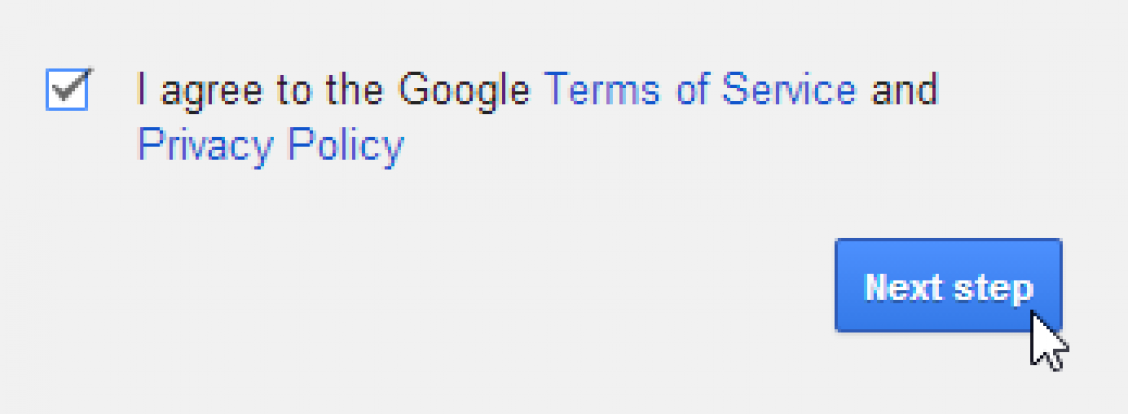
- In the next step, review Google’s Terms of Service and Privacy Policy and accept it by clicking the checkbox, then click Next step.
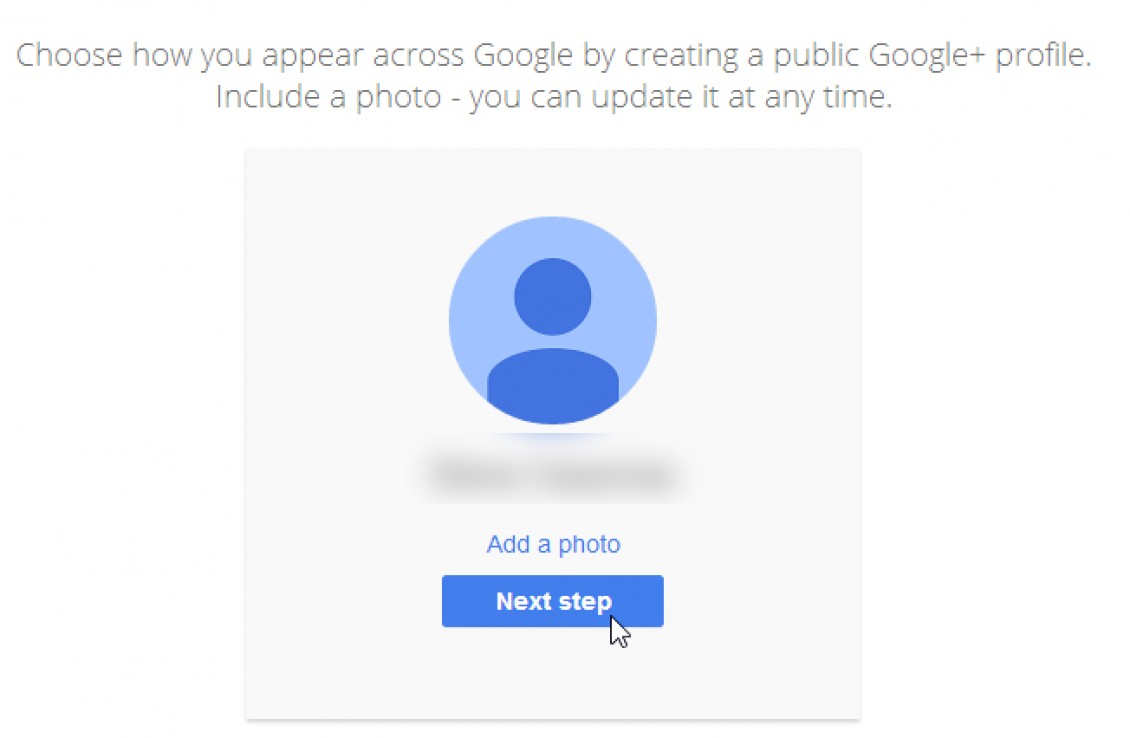
- In the next step, Click Add a photo if you want to add a photo to your Gmail account. If you don’t want to set a profile photo now, click Next step.
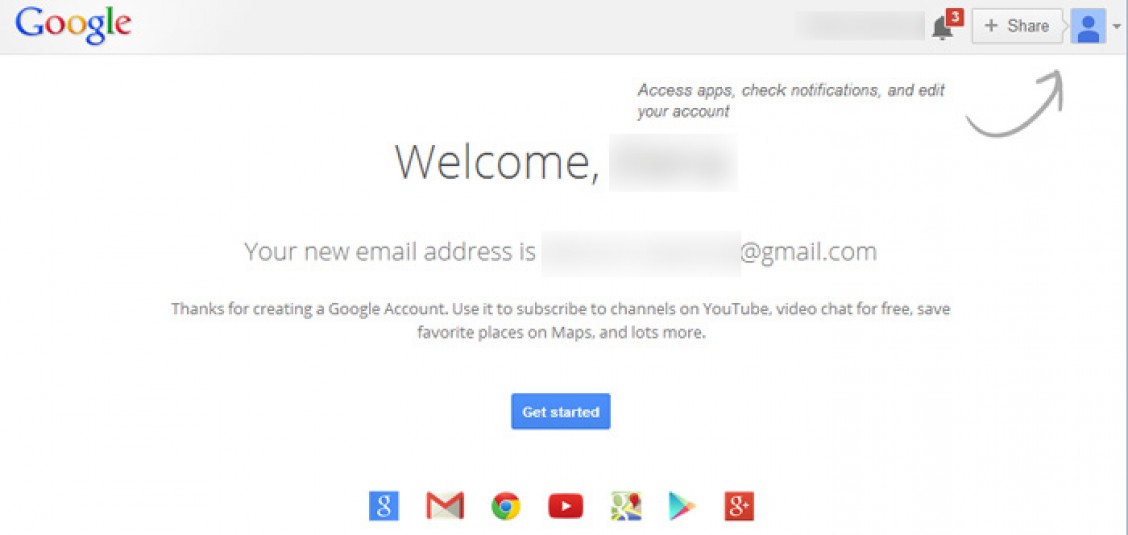
- Now, your account will be created and the Google welcome page will appear. There you can see your Gmail id and your profile picture at the top right corner. Click on Get started button to get into the Gmail dashboard.
After creating your Gmail account, you could access it again by going to www.gmail.com and entering your Gmail id and password.
More in How-to

How To Recover Deleted Gmail Account – Detailed Guide
Most of you might be using, at least, one Gmail account. Some of you have even multiple accounts. The beginners on Gmail may create multiple accounts and once they aware of the basic operations or if they find a better Gmail id, They may switch it to the new one. This happens several times in…
How to Customize Gmail for More Productivity
How to Customize Gmail for more productivity: Gmail is the best Email provider around. You can customize Gmail for more productivity. You can tweak Gmail very easily with simple steps. Follow these steps to grab more from Gmail. Want to set up a signature to your Gmail? hmm line up with your name, website, company,…
How to Create a Group in Gmail?
How to create a group in Gmail: Gmail is a very popular email service from the house of Google. It has fantastic features in emailing as no one has in the competition. A user can send attachments, enable alerts, create folders, scheduling emails, labelling and sending group emails. In this article, we will learn how…
The week in tech, minus the noise.
New reviews, fixes and the stories that matter — once a week, straight to your inbox.
We only use your email to send the newsletter. Unsubscribe any time. See our privacy policy.
Comments