

Android Q allows Wi-Fi sharing with QR codes for faster and easier access
You must have already heard that Google has released the first beta of Android's next version. After the launch of Android Pie last year, we get our first


You must have already heard that Google has released the first beta of Android’s next version. After the launch of Android Pie last year, we get our first look at Android Q. Google is referring to it as Android Q as is the case traditionally. Because the official name will be unveiled at the time of stable release. Now, this version of Android is seen mostly as a refinement from Android Pie similar to Android M after Android L.
However, it does not mean that there are no new features in Android Q. In fact, there are plenty of features in Android Q and one of the best ones, so far, is Wi-Fi sharing through QR codes. Yes, you will finally be able to share your Wi-Fi passwords without speaking them out loudly. Instead, Android Q adds the feature where you just need to generate a QR code. After that, the person trying to access Wi-Fi will scan the code and Wi-Fi will be connected.

Now, the idea of QR code generation for Wi-Fi is not new at all. Before this, the likes of Xiaomi, Huawei and others have already added this feature into their custom skin of Android. This clearly shows that Google is also looking at and adapting features from custom skins of Android. This also helps in user convenience for connecting to Wi-Fis.
In terms of security, Google has added a layer of authentication on top of this QR code sharing. Before the QR code is generated, you will have to enter your Password, PIN or fingerprint to authenticate that it is indeed your device. This helps when someone else is using our device and generates the QR code without our permission. To generate QR code in Android Q, you have to go to Network & Internet > Wi-Fi and tap on your current network
More in News
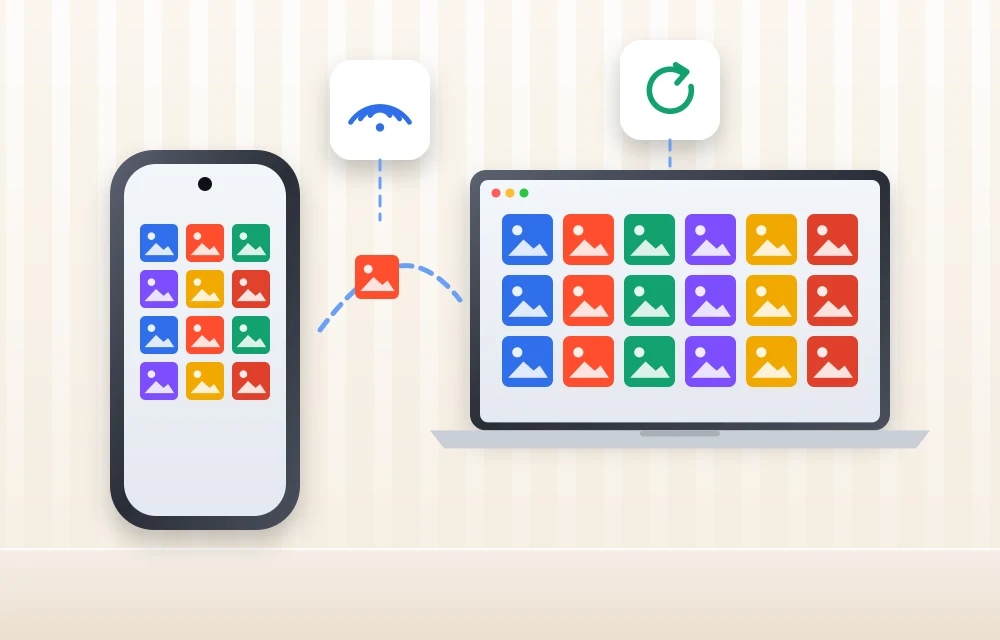
How to Back Up Android Photos to a Windows PC Automatically with Quick Share
Google’s November 2026 system update adds automatic photo and video backup from Android to Windows through Quick Share. Here’s what’s confirmed, what you need, how setup reportedly works, and what to use until it reaches you.

How to Turn Off Facebook Camera Roll Suggestions on iPhone and Android
Facebook’s camera roll suggestions look at the photos and videos on your phone and suggest ones you might want to share as a post or story. Some people like the nudge. Many don’t want a social app looking through their gallery at all, and the feature got fresh attention on November 14 when Italy’s privacy…
Samsung November 2026 Security Patch: 155 Android Fixes Plus 24 Galaxy Fixes
Samsung's November 2026 security patch brings 155 Android fixes and 24 Galaxy fixes. See what's fixed, which phones get it first and how to install it now.
The week in tech, minus the noise.
New reviews, fixes and the stories that matter — once a week, straight to your inbox.
We only use your email to send the newsletter. Unsubscribe any time. See our privacy policy.
Comments