

APlay PULSE Smart Wireless Earbuds Helps You To Do Things Better
APlay PULSE is smart wireless earbuds, which will help you to stay connected with the outside world without depending upon your smartphone.


APlay PULSE is smart wireless earbuds, which will help you to stay connected with the outside world without depending upon your smartphone. The APlay Pulse will be able to read notifications, messages, perform calls including music playing and is identical to that of a personal assistant. If you use the earbuds, you can have an assistant on the go. The APlay PULSE earbuds is available for pre-order from Kickstarter starting with a pledge price of $50.
APlay PULSE works in tandem with several apps such as Calendar, Maps, Facebook Messenger, and email. Moreover, the earbuds will be able to deliver real-time notifications directly to your ear. It can stream music, podcasts and movies from the smartphone without ugly cables. You will be able to make use of APlay PULSE for call related operations like that of a Bluetooth headset.
Equipped with a single button for all functions, the APlay PULSE features a silicon tip for secure hold and a wide range of color variants. The earbuds are designed in such a way that you can wear it all over the day and will help you to connected without distractions. It is capable of replying all information of your smartphone without the need for taking the handset from your pocket.
If you tap on the button, the APlay PULSE will be able to read all new notifications on your phone irrespective of the app. With quick voice demands, you will be able to set reminders and navigate through your email inbox. The Pulse earbuds is capable of reading texts, group messages, Viber, WeChat, and WhatsApp messages. You can dictate your responses to others.
By double clicking on the command button, the APlay PULSE will be able to interact with Google Assistant, Alexa, Siri depending upon your operating platform. You will be able to ask questions such as Hey Siri, What’s the weather in Washington today? You can also ask – Hey Google, Can you play Wind & Fire on Spotify.
With the companion APlay app, you will be able to set the notification frequency including the ability to select the app for which you want notifications. The voice messages are stored in the app for easy reference. The earbuds make use of the CSR processor and Nain’s custom software. The purpose is to create a smart and integrated hearable device.
APlay PULSE comes with a compact charging case manufactured using anodized aluminum. The case will look small and will easily store inside your pocket or bag. Moreover, the case is magnetic and will be able to hold the earbuds securely. The earbuds will be able to deliver 1.5 hours of backup time.
You can use APlay PULSE in either mono or stereo mode by pairing two units with the Bluetooth compatible device. As a user, you will be able to enjoy full and rich audio including the ability to stream music. With a Bluetooth range of 33ft (10M), you will be able to leave the phone inside your pocket, desk or carry inside a bag.
If you pledge $50, you will get battery, storage case, micro USB charging cable and 2x Silicone tips. If you pledge $80, you will get 2 units and 4 silicone tips.
More in News

PS5 Black Friday 2026 Deals: What’s Actually on Sale for GTA 6 Players
Sony's PS5 Black Friday 2026 sale runs Nov 16 to 30: DualSense $54, DualSense Edge $169, Pulse Elite $109, PS VR2 $100 off. New consoles aren't discounted.
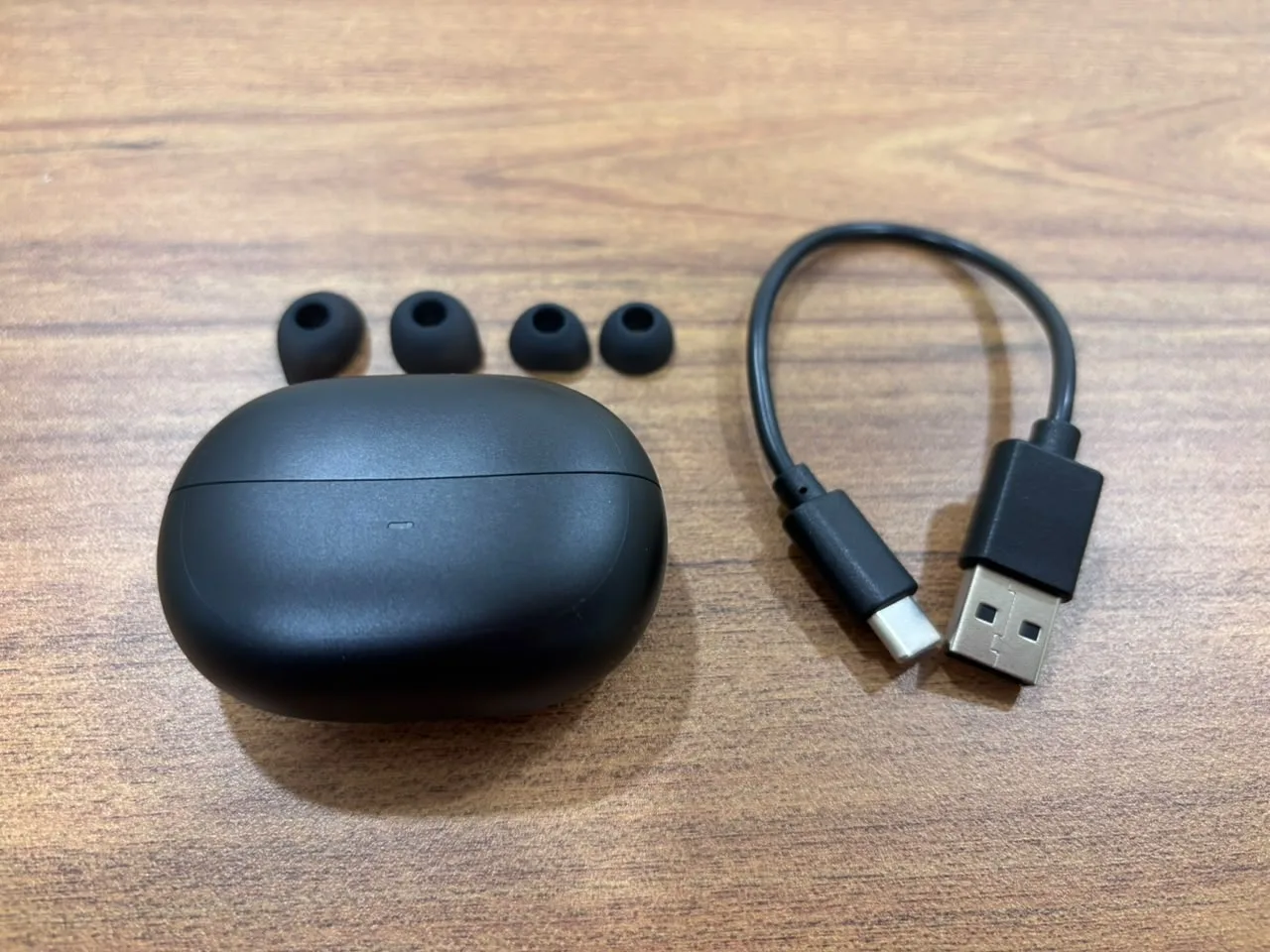
Spigen Audio SA-TW P10 Review: Good ANC, Easy Connectivity and Balanced Sound for the Price
The true wireless earbuds market is heavily crowded. Every brand is promising deep bass, clear calls, long battery life, gaming mode, active noise cancellation, app support, and premium sound. On paper, most earbuds in this category look similar. But real usage is different. Some earbuds connect slowly. Some look premium but feel uncomfortable after 30…
How to Fix Android Auto Not Connecting After the One UI 9 Update
Android Auto stopped working after your Galaxy phone got One UI 9? Here’s what Google said about its fix, how to make sure you get it, and the wired and wireless workarounds worth trying while you wait.
The week in tech, minus the noise.
New reviews, fixes and the stories that matter — once a week, straight to your inbox.
We only use your email to send the newsletter. Unsubscribe any time. See our privacy policy.
Comments