

Chinese app developer CooTek banned by Google for bad ad practices
While Google is known to be very strict when it comes to bad apps, there are some instances when someone gets into the system. One such case was recently

While Google is known to be very strict when it comes to bad apps, there are some instances when someone gets into the system. One such case was recently reported where the fake Telegram app used malicious codes on thousands of users. This app also had 100k+ installs which had the malicious code inside their phones.
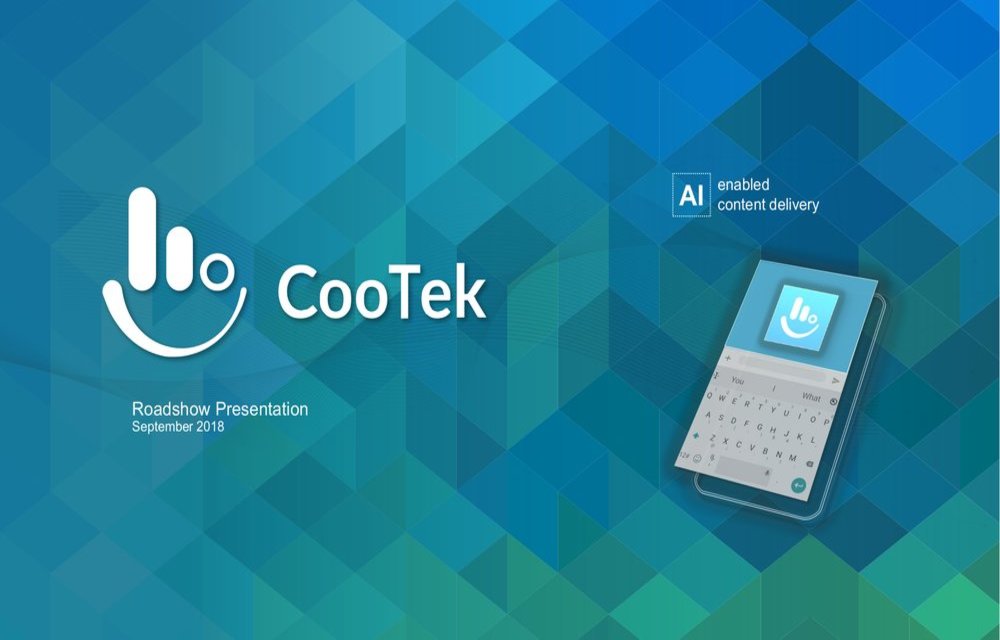
Now, Google is banning a new developer from China who was operating on the Google Play Store. This ban is reportedly for violating advertising policies set in place by the company. Now, you would be aware of a popular app called TouchPal keyboard replacement.
Yes, that app developer named CooTek is being banned by Google from the Play Store. It is known that CooTek is listed on NYSE and is a major developer from China. Dozens of app from CooTek are already known to be removed and access to Google’s ad platform for them has also been revoked.
There was an invasive adware plugin called BeiTaAd which was being used by CooTek in all of its apps. This was even used on TouchPal keyboard as well which showed ads inside the keyboard. Reportedly, Lookout researcher said that these ads were so bad that they would “render the phones nearly unusable.”
Although CooTek said that they would remove BeiTaAd from their apps, it was found out that separate code enabled the same ads which were accepted into Google Play Store. CooTek spokesperson said “There was not any re-engagement on the ad activity pointed out by Lookout on any of the versions which we updated, The findings claimed by Lookout this time are lack of evidence [sic] and the logic is not convincing.”
But what matters is that Google has been convinced that CooTek is doing bad practices with ads. A Google spokesperson said that “Our Google Play developer policies strictly prohibit malicious and deceptive behaviour, as well as disruptive ads, When violations are found, we take action.”
More in News
How to Fix Chase App Not Working: Login, Balance and Transfer Problems
On Monday, November 16, a lot of Chase customers found the app stuck, transfers slow and logins failing, and Chase later confirmed a real problem on its end. But an outage is not the only reason the Chase app stops working. Plenty of sign-in trouble comes from the phone itself, and that part you can…

How to Communicate With AI for Better Results
This is why communicating with AI has become an important skill. It is not just prompt engineering for developers. It is a practical skill for writers, founders, marketers, designers, students, agencies, and business owners. AI does not read your mind. When you work with a person, they may understand your style, your past work, and…
How to Fix Twitch Subscription Problems: See and Cancel Subs at twitch.tv/subscriptions
Ever opened your bank statement and spotted a Twitch charge you’d completely forgotten about? Happens to the best of us. You subscribe to a streamer during a great stream, maybe gift a couple of subs in chat, and a few months later you have no idea what’s still renewing. The good news is that Twitch…
The week in tech, minus the noise.
New reviews, fixes and the stories that matter — once a week, straight to your inbox.
We only use your email to send the newsletter. Unsubscribe any time. See our privacy policy.
Comments