

Chrome OS Will Now Secure USB Ports On Blocked Chromebook
Chrome OS will soon have a feature called USBGuard, which aims to prevent OS from executing the USB device code while the computer is locked.
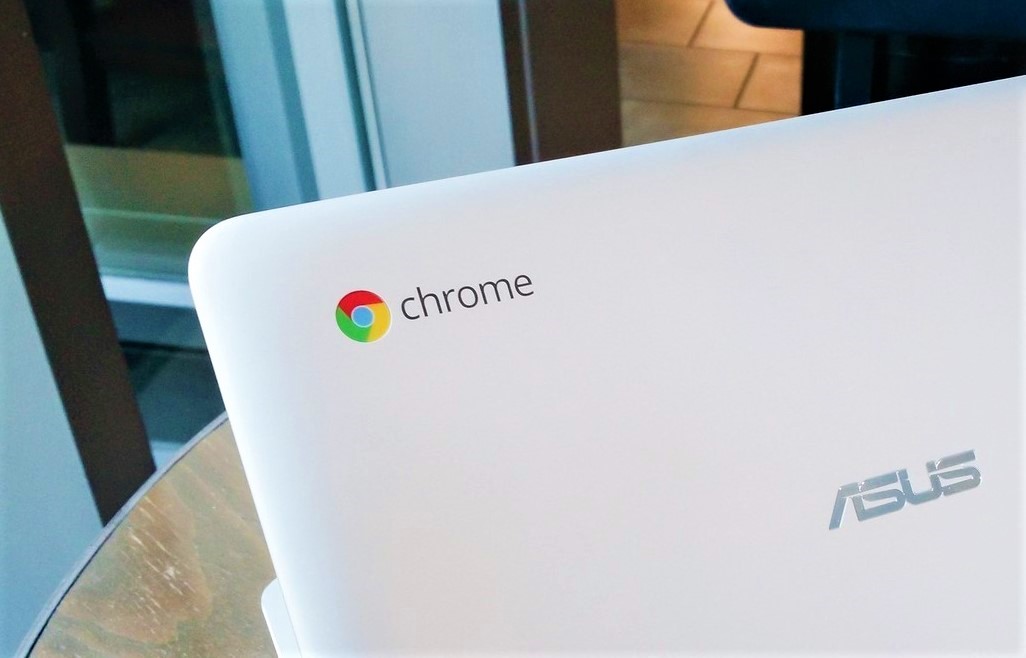
Commonly, hackers attack computers by executing malicious code via USB. In fact, it is possible to carry out this type of attacks even without accessing the user’s account, which is quite dangerous if we leave the computer unattended. In order to avoid such attacks, Google is working on a new feature for Chrome OS.
As echoed from Chrome Story, Chrome OS will soon have a feature called USBGuard, which aims to prevent the operating system from executing the USB device code while the computer is locked. This way, if someone connects a USB device while the Chromebook is locked, you can not take any action. Even so, we will have the possibility to avoid this blockage in certain devices.
The function we are talking about is already available in one of the most recent builds of Canary Chrome, so it should not take long to be available for other users. Of course, USB-connected devices before locking the Chromebook will continue to work, thus preventing a data transfer from being stopped or for an external device to stop working.
At this point, we take the opportunity to emphasize that it is not the only company to implement this function. In fact, Apple introduced a few months ago a feature in iOS that blocks USB activity when the device has been blocked for more than an hour.
As always, we will remain vigilant until Google implements the function that we speak of officially. Let us see what Chrome will offer in the next update.
More in News
Best Black Friday Laptop Deals Under $600 in 2026, and the Specs That Matter
The best cheap Black Friday laptop deals and what specs to check: Dell 14 at $549.99 with 16GB and 512GB, a $319 Chromebook Plus, and which budget laptops to avoid.
How to Fix USB Headset or Speakers With No Sound (Code 10) on Windows 11
More guides: See all our Windows 11 fixes. Update (November 11, 2026): Microsoft has now fixed this bug. The November 10 security update, KB5132061 for Windows 11 versions 24H2, 25H2 and 26H2 (KB5132059 on 26H1), fixes USB Audio 1.0 devices failing to start with Code 10, so installing it from Settings > Windows Update is…
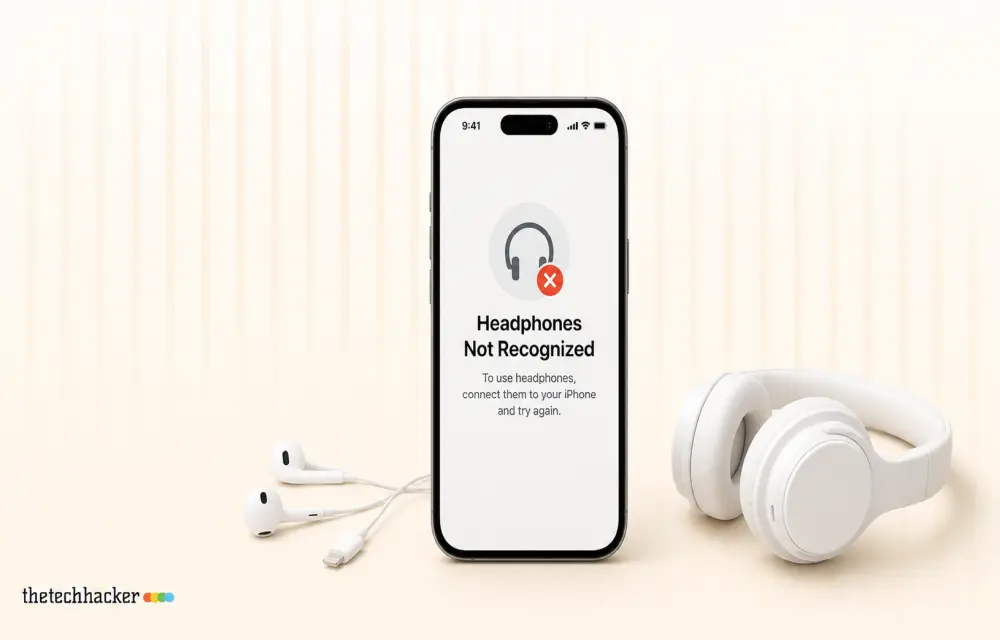
How to Fix “Headphones Not Recognized” on iPhone After iOS 26 Update
After the iOS 26 update, a small but noticeable group of iPhone users started reporting a strange issue: wired headphones are no longer being recognized properly. Some are stuck in speaker-only mode, while others see their headphones connect and disconnect randomly. Although most complaints are about wired headphones, a few Bluetooth users are facing similar…
The week in tech, minus the noise.
New reviews, fixes and the stories that matter — once a week, straight to your inbox.
We only use your email to send the newsletter. Unsubscribe any time. See our privacy policy.
Comments