

Cosmic Watch App: The New Dimension Of Time
Celestial Dynamics Ltd, based in Switzerland has released a unique mobile app named Cosmic Watch, which helps you to keep track of world timings.


Do you want to keep track of world timings and important events in a new way? The next generation Cosmic Watch app has arrived.
Celestial Dynamics Ltd, based in Switzerland has released a unique mobile app named Cosmic Watch. Available on Android and iOS platforms for 4 Swiss francs, the app developed by Eduardo Santana and Markus Humbel showcases the date and time-related parameters in both interactive and 3D mode.
Cosmic Watch app features not only world clock but also an astronomical clock based on a 3D rendering of the solar system. In addition to the display of the time, you will also know the exact position of the earth. The highlight of the app is its ability to detect the occurrence of solar eclipse accurately. The app also displays the timings in a radix chart and also ships with a solar system simulator.
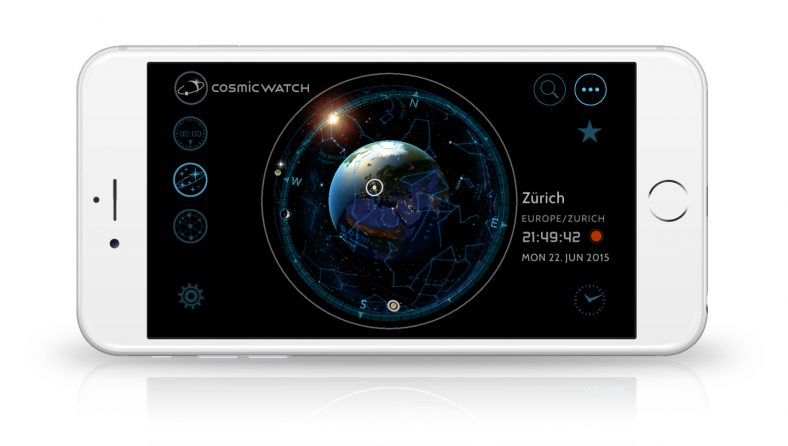
The app enables you to fetch the exact sunrise and sunset timings of any place in the world. Moreover, you will be able to align the watch with a wide range of cardinal points. By doing this activity, it is possible to feel the real-time position including the ability to look at the movement of sun, moon and other planets.
The Cosmic Watch app will be very useful for students and researchers since they can explore the positions of the celestial world irrespective of time. You can trace the exact location around 15 years back. By making efficient use of the equatorial coordinates, you can quickly perform adjustments to the telescope. It is also possible to discover the various facts related to the solar system from a geocentric perspective.
The company is also gearing up to unveil the Cosmic Watch Eclipse (wall clock) and Cosmic Watch Vision (table clock) by incorporating premium touch display coupled with an elliptical aluminum frame. In the meantime, navigate to Apple iOS App Store and Google Play Store to explore the newly launched Cosmic Watch app.
More in News
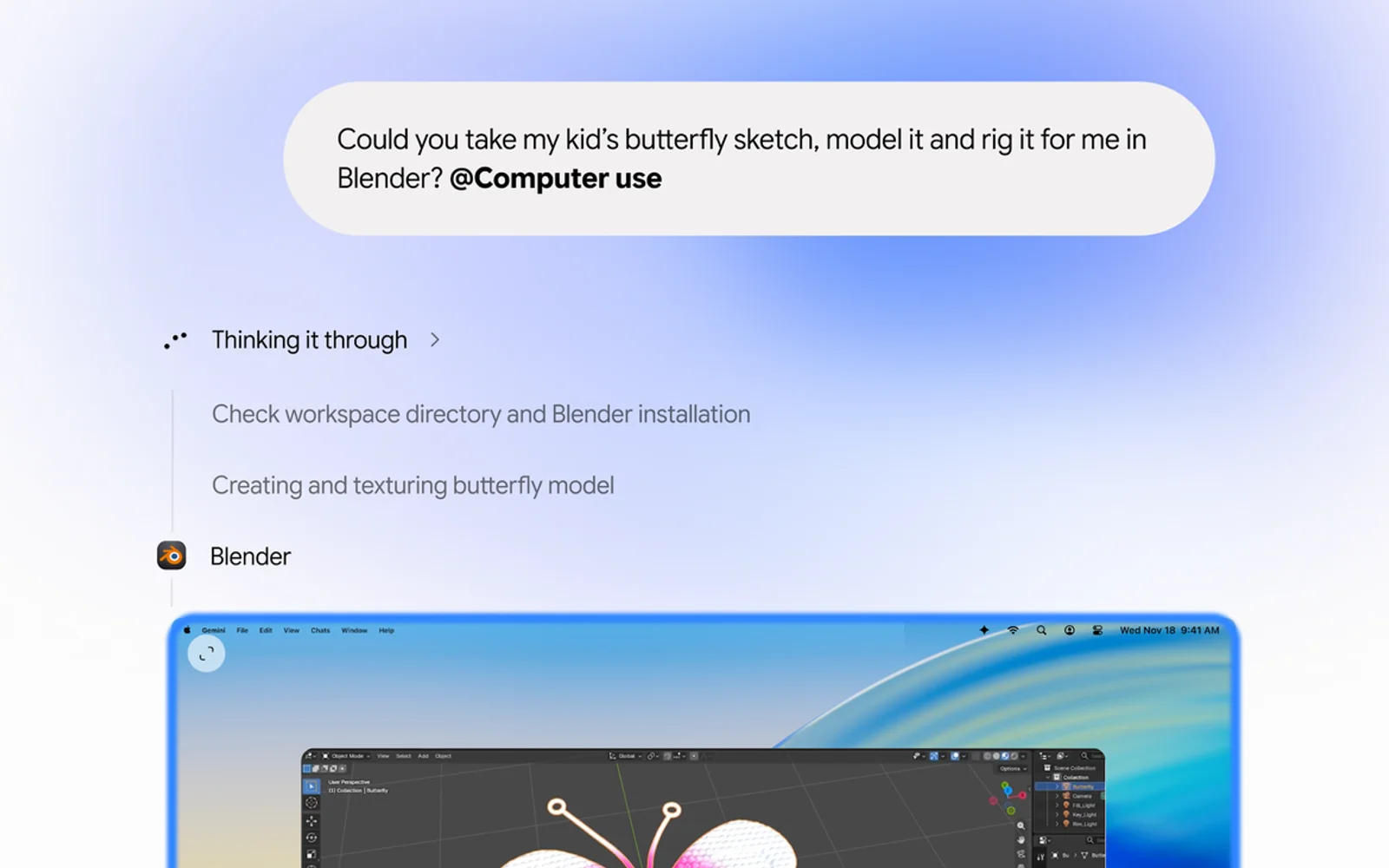
How to Use Gemini Computer Use on Mac to Automate Tasks
Google’s Gemini app for Mac can now do the clicking for you. With a new feature called computer use, announced on November 19, Gemini can open Mac apps and websites, fill in forms, work through menus and finish multi-step jobs in the background while you keep using your Mac. It’s the kind of agent feature…
How to Fix Siri Not Responding on Apple Watch
Is Siri not responding when you try to use it on your Apple Watch? You may raise your wrist, say “Hey Siri,” or press the Digital Crown, but nothing happens. This can be frustrating, especially when you depend on Siri for quick messages, reminders, calls, directions, or other hands-free tasks. The problem may be caused…
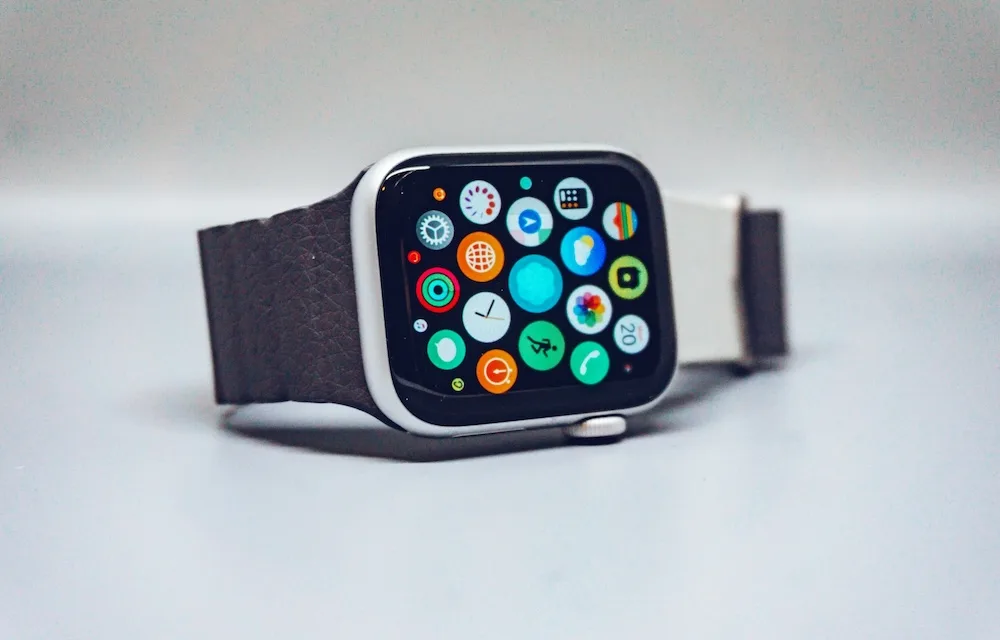
10 Premium Apple Watch Band Brands Worth Buying Instead of Generic Amazon Straps
You spent $400 or more on an Apple Watch, then strapped it to your wrist with a $9 band from a brand name that looks like someone fell asleep on a keyboard. Sound familiar? Most of us have done it at least once, and most of us have also watched that band crack, fade, or…
The week in tech, minus the noise.
New reviews, fixes and the stories that matter — once a week, straight to your inbox.
We only use your email to send the newsletter. Unsubscribe any time. See our privacy policy.
Comments