

Dell updates its XPS 13 to make it even better with slimmer bezels and bigger keyboard
We have seen that not every product will get nailed right on its head in the first attempt meaning that it will not be perfect. However, the name of the

We have seen that not every product will get nailed right on its head in the first attempt meaning that it will not be perfect. However, the name of the game is to keep on trying to make iterative changes to the product so that it gets very close to perfection.
That is exactly what Dell is doing with its XPS lineup and more specifically, the XPS 13 lineup. As you might have guessed from the number, it is a 13-inch laptop from Dell in its premium lineup which also comes as an ultrabook meaning that it is extremely light-weight yet powerful.
Now, we know that the first attempt from Dell for its XPS 13 was to narrow the side bezels and it did so but the bottom bezel was still huge. Also, Dell had to place the webcam at the bottom so as to slim down the top bezel. However, the company released a new version of XPS 13 last year which had the webcam at the top while still having tiny bezel.
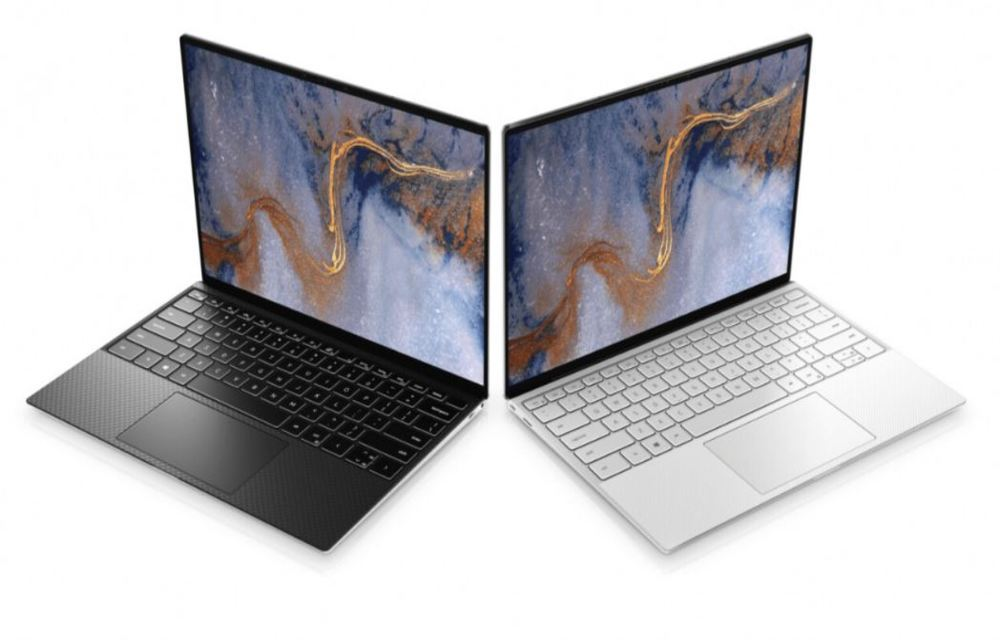
At the CES 2020, Dell has revealed its latest XPS 13 which has tiny bezels all around meaning that its huge bottom bezel is also gone. Looking at the 2020 Dell XPS 13, we can say that its first portion is entirely the display with a webcam at top capable of 720p footage.
Also, Dell has managed to make its keyboard bigger as well as the size of its trackpad has also been increased. Though it is not as big as the MacBook trackpad, the Dell XPS 13 still has a large enough trackpad to get the job done.
You still have the carbon fibre weave on the surface which feels great to place your hands on. The fingerprint sensor has been moved to the power button which is at top-right of the keyboard and facial recognition a.k.a Windows Hello has also been added.
More in News
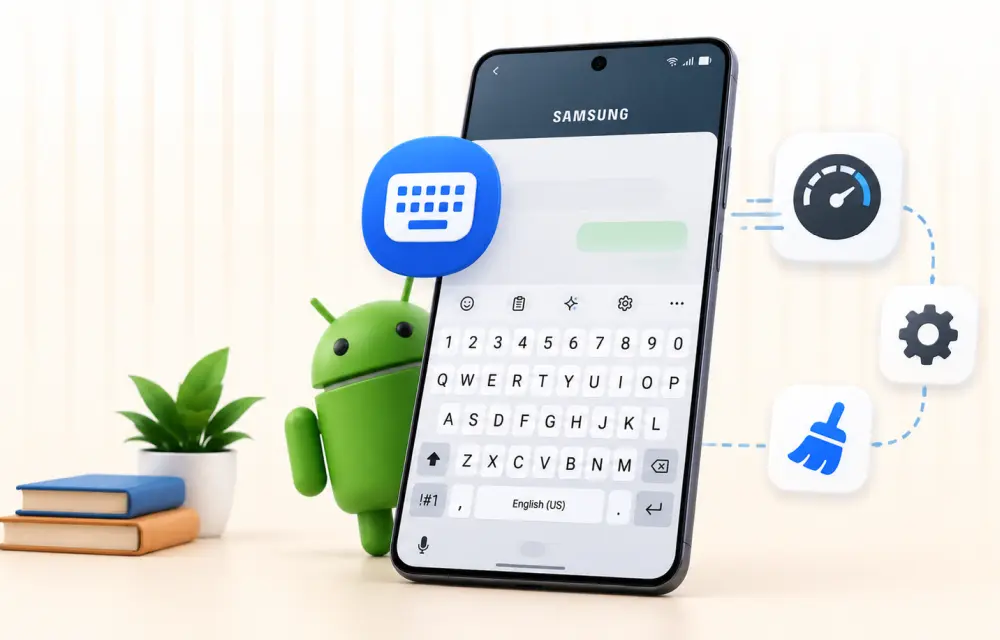
How to Fix Samsung Keyboard Lagging on an Android Phone
Samsung phones and tablets come with Samsung Keyboard as the default keyboard. For many users, it works well for messaging, searches, emails, and everyday typing. But sometimes the keyboard starts responding slowly, misses taps, freezes briefly, or takes a moment to appear. That can make even a simple message frustrating. You could switch to Gboard…

Best Laptops for Small Business in 2026 (Windows and Mac)
My picks for the best small business laptops in 2026, grouped by role, from the MacBook Air M5 to ThinkPad, Dell, HP EliteBook and Surface. You’ll also find what specs to check, Black Friday tips and fleet management basics.
How to Fix iPhone 18 Pro and Pro Max Speaker Crackling and Popping
Hearing crackles, pops or ticks from your iPhone 18 Pro or Pro Max earpiece? Here’s how to tell software from hardware, which settings to check, and when to take it to Apple.
The week in tech, minus the noise.
New reviews, fixes and the stories that matter — once a week, straight to your inbox.
We only use your email to send the newsletter. Unsubscribe any time. See our privacy policy.
Comments