

FBI now starts warning users about security of their Smart TVs
It is generally seen that anything which is smart these days is not secure. We can say the same applies to our smartphones, tablets, and now even our

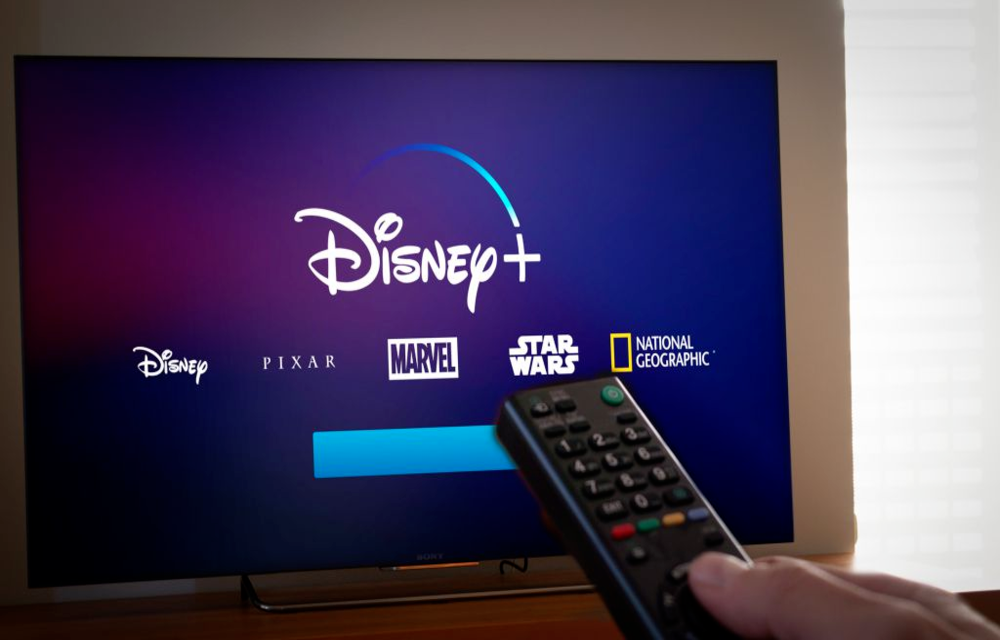
It is generally seen that anything which is smart these days is not secure. We can say the same applies to our smartphones, tablets, and now even our Smart TVs are at risk of hacking. While it is seen that we have done various measures to keep our smartphones secure, it is not the case with Smart TV. That is because we don’t store sensitive data on our TVs as we do on our phones and tablets. But that is not to say that we don’t have any sensitive data as we login to various services on our TV with the personal account which might have some personal information.
If those accounts get compromised, our personal information might be leaked so we have to keep our Smart TVs protected as well. Currently, we know that the holiday season in the US is coming and the sales for that reason are also in their full flow. The Black Friday sale just took place last weekend in the US and the Cyber Monday sale will also start later today. So if you have bought Smart TVs in these sales at unbelievable prices, here is what you need to know.
The US’ FBI warns users of the Smart TVs and says that “Beyond the risk that your TV manufacturer and app developers may be listening and watching you, that television can also be a gateway for hackers to come into your home. A bad cyber actor may not be able to access your locked-down computer directly, but it is possible that your unsecured TV can give him or her an easy way in the backdoor through your router,”. Even worse, it is possible that your Smart TV can be hijacked and you will see what the attacker wants you to see on your own TV which can be brutal.
More in News

FBI Warns ARTEX AI Hacking Tool Can Breach Networks in Under Three Hours
The FBI says attackers use ARTEX, an AI hacking framework, to reach privileged access in under 3 hours. What it is, who is targeted and what to do.
How to Fix ‘Your Computer Has Been Locked’ Scam Pop-Ups on Windows and Mac
A fake Microsoft or Apple warning took over your screen and wants you to call a number? Here’s how to close it safely on Windows and Mac, clean up your browser, and recover if you already called or paid.
How to Fix Chrome Asking to Confirm Before Opening HTTP (Not Secure) Websites
Chrome 154 now asks before you open websites that don’t support HTTPS. Here’s what that warning means, when it’s fine to click through, and how to change the setting or fix your own site.
The week in tech, minus the noise.
New reviews, fixes and the stories that matter — once a week, straight to your inbox.
We only use your email to send the newsletter. Unsubscribe any time. See our privacy policy.
Comments