

Google Maps now lets Android Users to Create Public Events
We have seen that Google Maps has quickly become the go-to app for everyone who wants to navigate their way around. Now, it is also because more and more

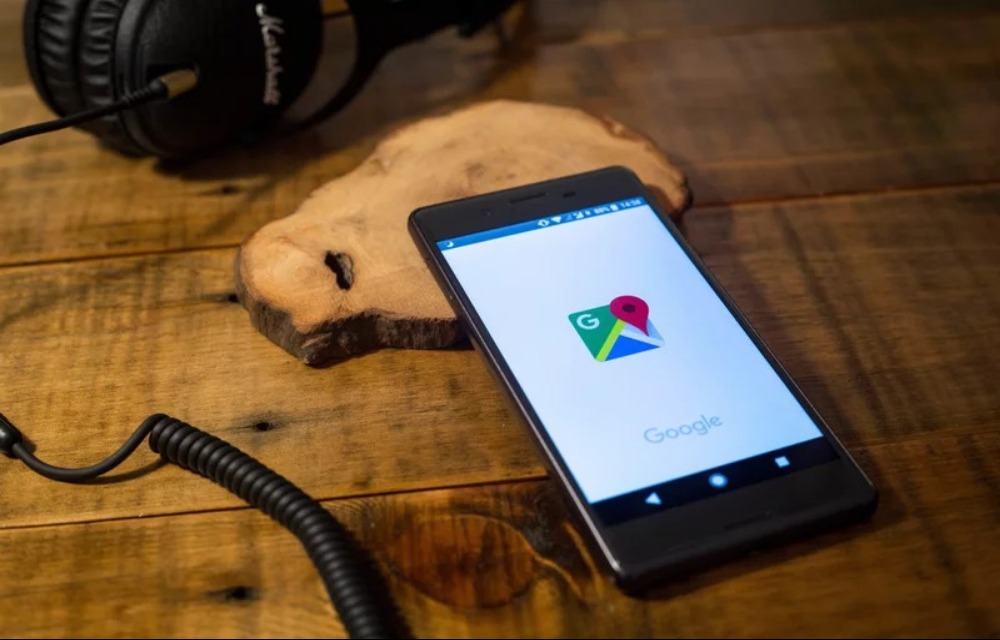
We have seen that Google Maps has quickly become the go-to app for everyone who wants to navigate their way around. Now, it is also because more and more features are being added to Google Maps by the company. Earlier, we saw that bike mode and many other features were added to Google Maps. Now, we have seen a new feature being silently added by Google to its Maps service. This is the ability by users to create public events on Maps. We believe that this feature is going to be extremely useful for event organizers and managers.
This is because you can now create your event publicly on Google Maps. So you can send the link of that event to visitors of your event and they can find the place easily. There will no longer be the case of searching for the exact location manually. Instead, it will be an extremely easy thing to go to events at unknown places. On the Google Maps support page, it is mentioned that “You can add public events to Google Maps from your Android phone or tablet,”.
Now, this can be done by you from the Contribute section already present inside Google Maps. You can create a public event and set name, location, date and time of the event. On top of that, you can add images and tags for the event as well. So that people can find the event even more easily. The Verge reports that “It’s all part of the app’s transformation from a service that tells you how to get somewhere into one that tells you where you might want to go in the first place,”
This is indeed true as we used to use Google Maps just for navigation. Now, we have started to use Google Maps looking for places, reminders and now even events can be seen.
More in News

Clix SEO: The WordPress SEO Plugin Built for the AI Search Era
Your organic traffic is down. Your content is still being read but not on your site. It is being read in Google’s AI Overviews, inside ChatGPT answers, and as Perplexity citations. For the first time in the history of SEO, you cannot see the traffic you are losing. Until now. Clix SEO is a modern all-in-one…

How to Fix Chrome Asking to Confirm Before Opening HTTP (Not Secure) Websites
Chrome 154 now asks before you open websites that don’t support HTTPS. Here’s what that warning means, when it’s fine to click through, and how to change the setting or fix your own site.

Android 17 QPR1 Beta 8 Released With Bug Fixes
Android 17 QPR1 Beta 8 arrives with bug fixes and Pixel 6 support. Learn what's new in Google's latest beta update and how to install it on
The week in tech, minus the noise.
New reviews, fixes and the stories that matter — once a week, straight to your inbox.
We only use your email to send the newsletter. Unsubscribe any time. See our privacy policy.
Comments