

Meet Bothie, A new alternative to the Selfie
In Bothie, both the cameras are activated at the same time and we can see the preview in split screen. Also, we can capture bothies as well and get the output from both cameras in a single frame. Now, this feature is available in all the latest Nokia smartphones powered by Android.

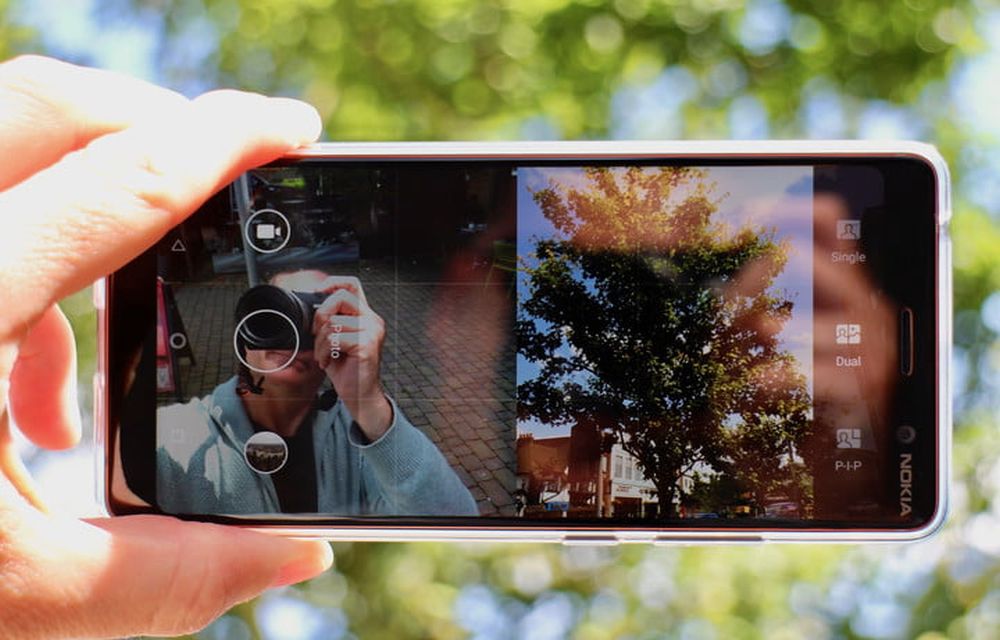
Nokia made a comeback last year in the smartphone industry with the launch of its latest smartphones powered by Android. The smartphones were announced at the MWC in Barcelona last year. Since then, the company has launched many new smartphones powered by Android. The smartphones are manufactured by HMD Global, in fact, who have purchased the manufacturing and distribution rights from Nokia. As far as the latest Nokia smartphones are concerned, they come with Stock Android. Also, they are pitched by the company as the smartphones to get the fastest Android updates.
Talking about other aspects of the Nokia smartphones powered by Android, they come with a unique feature called Bothie. Now we have all known the fact that selfies have taken over from conventional photography. However, bothies are one step ahead of the normal selfies. In Bothie, both the cameras are activated at the same time and we can see the preview in split screen. Also, we can capture bothies as well and get the output from both cameras in a single frame. Now, this feature is available in all the latest Nokia smartphones powered by Android. Thus, you must be wondering about how to use this feature and capture bothies with it.
Actually, the official name given by Nokia for bothie is Dual Sight mode. Thus, you need to enable the Dual Sight Mode to capture bothies on your Nokia smartphone. For this, open your stock camera application first of all. In the camera application, scroll sideways on the top portion of this app and tap on Dual option. Now, you will see that your screen has been divided into half where you will see your selfie in the bottom half and the rear camera view in the front half. Now, capturing bothies is as simple as eating a piece of cake or capturing selfies. You just need to press the capture button at the bottom and you have just captured a Bothie.
Image and News Courtesy: DT
More in News

Best Video Conferencing Software for Small Businesses (2026): Zoom vs Teams vs Google Meet vs Webex vs RingCentral
Zoom, Microsoft Teams, Google Meet, Webex and RingCentral Video compared for small teams, with Zoom’s official limits and prices and a clear list of what to check for the rest.

Fireflies vs Otter 2026: Which AI Meeting Notetaker Should You Use?
Fireflies.ai and Otter.ai are the two AI meeting notetakers most people compare first. Both join Zoom, Google Meet and Microsoft Teams calls, transcribe what is said and write a summary. The differences are in the free plans, how they limit usage and what the paid tiers add. This guide compares Fireflies and Otter on price,…
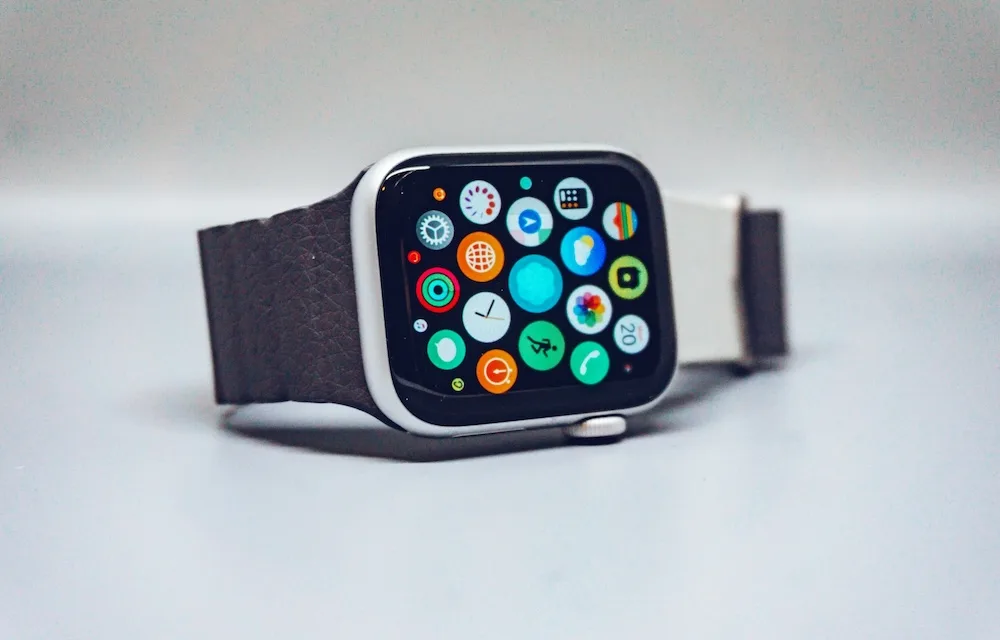
10 Premium Apple Watch Band Brands Worth Buying Instead of Generic Amazon Straps
You spent $400 or more on an Apple Watch, then strapped it to your wrist with a $9 band from a brand name that looks like someone fell asleep on a keyboard. Sound familiar? Most of us have done it at least once, and most of us have also watched that band crack, fade, or…
The week in tech, minus the noise.
New reviews, fixes and the stories that matter — once a week, straight to your inbox.
We only use your email to send the newsletter. Unsubscribe any time. See our privacy policy.
Comments