

Oppo F9 With Teardrop Display Released In India At Rs.19,990
Today, Oppo has launched its streamlined version of Oppo F9 in India with distinct features. As we already know, it is initially launched in the Philippines and Vietnam.
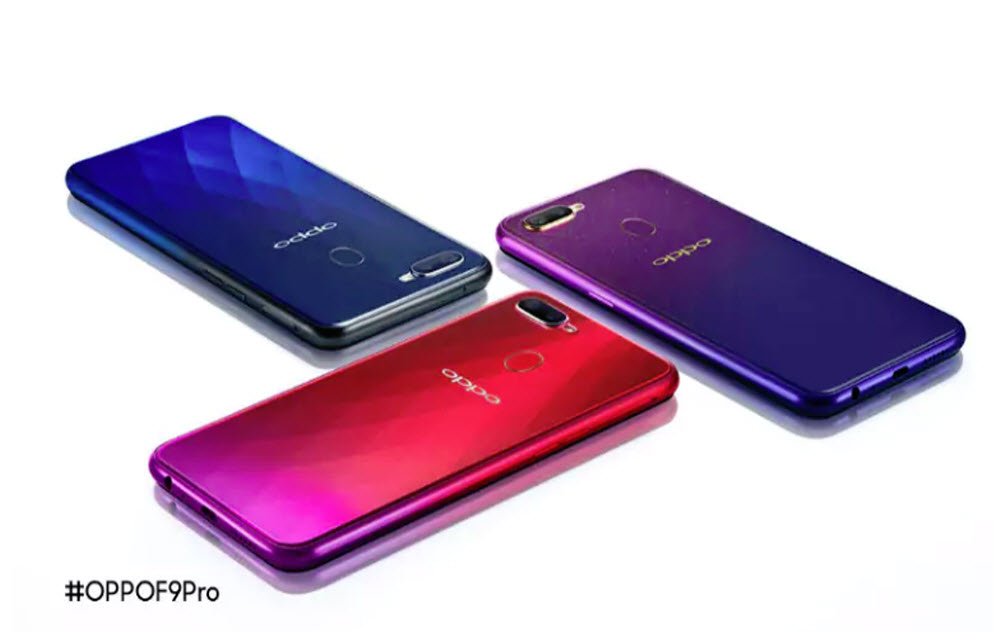
Today, Oppo has launched its streamlined version of Oppo F9 in India with distinct features. As we already know, it is initially launched in the Philippines and Vietnam. Now, completely focuses on the Southeast Asian market. In fact, the models are very similar in many aspects. And it’s not just a cutout.
F9 is quite similar to F9 pro and the only difference we can see is storage and camera sensors. F9 is the another Oppo smartphone with a teardrop-shaped (dropped water display) cutout in the display screen.
Close to features, it has 6.3″high-resolution touch screen (2340 x 1080 pixels) which includes the IPS panel but not AMOLED. Addition to that, OS is equipped with Android 8.1 Oreo-based Color OS 5.2, NFC not installed, but a fingerprint sensor on the back. The battery storage is the same as 3500mAh, which is not bad.
For the camera, the front cam supports 25-megapixel sensor and a lens with an aperture of F / 2.0 and the main camera has a received sensors with a resolution of 16MP @ f/1.9 (main camera) + 2MP (auxiliary) combination. In both cases, the aperture is F / 1.85.
In terms of configuration, the CPU is an Helio P60 made by MediaTek and it is a maximum 2.0 GHz Octa-core SoC and has AI dedicated unit. 4 GB / 6 GB RAM, 64 GB internal storage (with microSD card) is carried. The rest can be noted for the design of the rear covers.
Currently, its price in India is nearly Rs.19,990 which is less than its Pro version (Rs.23,990). And it is ready for sale from August 31 onwards on both the online and offline platforms.
Although the momentum of OPPO is more than imagination, it is rumored that OnePlus under the umbrella also plans to launch smartphones of similar design closely, and it is still remarkable in the future.
More in News
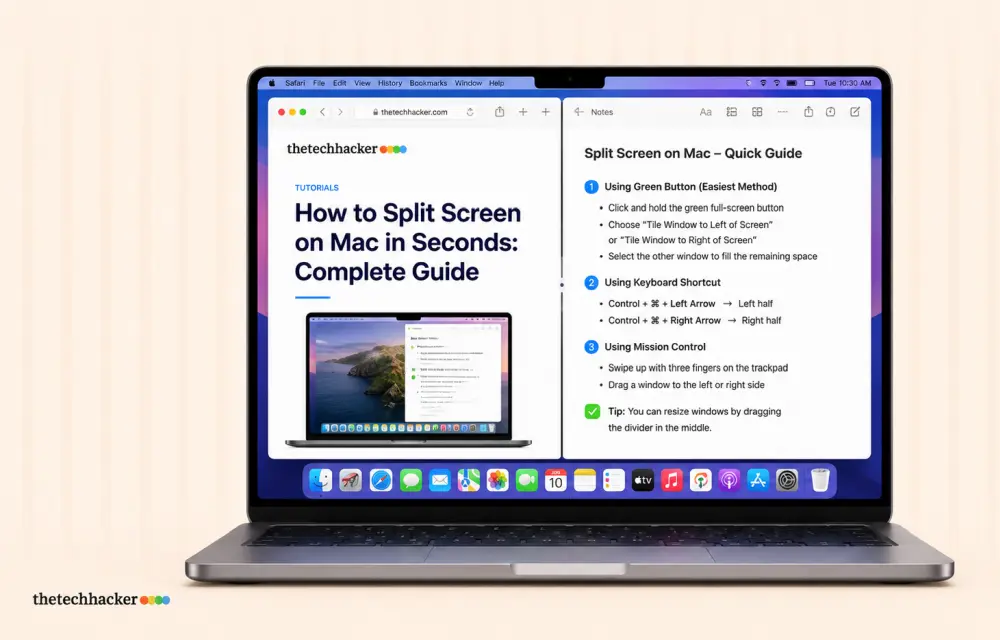
How to Split Screen on Mac in Seconds: Complete Guide
Learn how to split screen on Mac to view two apps side by side. This guide walks you through Split View setup, keyboard shortcuts, and troubleshooting tips.
How to Fix Mission Control and Window Bugs in macOS 27 Golden Gate
Mission Control has been unreliable for many Mac users since macOS 27 Golden Gate came out. TechRadar reports that the animations stutter, and that dragging a desktop to another monitor can leave a frozen black screen behind. Some users also get a black screen when they switch to a full-screen app. Mac Observer reports that…
How to Fix iPhone Proximity Sensor Not Working Properly After iOS 26
After the iOS 26 update, a growing number of iPhone users are reporting issues with the proximity sensor. In some cases, the screen does not turn off during voice calls. In others, features like Always On Display behave oddly in low-light conditions. If your iPhone’s proximity sensor feels “broken” or inconsistent after updating, you are…
The week in tech, minus the noise.
New reviews, fixes and the stories that matter — once a week, straight to your inbox.
We only use your email to send the newsletter. Unsubscribe any time. See our privacy policy.
Comments