

Skype adds new messaging features to its app for user convenience
Skype, the app developed by Microsoft, has been extremely useful for people all over the world. We have seen that the app is mostly used for video calling


Skype, the app developed by Microsoft, has been extremely useful for people all over the world. We have seen that the app is mostly used for video calling and voice calling while the chatting functionality is also used by many. However, Skype is majorly used in companies for video conferencing and Skype also understands the same. Now, Microsoft has added some useful features to Skype so that the users feel convenient while using Skype and working at the same time.
These new features are meant to improve the Skype performance for messaging against likes of WhatsApp, Telegram and Messenger. While we know that Skype is great for video calls, it has still some work to do in terms of chats. We often see complaints that there are less features on Skype compared to other popular messaging apps. Also, it feels a little heavy when chatting compared to Telegram and WhatsApp which are very quick to send messages. The app also feels sluggish at times and takes more memory while opened too.
Thus, the company has added features to improve the experience of messaging on Skype. First of all, there has been an addition of message bookmarks feature inside Skype which will let you bookmark messages so that you can find them easily. This feature is already available on the likes of WhatsApp in the name of ‘Starred Messages’ and other platforms as well.
You also have the option to preview files before sending them which lets you see the file that you are going to send in advance. This way, you can be saved of deleting the message because of a wrong file being sent by mistake. Another important feature added to Skype is split window. With this feature, you can open separate chats in the split-window mode so that your chats can be organized better.
More in News
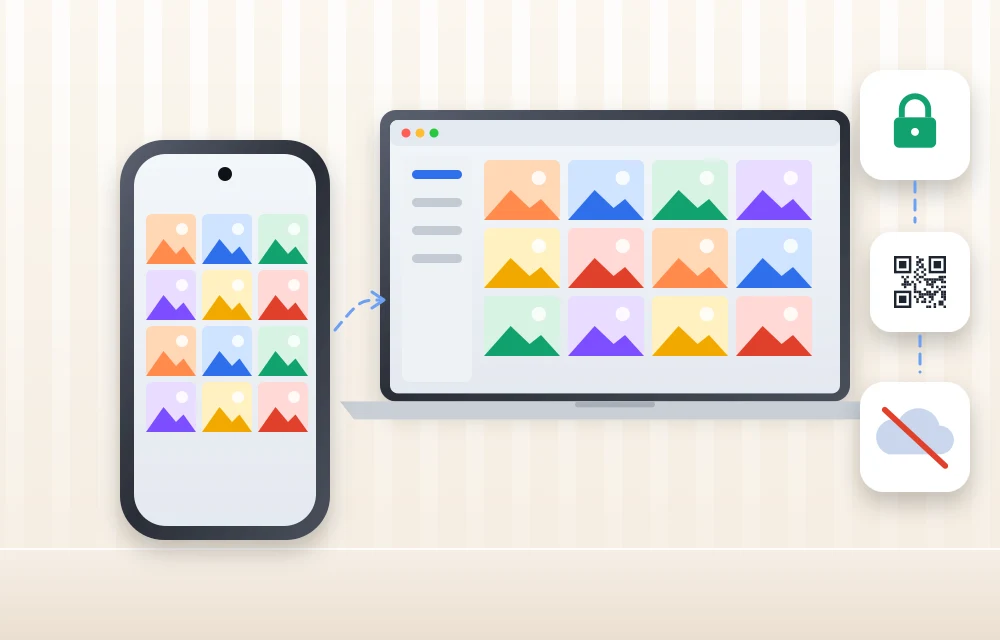
TonfotosSync Review: A Private Way to Back Up Phone Photos Without the Cloud
Most of us take hundreds, sometimes thousands, of photos every year. Family moments, travel memories, birthdays, work screenshots, receipts, children’s photos, pet videos, and random images we may never look at again all live inside our phones. The problem is simple. Phones can be lost, stolen, damaged, or suddenly stop working. Cloud storage solves part…

ChatGPT Plans Compared: Free vs Go vs Plus vs Pro (Prices and Features)
ChatGPT now has four plans for individuals: Free, Go, Plus and Pro, and Pro itself comes in three price tiers. With GPT-6.2 Astra and Sol rolling out this week, many people are asking which plan actually gets them the new models and whether paying more is worth it. This guide compares every individual plan using…

ExpressVPN Review 2026: Still Premium, Still Fast But Is It Still Worth the Price?
ExpressVPN remains one of the most polished and beginner-friendly VPN services in 2026. It is fast, secure, easy to use across devices, and packed with useful privacy tools. But it is also one of the more expensive VPNs in the market, and Reddit users continue to raise concerns about pricing, renewal costs, inconsistent streaming performance,…
The week in tech, minus the noise.
New reviews, fixes and the stories that matter — once a week, straight to your inbox.
We only use your email to send the newsletter. Unsubscribe any time. See our privacy policy.
Comments