

YouTube Is Testing A New Voice Search Interface For Better Performance
Google is integrating a voice search mechanism much more powerful than in the past, which can be used to browse youtube without making a tap.

A new search interface is coming to YouTube and is dedicated entirely to voice controls. The video service from Google is integrating a voice search mechanism much more powerful than in the past, which can be used to browse the app without making a tap.
The news is signalled by a small notification ” New ways to search with your voice! “.That appears next to the microphone icon the first time you tap on the search bar. Pressing on this icon you enter the voice control mode, with a white or dark interface that respects the theme applied.
Read more: YouTube Originals is free for all now, You don’t need to pay anything to watch it!
In this section there is only a big red button on the lower part, which pulsates to indicate the listening function: by pronouncing a voice command, on the upper part you can read the transcription of our words, while in the upper left there is a small “X” to close the voice search.
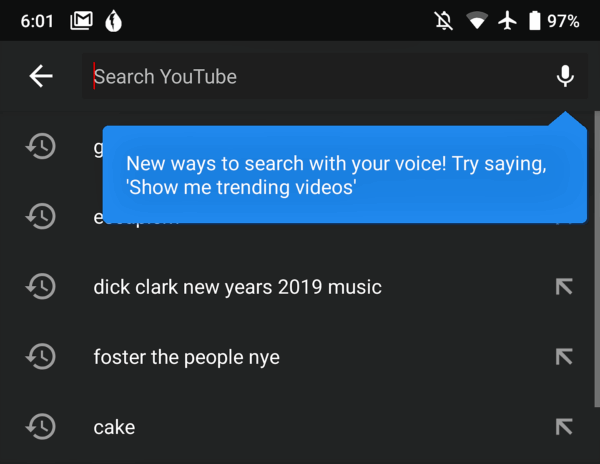
The commands we can give are many and even smarter than in the past. For example, you can say ” Show me my chronology ” or “Show me the trends ” to enter the appropriate sections, but the same reasoning also applies to other screens of the app.
At the moment the new interface for voice commands has been sighted by some users on the 13.50.52 version of YouTube for Android. It should be a server-side update, coming for all users in the world, even though we have not yet received it on our devices yet.
Furthermore, we do not know if the suggested voice commands are available in other languages. If you have already received this feature, please let us know in the comments and tell us if you can give commands in our language.
That’s all for now. Please leave your feedback in the comment section below.
More in News
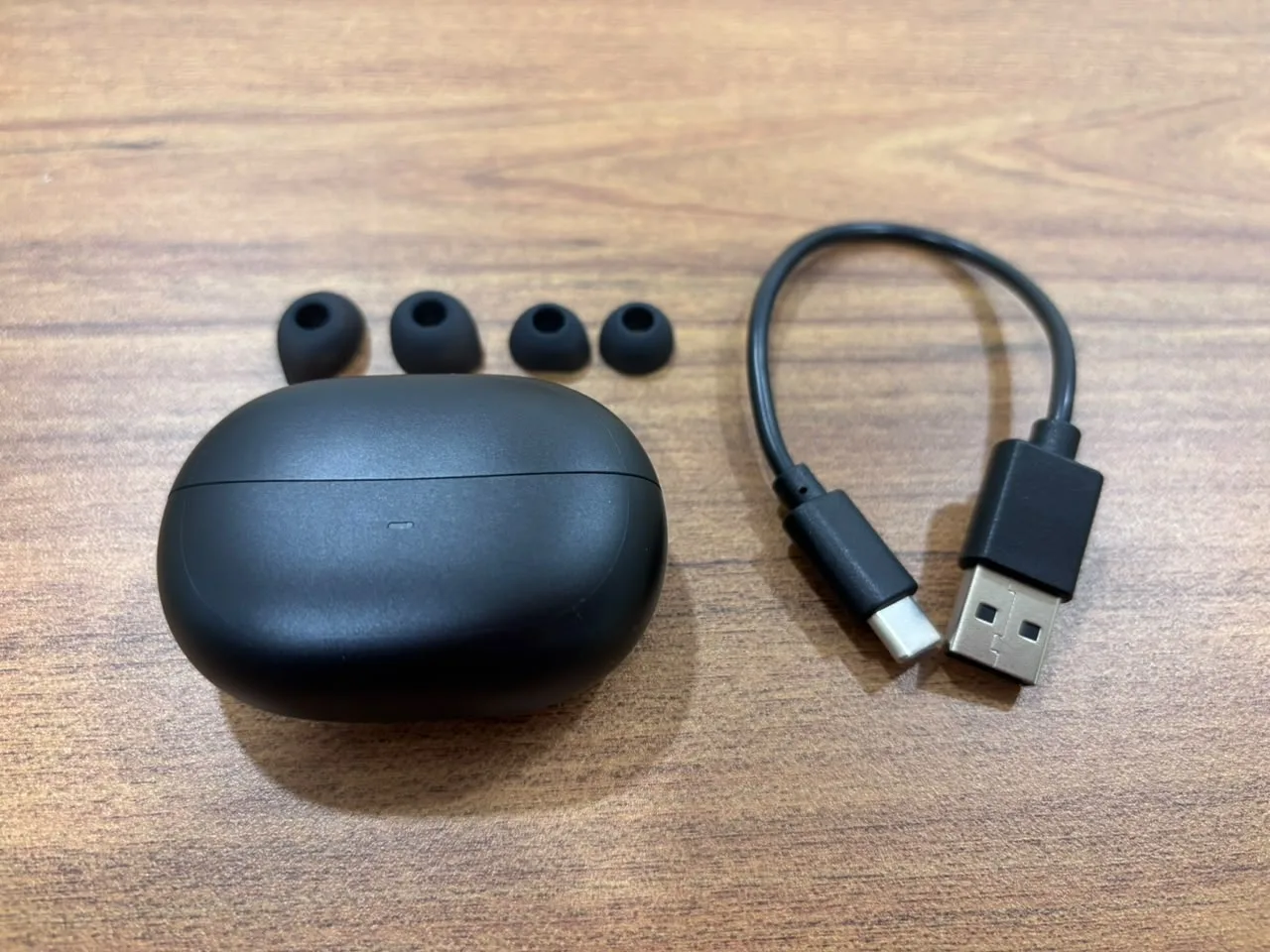
Spigen Audio SA-TW P10 Review: Good ANC, Easy Connectivity and Balanced Sound for the Price
The true wireless earbuds market is heavily crowded. Every brand is promising deep bass, clear calls, long battery life, gaming mode, active noise cancellation, app support, and premium sound. On paper, most earbuds in this category look similar. But real usage is different. Some earbuds connect slowly. Some look premium but feel uncomfortable after 30…
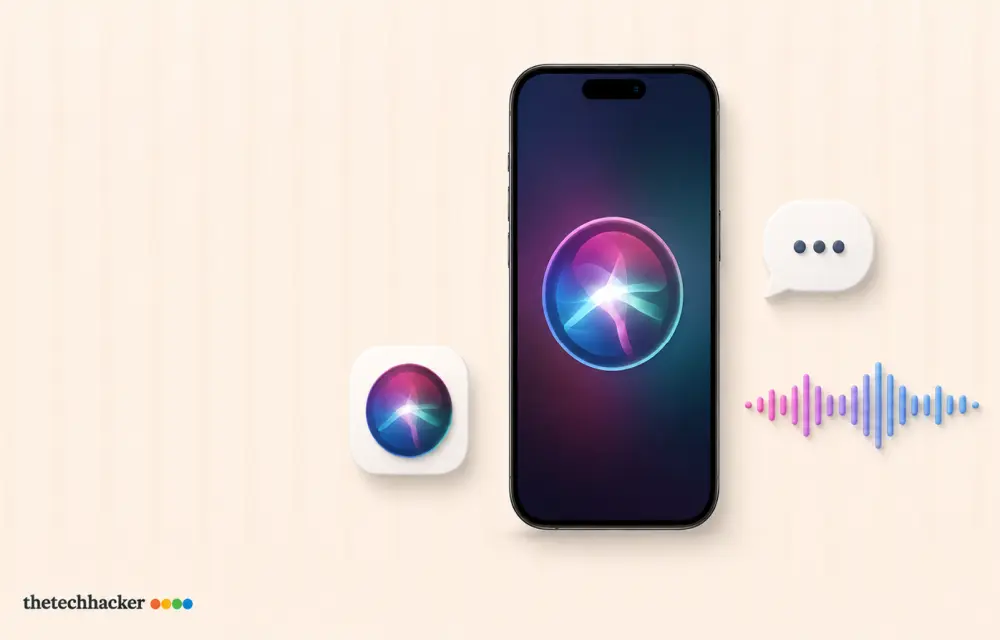
How to fix Siri does not respond or answers correctly
Having trouble with Siri after an iOS update? Here’s how to fix it!

How to Check If a Video Is AI-Generated: 7 Ways to Spot a Fake
A year ago, you could usually spot an AI video in a few seconds. The hands were wrong, the faces melted, and the physics felt off. That’s no longer reliable. Tools like Google’s Veo and OpenAI’s Sora now make clips with realistic lighting, natural voices and believable motion, and they’re all over YouTube Shorts, TikTok,…
The week in tech, minus the noise.
New reviews, fixes and the stories that matter — once a week, straight to your inbox.
We only use your email to send the newsletter. Unsubscribe any time. See our privacy policy.
Comments