

Thetechhacker - Tech How-To Guides, Reviews & News
Latest stories
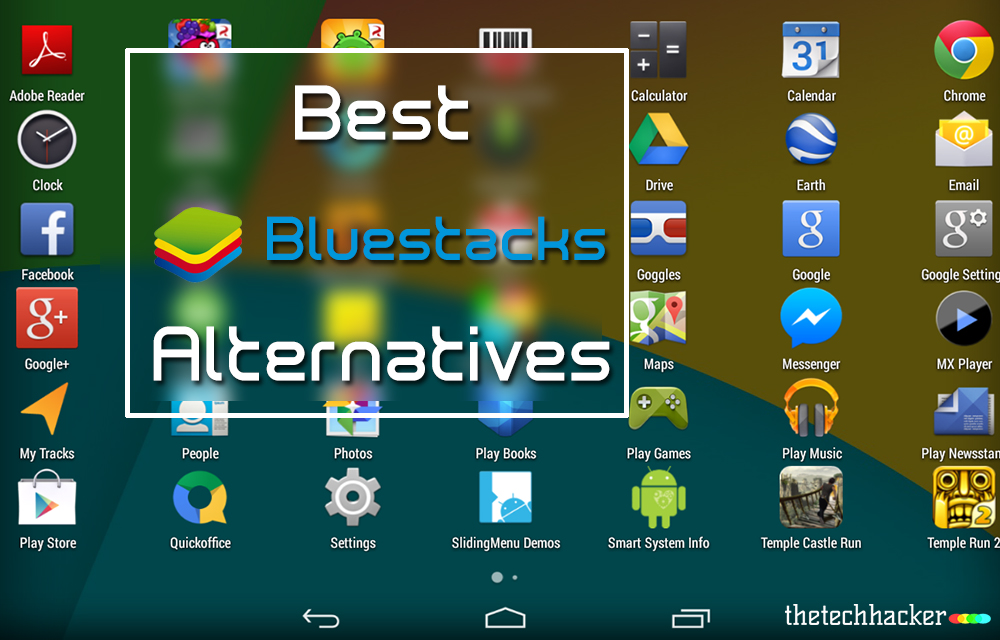
Best Bluestacks Alternatives
Virtualization is an amusement to the tech world even now. One device can be simulated on other one and one platform on another and such a vast playground of the virtual devices are dominating the tech world in the current era. When coming to smartphones, The most loved tech device in the world and we can enjoy…

What is Safe Mode for Android and How to Turn it ON and OFF
The Android is the best Smartphone Operating system in the world and its stability is unquestioned by anyone. But sometimes The android too makes some problems and it misbehaves. The problem might not be only due to the OS, sometimes you may be the reason for that. If you had tweaked some defaults that must…

How to Password Protect your Photos Using Vaulty on your Android device
Worried about the protection of your personal photos and videos being accessed or viewed by anyone else?. If you are living in a crowdy condition, it might happen. So, you want to take some precautions for preventing others from accessing your Images or videos. Vaulty is an android app which helps you to hide or…
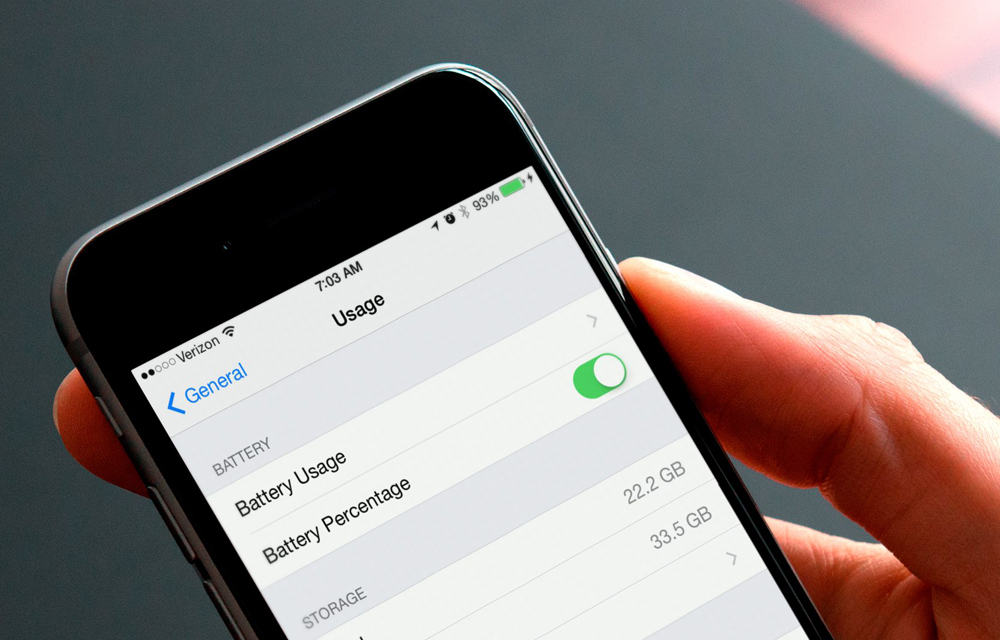
How to Hide or Show the Battery Percentage on iPhone or iPad
The battery is the only thing in every phone which attracts our eyes with a fear. Every time you decide to open a new app or game, your eyes will automatically fall onto the battery icon on the upper part of your screen. Traditional devices are coming with a battery icon which fills as the…
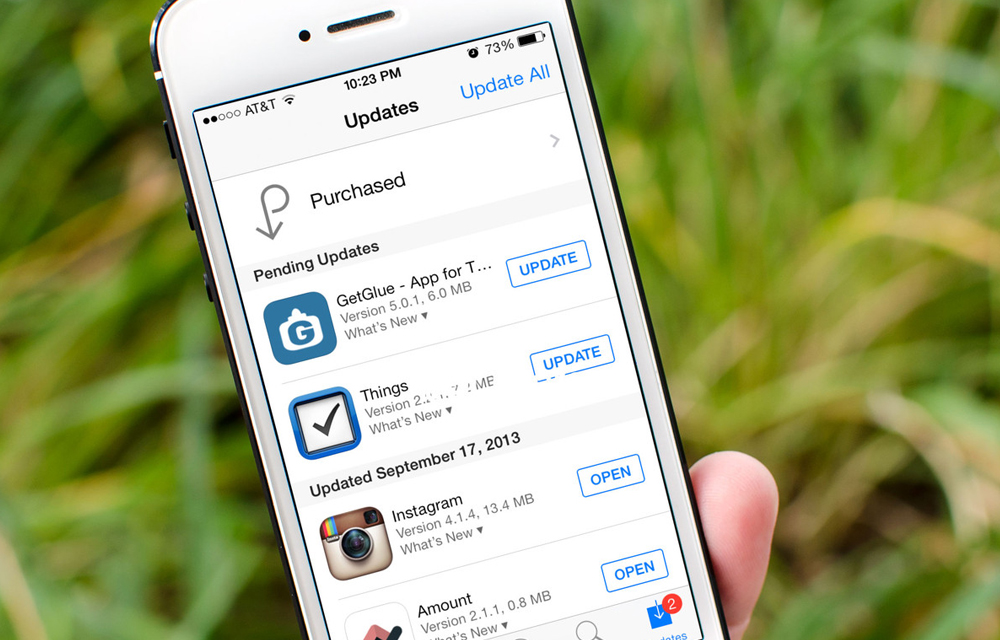
How to Enable or Disable Automatic Updates for iOS Apps
IOS app updates are always useful for keeping IOS apps up to date. You don’t want to pay attention to the app updates until you turn off the automatic updates. Turning on the automatic updates will assign the job to the iPhone itself. This great future may sometimes hit you badly, especially if you are…
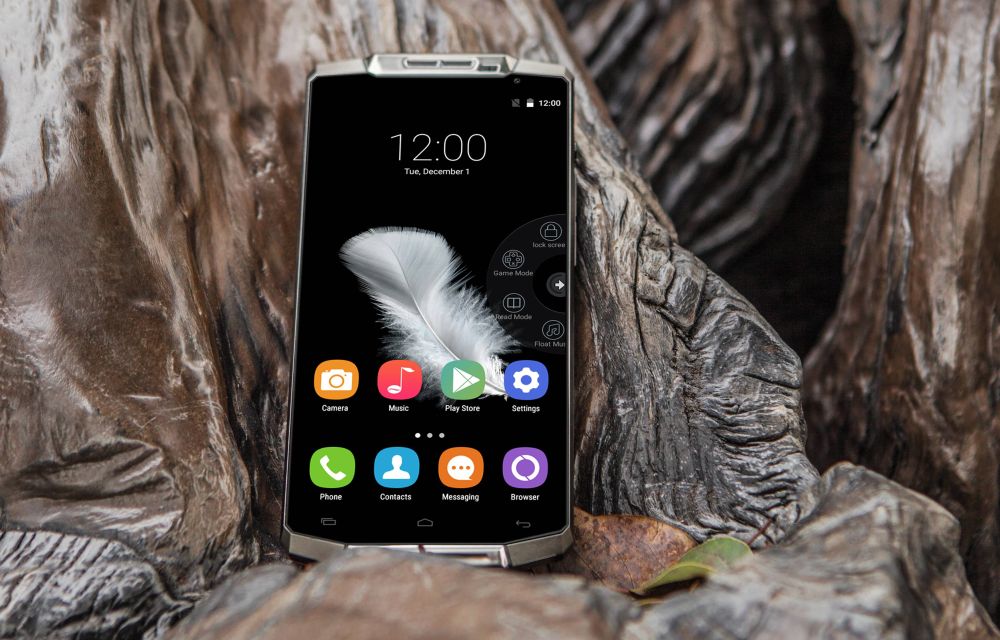
OUKITEL K10000 Phablet Review – The Battery Monster
Gone are the days when we looked at the battery constantly to know the remaining fuel to power the device. The smartphone manufacturers had repeatedly increased the battery capacity to ensure that, the device lives the whole day, but they failed so many times.

How to Download Google PlayStore Apps Directly to PC
Happy to say that the Android is my favorite platform as yours. The acrobatic features of it have a definitive hand in fulfilling the thousands of needs of the users. The Google OS is chosen by the world population to power their devices with its extreme security and versatility. Nevertheless to say that the Android…
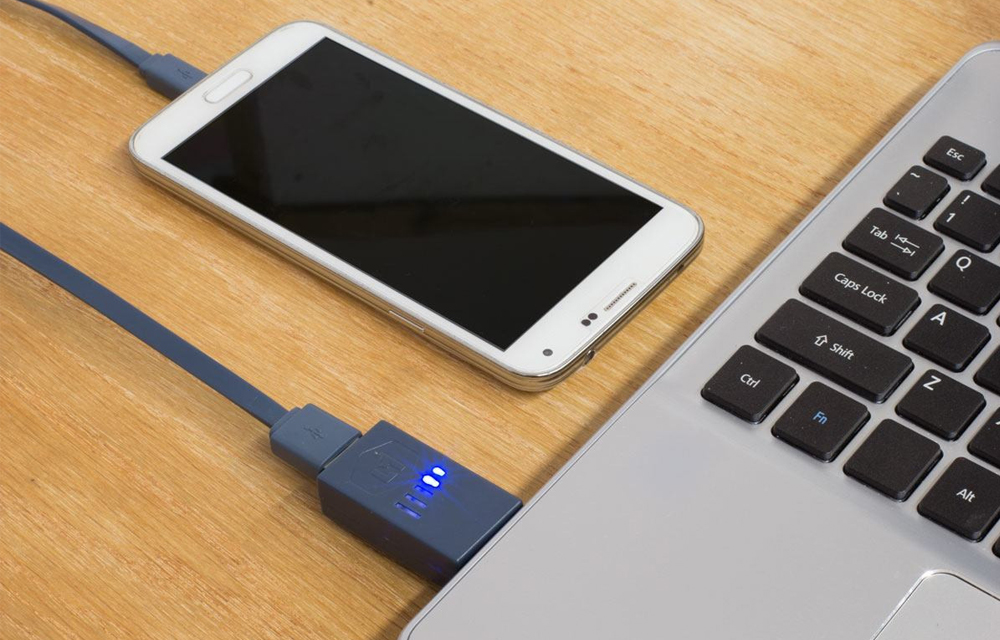
How To Charge Your Phone In Sleep Mode With The Laptop Lid Closed
Powering the devices is always a difficult task, thus we fitting power sockets over and over in all of our rooms. The smartphones are the largest drinkers of the power. The modern day devices even can’t hold their battery for one day and it makes a situation of charging the device every day and we must…
How to Open Password Protected Android Apps
We always use some app locks to protect our apps from external access. It is good to lock the important apps like Whatsapp and Facebook where the important chat sessions and files exist. This prevention can protect your files thus, you can use your device without worrying about the anonymous usage of them. All set and…

LEO Privacy Guard – Android App Review
Leo Privacy Guard Android app is one of the most popular Privacy apps in Play store. This app is basically an App locker with privacy settings features. We look at their App page in Google Play Store. It is very impressive. This app is about to cross 100 million downloads soon in the play store.…

Xiaomi Flagship Flash Sale with Huge Discounts – Limited Offer
Xiaomi along with Everbuying Flagship store announced a limited offer Flash sale with huge discount on all category of Xiaomi products. So many people thinking that Xiaomi is only producing Smartphones. But, the company is also manufacturing a big list of Smartphone accessories and Smart life products.
How to Enable USB Debugging in Android Phones
To use an Android SDK with your device, you must have a device with USB debugging mode enabled. It is strongly recommended to enable the USB debugging mode every time you connect your smartphone and the computer. You can completely control your smartphone while the debugging mode enabled. Then how to enable it in your device?…