

5 Brilliant Apps To Clean Junk Files In Your Android Device
Android smartphones are very popular devices these days. Any device that works on an operating system upon normal usage it leaves some waste files and residues. If you are using various Apps on you Android device, the chances of junk storage will be higher. The problem is not a big issue for high-end smartphones; it…

5 Brilliant Apps To Clean Junk Files In Your Android Device
Android smartphones are very popular devices these days. Any device that works on an operating system upon normal usage it leaves some waste files and residues. If you are using various Apps on you Android device, the chances of junk storage will be higher. The problem is not a big issue for high-end smartphones; it is a significant issue for low-end mobiles which comes with small internal memory. It is a very odd problem and eats most of the internal space with cache and junk files.
To solve this issue, there are several apps available in Google Play Store to clean junk files in Android. But the Google Play Store is flooded with a ton of Android junk cleaning apps, and the names also very familiar to choose from. In this article, we hand picked best apps to clean junk files in your Android device.
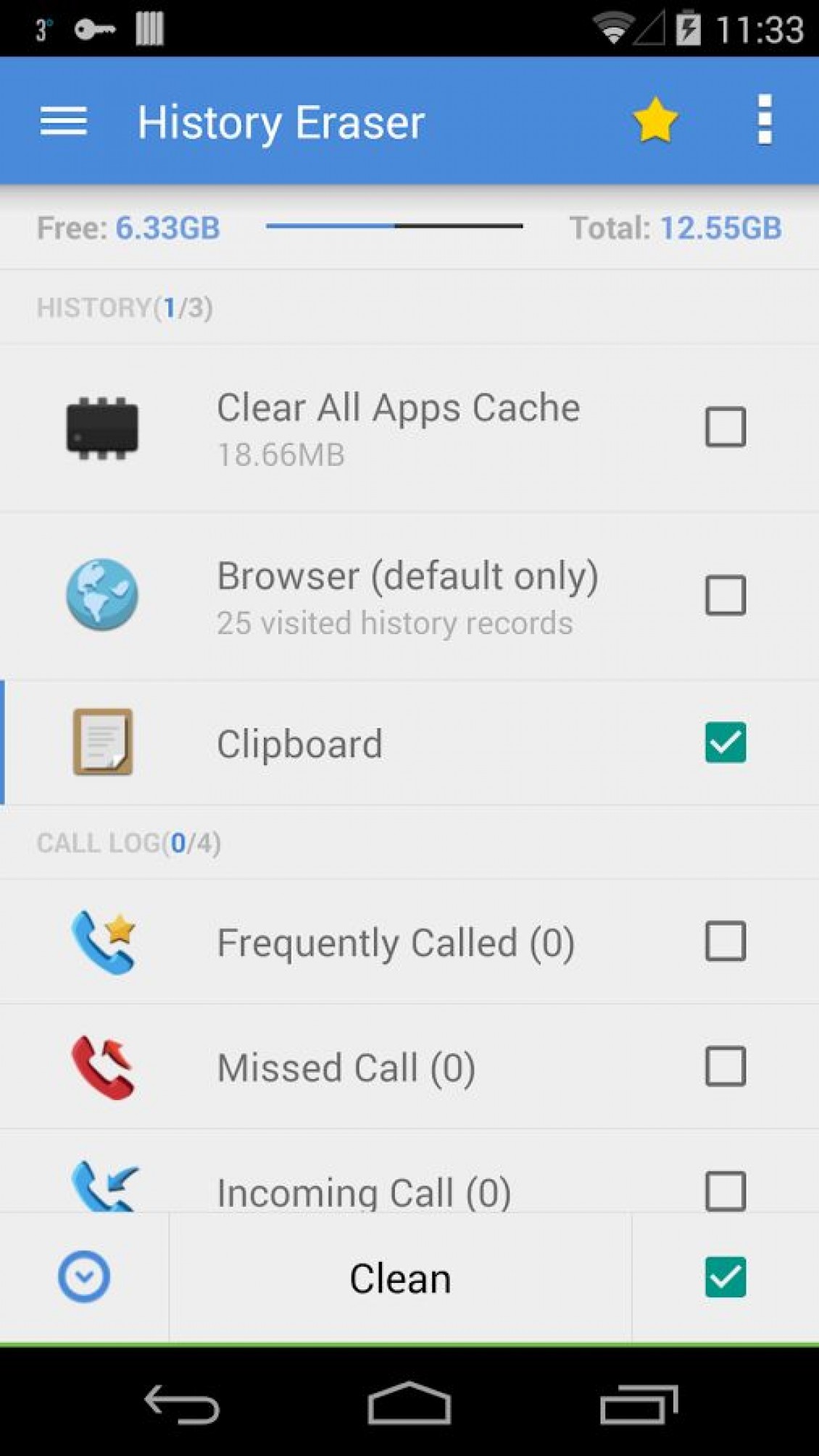
1. History Cleaner
History Cleaner is our first choice for cleaning junk and cache files in Android smartphones. The app is packed with powerful features to clean all the trash files in one click. The History Cleaner can clean your Android smartphone browser history, call logs, text messages, Google Search history, cache files, Download history and much more.
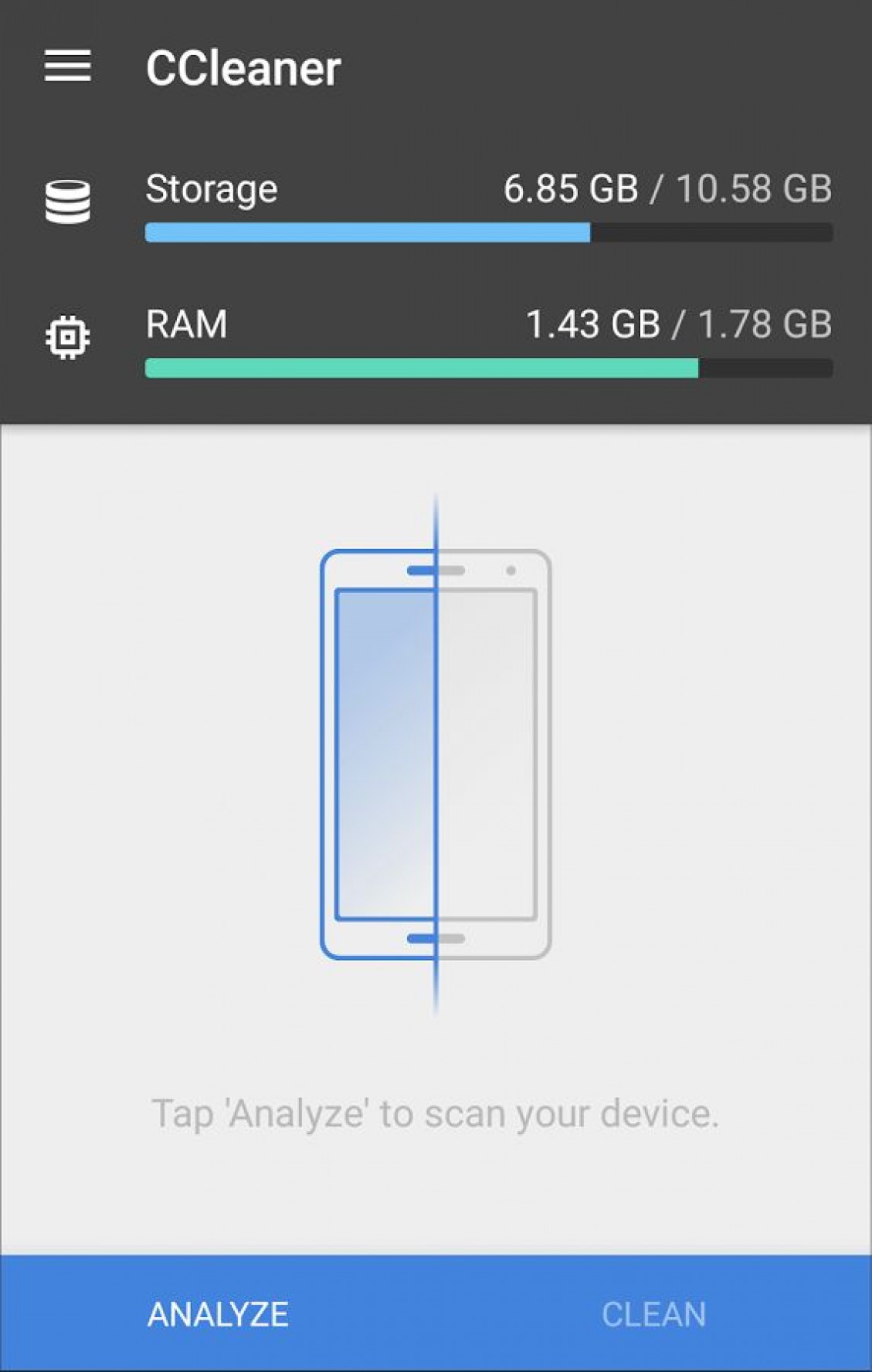
2. CCleaner
CCleaner is a very popular name for PC and Mac users. It is an evergreen software to clean junk in Windows and Mac platforms. The CCleaner is available for Android smartphones too. The app is doing same performance as in Windows and Mac. It speeds up your Android performance by removing junk, cache, call logs data, browser history and other residues.
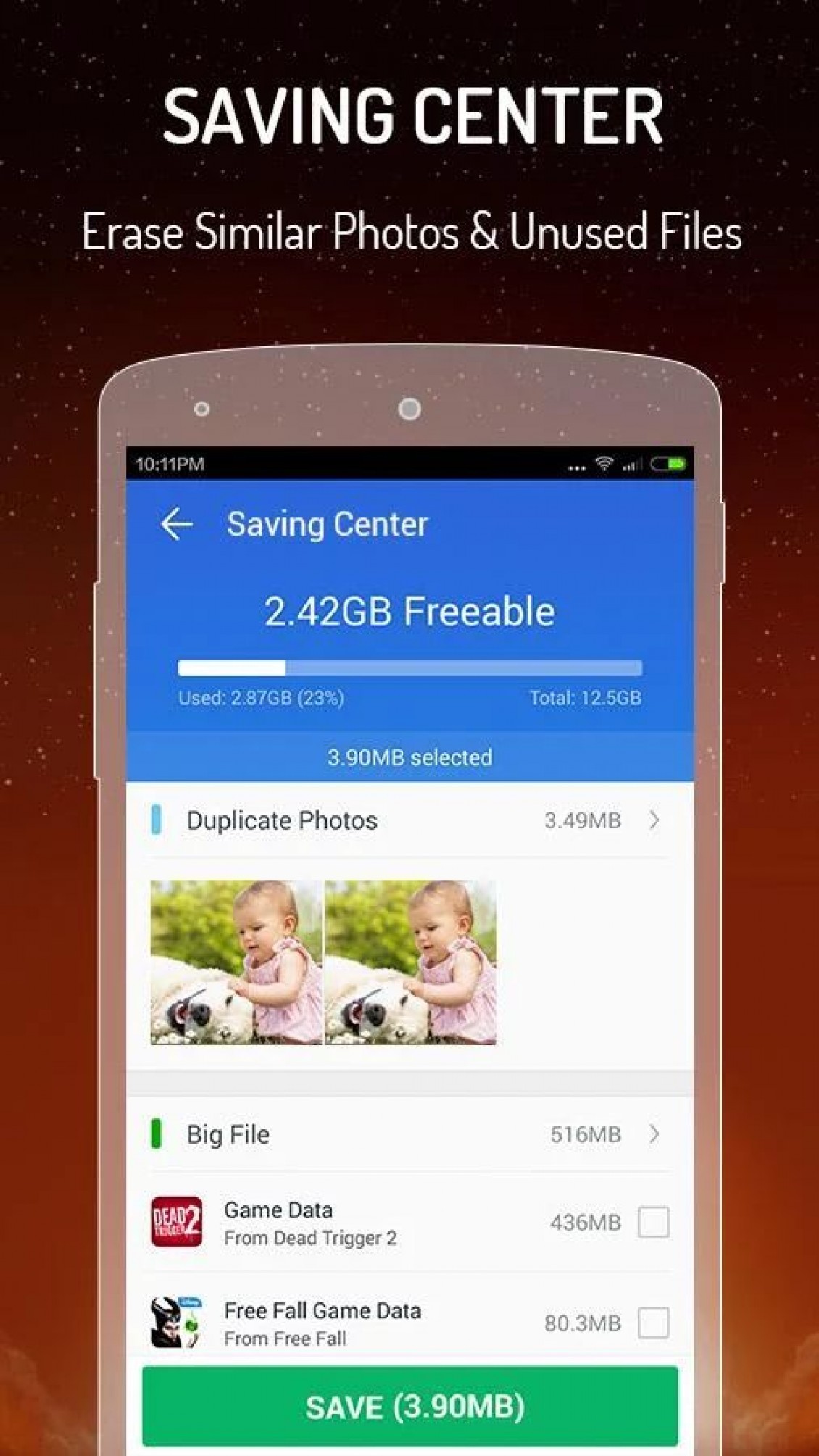
3. CM Speed Booster丨Cache Cleaner
CM Speed Booster is another great app to clean your Android device. It occupies only 2MB space on your device and cleans all the waste files present on the device. It can cool down your Android device and optimizes the App usage by stopping unnecessary apps.
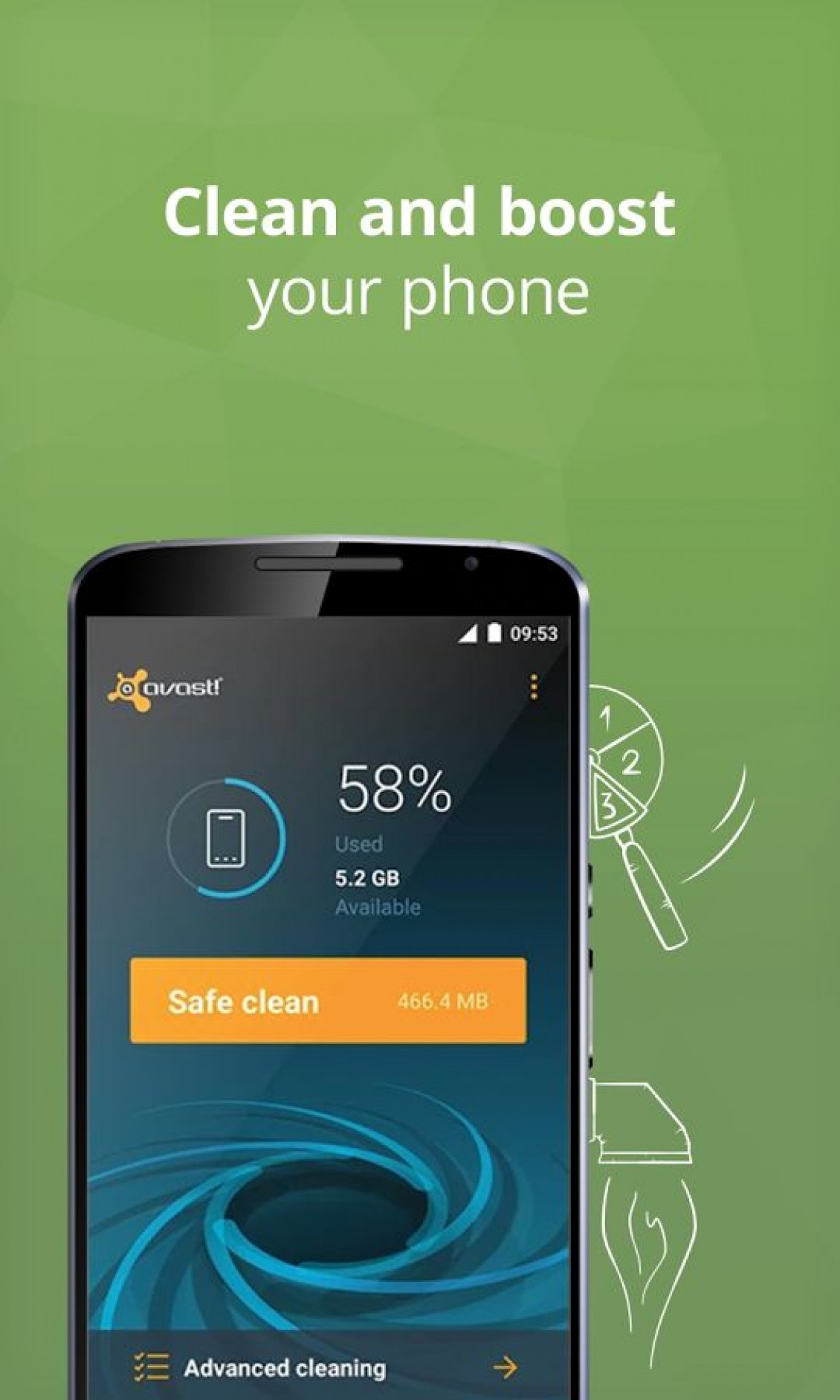
4. Avast Cleanup & Boost
Avast is popular for Antivirus and Security. Now Avast is in Google Play Store for cleaning your Android. Upon scanning the app analyzes your device status and cleans all unnecessary data. It has advance cleaning, uninstall apps feature and many more. It removes all the leftovers present on your device with few clicks.
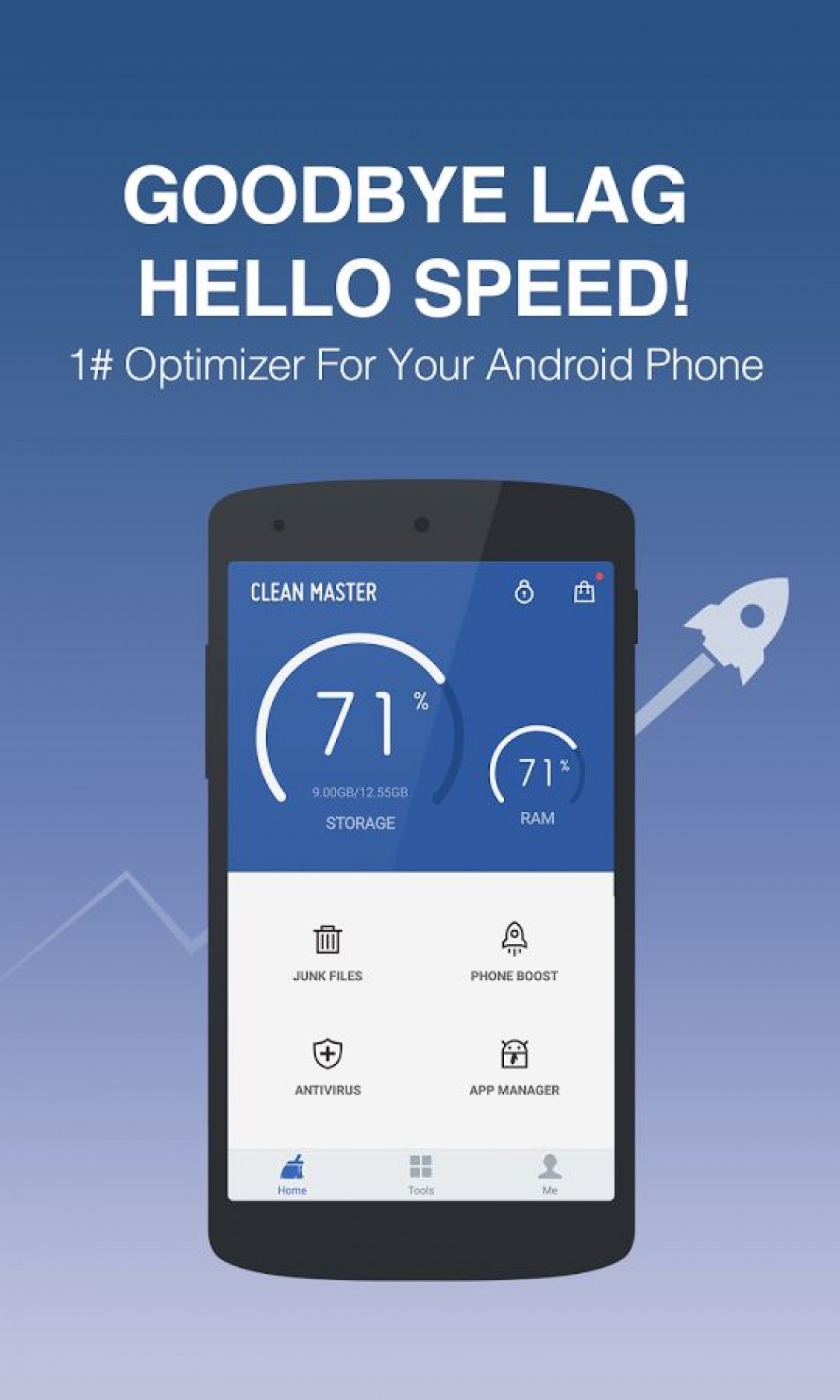
5. Clean Master (Boost & AppLock)
If you are looking for a all in all app to solve Android device cleaning issues meet Clean Master. It is a very popular App in Google Play Store, it has more than 32000000 installations and rated as 4.7 y the users. It is one of the trust worthy app, it has many features like AppLock, Battery Saver, Junk file cleaning, Memory Boost, CPU Cooler and Antivirus.
More in Android
A Complete Android Maintenance Guide
There is no doubt that the Android is most advanced mobile operating system till the date. Android comes in all tastes and flavors, you may be the owner of a budget friendly Android or high-end OnePlus One or LG G3 or Nexus 6 user.
Running Out Of Space On Android? Easy Tips To Regain More Space
Low internal storage is the most common problem for entry-level smartphones. Android-equipped devices coming in various forms like smartphones, phablets, and tablets. But the internal memory capacity is very limited when compared to laptops and desktops. As they equip with 16GB or below memory, it is not enough to carry the Android OS, apps and…

Top 5 Best Antivirus Apps for Android
Installing Antivirus apps on your phone might seem a bit too much, but it’s a necessary step to take. Like any other Operating System, Android does have its weaknesses that are normally exploited by hackers and other people. These anti-virus programs will also normally come with other features (such as the Anti-theft feature) that can…
The week in tech, minus the noise.
New reviews, fixes and the stories that matter — once a week, straight to your inbox.
We only use your email to send the newsletter. Unsubscribe any time. See our privacy policy.
Comments