

Thetechhacker - Tech How-To Guides, Reviews & News
Latest stories

Xiaomi Flagship Flash Sale with Huge Discounts – Limited Offer
Xiaomi along with Everbuying Flagship store announced a limited offer Flash sale with huge discount on all category of Xiaomi products. So many people thinking that Xiaomi is only producing Smartphones. But, the company is also manufacturing a big list of Smartphone accessories and Smart life products.

How to Enable USB Debugging in Android Phones
To use an Android SDK with your device, you must have a device with USB debugging mode enabled. It is strongly recommended to enable the USB debugging mode every time you connect your smartphone and the computer. You can completely control your smartphone while the debugging mode enabled. Then how to enable it in your device?…

How to Disable Videos from Automatically Playing on Facebook
If you are driven to insane with the irritating autoplay feature, we are here to help you. In this complete guide on How to disable videos from automatically playing on facebook, we are gonna give you some methods to disable those auto-playing videos and giving you some extra data to browse. How to disable videos from automatically playing on Facebook because we know you really need it.

Audials Tunebite Platinum Review
In terms of media consumption, digital music and videos have long become a part of our lives. This is especially true with all the digital devices around us like the computers, smartphones, smart watches, etc.., to stream the digital content. The problem with the digital music and video are that almost all the publishers out…
Kika Emoji Keyboard Review – The Best Emo Input Keyboard
Kika Emoji Keyboard is an app with the next generation emoji features which is powerful than our words to express the emotions. Apart from the Whatsapp and Facebook app keyboards where we meet the emo’s, The Kika Emoji Keyboard brings them in all the text areas we met. The Unicode encoding powerfully manages the emoji…
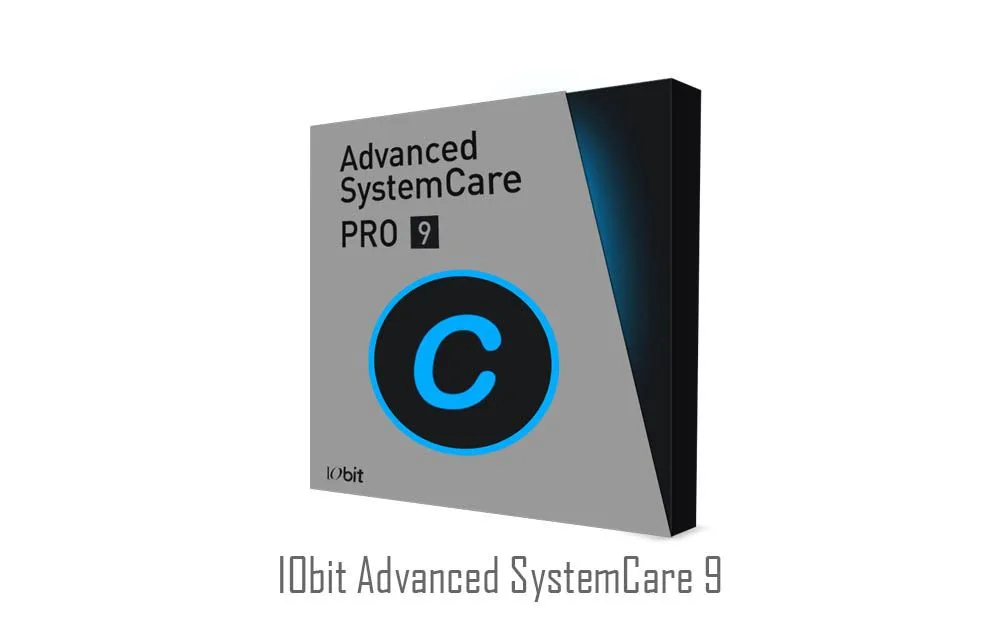
IObit Advanced SystemCare 9 Free Review
IObit Advanced SystemCare is a comprehensive system cleanup and utility solution. It is an all-in-one solution to clean, optimize, speed up and protect your PC. The software is completely compatible with the Windows 10. The speedy one-click approach of the tasks is quite an impressive feature. Apart from the previous versions, IObit had accepted a modern UI…

How to Backup Chat Messages in WhatsApp
WhatsApp is one of the largest places where millions of people meet every day, I mean virtually. It is growing in rocket speed and dominating so many fields like messaging, chatting, file sharing, even calling. You would have been chatting for a long time with your Officers, friends, and relatives, and what about all of the…
How to Check Battery Percentage in Android Phones
Battery capacity of the modern day devices is just like a flaming paper which burns down within no time. We should focus on the battery capacity each and every time we decide to do some tasks with our devices. The battery storage icon on the topmost of the display is the key to knowing the fuel…

How to Backup Call Logs on Android Phone – A Simple Guide
This guide on How to backup call logs on android phone is the right to path to start walking on. The simple and easy effective way in this guide will definitely find the exact answer for your needs.
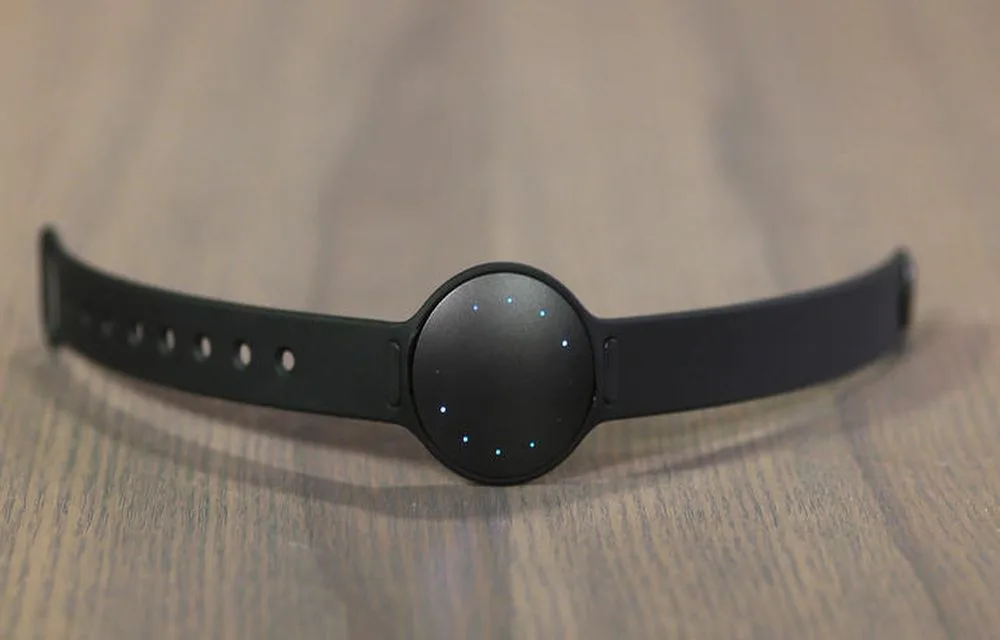
Misfit Shine 2 Review – A Complete Guide To the New Shine 2
The Smarter, thinner, and stylish Misfit Shine 2 Activity tracker is out to the market for $99.99. The follower of the successful Misfit Shine has the incremental features to diverse it from the previous one. Misfit have approached a thinner manufacturing criteria for the product. The round shaped object working on a traditional watch battery…

How To Find Laptops Fits The Budget – For Gaming, Programming or General Use
Choosing a laptop is always a difficult task. It is one of the toughest decision we make in our life. The laptops are the portable computers which you always brings in your Journey, Office, Park and everywhere.

How To Recover Deleted Gmail Account – Detailed Guide
Most of you might be using, at least, one Gmail account. Some of you have even multiple accounts. The beginners on Gmail may create multiple accounts and once they aware of the basic operations or if they find a better Gmail id, They may switch it to the new one. This happens several times in…