

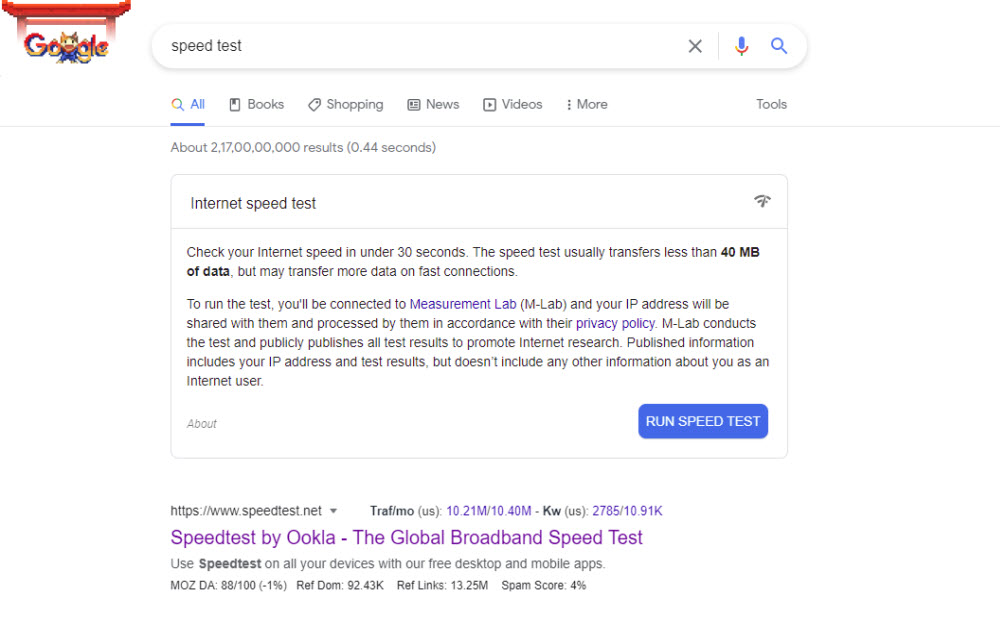
Google “Speed Test” to test your internet speed from Google Search without any third party apps
Google Search is not your regular search bar. It contains a lot of functionalities. For example, you can directly convert units, use calculators, or see the time. Furthermore, to make it more fun, Google has introduced some easter eggs. You’ve probably heard of the Google Easter eggs before. Google Easter Egg is a feature of…
How to Print using Google Cloud Print
Google Cloud Print can be used to print documents from your devices on the go. If you ever wanted to print something directly from Chrome or any other browser, as well as any place that supports the printing task, without having to physically connect a printer to your smartphone or laptop, here is an article…

How To Move Google Authenticator To A New Phone
We have realized that many people have a habit of changing phones often and while some might change them in a year, others will have a need to change their phones in 6 months or less due to the need of being in touch with technology from different companies. As far as changing phones is…

Best Download Manager Extensions For Google Chrome
Are you using Google Chrome as a default browser for all kinds of Internet-related activity including downloading files? If yes, this article helps you to download files faster with the help of Google Chrome extensions. Google Chrome is a fantastic browser from the house of Google. Its unmatchable unique features keep the rest of the…

How To Add Google Calendar Event From Chrome Omnibox
If you have been using the Google Chrome browser from some time now, you would see an address bar on the top where you would enter the URLs for websites you want to visit. This is the standard procedure in most other browsers and there is nothing new about it. But Google Chrome’s search bar…

How to print Web Pages in Google Chrome
Google Chrome has the ability to take a print of the websites you visit. In the Windows OS, the Google Chrome works with the print spooler service which lets you print the web pages. It is a very simple process and no brainer. If you are looking for a way to print web pages in…
How to fix Google Cloud Printer offline error
If you are having an issue while printing a document with Google Cloud Print then you are in the right place. There are several types of Google Cloud Printer errors come as normal printers do. These are the possible Google Cloud Printer offline error messages you may encounter. When you are trying to connect a…
How to Create a Group in Gmail?
How to create a group in Gmail: Gmail is a very popular email service from the house of Google. It has fantastic features in emailing as no one has in the competition. A user can send attachments, enable alerts, create folders, scheduling emails, labelling and sending group emails. In this article, we will learn how…
How to fix you are not signed in error in Google Drive on Chrome
Google Chrome and Google Drive is a deadly combination of productivity and safe online storage. Their services are widespread and created trust in the user’s mindset and overcame the inadequate Internet systems. Google Drive is, obviously, a product of Google, regarding cloud spacing. As with every cloud space website, Google Drive offers you a possibility for…
How to schedule emails in Gmail with Boomerang
If you are not aware of the recent developments happening to Gmail, we would like to inform you that it is now possible to schedule emails on Gmail. While this is possible with Gmail’s in-built scheduler, we know that it is better to use third-party apps for the same. Because you get many advantages in…
How to make Google Doc available offline
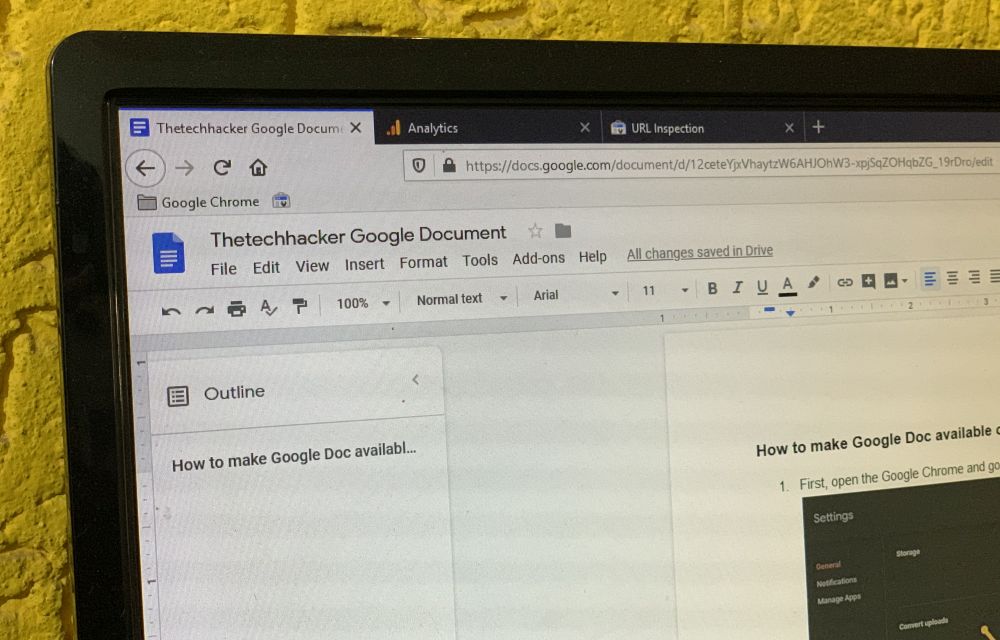
How to make google doc available offline: This article is about making online Google doc to offline access. Google doc is a document creating service which works under the Google Drive cloud service. This service lets you create documents online and it saves automatically in the cloud. Google Docs has three types of document support…
How to add Gmail strikethrough feature?
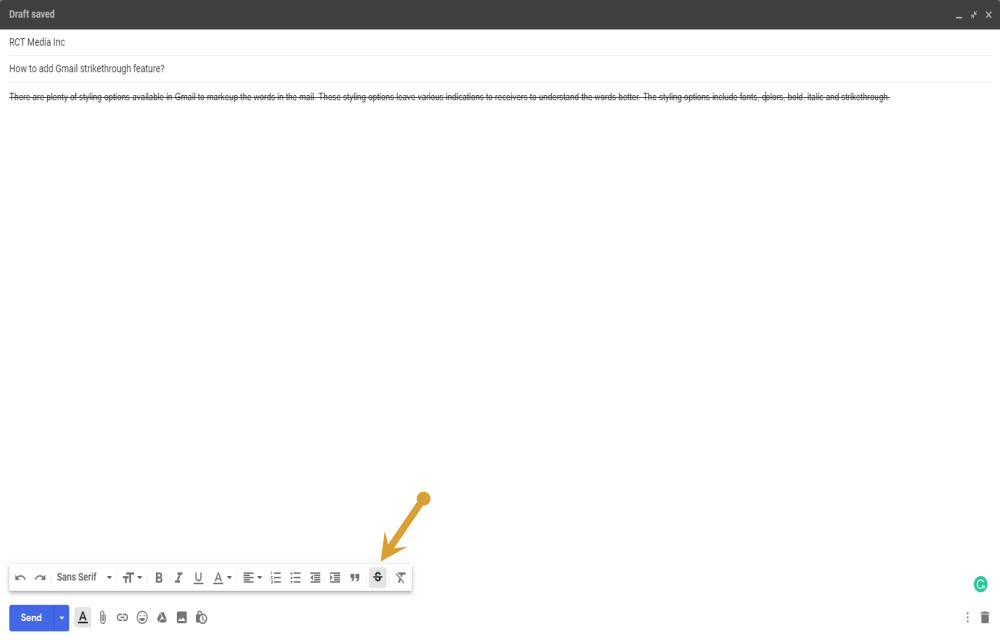
There are plenty of styling options available in Gmail to markup the words in the mail. These styling options leave various indications to receivers to understand the words better. The styling options include fonts, colors, bold, italic and strikethrough. Strikethrough feature is a typographical element that strikes off the selected sentence or a paragraph and…