

Gmail’s new Purchases tab and smarter Promotions make order tracking effortless
Google is rolling out a practical Gmail update that introduces a dedicated Purchases tab and smarter Promotions sorting, making it easier

Google is rolling out a practical Gmail update that introduces a dedicated Purchases tab and smarter Promotions sorting, making it easier to find order emails, track deliveries, and surface relevant deals with minimal effort. The update is live on web and mobile for personal accounts and begins rolling out globally ahead of the festive shopping season.
What’s new?
The new Purchases tab consolidates receipts, shipping updates, and order confirmations into one clean view, so important emails aren’t buried in the inbox. Packages due within 24 hours get highlighted as “Arriving soon” with summary cards that offer quick actions like “Track it” and “See item.”
How it helps
Delivery summary cards still appear at the top of the primary inbox, complementing the Purchases view for at‑a‑glance tracking. This builds on Gmail’s existing package tracking launched earlier, adding a more streamlined, visual interface that’s ideal during high‑volume shopping periods.
Smarter Promotions
Gmail’s Promotions section now adds user controls to sort by “most relevant,” prioritizing brands and senders with higher engagement. Helpful nudges will highlight timely sales and expiring offers, while classic chronological sorting remains available for those who prefer it.
Design and rollout
These upgrades arrive alongside Google’s broader Material Design 3 refresh and incremental AI conveniences across Gmail on Android and iOS. Google says the Purchases tab is available now, while the enhanced Promotions sorting and deal highlights will roll out over the coming weeks.
Why it matters
Instead of chasing tracking links or digging for receipts, users get a single hub for orders and a promotions feed tuned to relevance. It’s a small but meaningful quality‑of‑life improvement that reduces friction and increases confidence during peak shopping windows.
FAQs
-
Where do I find the Purchases tab?
Open Gmail on the web or mobile and use the side menu to access Purchases; it lists receipts, shipments, and upcoming deliveries in one place. -
Will delivery cards still show in my inbox?
Yes, “Arriving soon” summary cards continue to appear atop the primary inbox with quick actions like tracking and item details. -
When will promotion improvements arrive?
Relevance‑based sorting and deal nudges start rolling out in the coming weeks; classic “most recent” sorting remains available. -
Is this tied to Material You 3 updates?
Yes, the experience aligns with Gmail’s Material Design 3 refresh and ongoing usability/AI enhancements across Android and iOS. -
Does it work for all accounts?
The Purchases tab is rolling out for personal Google accounts on web and mobile; promotions enhancements are phased globally.
Source: Google
More in News
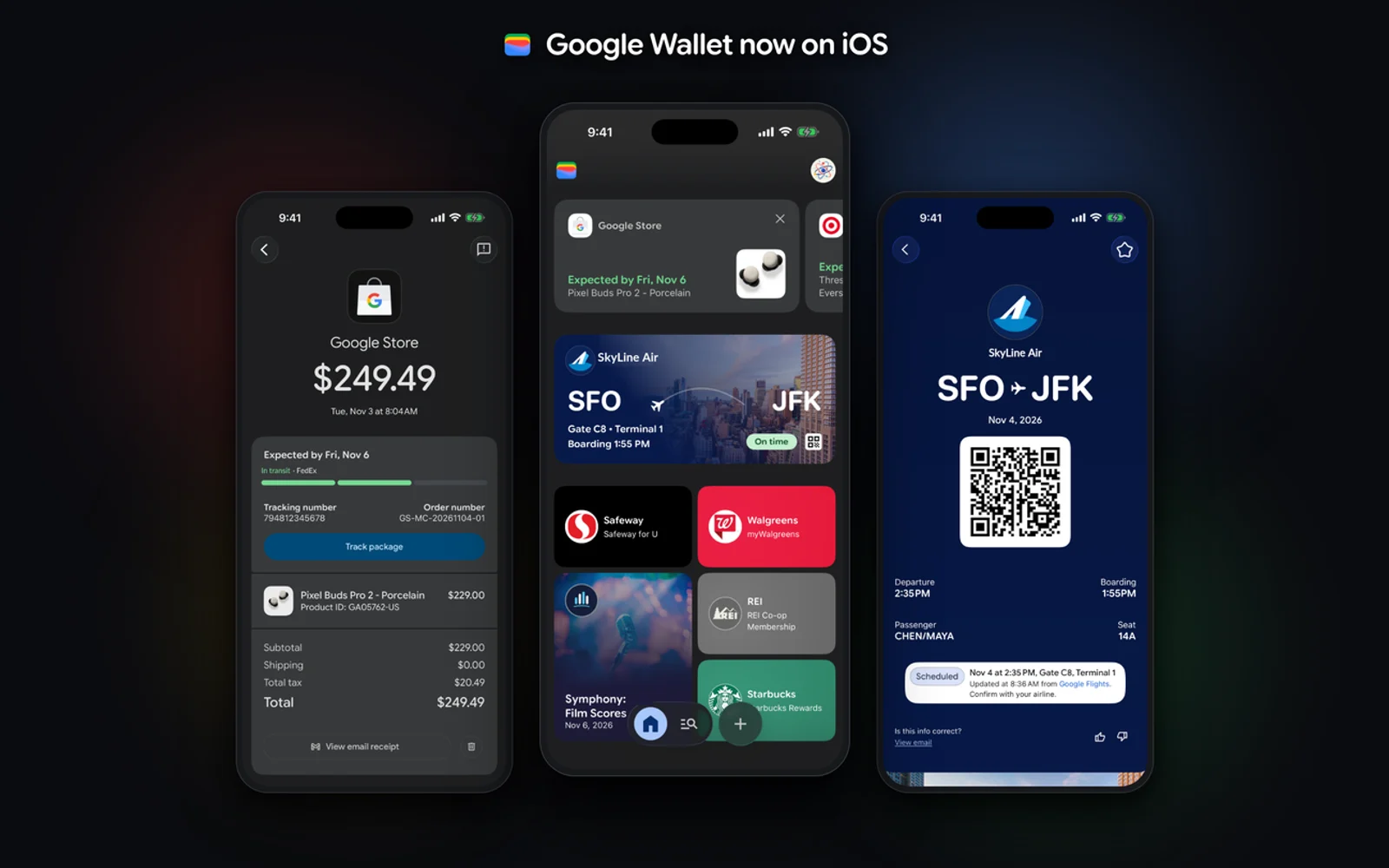
How to Use Google Wallet on iPhone: What Works and What Doesn’t (No Tap to Pay)
Google Wallet is finally on the iPhone. Google launched the app for iOS users across the US on November 17, 2026, and it climbed into the top 20 of the App Store’s Utilities chart within a day. There is one big catch: you cannot use it to tap and pay at a store register. This…

Best CRM Software for Small Businesses (2026)
Here’s how the best CRM software for US small businesses compares in 2026, from free plans at HubSpot and Salesforce to Zoho, Pipedrive, Dynamics 365, monday CRM and Freshsales. I also cover when a CRM inside a custom ERP makes more sense.
Best Inventory Management Software for Small Businesses (2026)
Compare inventory management software for US small businesses, from Zoho Inventory’s free plan to Fishbowl, Cin7 and custom ERP, with official prices and advice on choosing for your type of business.
The week in tech, minus the noise.
New reviews, fixes and the stories that matter — once a week, straight to your inbox.
We only use your email to send the newsletter. Unsubscribe any time. See our privacy policy.
Comments