


All New Features And Complete Details Of Android 5.0 Lollipop
The Android is particularly the center of attraction for most of the smartphone lovers. The Android has removed the all the barriers to the user to use a smartphone in a most simplified and easy way.
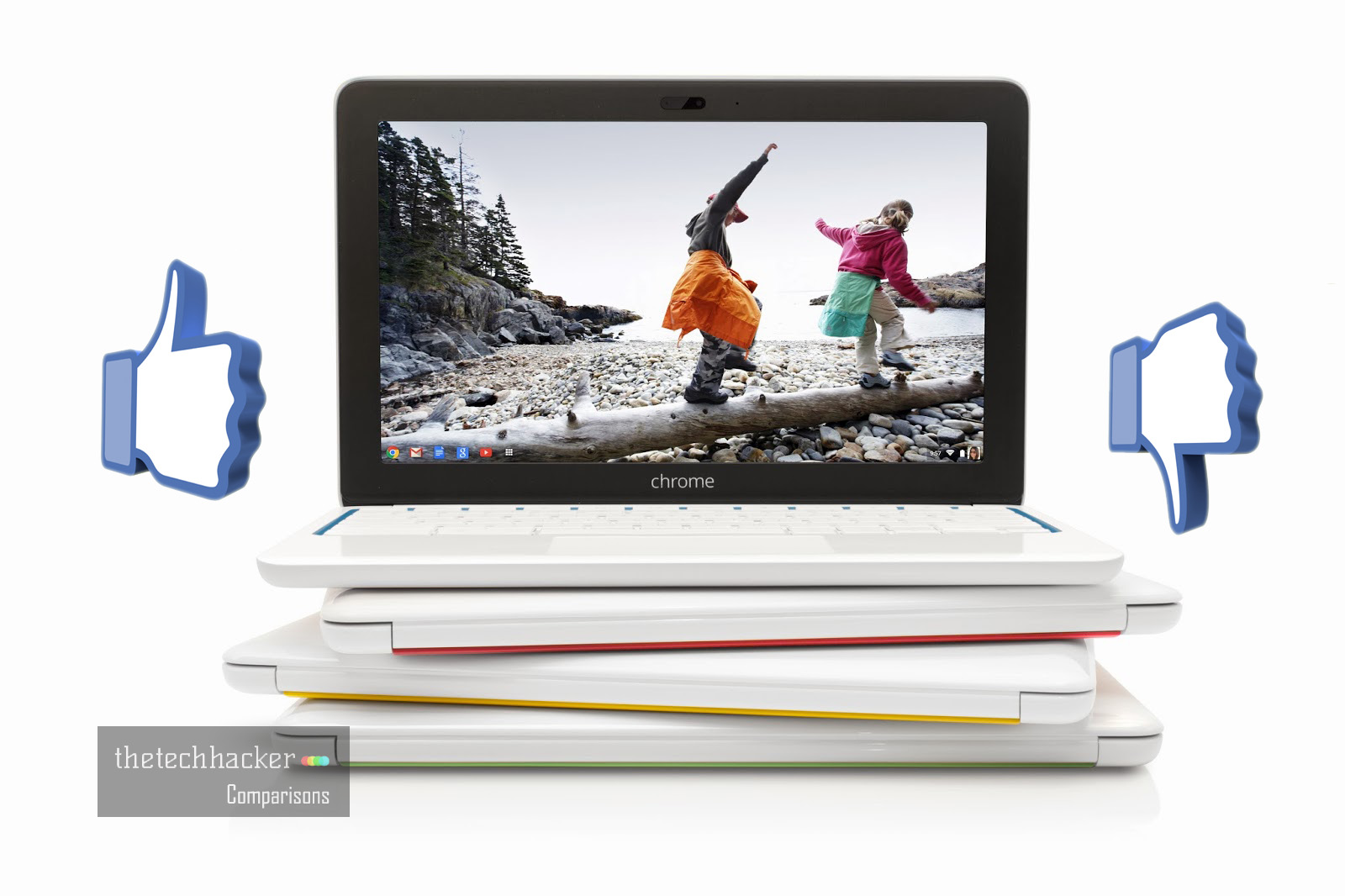
Advantages And Disadvantages Of Google Chromebooks
In a world of Google, “Chromebook” is a small developing place. Google is taking the development of Chrome OS and Chromebooks too seriously. Recently HP and Acer launched two brand new Chromebooks in the market. If you are looking to buy Chromebook instead of traditional Windows laptops or MacBooks just look at these main pros…
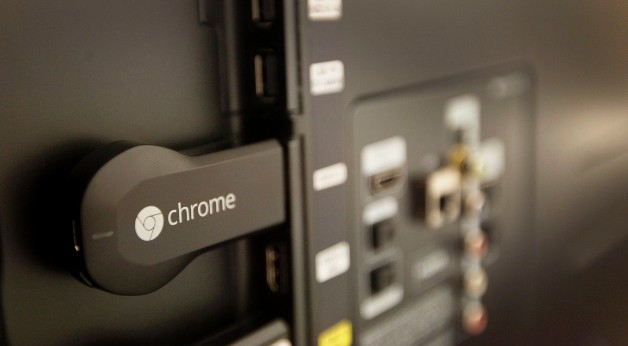
Google Chromecast Review
Google Chromecast is a much-anticipated product from Google. Technology is rapidly changing day by day, but products like latest LED TV’s are only rich people toys. For normal people, they want to buy but they can’t afford it. Features like airplay, web browsing on TV is possible only in high-end TV models.
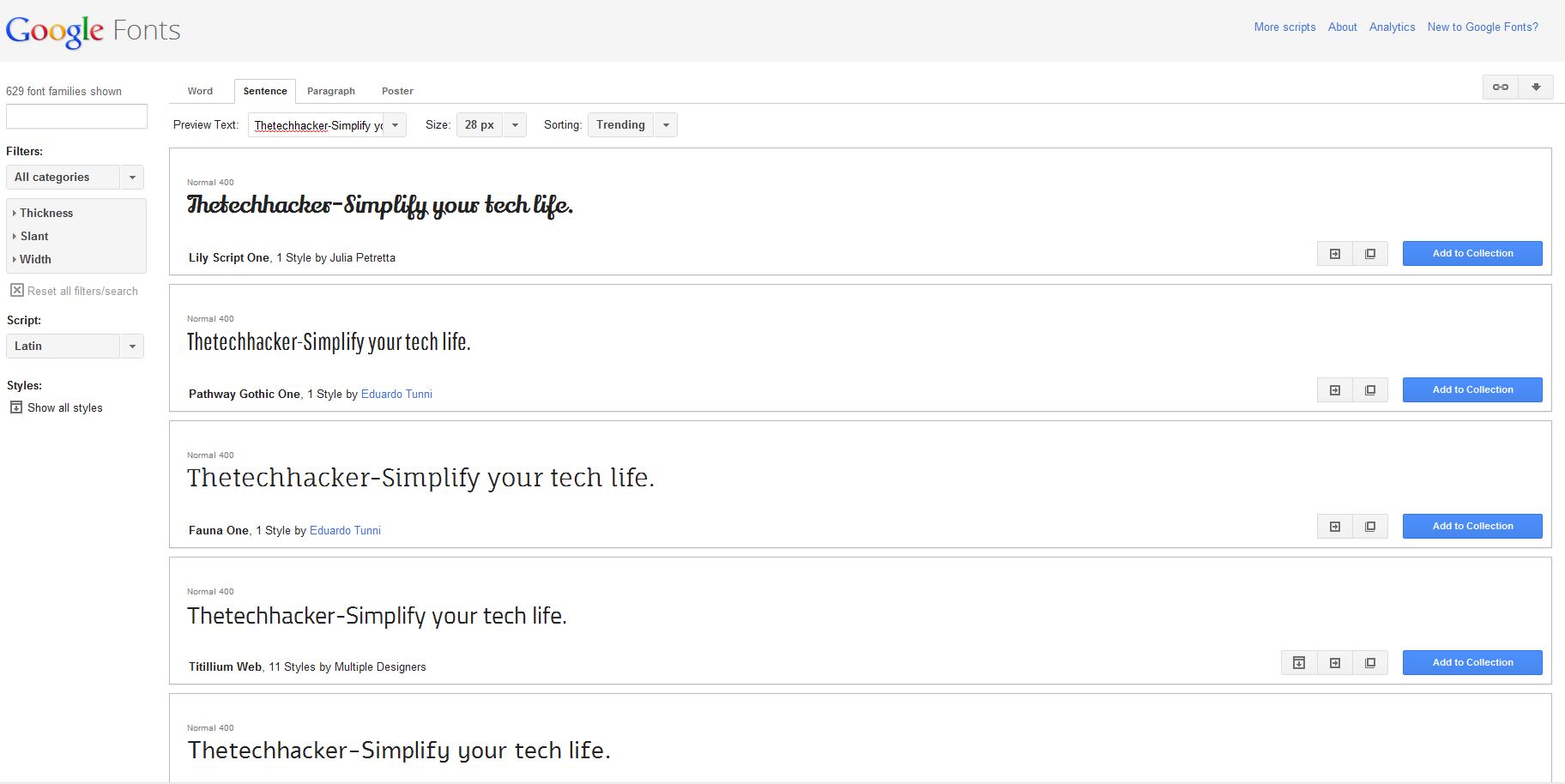
How To Download And Install Google Fonts On Windows
Google fonts offer a great collection of open source fonts. Google recently launched a feature to download fonts directly on Desktop. Designers, Webmasters collect these types of fonts in projects. After downloading you can use the fonts on any desktop publishing software such as Photoshop, MS Office, etc. You can download Google fonts simply by…
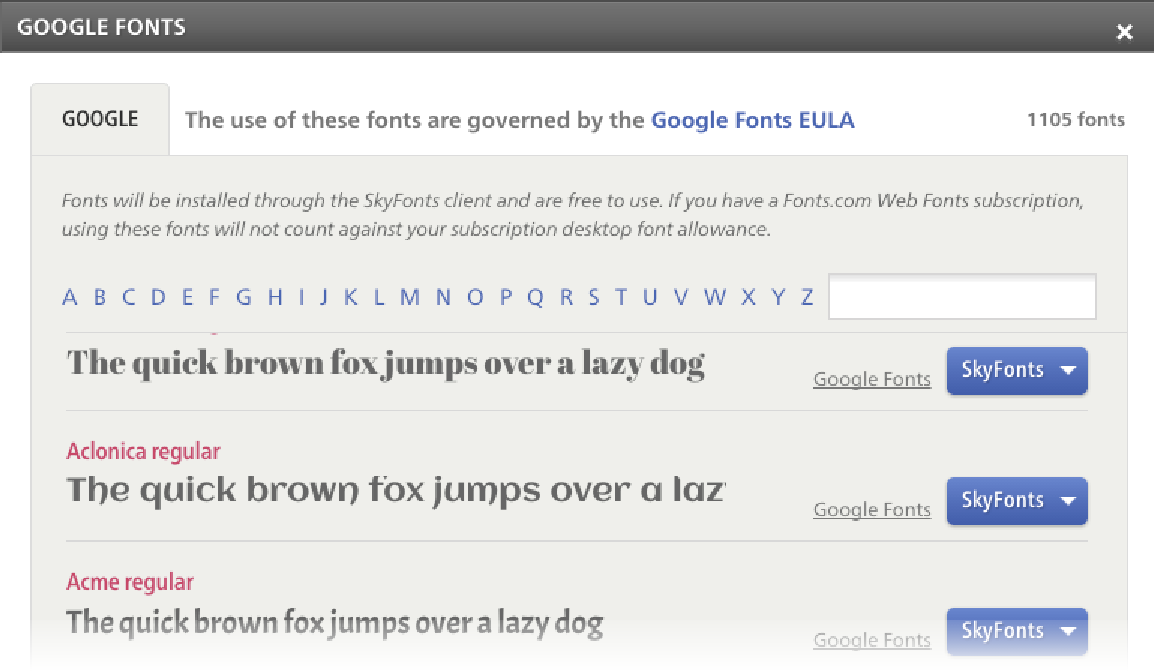
Use Google Fonts on Windows and Mac For Faster Web Browsing
Use Google Fonts on Windows and Mac For Faster Web Browsing: Collection of Google ‘s Open Source Web Fonts is available for the Windows and Mac.
How to Customize Gmail for More Productivity
How to Customize Gmail for more productivity: Gmail is the best Email provider around. You can customize Gmail for more productivity. You can tweak Gmail very easily with simple steps. Follow these steps to grab more from Gmail. Want to set up a signature to your Gmail? hmm line up with your name, website, company,…
How To Hide Unwanted Google Search Results In Firefox?
Tired of getting unwanted results when searching on Google? You can easily hide them by using a simple add-on in Firefox. The Firefox extension called Hide Unwanted Results of Google Search really helps you hide unrelated or any particular keyword-based results in Firefox. This extension is designed for only Firefox; it will not have any…