

Softwares

How To Change Video Formats mp4 To mkv On Windows
In digitalized age, we are dealing with lots of video formats. Some formats ( avi, mp4) very user-friendly play on any type of devices (DVD players and Smartphones) easily. Some formats not, you can convert the complicated formats to device friendly in Windows. MKV is one of the formats which come under the limelight. Nowadays many…
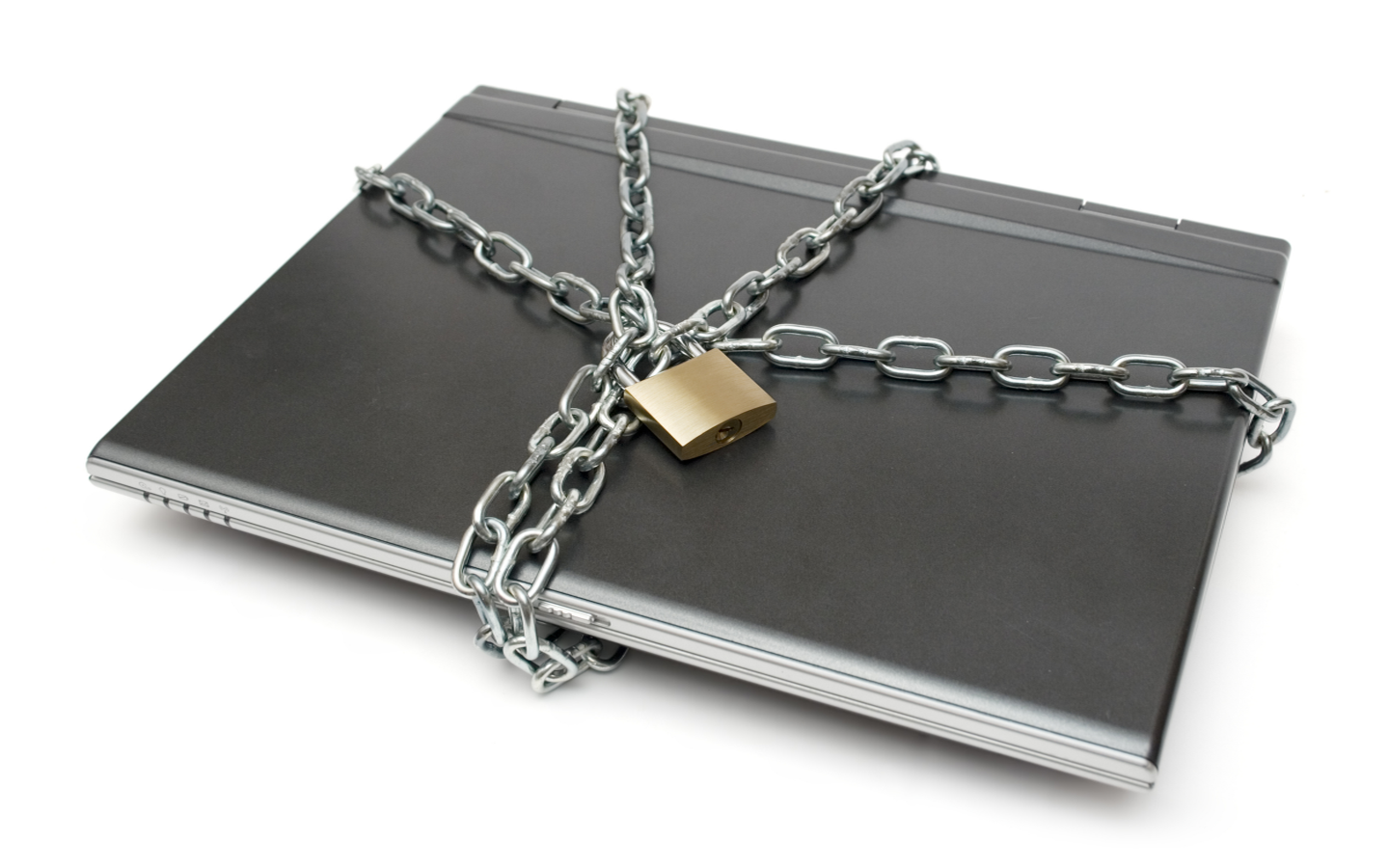
How to Secure Your Laptop At Work
Laptops offer a most convenient way to work with portability and mobility. At the same time, it is an easy target for thieves. You can secure your laptop from thieves with simple steps. Some are software’s and some are tools.

Tired of iTunes? Here Are The Best iTunes Alternatives
Apple designed iTunes as a complete dependent program for iOS devices users. To take backup, media file transfer and for software updates, iTunes is the one-stop solution. When considering features, iTunes has everything built-in. Starting from file management, it can handle tasks like audio file conversion, and even ebook management. On the other side, the…
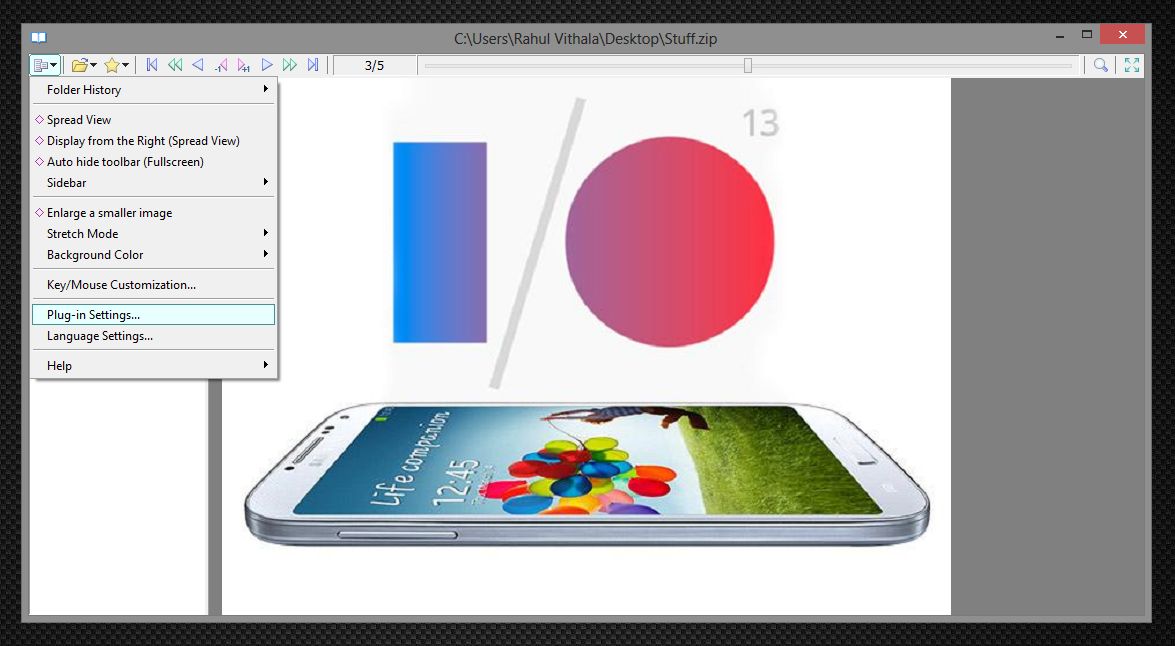
View Images In A Zip File In Windows Using SpReader
The zip format is a godsend especially for those with little storage space. The utility allows for anyone to compress files and folders to minimum size thus saving space. This format has grown popular in recent times with more people sharing files online in this format. It’s an awesome format, but it does have its…
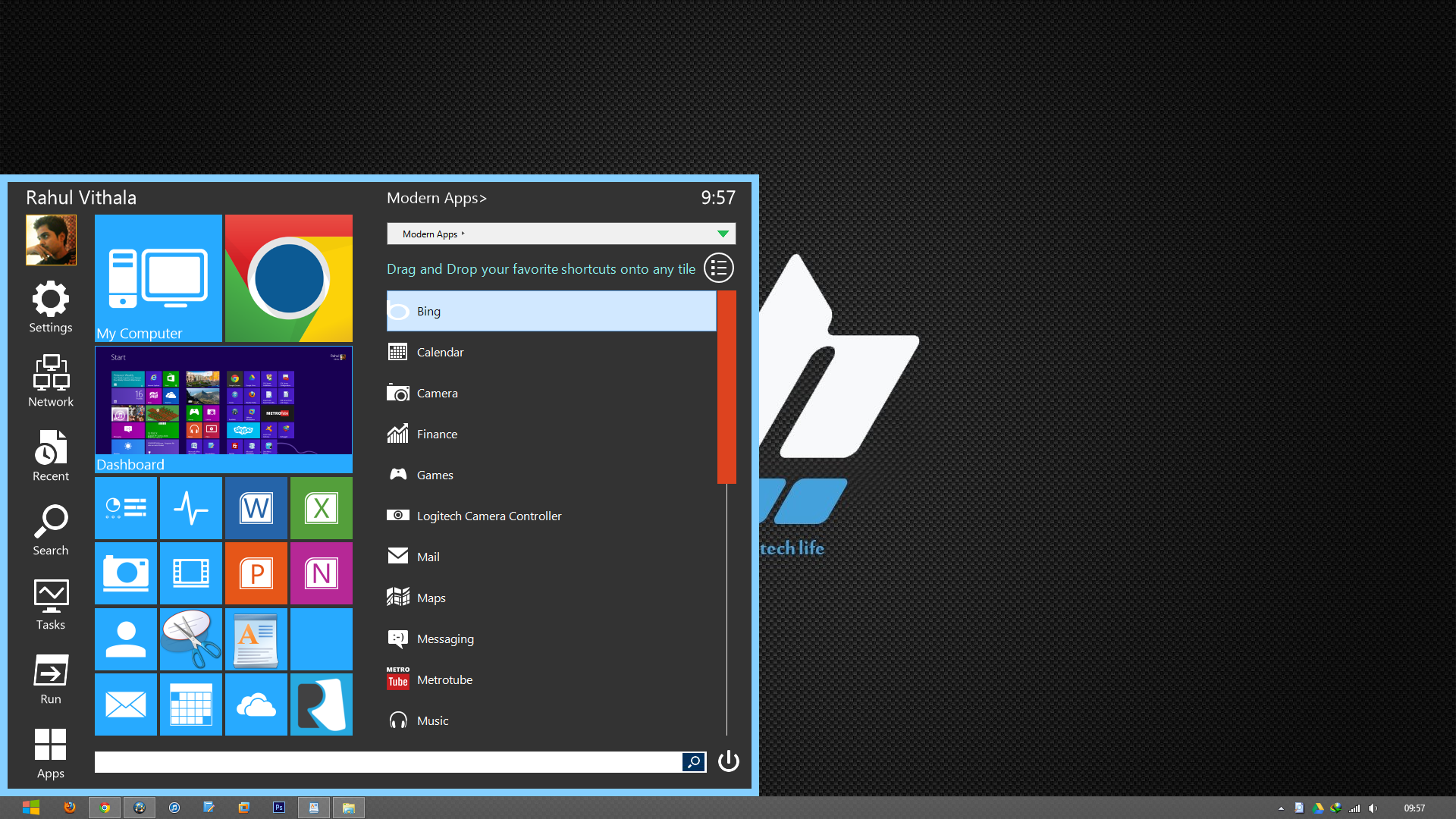
Bring Tile Styled And Customizable Start Menu In Windows 8 Using Start Menu Reviver
A significant number of Windows 8 users are without a very helpful function, which is the start menu. Without a button, it might be quite challenging for certain individuals to operate and to become used to traditionally doing things. One of the most helpful features of Windows is the Start menu, which allows users to…
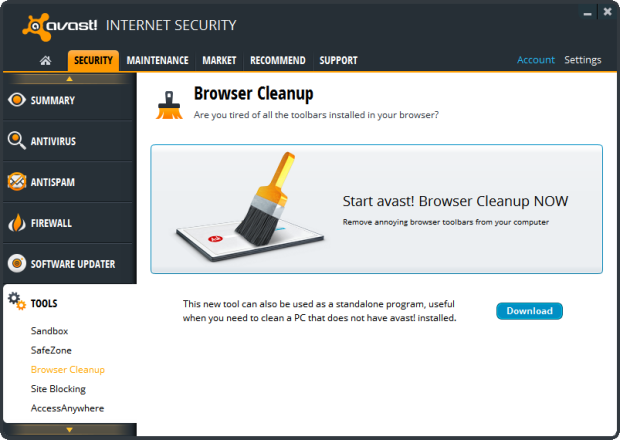
Remove Unwanted Toolbars From Browsers Using Avast Browser Cleanup
Remove Unwanted Toolbars From Browsers Using Avast Browser Cleanup: Some freeware software’s comes with unwanted toolbars and search engine’s

Inky is a Cloud Based Email Client For Windows
Inky Is A Cloud-Based Email Client For Windows: Generally, Windows has a very limited number of Email clients. People normally use Outlook or Thunderbird. Outlook is an enterprise office suite bundled with other apps. Inky is an email client app which offers a very simple user interface with best features. No need to configure email setting…
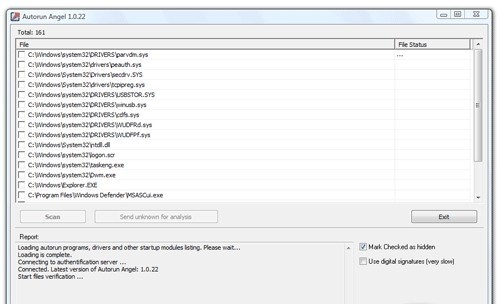
Analyze Your Startup Items With Cloud Based Security Autorun Angel
Every PC will slow down after heavy usage, the reason for slowing down of a PC are so many. But one of them is System Startup programs. Whenever you install a new program on Windows some make entry into the Startup items list. Startup item is the list of programs automatically start with Windows login.…

How To Apply Android Like Pattern Lock Screen To Windows PC
Everyone wants a secure method to protect their laptops and desktop PCs. We can secure a PC in so many ways, installing Antivirus to protect from viruses etc. How you physically protect your device from enemies, maybe one of your known ones want to steal your data. You can secure your system by applying Android…
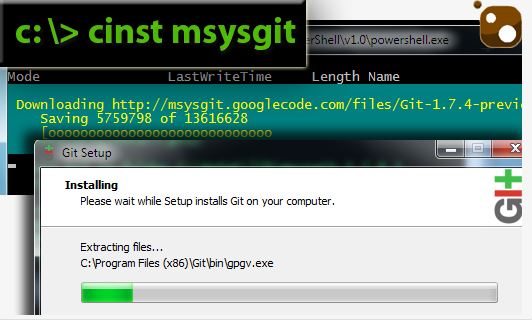
Chocolatey Brings Linux-Style Package Management to Windows
There are many ways to install software on Windows. Chocolatey Brings Linux-Style Package Management to Windows: If you are a diehard fan of Linux and its package management feature and are missing this feature in the Windows OS,? No problem; Chocolatey brings that convenience to Windows. It uses a PowerShell system to install software using…
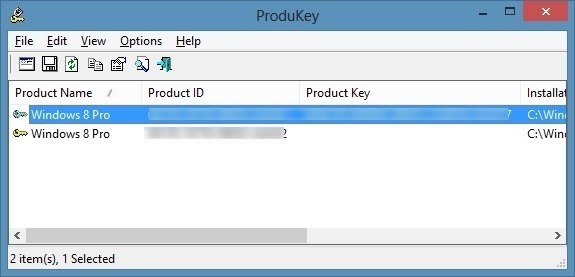
How to Recover Windows 8 Product Key?
Have you lost your Windows 8 product key? If your planning to do a fresh install on your PC or laptop the product is must to have. The product key is generally located on your original Windows DVD.When you buy a new Laptop or Desktop you’ll get Windows 8 pre-installed.
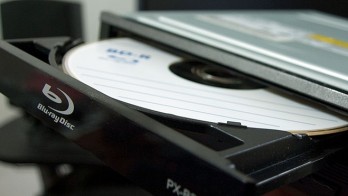
How to Boot From a CD or USB On Any PC?
Sometimes troubleshooting PC situations become difficult. When you have a serious error in OS you have to re-install OS. You’ll have to “boot it from a disc” or USB flash drive. When you turn on the system it usually boots from its internal hard drive where OS is stored. It can be done by connecting…