

How to Secure Your Laptop At Work
Laptops offer a most convenient way to work with portability and mobility. At the same time, it is an easy target for thieves. You can secure your laptop from thieves with simple steps. Some are software’s and some are tools.

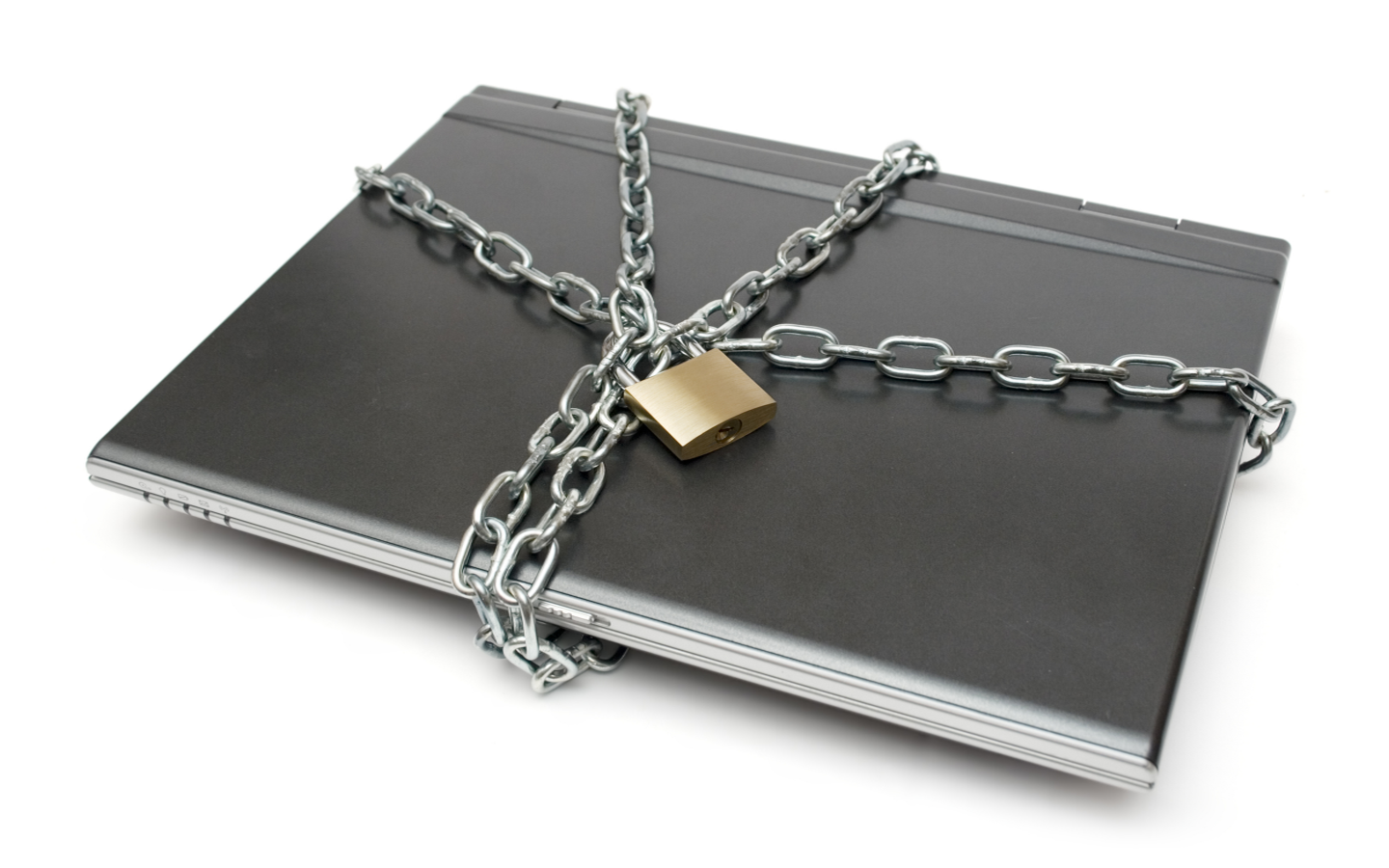
Laptops offer a most convenient way to work with portability and mobility. At the same time, it is an easy target for thieves. You can secure your laptop from thieves with simple steps. Some are software’s and some are tools.
Physical Security
Physically locking your laptop at your desk is the safest thing to secure. You can buy various types of Laptop locks from the online store.
Tracking Software’s
If your laptop has been stolen or you lost it accidentally, How can you retrieve it?. It is best to install a laptop tracking software as a security measure. Try Absolute Software’s LoJack for Laptops and Flipcode’s Hidden and iHound are best Tracking software’s.
These kinds of Software’s uses your IP addresses to trace laptop location. Additionally, it captures images using your laptop’s webcam, so you can easily identify the face of the thieve using images. LoJack lets you freeze your computer remotely, create a custom message to display on its screen, and remotely erase files from your laptop.

Data Security:
Backup all your data regularly is a good habit. Whether your company backs up your data or you do it yourself, keeping your data at secure level is very important. Service like CrashPlan and Mozy automatically back up our data. It back up on locally on the internal Hard drive and remotely on servers.
You can also Encrypt your data using software like TrueCrypt. It has 11 algorithms for encrypting your private files in a password-protected volume.
Webcam as a Security Camera:
Nowadays every laptop coming with built-in Webcam. You can turn your Webcam as a security camera when you are away from your desk. Software’s like Yawcam and Growl make this possible. Videos are saved locally on laptop’s Hard drive. For better results change the default video saving location to the cloud. So you can access those videos when your laptop was stolen. You can easily identify the thieves face on saved video footage.
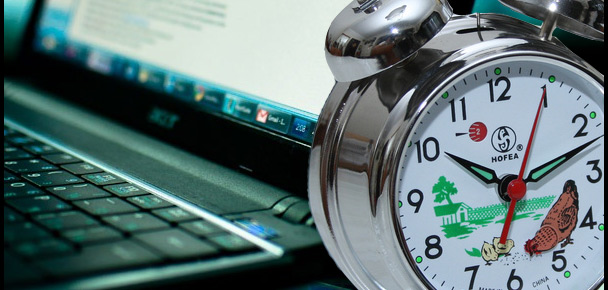
Laptop Alarm:
Syfer is a free software for Windows users to protect your laptop by an Alarm sound. It sounds whenever anyone unplugs the power cable, the mouse is moved or unplugged, or the laptop is shut down.
More in How-to
Locking and Unlocking Mac or PC With USB Drive
When you work with Mac or Windows-based laptop, you need to secure your system against hackers and thieves. Hence, you should lock and unlock the system appropriately. You can perform locking and unlocking using USB Drive with the help of third-party software such as Rohos Key Logon.
Best Tips to Protect Your Laptop in Extreme Cold Weather
If you are a tech-savvy person, you will definitely have a PC. Along with that, you most probably have a Laptop as well. Laptops are mostly used for working remotely and carrying your work with you. Now, we know that there are some conditions which are not best suited for a Laptop. For example, Laptops…

How To Apply Android Like Pattern Lock Screen To Windows PC
Everyone wants a secure method to protect their laptops and desktop PCs. We can secure a PC in so many ways, installing Antivirus to protect from viruses etc. How you physically protect your device from enemies, maybe one of your known ones want to steal your data. You can secure your system by applying Android…
The week in tech, minus the noise.
New reviews, fixes and the stories that matter — once a week, straight to your inbox.
We only use your email to send the newsletter. Unsubscribe any time. See our privacy policy.
Comments