

Track Your Data Usage In iPhone For Free With DataMan Next
Smartphones work great with the internet connection by utilizing the usability of the internet. But data plans are expensive and they provide only a limited usage. If you want unlimited plans you have to spend more money. If you unknowingly exceed the data limit of your iPhone you have to pay tons of money to ISP.…

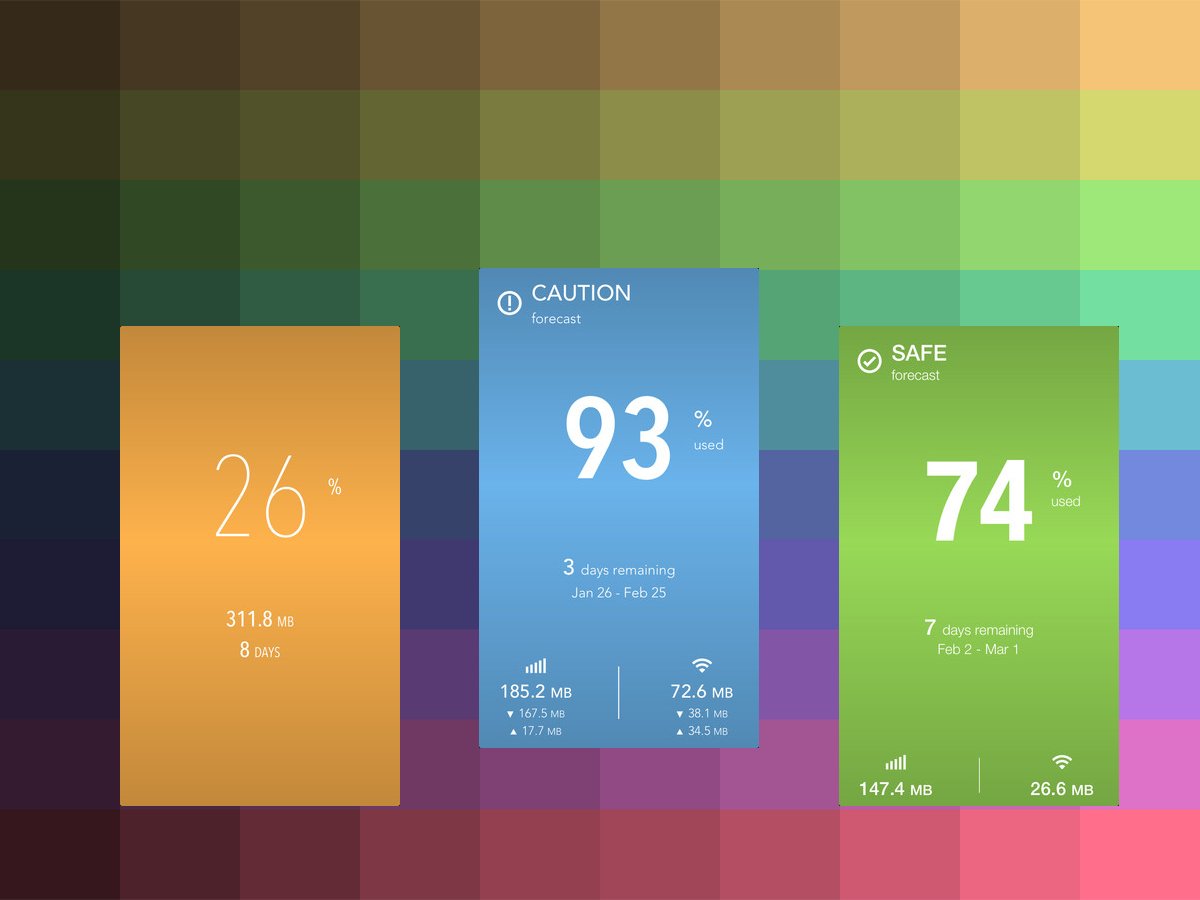
Smartphones work great with the internet connection by utilizing the usability of the internet. But data plans are expensive and they provide only a limited usage. If you want unlimited plans you have to spend more money. If you unknowingly exceed the data limit of your iPhone you have to pay tons of money to ISP.
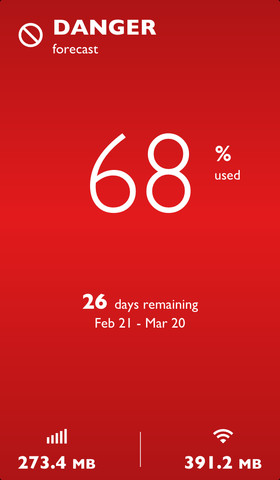
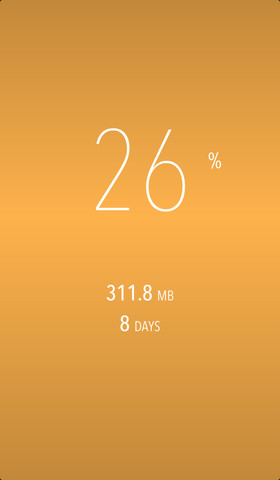
DataMan Next is an iPhone app which tracks your data usage of your iPhone. You can set alerts so you don’t go over on your data plan. DataMan gets your latest statistics directly from iOS. You’ll always know exactly how much data you use.
Features of DataMan Next
- Track cellular (LTE/4G/3G) and Wi-Fi
- Four custom threshold alerts
- View past usage by bill cycle
- Work with all carriers
- Stunning themes

Updated…
It’s one thing to use an internet-enabled device and another to keep yourself from spending all you’ve got on internet data subscription plans. Android and iPhone users are two categories of people who would do what they can to keep their data subscription costs to the barest minimum. For the iPhone users, there are various ways of tracking your data usage.
Let’s find out how you can track your data usage on iPhone.
Firstly, you need to check your data usage to know how what your daily limit is like on your phone. The statistics may differ slightly from the one provided by your ISP.
- Navigate to and tap on the icon for “Settings” > Cellular > Scroll down to “Cellular Data Usage” to view your usage statistics for the selected current period.
You might notice a high statistic beyond what you imagined. It’s probably because you haven’t “Reset the statistics” counter within the last 30 days. Simply scroll down and reset the statistics if that is the case. Then wait for a day or two to check your daily usage statistics so you can be able to make a near accurate estimate of how much data you use daily. This will help you set a limit. Then proceed to the methods below.
Method 1: Monitor and restrict some apps from using data
- On your phone, navigate to Settings > Cellular and look at the apps that are running.
- Turn off cellular data usage for iCloud Calendar
- You should turn off your automatic download for apps except when you’re on a Wi-Fi network. Do same for podcasts.
- Disable background app refresh on your phone. Navigate to “Settings” > “General” > “Background App Refresh” and turn it off.
Method 2: Using Data management apps like DataMan Next
Smartphones work great with the internet connection by utilizing the usability of the internet. But data plans are expensive and they provide only a limited usage. If you want unlimited plans you have to spend more money. If you unknowingly exceed the data limit of your iPhone you have to pay tons of money to ISP.
DataMan Next is an iPhone app which tracks your data usage on iPhone. You can set alerts so you don’t go over on your data plan. DataMan gets your latest statistics directly from iOS. You’ll always know exactly how much data you use.
Features of DataMan Next
- Track cellular (LTE/4G/3G) and Wi-Fi
- Four custom threshold alerts
- View past usage by bill cycle
- Work with all carriers
- Stunning themes
Download and install DataMan Next from the iTunes Store. There are the free and the pro packages.
Aside DataMan Next, there are also a handful of apps you can use to track your data on iPhone.
- 3G WatchDog: This handy cell phone data monitoring app tracks your usage and helps you stay in check. You can even export your data statistics in CSV format.
- My Data Manager: If 3G Watchdog doesn’t satisfy you – which is impossible, My Data Manager is yet another best app for your iPhone data monitoring. Just head over to the store and download it. It has over 11.5 million users.
More in App Reviews

Track My Mac App Review
Mac is a beautiful piece of art created by one of the best tech companies in this modern tech world, the Apple. From the great insights of Steve Jobs, the company had a glory path in providing quality products to the customers. If you are a lucky customer that owns a Macbook of your own,…
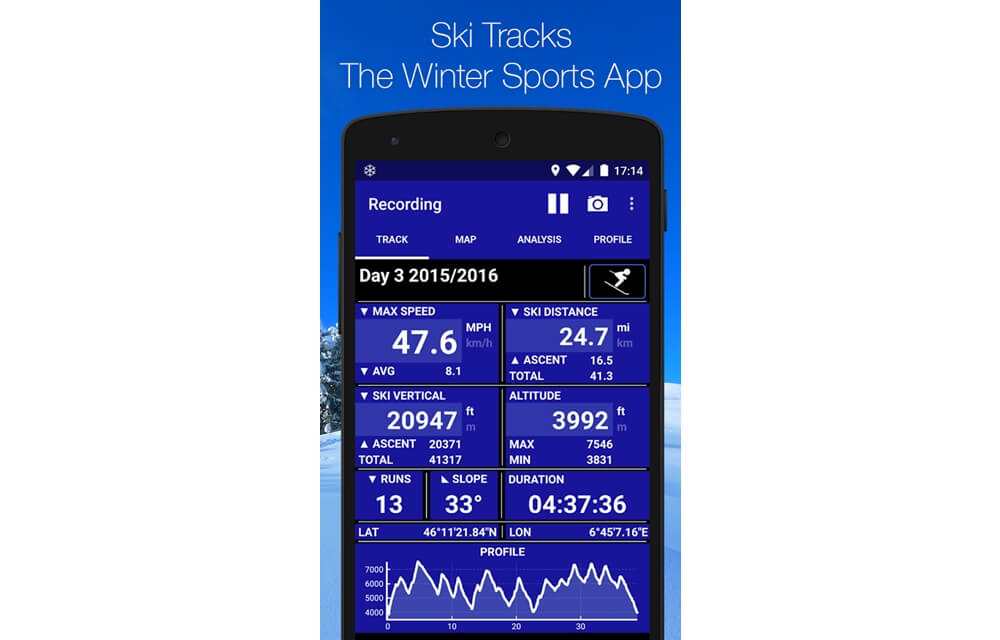
Ski Tracks – Winter Sports / Snowboarding Tracker App Review
Ski Tracks is a special app designed to track and record the statistics of Snowboarding or Ski sports. The main function of Ski Tracks app is the collection of data during the skiing or snowboarding and allows us to analyze the collected data on various aspects. Ski Tracks App Features Ski Tracks has many features…
Network Master – Speed Test App Review
Network security is one of the most important things in this technology era. Everyone is connected to the internet and has been exposed to potential threats day by day. Especially while having some free data with Public hotspots or Airport Wife’s, the network security is at its dead end. So, before having some fun with…
The week in tech, minus the noise.
New reviews, fixes and the stories that matter — once a week, straight to your inbox.
We only use your email to send the newsletter. Unsubscribe any time. See our privacy policy.
Comments