

EZBlocker Blocks Spotify Ads With One Click On Windows
While we are totally aware of the fact that Spotify is a great service for listening to music, it can get annoying at times because of its free version that does let you listen to music but plays ads every once in a while. This could get frustrating because you might be playing music and…


While we are totally aware of the fact that Spotify is a great service for listening to music, it can get annoying at times because of its free version that does let you listen to music but plays ads every once in a while. This could get frustrating because you might be playing music and then an ad comes which suddenly ruins all the fun.
Now, we are also well aware that every company needs to run its business based either on ads or a premium version. Since Spotify has both of them, we know that their free version will be used by many. In this way, they are also telling their users to buy the premium version if they don’t want ads.
Read more:
- Spotify has confirmed that it is testing real-time lyrics synced with music
- Spotify now wants you to share location data in order to stop family plan abuse
Tired of ads on free Spotify account? Spotify is a great music service for listening to music online. Spotify offers free and pro version, the problem comes with a free account, it serves ads between songs. Normally you can’t skip that, the only way is to opt for the pro version. But we have one software which turns Spotify free account features into a pro.
What is EZBlocker?
EZBlocker is an application that lets you block Spotify ads with just one mouse click.

It works as an ad blocker extension for browsers, you just simply need to download it and run the app, no installation required. It runs in your system tray and shows the next song and ad as a popup dialogue. The application also keeps a log of all the blocked ads in Blocklist TXT, it automatically blocks ads mentioned in TXT file. It works on Windows operating system, including Windows XP, Vista, 7 and 8.
That’s all for now. Please leave your feedback in the comment section below.
More in Windows

How to fix Windows Mail not downloading email messages
Windows Mail is one of the most widely used email clients because it was included by default with Windows 10 and Windows 11. Once it is set up, the Mail app usually works well. However, some users find that the app suddenly stops downloading new emails onto their computer. To clear up this issue, we…
How to Fix Windows Hello Fingerprint Not Working After Reboot on Windows 11
Fingerprint login works great during your session but sometimes fails to recognize after a reboot. The sensor goes silent or Windows says it can’t recognize your print. This happens more than it should, especially after updates. Power management, driver glitches, or Enhanced Sign-In Security (ESS) are usually behind it. Here’s how to get it working…
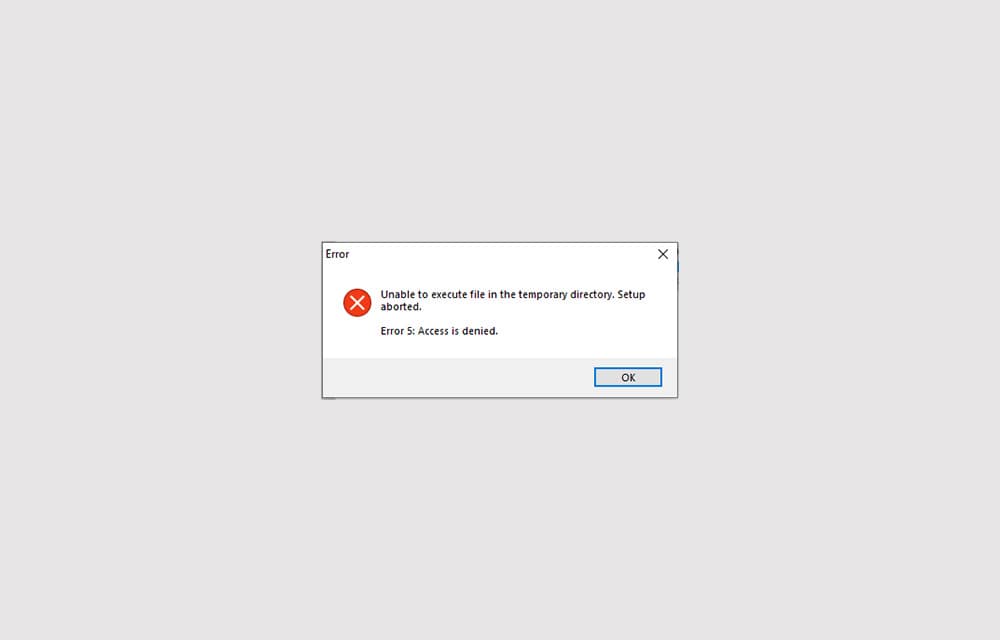
How to Fix ‘Error 5: Access is denied’ in Windows 10
Error 5: Access is denied is an error that shows up when Windows doesn’t have enough permission to perform the operation. Usually, the error is related to the Windows directory permissions and can be fixed by setting the correct permissions or giving access to the user to perform the action. In some other cases, the…
The week in tech, minus the noise.
New reviews, fixes and the stories that matter — once a week, straight to your inbox.
We only use your email to send the newsletter. Unsubscribe any time. See our privacy policy.
Comments