

RaspyFi Is A Raspberry Pi OS For Better Audio Quality
Raspberry Pi can do a lot of things, but the output audio quality is always poor. RaspyFi is a custom Raspberry Pi image designed to make your Raspberry Pi audio sound better. It can play songs directly when you connect USB dongle to your Pi.

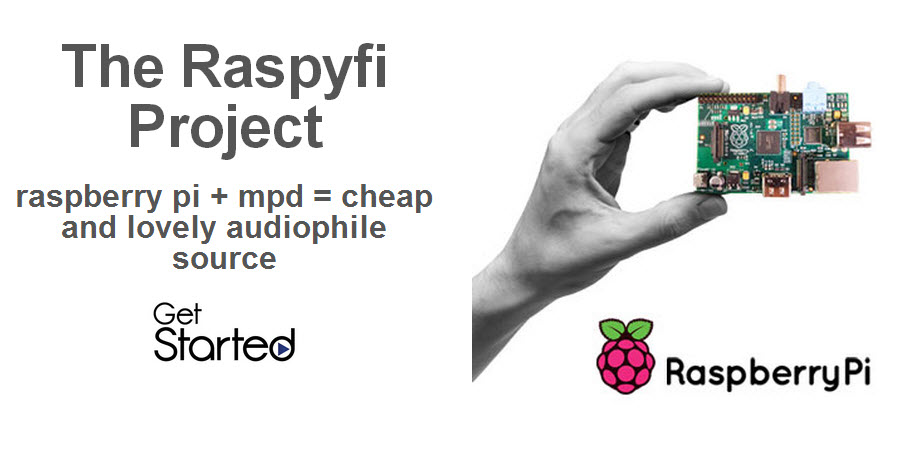
Raspberry Pi can do a lot of things, but the output audio quality is always poor. RaspyFi is a custom Raspberry Pi image designed to make your Raspberry Pi audio sound better. It can play songs directly when you connect USB dongle to your Pi.
According to developer
RaspyFi is an open source linux distribution. It will transform your Raspberry Pi into an audiophile source, in 10 minutes without hassles. It comes ready to play, and it’s compatible with almost every USB DAC available.
You can consider it as a Voyage-MPD version for Raspberry Pi. But it’s simpler to use and it has several other functionalities!With RaspyFi you’ll be able to play your music library directly from an USB Storage or from your NAS. You can also listen to your favourite web-radios and scrobble your favourite tunes from Spotify, Last.fm and Soundcloud.
You will be amazed about the sound quality! RaspyFi’s core feature is this. We are trying to get every bit of your music to play as accurate as can be, optimizing every aspect of the system.
RaspyFi Features
- Ready to play, download it, flash it, wire it and you’re ready to go!
- Supports almost all DACs
- Bit perfect playback (up to 32bit 192 khrtz)
- Samba support, for reading music stored on NAS
- Fat32 and NTFS support, connect your USB storage and you’re ready to go
- Audio output also from analog Jack
- Only few process are active, less is more in audio reproduction
- Web-radio, Spotify and Last.fm supported
- Mp3, Wav, FLAC, AAC, ALAC support
- A nice webgui to configure and control RaspyFi
- You can control RaspyFi with lot of Apps for Mac,Win, Linux, Ios and Android
- Wi-Fi support out of the box
- Fits on 2gb SD
RaspyFi uses a custom USB DAC image to improve Raspberry Pi sound quality. Setup is very easy just download the Image and unpack it.
1.Write the unpacked SD Image to your SD via Win32diskImager.
2.Connect your Fat32 USB memory or hard disk (must be self-powered) with your music to the Pi.
3.Connect your USB Dac to the Pi
4.Power up the Pi.
5.From your browser type http://raspyfi/ to access the WEBUI
More in How-to
How To Use iPhone As Computer Microphone
If you don’t have a quality microphone on your computer or laptop, your iPhone can help you. It can replace your microphone and deliver superior sound quality with the iPhone microphone. The advanced noise cancellation of the iPhone can deliver the best ever quality audio clips than any of your PC or Laptop microphones. If your…
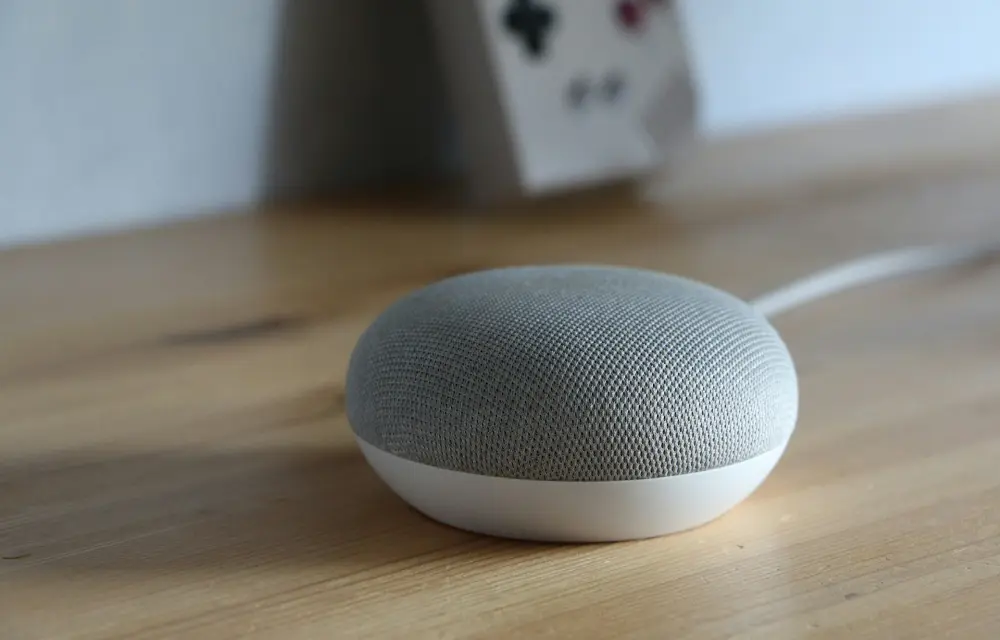
How to Use a Google Home as an External Bluetooth Speaker?
Technology is becoming more and more user-friendly. You don’t need to buy on an expensive Bluetooth speaker just to boost your iPhone or iPad audio. If you already own a Google Home or Nest Mini, you’re sitting on a perfectly capable external speaker that can be paired with your device in minutes. Google Home wasn’t…
How To Remove Background Noise From Video
Unwanted noise while watching a video is quite irritating. In today’s world, video content has become an integral part of our daily lives, whether it’s for personal or professional use. However, one of the most common issues that can affect the quality of your videos is background noise. Background noise can be distracting and can…
The week in tech, minus the noise.
New reviews, fixes and the stories that matter — once a week, straight to your inbox.
We only use your email to send the newsletter. Unsubscribe any time. See our privacy policy.
Comments