

Advantages And Disadvantages Of Jailbreaking iPhone or iPad
In the world of iPhone, “jailbreak” is a term that comes in everyone’s mind. But only some people know the exact meaning of the term “jailbreaking.” So what is jailbreaking? What are the advantages and disadvantages of jailbreaking an iPhone? Jailbreaking is a process that skips or bypasses the iOS restrictions designed by Apple; after…


In the world of iPhone, “jailbreak” is a term that comes in everyone’s mind. But only some people know the exact meaning of the term “jailbreaking.”
So what is jailbreaking? What are the advantages and disadvantages of jailbreaking an iPhone? Jailbreaking is a process that skips or bypasses the iOS restrictions designed by Apple; after jailbreaking the iPhone, you can take full control of the device.
Advantages of Jailbreaking iPhone or iPad
- The very first reason for jailbreaking is the third-party app installation. After jailbreaking your iOS device, you will have the ability to install apps that are not authorized by the Apple App Store.
- Jailbroken iPhone offers ton of customization option to enhance the animations and user interface. Cydia apps like WinterBoard provide the coolest themes, which is one of the main reasons for jailbreaking.
- After apps and UI freedom, settings customization is another reason; Cydia App like SBSettings gives wings to your device. You can tweak your device like never before, using SBSettings is very easy.
- Wifi Tethering is another great reason for jailbreaking an iPhone. The Cydia App MyWi will lets you to share your iPhone data to other devices.
- Bridge app from Cydia store can import the music and videos without using iTunes. Another big advantage of this app is, you don’t need to connect your device to a computer to sync media.
Disadvantages of Jailbreaking iPhone or iPad
- The main disadvantage of jailbreaking an iPhone is that it ends the device warranty. If you faced any problem after jailbreaking your device, Apple does not support the warranty.
- Hacking is another concern to avoid jailbreaking a device. The security flaws are involved in jailbroken devices; hackers can easily inject the malware onto users’ devices.
- No software update: Yes, if you have a jailbroken iPhone, Apple doesn’t support the jailbreaking process. If you update to the latest iOS version, the device comes to its original state with latest updated iOS version. You need to jailbreak again after the update of latest iOS version.
Note: Buy the original apps and encourage the app developers.
Img credit DT.
More in iOS
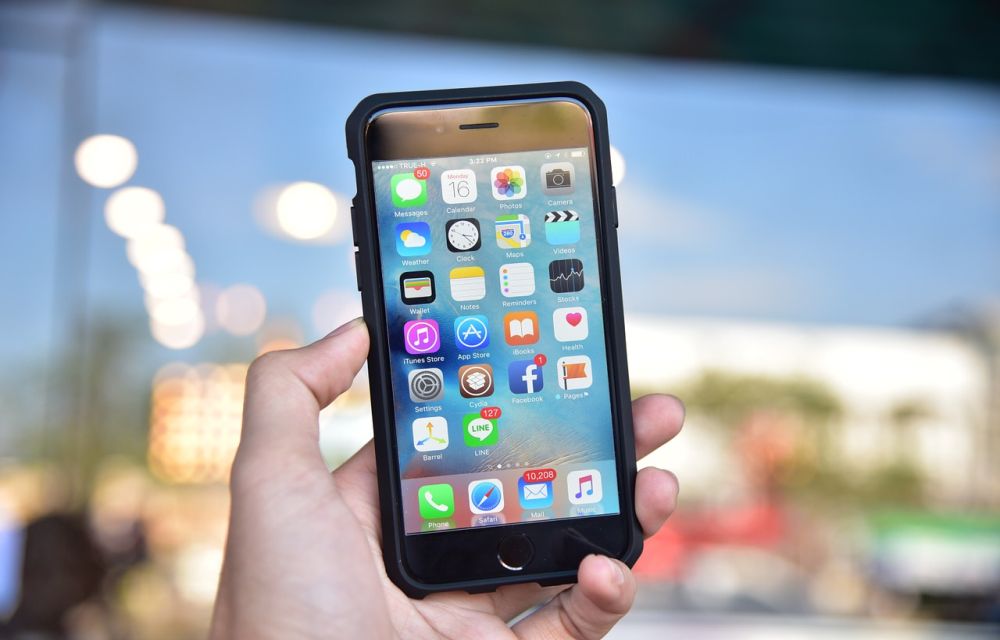
Top 8 File Manager Apps For iPhone To Manage Files On The Go
Recently purchased iPhone or any other iOS device? You may notice that it don’t have any file manager app to browse or manage your files. Apple iOS ecosystem not allows the users to access its internal file system. However, we have few File Manager apps for iPhone, iPad. Don’t worry you don’t need to Jailbreak…
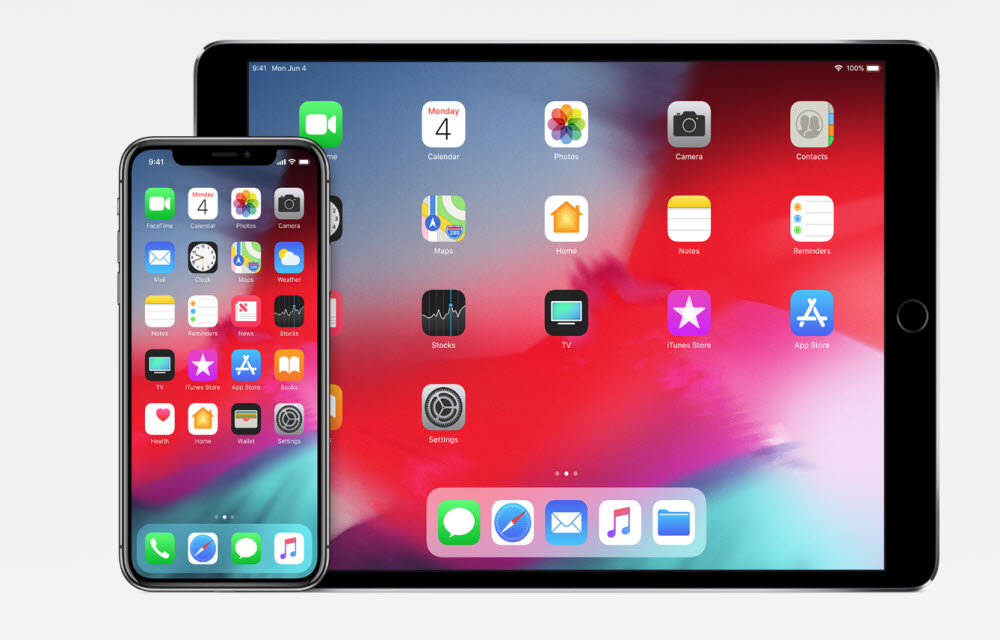
How to Install iOS 12 Beta on Your iPhone or iPad
Apple announced iOS 12, MacOS Mojave at the WWDC 2018. Most exciting part of the event is iOS 12 announcement. The new iOS 12 update has many more interesting features like Animoji, Group FaceTime and much more. Apple today announced iOS 12, the latest version of the most advanced mobile operating system, designed to make…
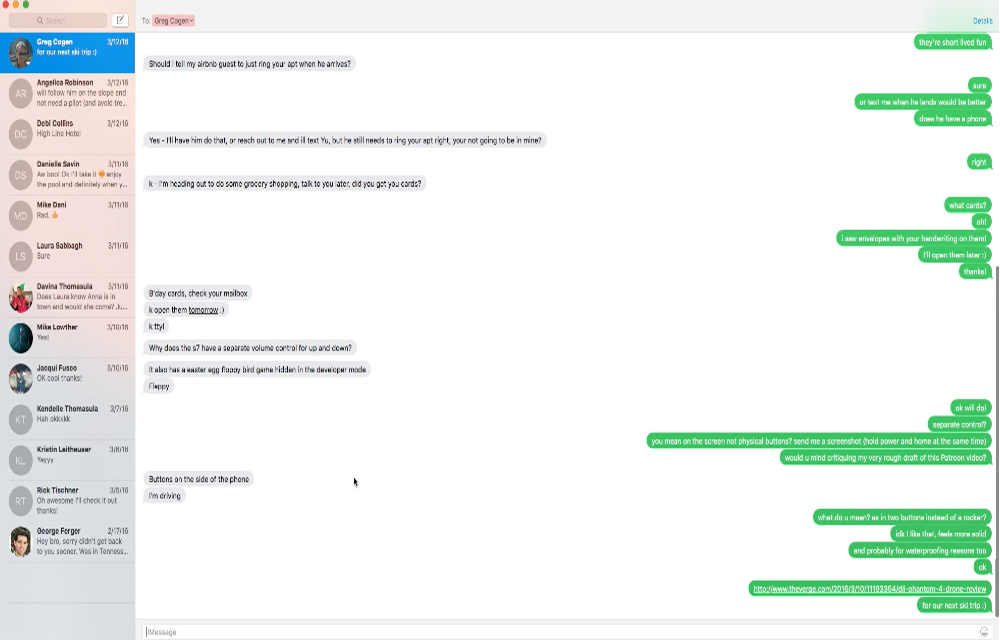
How to Text or Message from your Mac using iOS Devices (iPhone, iPad, etc.)
Even the domination of the touch screen had already happened, the 2 fingers can never beat the power of the 10 members in your hand. So, texting will be easier from your traditional Mac keyboard than the iPhone, iPad or iPod touch screens. If you ever wanted to find an easy solution for sending texts…
The week in tech, minus the noise.
New reviews, fixes and the stories that matter — once a week, straight to your inbox.
We only use your email to send the newsletter. Unsubscribe any time. See our privacy policy.
Comments