

Stream Music from Cloud Storage Services on your Android with Beat
There are countless music players are available for Android in the Google Play Store. Beat cloud & music player is a unique and very customizable player for Android. Nowadays people prefer cloud services to overcome the device limited storage problem. When you have a music library in cloud service, you can easily play songs on…

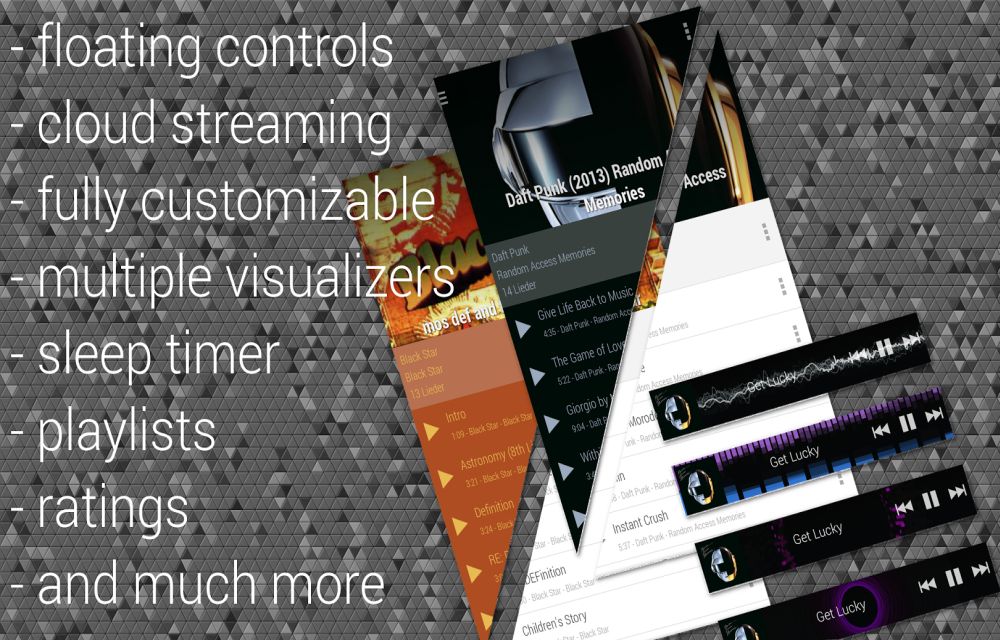
There are countless music players are available for Android in the Google Play Store. Beat cloud & music player is a unique and very customizable player for Android.
Nowadays people prefer cloud services to overcome the device limited storage problem. When you have a music library in cloud service, you can easily play songs on your Android with Beat – cloud & music player. The app focuses on intuitive music play with customizable features.
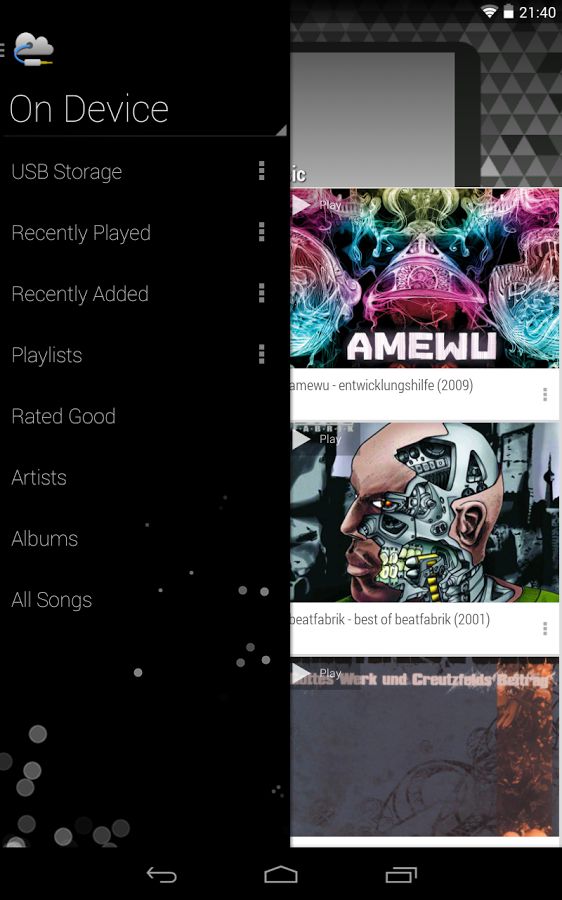
Beat – cloud & music player supports cloud services like Box, Dropbox, Google Drive and OneDrive. Simply install the app from Google Play Store, when you open the app you need to accept app’s anonymous statistics. After clicking on acceptance, it shows the music source selection option. If you want play music locally select USB Storage option, for the cloud music select the cloud option. The next screen shows the list of supported cloud services, just simply login the cloud account.
The player is pretty decent with full of features. The app’s integrated equalizer carries many presets such as Rock, Pop, Classic, Dance, etc. You can swipe left or right on the home screen to view more options in menus.
The app also supports Floating controls for easy music playback on Android screen. Taping on the icon expands the controls, and tapping again collapses them back. If you are looking for a unique music player for your Android device, try Beat – cloud & music player.
Features of Beat cloud & music player
- Direct cloud storage music streaming
- Sleep Timer
- Equalizer, Visualizer, etc.
- Organize the music folders better using the app
- User-friendly design which is also customizable
- Automatic cover download of your favorite music files
- Very easy to use and numerous music controlling options
- Supports all major cloud services including Google Drive, Dropbox, Box, etc.
More in App Reviews
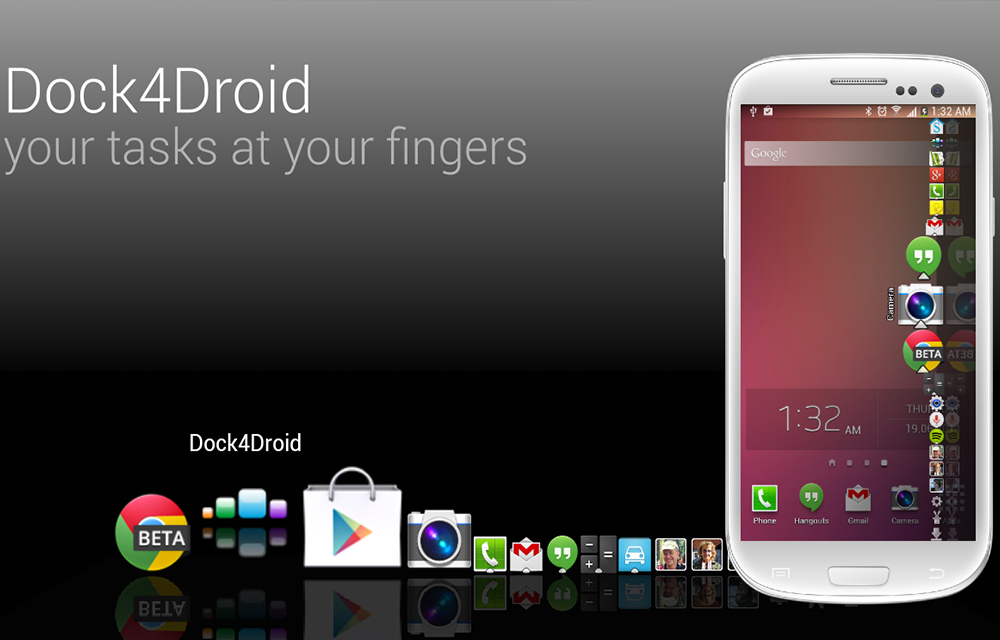
Dock4Droid – Dock Task Manager App Review
Fed up by the traditional task manager system in your android device? Want a little more easy to use task manager for managing the tasks easier? Here is the Dock4Droid app that creates a Dock-like Task Manager in your screen. Instead of the regular task manager that we have seen on the android platform, the…
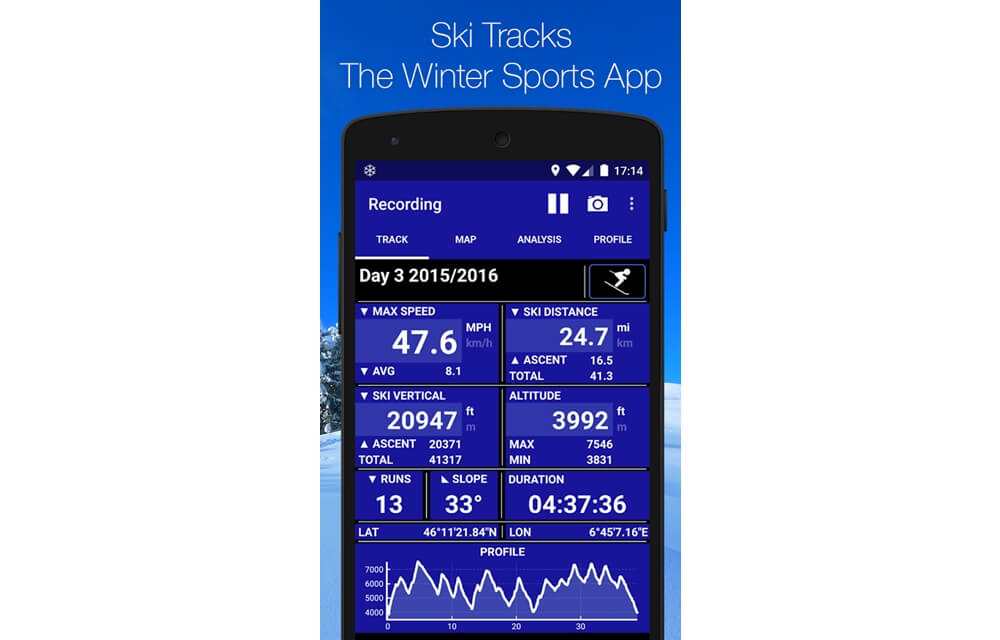
Ski Tracks – Winter Sports / Snowboarding Tracker App Review
Ski Tracks is a special app designed to track and record the statistics of Snowboarding or Ski sports. The main function of Ski Tracks app is the collection of data during the skiing or snowboarding and allows us to analyze the collected data on various aspects. Ski Tracks App Features Ski Tracks has many features…
Virus Removal for Android Review
Virus Removal for Android is a Security Tool app developed by universalstudiosappsamazing. Even its name gives importance to the virus removal, the app doesn’t. Many users reported that the app is more concentrated on saving the battery life and cleaning purposes of the device. But yes, it also do help to stop small vulnerabilities affecting the Android…
The week in tech, minus the noise.
New reviews, fixes and the stories that matter — once a week, straight to your inbox.
We only use your email to send the newsletter. Unsubscribe any time. See our privacy policy.
Comments