


Yes with easy!! SQL Server database is the backbone of any business that helps you make better business decisions and track performance. However, any unattended event or fault with the database can make it inaccessible, corrupted or completely damaged. The worst part is, you won’t have any plan to ensure that you can restore and make it working again.
Well, SQLBak claims to make a perfect shield for your SQL Server database and ensure its availability regardless the situations or data loss accidents. With the help of this easy to use and highly efficient program, you can backup SQL Server database within a matter of time and in single steps. Moreover, it lets you restore corrupt or damaged database immediately using remote devices, i.e., Mobile or tablet.
Getting alerts about the running status of your company or client database is also possible. All you need it to set any preferred mail ID to get almost instant alerts if anything goes wrong or database becomes inaccessible.

How to use it?
Using this application is as simple as any other desktop application. The only difference is, you’ll also need to maintain an online dashboard to backup everything over cloud and control whatever you want from taking backup to restore.
SQLBak offers a free desktop application that needs to be first installed on a machine running a copy of your SQL Server database. Later, go ahead and fill sign up a form at SQLBak official website which doesn’t take more than a minute or two. Meanwhile, you’ll be allotted with a unique secret key which is required to be entered while application installation.
The last and final step is to ‘Add a new Job’ and configure the required parameters to setup everything immediately. Select the desired database you want to take backup and choose any preferred cloud storage service to store everything on the cloud. Cloud hosting websites are comparatively safe and risk-free. You’ll be provided with up to 6 cloud hosting website to choose from: OneDrive, Google Drive, Amazon S3, FTP, Dropbox or Azure Blob storage.
P.S. You can also choose to backup everything on local or external storage media. However, it is considered to be a less reliable medium of taking backup due to its easily fragile nature and more prominent to fail due to virus/malware attack.
The best thing about SQLBak is scheduling a backup to any preferred days of the week or certain hours of the day after which, SQLBak will perform the needed operation in the background. It’ll make you free from manually taking backup again and again.
In between, you can also enter any working Mail ID to get notifications about running status of your database.
Price
This tool is available for free and can be used to take database for up to 2 databases. If you plan to remove this limit, subscribe desired plan which is affordable and safe. SQLBak offers several premium features
The Verdict
This SQL Server backup tool is 100% safe and provides 128-bit SSL encryption to secure proof your sensitive database. Whatever action you perform will be secured and prevent hackers from intercepting or decrypting information. User found it pretty useful in performing automated backup and handy to recover or restore corrupt database even while sitting anywhere around the world.
What you think about this utility or how your experience, feel free to share it with us.

More in Windows
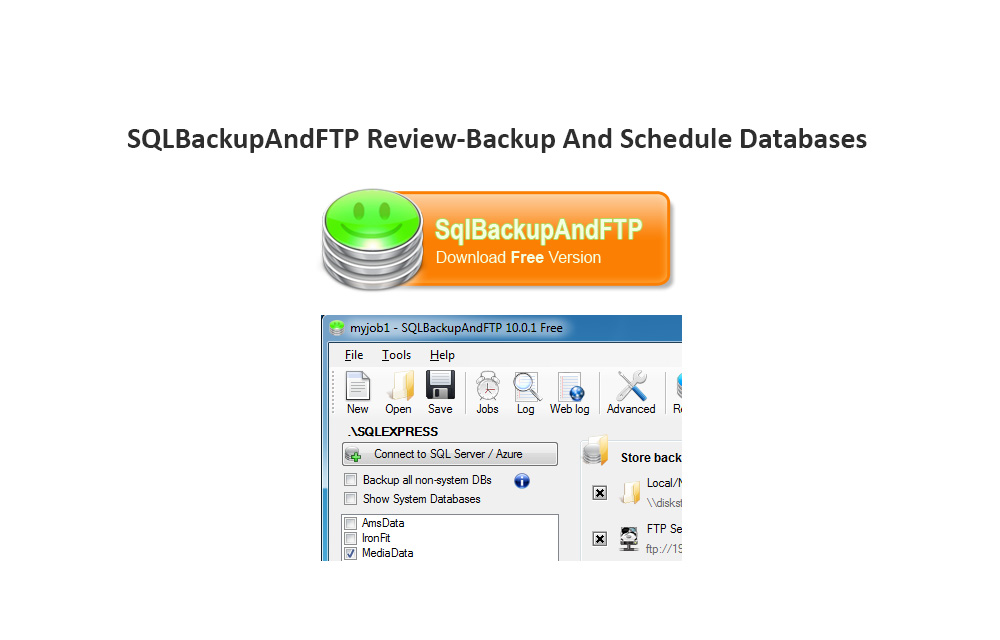
SQLBackupAndFTP Review-Backup And Schedule Databases
SQLBackupAndFTP aim is simple, it lets you to backup database SQL with various options. You can save your SQL database in Zip format with encryption on a remote FTP location.

Best iPhone Data Recovery Tools for Windows
Losing and recovering data from a device is a painful job. It is the most common situation we face sometimes with any kind of electronic device. There are two ways to prevent data loss, first is the backup and the second is recovery data. There are a number of third-party solutions available to get lost…
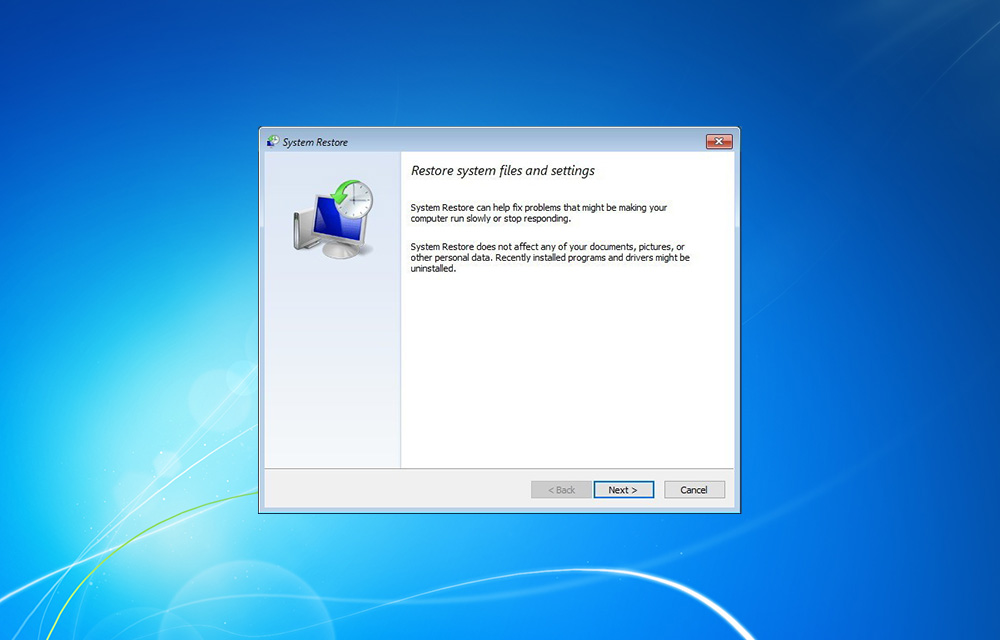
How to Create a Restore Point in Windows 10, 8.1, 8, 7, Vista, and XP
What is a Windows Restore Point? Restore Point is probably the safest way to keep your PC and your data safe. Essentially, creating a restore point means that you are a record of a point in time when your PC, your files, data or other settings were fine, and everything worked normally. As PC doesn’t…
The week in tech, minus the noise.
New reviews, fixes and the stories that matter — once a week, straight to your inbox.
We only use your email to send the newsletter. Unsubscribe any time. See our privacy policy.
Comments