

How Much RAM Is Enough For A Machine
We know RAM is required to run a PC or Mac. But how much RAM is enough to run a PC is a question for so many people. The computers are still evolving, we see so many improvements in the operating system along with hardware configurations. RAM is one of the major components in the PC hardware…

We know RAM is required to run a PC or Mac. But how much RAM is enough to run a PC is a question for so many people. The computers are still evolving, we see so many improvements in the operating system along with hardware configurations. RAM is one of the major components in the PC hardware to run and speed up the programs simultaneously.
RAM is required to do multitasking, for example, if you have a 1GB RAM machine and you open a Photoshop program it consumes 765MB RAM and remaining 259MB RAM is capable to open another program to run. If another program is RAM hungry, then you definitely need a RAM upgrade.
Many people asked me a number of the query’s like: how much ram is recommended, how much RAM for Windows 8, Is 4gb enough for a laptop and how much RAM is enough for gaming? Here is my answer to all questions.
How much RAM is Idle for a PC?
1. 1GB RAM
IGB RAM is obsolete these days, it is the minimum RAM running on old systems with Linux or Windows XP systems. IGB RAM is sufficient for running some basic programs like MS Office 2003, web browsing, emailing and CD Writing.
Gaming is very painful in 1GB RAM systems, you can play only old school games and some flash games. Don’t expect high-end gaming on 1GB RAM computers, it hangs and lag and even system don’t respond to the task manager to kill the application.
2. 2GB RAM
2GB is an entry level in the minimum RAM required systems. The system is capable of handling some office suites, tabbed browsing, old Adobe Photoshop versions, and some games.
Note: Windows 7 can run with 2GB RAM, but don’t expect faster performance.
3. 4GB RAM
4GB is a maximum RAM compatibility for 32-Bit architecture based operating systems. A system with 4GB can handle most of the latest programs available in the present market. The performance of the system is much better when compared to 2GB RAM, and it can handle multiple RAM hungry applications at once.
Note: 4GB is a minimum amount of RAM required by latest OS’s like Windows 8, Windows 10 and Apple OS X.

4. 8GB RAM
You can’t install 8GB RAM on 32-Bit operating systems, only 64-Bit architecture operating systems can make use of the amount of RAM. When you pay for 8GB RAM you are a user of heavy RAM consuming applications like 3D Modelling, Maya and workstations. Also, you can play PUBG on a PC, as they given 8GB RAM as a PUBG minimum system requirement.
Note: For heavy gaming, a good graphics card is necessary along with a sufficient amount of RAM.
5. 16GB RAM
16GB RAM is a bang for users to multitask very heavy applications like Adobe Premiere, Photoshop, 3D Modelling along with virtualization of the operating systems. Popular games like PUBG and Call of Duty runs smoothly with a 16GB RAM enabled machines.
6. 16GB+ RAM
16GB+ RAM is needed for heavy workstations. These are idle for video editors, YouTube creators, and movie editors. A 16 GB+ RAM enabled system is not required for people who use it for regular computing purpose.
You might also like
Avast Premier 2014 Review-Budget Friendly And Powerful
When it comes to PC security there’s always been some debate on whether you really need an antivirus program on Windows machines or not.
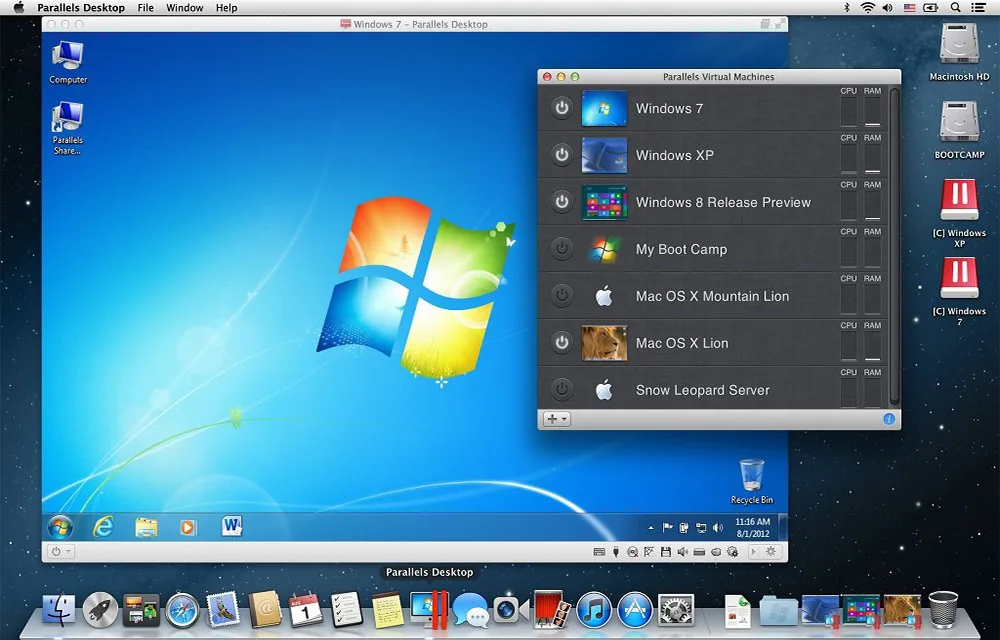
Parallels Desktop for Mac Review: Run Windows on Mac
Parallels Desktop is a Mac application that allows virtualizing the Windows OS on any Mac. Like the VirtualBox for Windows, the Parallels Desktop also is a virtualization software where you could install the Windows or its applications seamlessly. It supports almost any Windows applications to run on your Mac. You don’t have reboot the Mac…
How to Play GameCube and Wii Games on a PC
Though the Nintendo GameCube and Wii were discontinued years ago, lots of gamers continue playing these consoles’ immortal classics. While some do it on physical consoles, others download emulators to run their favorite titles on personal computers. If you’re a fan of GameCube and Wii and you own a powerful machine, you may try playing…

The week in tech, minus the noise.
New reviews, fixes and the stories that matter — once a week, straight to your inbox.
We only use your email to send the newsletter. Unsubscribe any time. See our privacy policy.
Comments