

Tips and Tricks

How to Communicate With AI for Better Results
This is why communicating with AI has become an important skill. It is not just prompt engineering for developers. It is a practical skill for writers, founders, marketers, designers, students, agencies, and business owners. AI does not read your mind. When you work with a person, they may understand your style, your past work, and…
How To Resolve DirectStorage CPU Overload in Windows
Optimize your system’s performance by managing DirectStorage effectively and preventing 100% CPU usage.
How to Fix Windows 11 Widgets Not Working
Windows 11’s Widgets panel gives quick glances at weather, news, stocks, and more right from your taskbar. But if clicking the icon does nothing, shows a blank screen, or fails to load, it’s a common technical glitch. Often tied to missing components like Edge WebView2 or the Windows Web Experience Pack, these fixes get most…

Reasons and Solutions for the Missing Ads on Craigslist
Craigslist remains a sought-after platform for various needs, from trading items to securing jobs or homes. However, when your ad fails to appear as expected, the process can be frustrating. Here, we unravel the enigma behind ‘Why Doesn’t My Craigslist Ad Show Up?‘ and offer feasible solutions to resolve this issue. Whether your Craigslist ad…

Tips for Launching a Thriving Podcasting Career
Starting a podcast may be a thrilling and fulfilling adventure, but making your imprint in this dynamic field requires preparation and planning. In this detailed tutorial, we’ll go over everything you need to know to get started in the exciting world of podcasting. Everything you need to know to make your podcast shine, from picking…

How To View Clipboard History On Windows 10
In some emergency cases, clipboard history will be a lifesaver. For example, if you forgot what you copied in the previous copy-paste cycle, the clipboard manager lets you view the copy and paste action. Before the clipboard feature is introduced in Windows, people rely on the third-party apps to view the clipboard history on Windows.…

How To Fix The Product Key You Entered Cannot Be Used On This Machine Error 25004 In MS Office
MS Office is a hot favourite for everyone who is related to business and education. This 25004 error in MS Office usually occurs when a user is trying to enter the product key after a trial period. If you see “Product Key You Entered Cannot Be Used On This Machine Error 25004 In MS Office”…

How To Turn Off YouTube Voice Description On Samsung Smart TV’s
YouTube voice description refers to an additional audio track that tends to describe the visual elements of a YouTube video. With closed captions, YouTube voice description isn’t really very popular these days but there are still plenty of its use-cases even if you have Samsung Smart TV of the current generation. Unfortunately, no matter how…

How To Change Fonts On WhatsApp Messages
WhatsApp is a well know personal messaging platform available for smartphones. It works with the help of a phone number to send and receive a text and multimedia related messages using the Internet. After Facebook take over, WhatsApp rolled out several features to the service which makes the WhatsApp stand out from the alternatives. Recently,…

Roku Remote Not Working? Try These Fixes
Roku is a very popular name in the entertainment world with more than 500000+ movies and TV series. It is also popular for providing the affordable online streaming service which makes a normal TV into a smart TV. During enjoying a movie or TV series, the painful thing is Roku remote stopped working. There are…
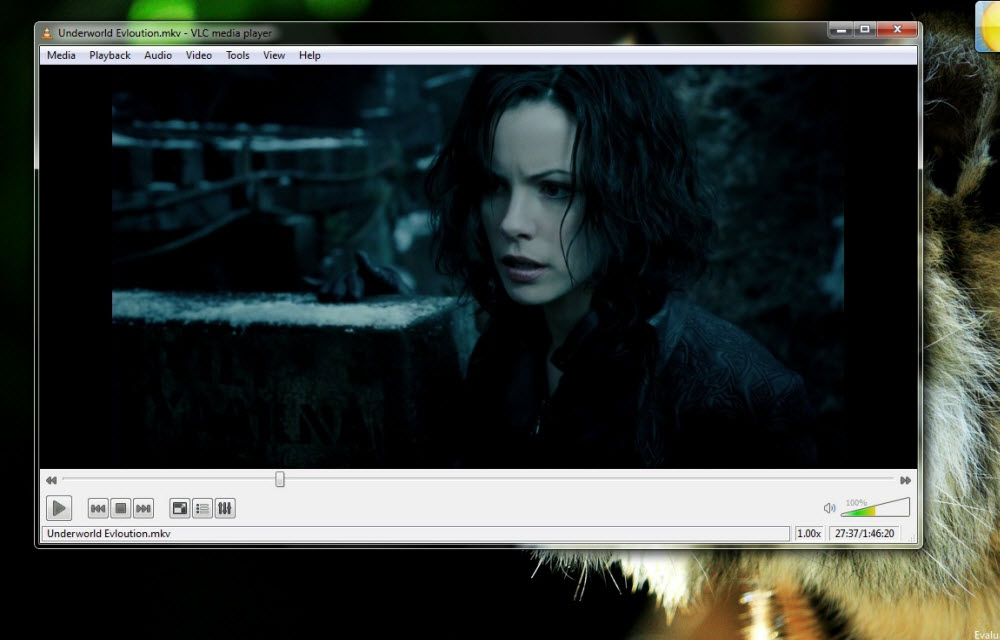
How to save a playlist in VLC player on Windows 10
VLC Player is one of the best players used for music and video playback by millions of Windows users. Therefore, it is obvious that a lot of people would want to know how to do certain things inside the player which they are not aware of. Among these things is the ability to save playlists…

Mac running slow? Speed up Mac with these easy fixes
Is Mac running slow? Speed up Mac with these easy fixes: Mac’s are fantastic machines designed for pure productivity. We can’t imagine a slow running mac. It is like a sports car with an old engine. Many people feel Mac won’t slow down. It is a myth and they will go slow down over time.…