

How to Find Google Chrome Version
To find the Google Chrome version, there are several methods available. Keeping the google chrome up to date is always important to get the latest changes and bug fixes from the developers. Google automatically updates in some cases. If the google chrome browser is not updating automatically, you need to do it yourself to get…

To find the Google Chrome version, there are several methods available. Keeping the google chrome up to date is always important to get the latest changes and bug fixes from the developers. Google automatically updates in some cases. If the google chrome browser is not updating automatically, you need to do it yourself to get the latest google chrome version installed on your computer. To get the most juice out the chrome, you need to check the current chrome version, and if it is an outdated one, you must update it manually. In this guide on How to find google chrome version, we will teach you how to know the version of google chrome browser installed in your PC. So, carefully follow the below steps to know the google chrome version installed in your computer.
How to Find the Google Chrome Browser Version
Google chrome browser versions can be found by following the simple steps given below.
1. Open the Google Chrome browser.
2. Click on the menu icon on the top right corner of the window.
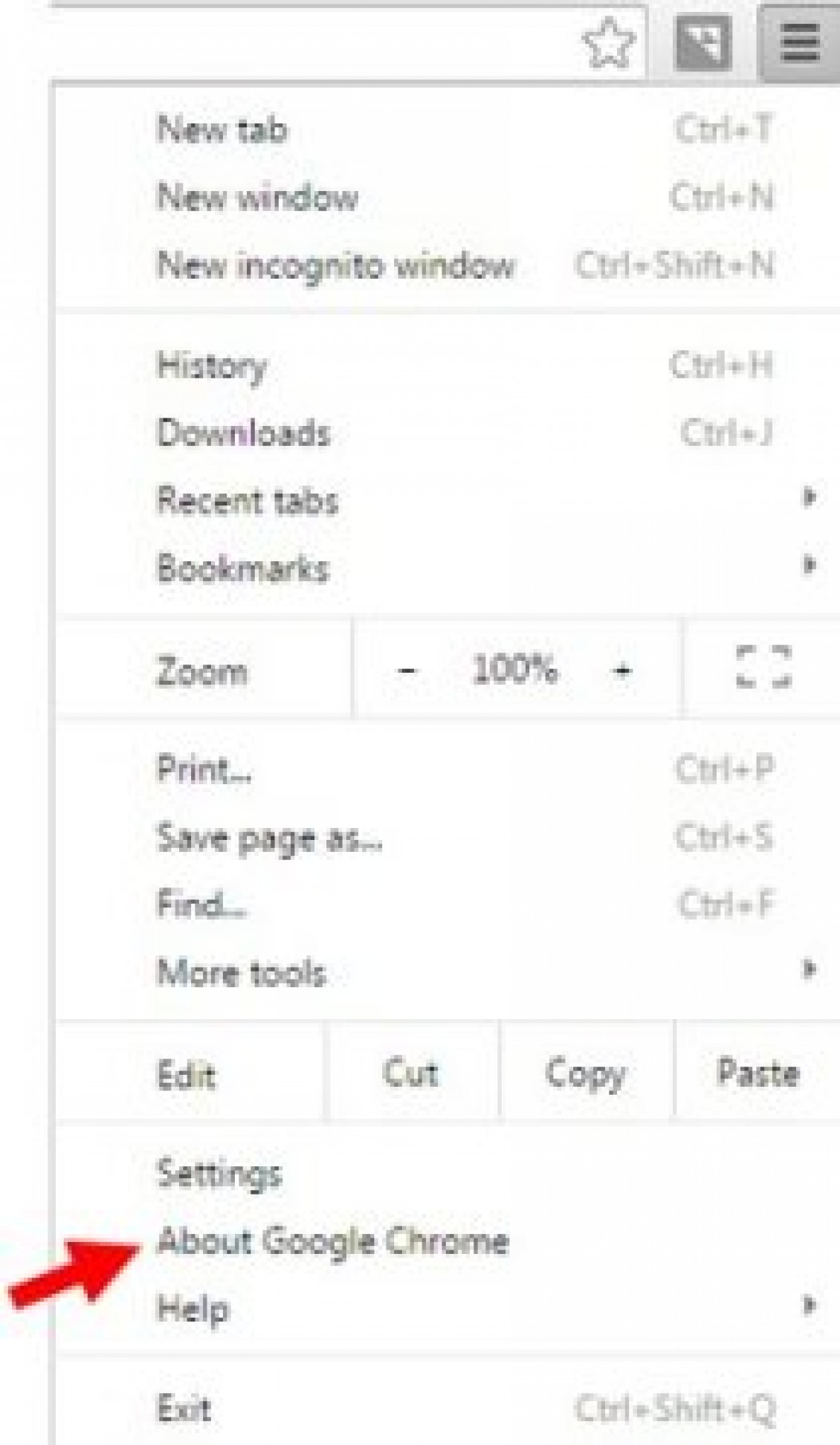
3. The next step is depending on your browser version. If you have a comparatively older version of the chrome. You will see an “About Google Chrome” link. If you see, it click on it.
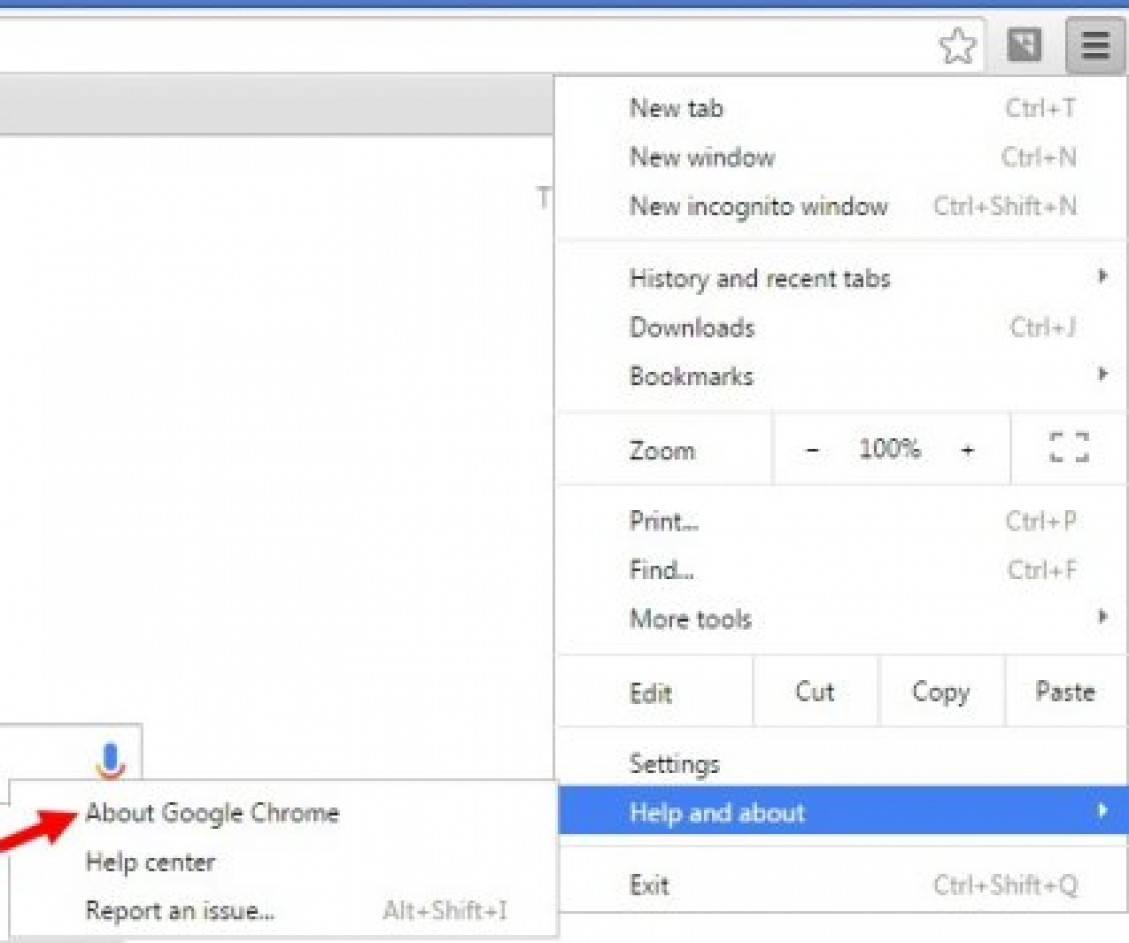
If you can’t find the “About Google Chrome” link. You chrome might be some newer versions. So, you will find a link “Help and About“. While mouse hover, you can see the “About Google Chrome” link. Click on it.
4. Now, the chrome About page will open, and you can see the version of the google chrome browser. You can also know that, is the current version of the chrome is up to date or not. If the current version is not up to date, you can follow the instruction to complete the update process of the browser.
Now you know the version of the google chrome installed in your computer. We also wrote an article on Advantages and Disadvantages of Google Chrome Browser and How To Download Google Chrome Full Standalone Offline Installer. Alternatively, check them or leave comments on the following comment area.
More in How-to
How to Enable YouTube Dark Mode in Google Chrome, Firefox and Edge
YouTube has some special features, one of them is dark mode. This mode is for those who want a dark background in the YouTube interface. For regular video watchers, a white and red background is pretty bright and dominating at night. Luckily, YouTube is offering Dark Mode for users like me and you to get…
How To Make Google Default Search Engine In Google Chrome
Are you searching for “How To Make Google Default Search Engine In Google Chrome” keyword in an unknown search engine? When it comes to search a term in online, we all rely on Google first. Google search engine makes it standards very height provide better search results in any keyword. Google is very accurate and…
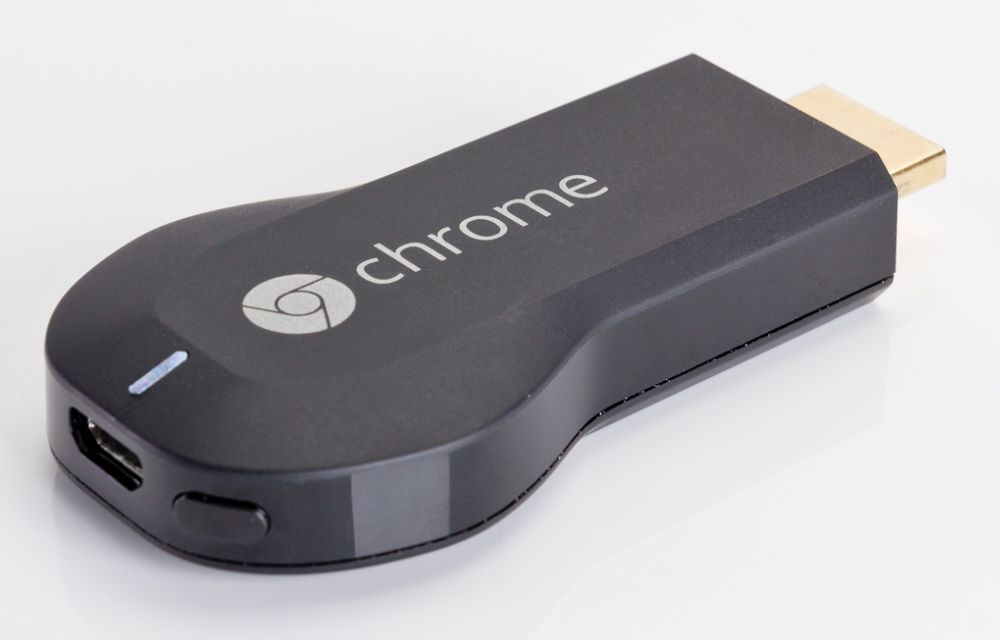
Steps Required To Stream From VLC to Google Chromecast
Google Chromecast is a premium streaming device used to establish connectivity with your Television. VLC has added support for Chromecast. With VLC, you can stream media files directly from the VLC media player on your PC to your Chromecast.
The week in tech, minus the noise.
New reviews, fixes and the stories that matter — once a week, straight to your inbox.
We only use your email to send the newsletter. Unsubscribe any time. See our privacy policy.
Comments