

How To Take Quality Photos With Your Android Phone
Ok, we’ll admit it. After launching of smartphones, the way of photography is completely changed. It seems convincing to suggest a good smartphone to take professional looking photos. Technically we are not talking about the technology used in smartphones or any rocket science involved behind the smartphone photography. But every company uses different lens and…


How To Take Quality Photos With Your Android Phone
Ok, we’ll admit it. After launching of smartphones, the way of photography is completely changed. It seems convincing to suggest a good smartphone to take professional looking photos. Technically we are not talking about the technology used in smartphones or any rocket science involved behind the smartphone photography. But every company uses different lens and default settings. So your way of taking pictures may vary from phone to phone. To avoid mistakes and to get best results in smartphone photography here is our short and crisp article to improve your skills.
- Best Possible and Easiest Ways To Take A Selfie
- Best Selfie Apps To Take Perfect Pictures In Your Android Device
Focus
So what’s this Focus? Focus simply means the complete lens attention on a person or object you are shooting. Luckily, the smartphones allow manual focus on their touch screen to select the correct person or object to capture. Means when you focus you can get a clear picture while making the background blurry. It is the fist and foremost important point to get better photos on Android phone. If you are struggling with your Android device manual focus, there are several apps in Google Play Store to simplify.


Lighting Modes
Lighting modes play a pretty important role while taking photos. No matter you are capturing a rich landscape or detailed macro shot, a well-detailed lighting on the object is necessary. Smartphone cameras come with tiny sensors; they are capable of capturing great photos. If you want to take good quality photos on your Android device just, use a good amount of light while you were shooting.

Don’t Use Flash
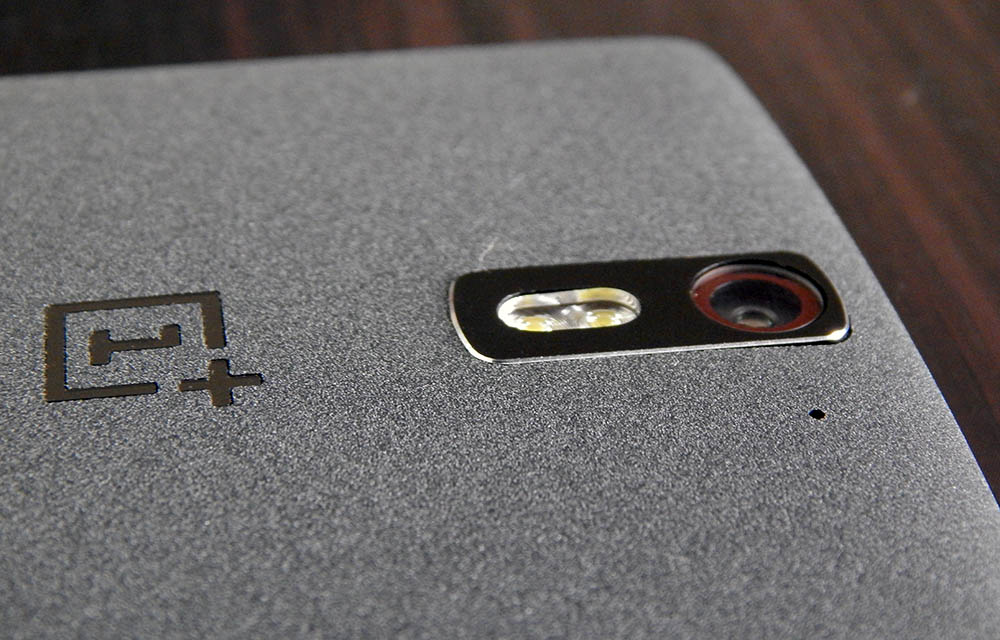
Flash photography is not any easy subject. No matter you take extreme care with a flash used a photo, always result disappointing. The natural light and flash will always create a disturbance in your photo with blurry or pixelated looks. It is always advisable to turn off the flash and use natural light conditions to capture your memories.
Clean Lens for Clear Photos
Lenses are easily getting dirt and smudges. The outer part of the camera lens is easily attracted to dust and handprints. Results, when you want to take a pic, they will create a blurry and disturbance. To get rid all of these, clean and protect your lens from dust, you will surely notice a decent image quality after cleaning.
Shooting Modes
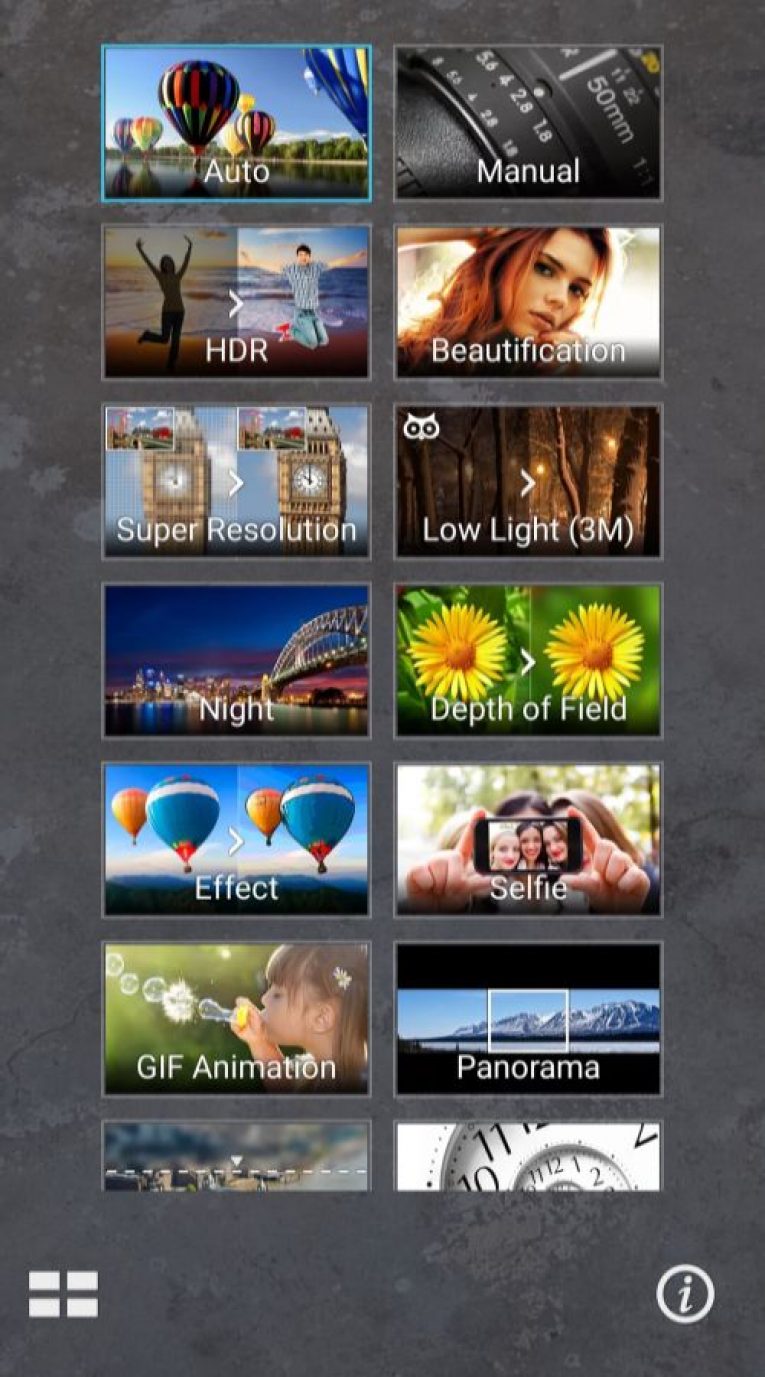
There are several types of shooting modes options we see in present Android smartphones. Companies like Asus and Oppo focusing on the good Camera apps with a nice set of shooting mode options. HDR, Low Light, Night Mode, Depth, Slow motion, Panorama and Selfie modes are nowadays people choices. For example, in a selfie mode, you can set the number of faces to focus or aim at yourself to take a good quality picture.
Avoid Zoom
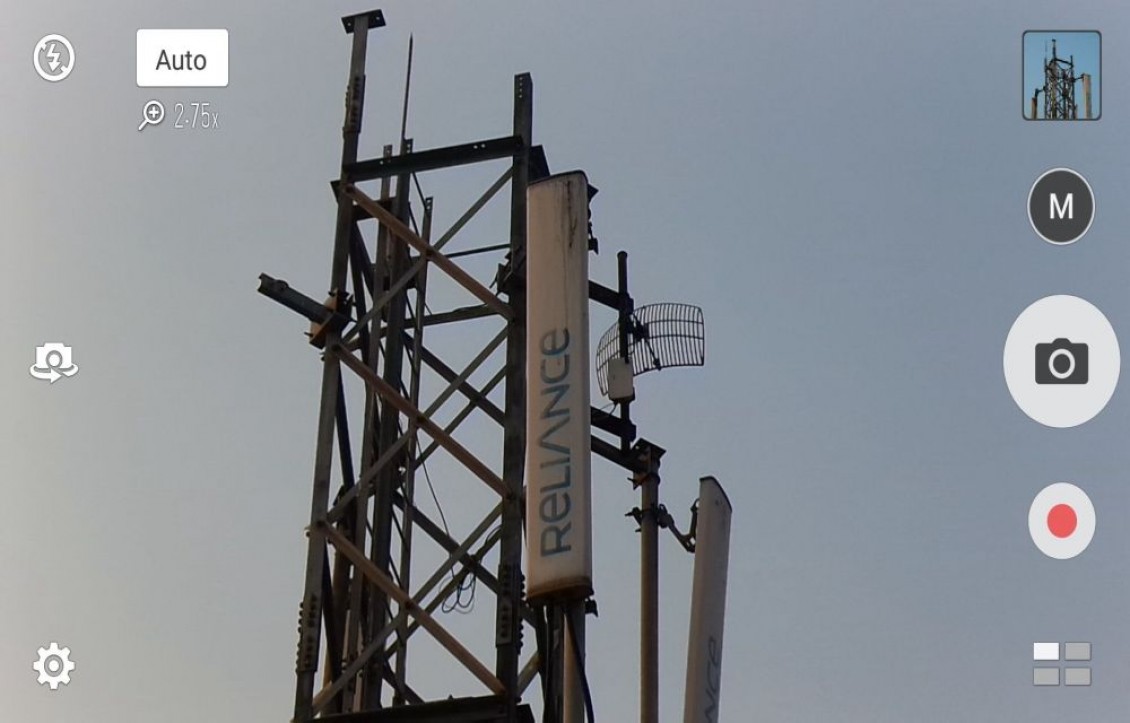
Most people are unaware of the digital zoom is killing the image quality. Smartphone lens is very tiny, and they can’t handle DSLR or Point-shoot camera like zooming clarity. If you own a smartphone like Asus Zenfone Zoom or Samsung Galaxy K Zoom, just simply avoid the zoom effect for photos.

Macro or Zoom
Smartphone lens is very tiny lenses as discussed above. They lack the capability of taking long shots without blur like DSLR. It is always suggestible to take macro photos with smartphones. Close up shots of any object, human or animal using smartphone results are surprising.
Landscape or Portrait
There is no introduction is needed for Landscape and Portrait modes. Usually, smartphone photos are visually attractive when you take snaps in landscape mode. If you want to capture a long object like Eiffel Tower or a tall person portrait mode is suitable.
Use Tripod
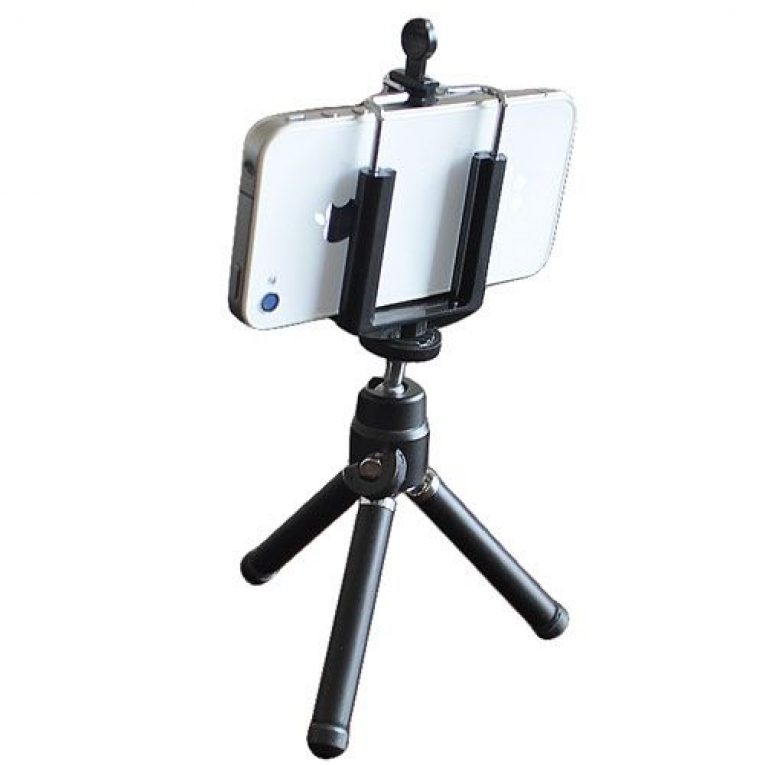
Tripods are no longer a new accessory. Nowadays it became familiar using a tripod for smartphones. Using a tripod can reduce the shake effect and for longer exposure shots it comes very handy. For better smartphone photography you can invest some money on tripods. Luckily, in the market, there are plenty of tripods available in various sizes.
Hold Patience
Photography takes an instant out of time, altering life by holding it still. It is a popular photography quotation. If you want to take a good quality photo, you must have to be patience. Concentrate on your target, check light conditions, wait for the perfect movement and save your snap.
More in Android

12 Best Wallpaper Apps for Android
Finding background wallpapers of your choice on the internet isn’t a difficult task. You could simply do a simple Google image search or look for it on dedicated wallpaper websites. However, if you’re an Android user, you don’t even need to do that. There are many dedicated Wallpaper apps available that can help you find…

Top 5 Best Study Apps for Android Smartphones
Studying has never been as easy as it is today. Do you need to go to the library? There’s an app for all the books you ever need. Do you need to take down notes? There’s an app for that, too. Do you need to record the lectures of you professors? There’s certainly an app…

Top 5 Best Printer Apps for Android
The Android phones that we currently hold on our hands are amazing. They are powerful devices that can do almost anything. For the recent users of this platform, printing isn’t an issue as its easier now than it has ever been. When Android first started, it was a bit of a hassle to do the…
The week in tech, minus the noise.
New reviews, fixes and the stories that matter — once a week, straight to your inbox.
We only use your email to send the newsletter. Unsubscribe any time. See our privacy policy.
Comments