

5 Things To Do After You Install Ubuntu
You must be familiar with the Windows Operating System. Have you ever thought of installing Ubuntu? If that’s a yes, then you’re probably aware of the advantages of Ubuntu over Windows. And, you don’t need to search over the entire web to know what Ubuntu OS actually is. It’s simply an easy-to-use Linux desktop. I…

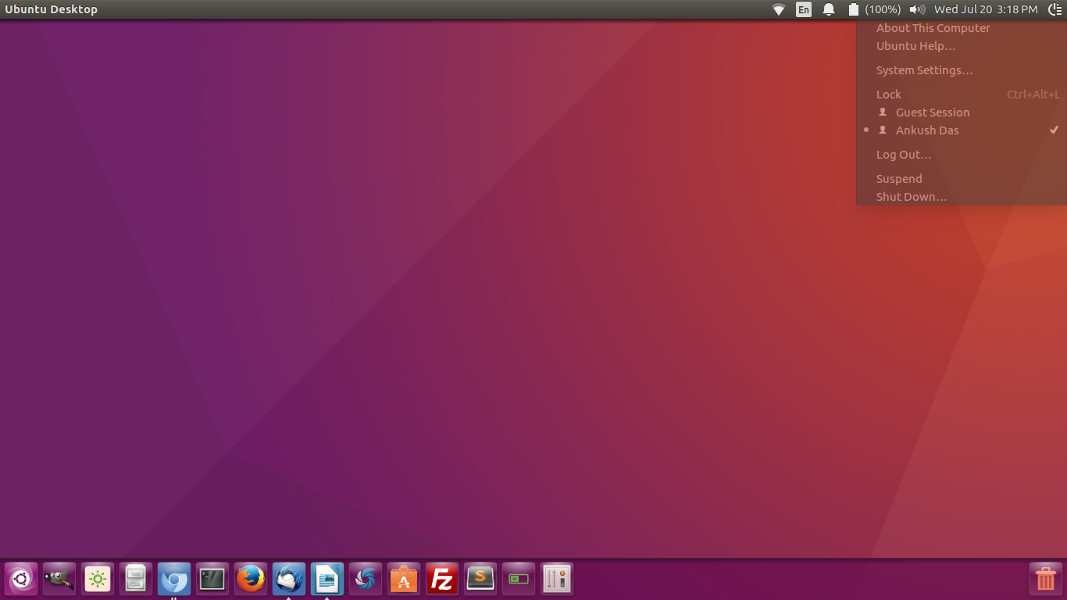
You must be familiar with the Windows Operating System. Have you ever thought of installing Ubuntu? If that’s a yes, then you’re probably aware of the advantages of Ubuntu over Windows. And, you don’t need to search over the entire web to know what Ubuntu OS actually is. It’s simply an easy-to-use Linux desktop.
I switched over to Ubuntu as well. Windows OS now seems to be a bad choice according to what I require. In this article, we’re assuming that you’ve already installed Ubuntu, or planning to install it soon enough. In either case, you would need to know about a few things which would make your Ubuntu journey smoother and easier.
Install Chromium
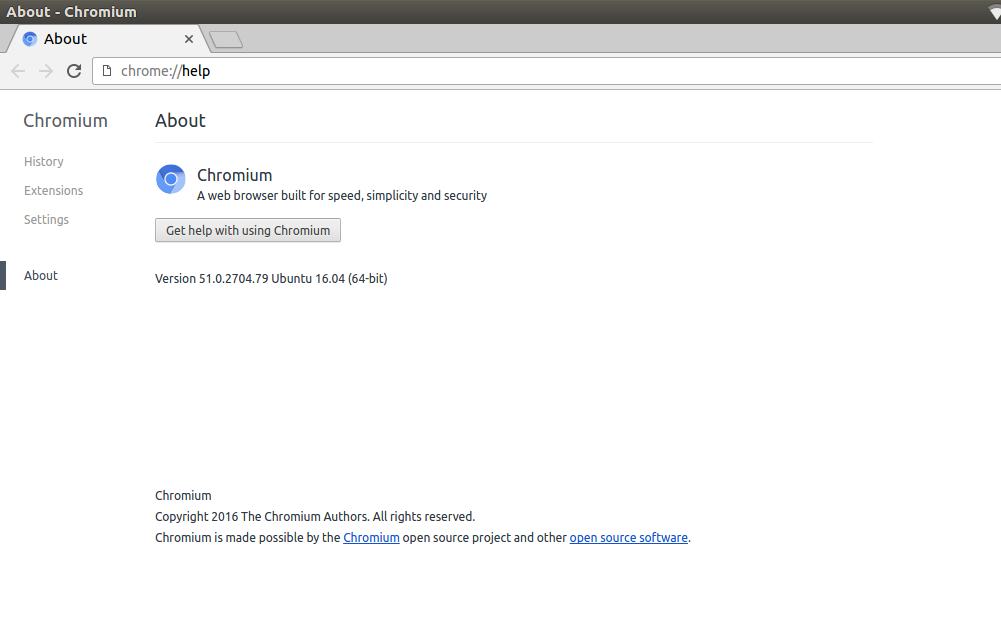
It’s the first thing you should be installing from Ubuntu Software center. Mozilla Firefox comes pre-installed on Ubuntu but fails to deliver modern web experience. Google Chrome, as you know it, does the work very well. Google Chrome came into existence because of this particular open-source project. It’s specifically tailored for Linux. So, you’ll get an amazing web experience after you get it installed.
Grab the Shutter
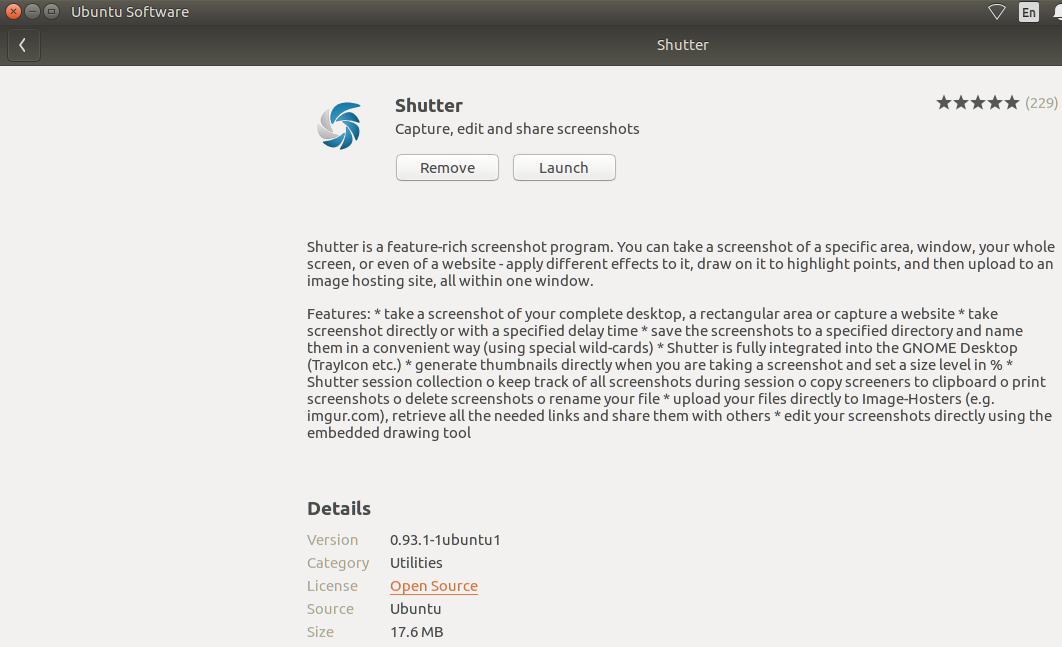
Do you already miss the clipping tool of Windows? Don’t worry! There’s almost every productive software available for Linux as well. “Shutter” is an application which helps you take screen clips in a similar way.
Make no mistake, it offers advanced features which you don’t get on the native Windows clipping tool. It lets you control the quality and type (JPEG/PNG) of an image. It also offers a lot more features mentioned here. You should try it out in order to know about it!
Utilize Thunderbird
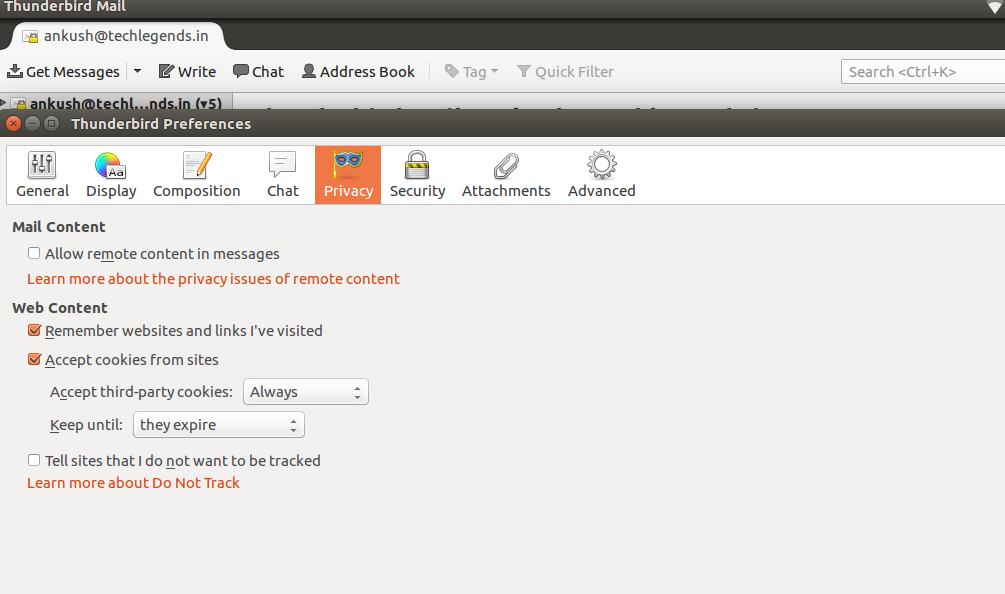
It’s the best and simplest of all email clients available out there. It supports traditional email SSL encryption. And, it also lets you encrypt and digitally sign an email. This enhances security way more than you get on all other clients.
Although you may not like the functionalities, considering that you were well-acquainted with Windows. But, I’ve used Outlook as my email client earlier but didn’t feel much good compared to Thunderbird.
Take Control of the Appearance
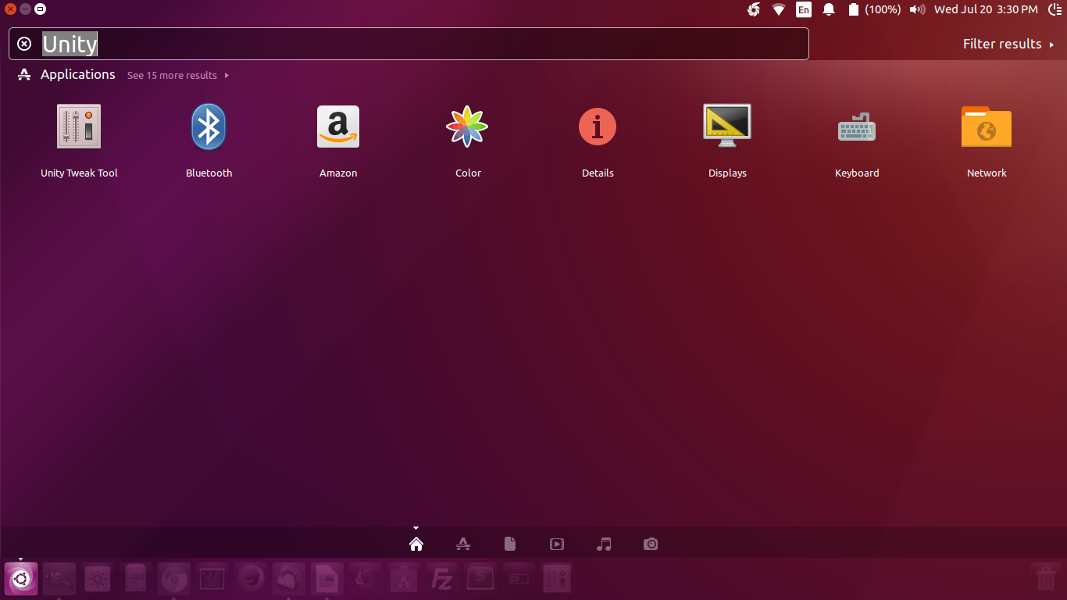
Hang on, Were you not impressed with the default icon pack? If not, there’s something on the store to address that as well. You can make the Linux desktop look like a Mac too! There are several icon packs and themes for you to choose from. It won’t cost a dime to download. However, I would recommend downloading from repositories which have a good reputation. All you need is – Unity Tweak Tool.
Behold the Glory of “Terminal”
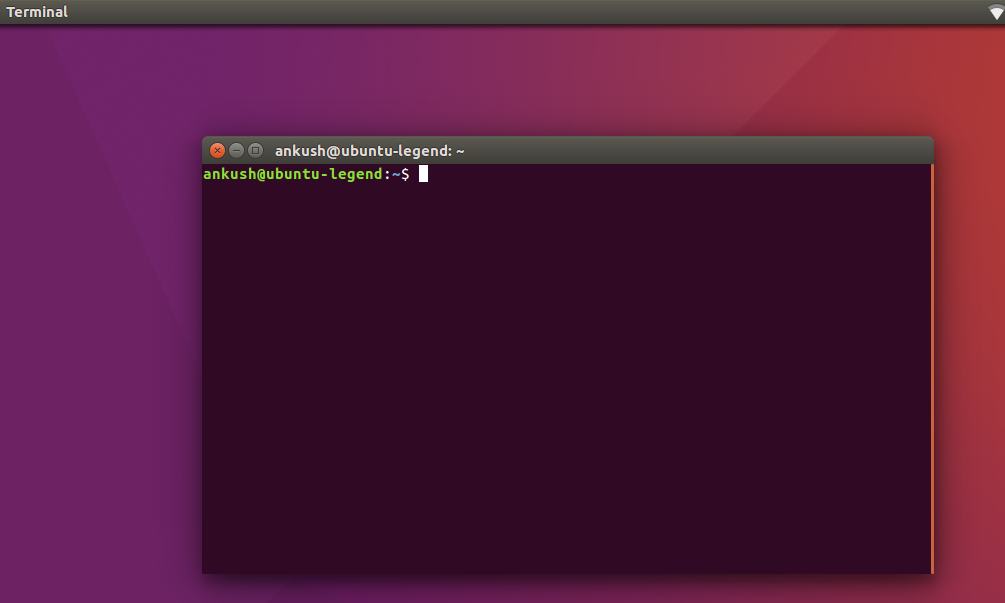
Just like there’s a command prompt on Windows OS. Terminal acts as the command prompt box for Linux Ubuntu. However, the commands are way different. Although, there’s a different scenario here. Windows command prompt isn’t needed much unless you’re exploring something. But, the Terminal would always be used to install, open an application, adding a repository, downloading a file and a lot of things can be done.
These are five of the things you should do after installing Ubuntu. There’s a lot more than meets the eye. I’m sure you’ll explore more things along the way. Let us know about those in the comments section below!
More in Linux
How to Install WebTorrent on Linux
WebTorrent is an excellent application available for cross-platforms. It works like a charm for viewing and streaming music using peer to peer Torrent protocol. The WebTorrent application is available for Linux, Mac, and Windows platforms. It is an open source torrent client built on Javascript and uses WebRTC for peer-to-peer connection support. The WebTorrent is…

How to Install Linux on Chromebook
Chromebooks are fine but for the simple usage like surfing the web, sending some emails, and often watching some videos. Apart from that, if you want to do something advanced or have complete control over your OS, Chrome OS may not be the best choice out there. So, there is no wonder in that if…
How To Play Sega Saturn Games on Linux
We know Sega Saturn is a great gaming console in our childhood days. But unfortunately, it lost pace with the other platforms. The Sega Saturn games are very hard to find. If you are missing Sega Saturn games and planning to enjoy the game essence once again, you must be a Linux user first. If…
The week in tech, minus the noise.
New reviews, fixes and the stories that matter — once a week, straight to your inbox.
We only use your email to send the newsletter. Unsubscribe any time. See our privacy policy.
Comments