

Swiftmoji Android Keyboard App Review
Swiftmoji Android keyboard app has recently arrived on the Play Store. Just like other applications developed by SwiftKey, this one comes with a new concept as well. What is that? Some kind of improved predictions? Well, the SwiftKey app already provides a good prediction capability, so it’s sure that Swiftmoji won’t be one of them.…


Swiftmoji Android Keyboard App Review
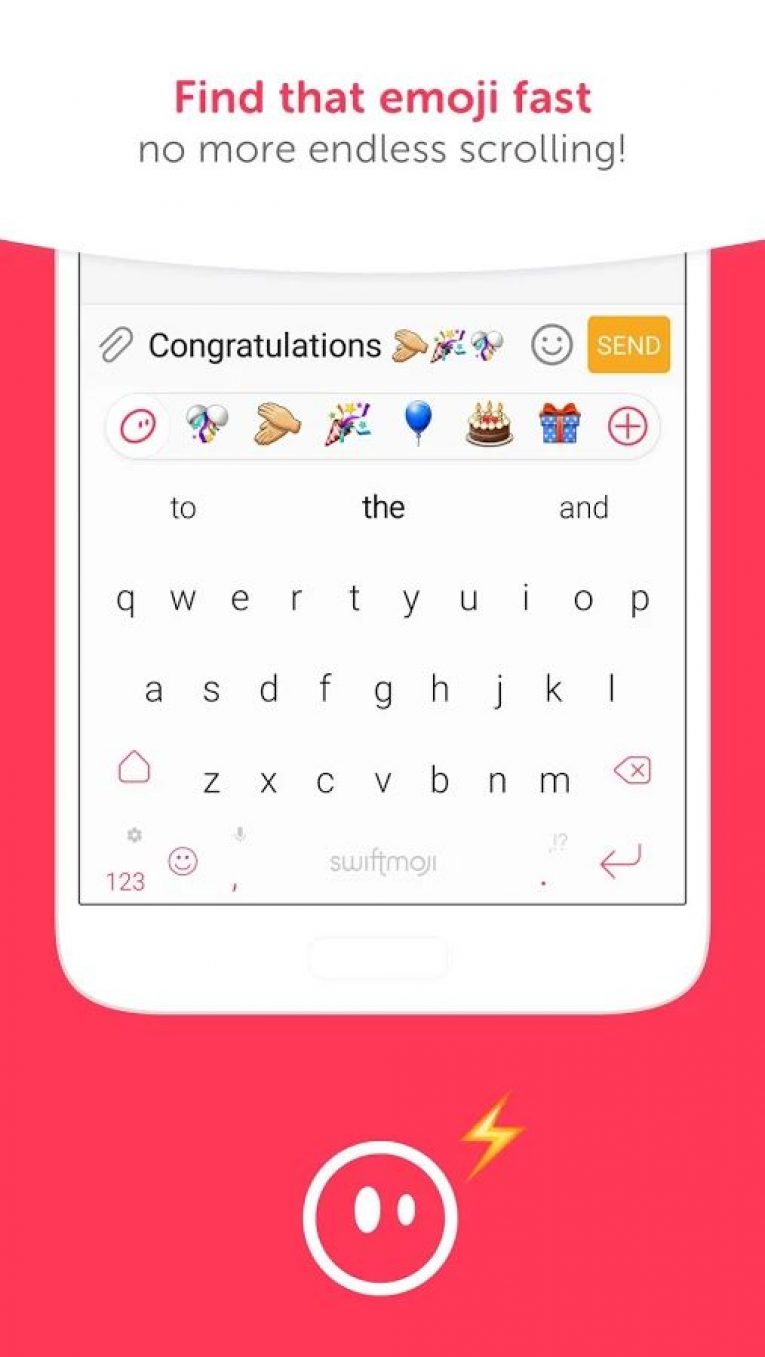
Swiftmoji Android keyboard app has recently arrived on the Play Store. Just like other applications developed by SwiftKey, this one comes with a new concept as well. What is that? Some kind of improved predictions? Well, the SwiftKey app already provides a good prediction capability, so it’s sure that Swiftmoji won’t be one of them. However, as the name suggests, Swiftmoji serves to predict Emoji according to what you would be writing.
Maybe you’re already using a keyboard app but you wanted to try this one too. So, here we will review the keyboard app and get to know how well Swiftmoji predicts.
Swiftmoji – The User Interface
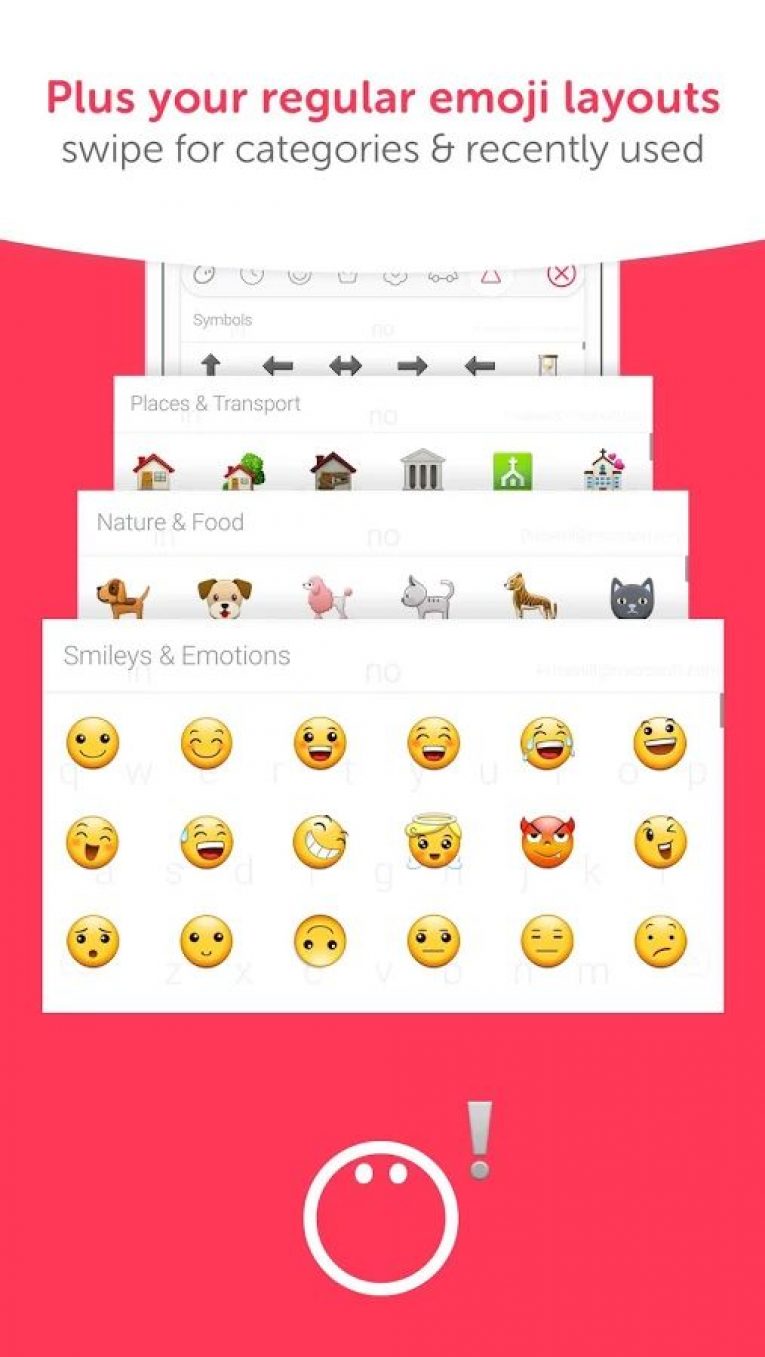
The user interface seems to be clean enough. Surprisingly, it looks cleaner than the original SwiftKey keyboard app. It’s a lighter alternative to SwiftKey and is easy to use. It furnishes an elegant night mode which you would prefer the whole day (the same in my case).
You get a pleasant experience while using the app. It works quite well. In a nutshell, it is crisp, looks good and is attractive as well.
Resource Consumption
It’s damn impressive when it comes down to the resource utilization. Normally, in my experience, SwiftKey keyboard app took a lot of resources to work. Well, it depends, if you do not have a bunch of apps running in the background but a few only, SwiftKey would perform great.
Just in case, if you have more apps running in the background (Twitter, Clash of Clans, Facebook, Slack, Messenger, Inbox, ProtonMail, Signal & Hike), there exists a possibility of your device starting to experience crashes or stutters.
Talking about accuracy, we would mention that the app consumed 37 MB of RAM in the background. Of course, theoretically the app should not drain a lot of battery, and ergo, using Swiftmoji does not lead to abnormal battery drain.
Predictability
As expected it predicts the correct set of Emoji almost for all of the favorable situations. Suppose, you have typed in a message – “Happy Birthday”. Immediately after you have written the mentioned text, you will be greeted with cake, balloons and other similar Emoji icons.
Similarly, you get perfect Emoji icons for various contexts which include – fear, expressions, items and mixed descriptions as well.
Features
It gives you a report of the accuracy of your typing through heat maps. It basically records the position of your keyboard strokes and it would help you type better next time. It also provides several fixed theme colors to make the keyboard app look beautiful.
You can choose to disable or enable additional characters. Also, it offers a dark mode which can act as a night mode. For real, the night mode looks better but that would depend on what you like the most. Not much of fancy features present, but if you were looking for a simple yet unique keyboard app, this one is for you.
Do you use a keyboard app other than the stock? Which one do you think is the best alternative to SwiftKey keyboard? Did you try Swiftmoji? What are your initial impressions about it?
You can alternatively check Kika emoji keyboard for Android.

You might also like
Kika Emoji Keyboard Review – The Best Emo Input Keyboard
Kika Emoji Keyboard is an app with the next generation emoji features which is powerful than our words to express the emotions. Apart from the Whatsapp and Facebook app keyboards where we meet the emo’s, The Kika Emoji Keyboard brings them in all the text areas we met. The Unicode encoding powerfully manages the emoji…

Chuwi Vi10 Android + Windows Dual OS Tablet PC Review
Chinese gadget makers are always producing gadgets for the needs of the users while other major international companies are creating a market for their products. This leads to the grand success of the Chinese Gadgets worldwide. One such Tablet maker is Chuwi.

Blackberry Passport Review
When we heard the smartphone word we usually think about 4 or 5 inches smartphone with pocket friendly nature. Welcome to the new era of the smartphone design with Blackberry Passport. Design is never seen before, next gen of device is here with best physical keyboard experience.
The week in tech, minus the noise.
New reviews, fixes and the stories that matter — once a week, straight to your inbox.
We only use your email to send the newsletter. Unsubscribe any time. See our privacy policy.
Comments