

Google Play Edition Devices Android Update Details
Google Play edition devices like Samsung Galaxy S4, Motorola Moto G, and HTC One are some of the all-time favourites of the smartphone lovers. If you are one of the millions of lovely owners of the Google Play Edition (GPE) devices sanctioned by Google, you might be afraid the support and updates provided to these…

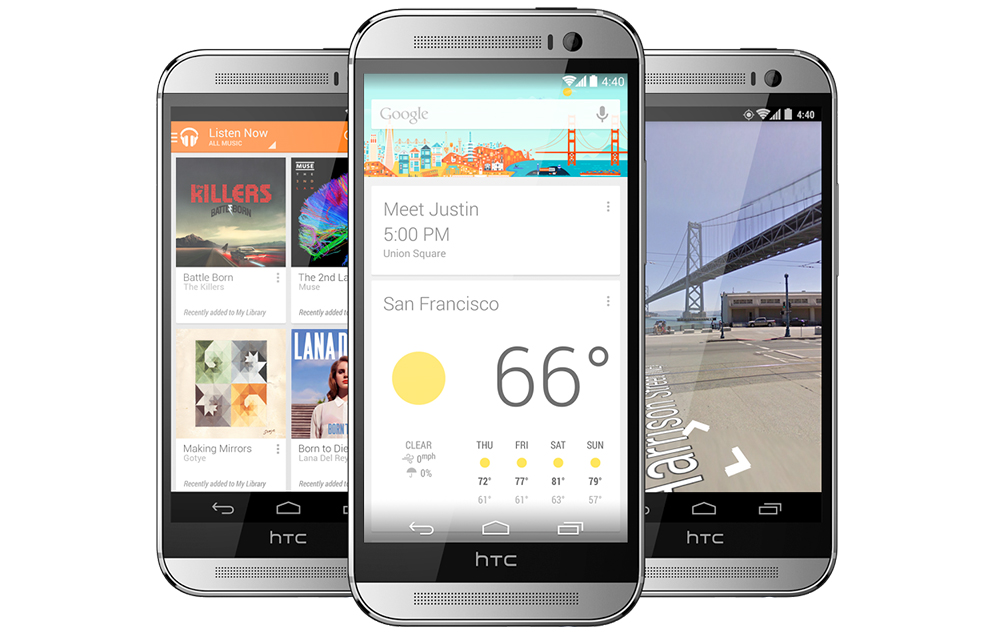
Google Play edition devices like Samsung Galaxy S4, Motorola Moto G, and HTC One are some of the all-time favourites of the smartphone lovers. If you are one of the millions of lovely owners of the Google Play Edition (GPE) devices sanctioned by Google, you might be afraid the support and updates provided to these devices. So, in this article, we will provide the Google Play Edition Devices Android Update Details to your knowledge. Let’s have a look.
How Google Play Edition Devices Get Android Update
Google Play Edition devices get updates from the device manufacturers itself. Unlike Nexus Devices, not directly from Google. But, when a new version of the Android release, the owners will get the benefits from Google through the manufacturer. So, the updates will be limited to a certain period.
When do they get updates
Based on your device carrier, it can take up to 2-3 weeks to reach an update to your Android device. If you are lucky enough, it will be within a week or if you are not that lucky, it can take longer than a month. Once an update is available, your device will notify you of the same. Also, you can manually check for updates as we mentioned in our article on How to Update Android Smartphone, Tablet or Phablet.
How long do they get updates
Google Play devices will get updates until the pre-set support period by Google. It is usually 18 months from the date of device purchase. After that period, the updates will be limited based on the google terms and the users may not get the benefits completely as they were before. But still, they can enjoy the manufacturer updates of the OS if there is an overlayed OS like MIUI in Xiaomi devices.
That’s all for now, please do share your views in the comment box below.
More in Android
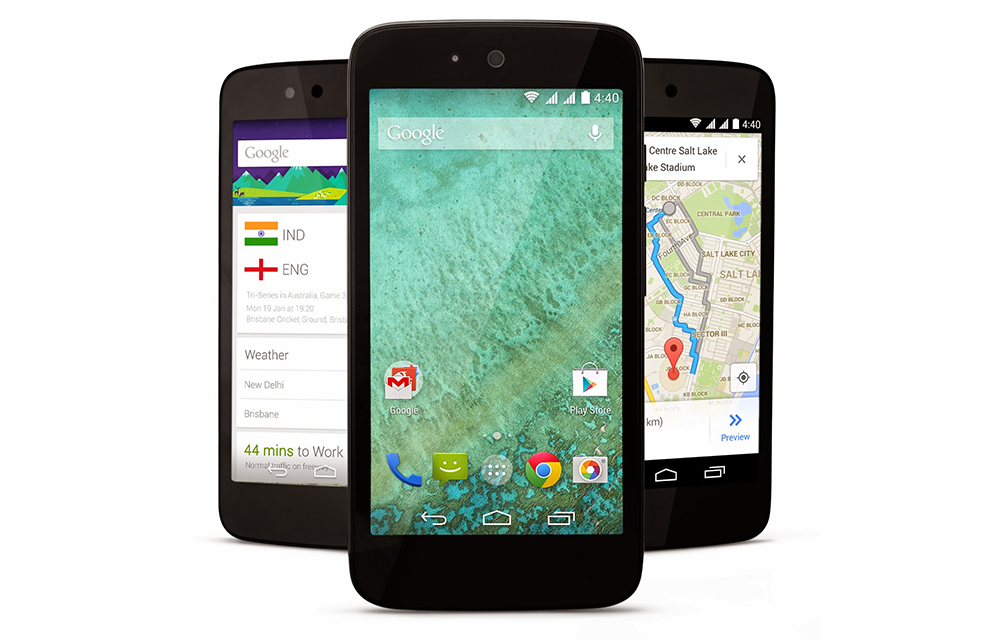
Android One Devices Android Update Details
Android One is one of the most successful variations of the basic Android platform which was recently found in many smartphone models like Micromax Canvas A1, Karbonn Sparkle V, etc. If you are one of them who seriously take care of the updates of their smartphone, you should be aware of the below-listed facts about Android one…
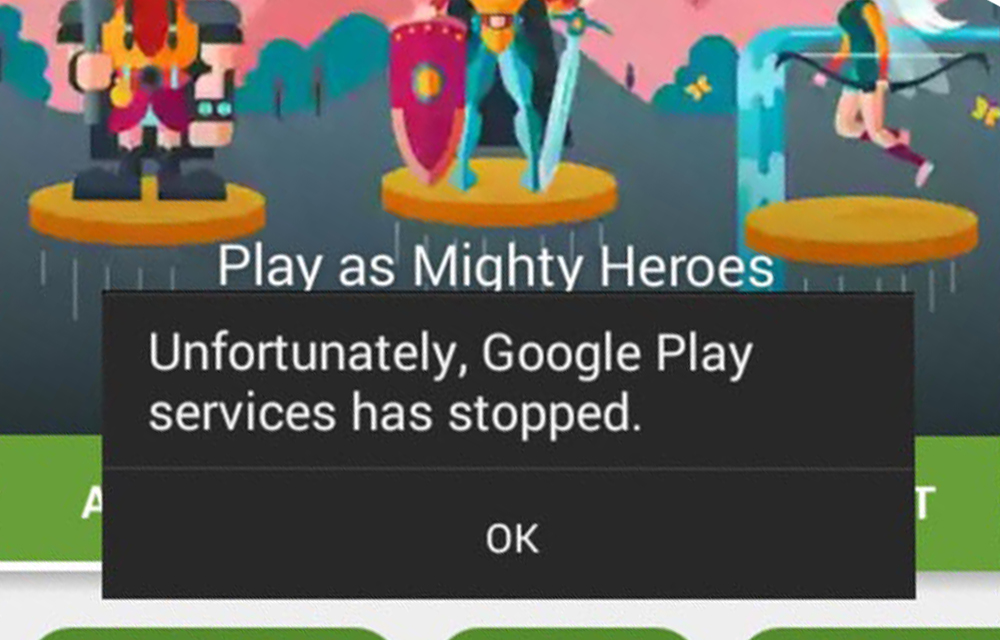
How to Fix “Google Play Services has stopped” Error
The error message “Google play services has stopped” reported by many of our readers is popping up in Android 5.0 or Android 5.1 Lollipop based phones and tablet. So, we are going to provide some of the effective methods to fix this issue. The error may happen due to many problems like a very old…
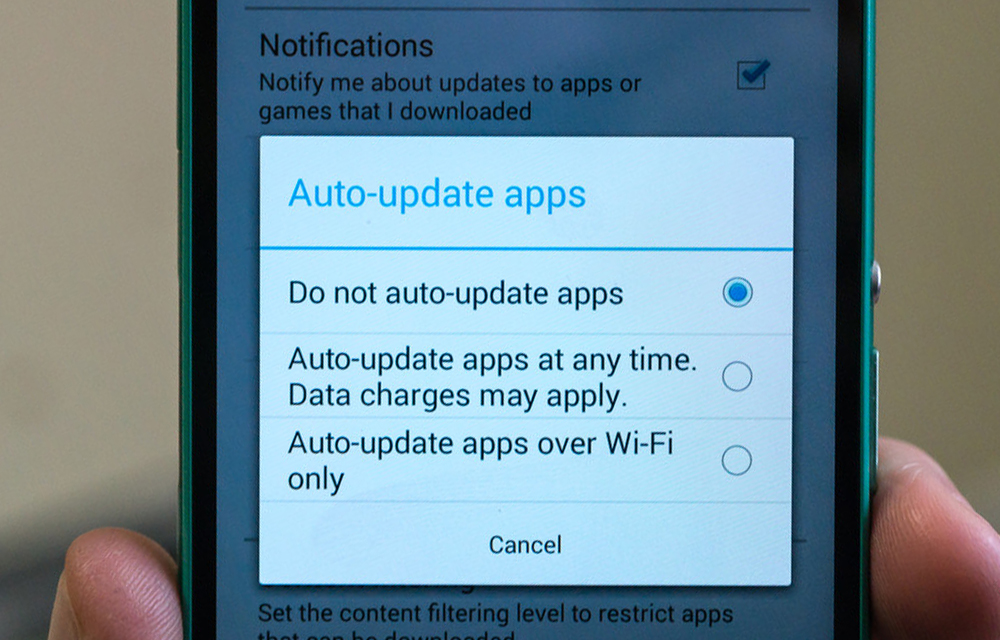
How to Turn off Automatic App Updates in Android
If you are fed up with losing your mobile or Wi-Fi data to automatic app updates on Android, it is a good idea to turn them off before you lose much more. Also, a few updates turn out to be problematic. Some new versions can bring unwanted bugs that slow the app down or cause…
The week in tech, minus the noise.
New reviews, fixes and the stories that matter — once a week, straight to your inbox.
We only use your email to send the newsletter. Unsubscribe any time. See our privacy policy.
Comments