

How to Update Android Smartphone, Tablet or Phablet
Updating Android OS is always important to keep your device safe and secure with the latest android version improvements. Either you are having a Lollipop or the Marshmallow as the android version, it is necessary to step over to the next level for a better-optimized performance of your smartphone or tablet. An update is the only way to…

Updating Android OS is always important to keep your device safe and secure with the latest android version improvements. Either you are having a Lollipop or the Marshmallow as the android version, it is necessary to step over to the next level for a better-optimized performance of your smartphone or tablet. An update is the only way to refresh your device with the latest bug fixes, improvements, additions etc.
So, in this article, we are going to provide the steps to update android smartphone, tablet or phablet. Some of you may already know this method which is not related to the manual android update. If you are one of them, this article is not for you.
Also Read: How to update android apps?
Note: Most of the times, android users will automatically receive a notification saying to update android device. If so, they just have to tap on the notification and tap the “Download” button to update the current os version. If you still didn’t receive a notification, continue reading.
First of All, Check what Android version you have right now
Before stepping into the android update process, you should check what android version is installed on your device right now. To see what version of Android you have installed, check out our article on checking the android version.
Steps to Update Android
After confirming that you have an older version than the latest android version listed on the official website, it is the time to update android version. You just have to follow the simple steps given below.
- Open the Settings of your device.
- Scroll to the bottom of the screen and tap About phone or About tablet > System updates.
- Then, Tap Check for update. It will show if an update is available.
- Tap the Download button to download android update.
- After the download process, it will automatically update your android version to the latest one.
Problems which you may face during the update
Every time, it won’t end up with a successful update. You may face many problems during the android update process. Even if you tried again, the errors like “insufficient storage available” will be there if it’s not fixed. So, we wrote an article to help you overcome these type of issues during android update process. Read it and find a suitable solution which looks simpler to you.
Now, this is all what you have to do for updating your android smartphone, tablet, or phablet devices. If you have further queries regarding the android update, feel free to leave a message to us. We will be always happy to solve them as soon as possible.
More in Android
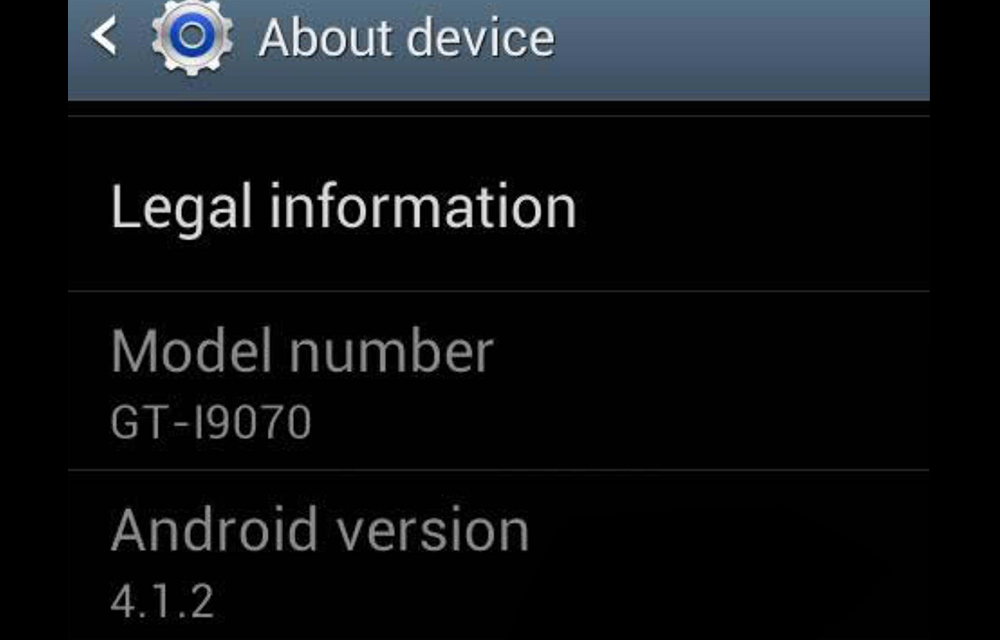
How to Check Current Android Version of your Device
There will be several situations where you have to check the current android version of your smartphone, tablet or phablet devices. When you have to check the latest version to update your android, When you have to download a suitable application, or Even for telling your friends which android version you have. In all these…
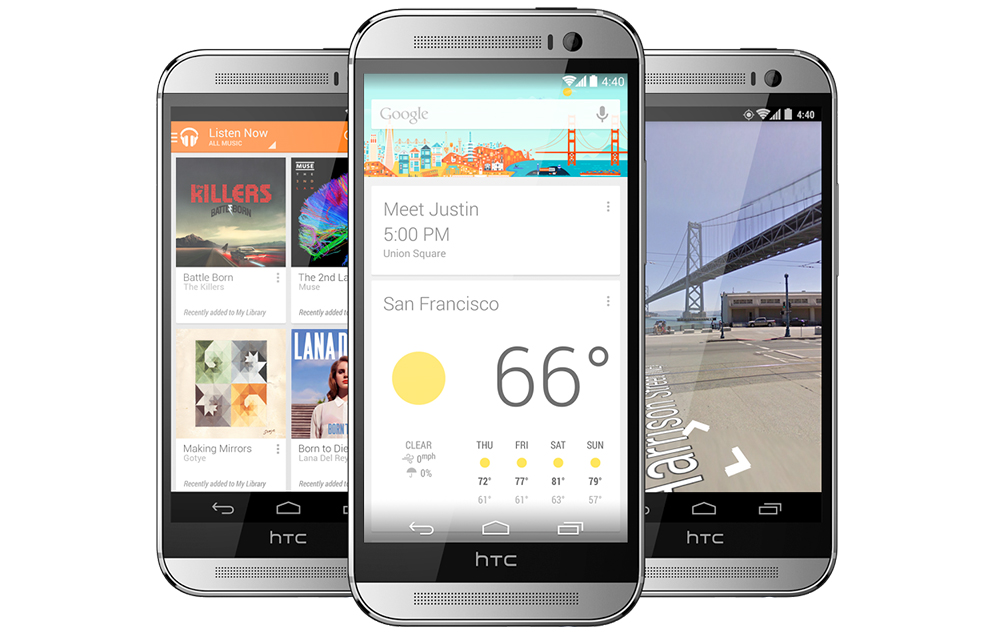
Google Play Edition Devices Android Update Details
Google Play edition devices like Samsung Galaxy S4, Motorola Moto G, and HTC One are some of the all-time favourites of the smartphone lovers. If you are one of the millions of lovely owners of the Google Play Edition (GPE) devices sanctioned by Google, you might be afraid the support and updates provided to these…
Running Out Of Space On Android? Easy Tips To Regain More Space
Low internal storage is the most common problem for entry-level smartphones. Android-equipped devices coming in various forms like smartphones, phablets, and tablets. But the internal memory capacity is very limited when compared to laptops and desktops. As they equip with 16GB or below memory, it is not enough to carry the Android OS, apps and…
The week in tech, minus the noise.
New reviews, fixes and the stories that matter — once a week, straight to your inbox.
We only use your email to send the newsletter. Unsubscribe any time. See our privacy policy.
Comments