

Android One Devices Android Update Details
Android One is one of the most successful variations of the basic Android platform which was recently found in many smartphone models like Micromax Canvas A1, Karbonn Sparkle V, etc. If you are one of them who seriously take care of the updates of their smartphone, you should be aware of the below-listed facts about Android one…

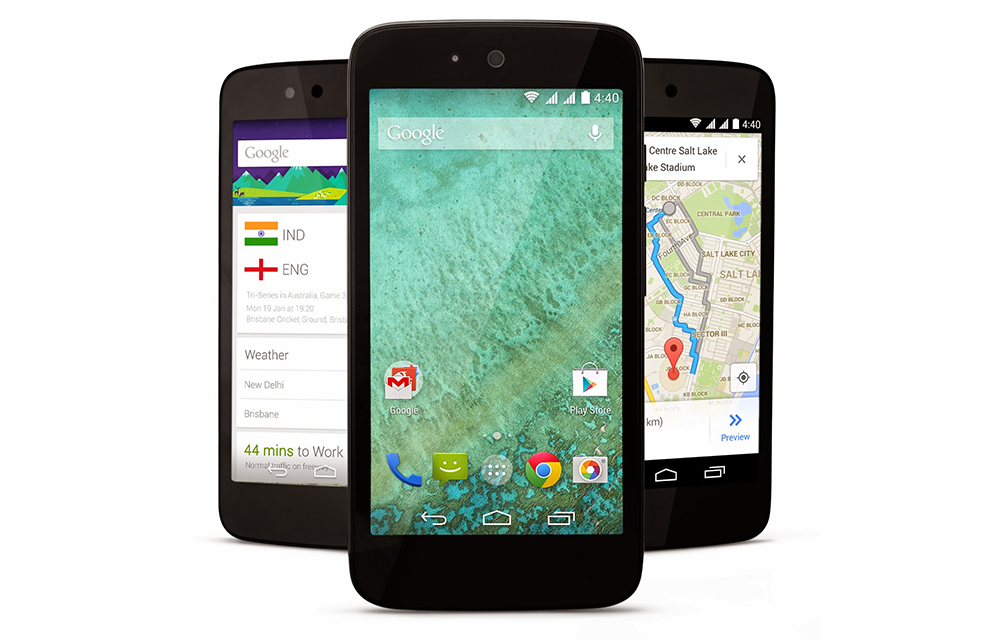
Android One is one of the most successful variations of the basic Android platform which was recently found in many smartphone models like Micromax Canvas A1, Karbonn Sparkle V, etc. If you are one of them who seriously take care of the updates of their smartphone, you should be aware of the below-listed facts about Android one devices android update details.
How Android One Devices Get Android Update
Unlike Nexus devices, Android One smartphones get the android latest updates from Google’s hardware partners. They schedule the updates independently from Googles schedules and send them to your smartphone. Once your device gets notified of the update, it will prompt you to download and install them on your smartphone. This is how Android One devices get the Android update.
When do they get updates
The updates will reach you within 2-3 weeks from the date of the update release as we have seen on Google Play Edition Devices. Once an update is available to download and install, the device will notify you displaying a message “System update available.” To download and install the updates, you have to connect to a faster internet connection or Wifi.
How long do they get updates
The Android One devices will get software updates from the Google Partners at least for up to 18 months from the device purchase date. All updates include some major updates with numerous minor updates from Google passed through the manufacturers. So, the devices will stay updated with the latest inclusions on latest android versions until the end of support period set by Google. Afterward, the updates will be available if the Google Partner provides an extension than the pre-set period of 18-months.
That’s all for now. Please do share your views and feedback in the comment box below. Also, please don’t forget to share the article on your social media.
More in Android
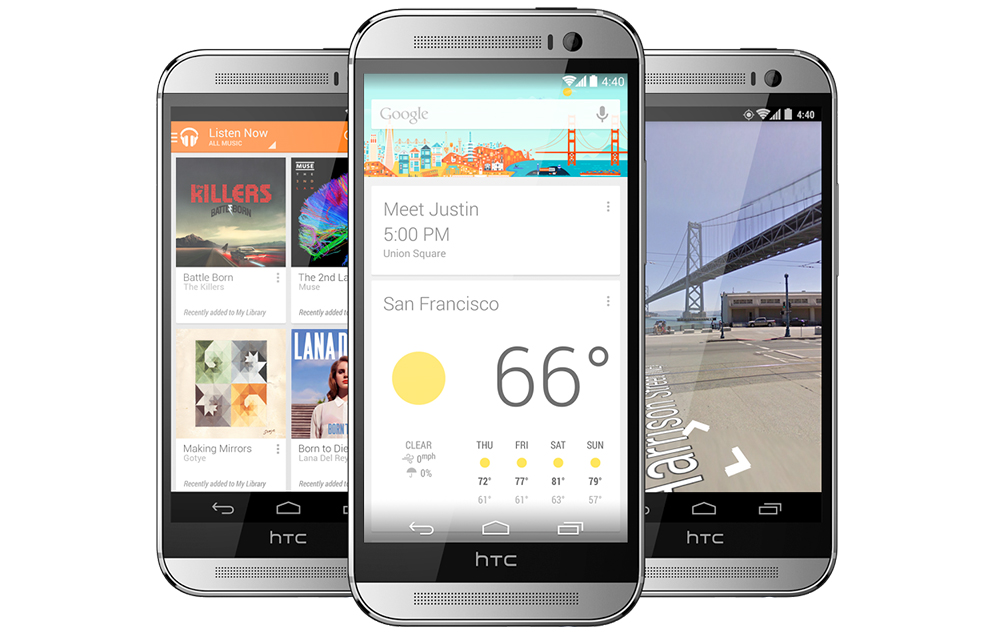
Google Play Edition Devices Android Update Details
Google Play edition devices like Samsung Galaxy S4, Motorola Moto G, and HTC One are some of the all-time favourites of the smartphone lovers. If you are one of the millions of lovely owners of the Google Play Edition (GPE) devices sanctioned by Google, you might be afraid the support and updates provided to these…
How to Download and Install Android P Open Beta
Android P Open Beta is already rolled out for selected devices. You can check the Android P Open Beta supported devices list in our previous article. How to Download Android P Open Beta? Downloading Android P Open Beta is pretty simple. You just need to join the Android Beta Program and elect OTA updates. Login…
Fix “insufficient storage available” error Message when Updating Android
Ever tried to update android devices? Ever got an error saying “insufficient storage available” while trying to update it? If so, this article is for you. In this article, you will get a basic idea about what the error implies and how to fix it with the step by step guide. Before we starting, there is…
The week in tech, minus the noise.
New reviews, fixes and the stories that matter — once a week, straight to your inbox.
We only use your email to send the newsletter. Unsubscribe any time. See our privacy policy.
Comments