

What is Android Emulator
What is Android Emulator? You are here to find an answer for this question. You might be heard of many Android emulators including Bluestacks (Founded by Rosen Sharma), and Andy (The desktop mobile). In this article, we are going to solve all your questions regarding the Android Emulators. Alternatively, read our article on Best Bluestacks Android Emulator Alternatives. An…

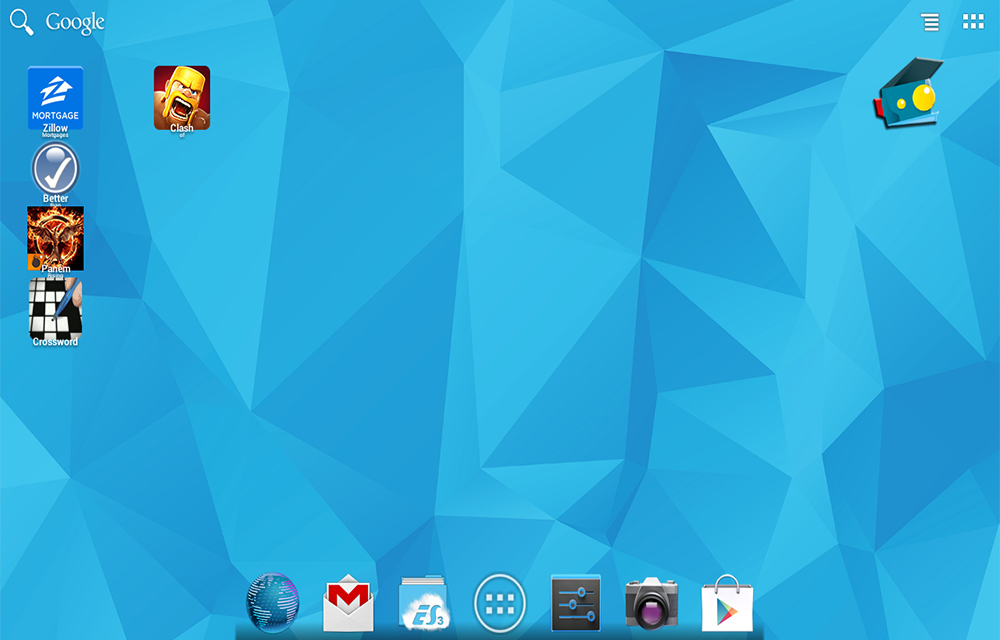
If you don’t know what is android emulators, this picture shows it.
What is Android Emulator? You are here to find an answer for this question. You might be heard of many Android emulators including Bluestacks (Founded by Rosen Sharma), and Andy (The desktop mobile). In this article, we are going to solve all your questions regarding the Android Emulators. Alternatively, read our article on Best Bluestacks Android Emulator Alternatives.
An Android Emulator is a program which can emulate the Android Operating System on other platforms including Windows, Mac, and Linux. The software simply converts the built-in Android files into a format which is recognizable by the operating systems. It is a virtual machine which acts between the Android OS and the natural computers. Through this, the users will be able to enjoy the full benefits of an Android smartphone even without owning one.
As I mentioned in the first para, there are numerous simulators available on the market including, Blustacks, Droid4x, Nox, Windroy, Andy, etc. both for Windows and Osx systems alongside the Linux. Apart from these softwares, Android Studio also has an option which can help you preview the apps before publishing them. This can be considered as an Android App emulator. Using these softwares, the users will be able to run Android apps and games on other platforms seamlessly. They could have fun with the Call of Duty sessions, can edit pictures in PicsArt, can listen music in the built-in Android player or can even browse the internet as they were using an Android device.
How? To say the answer simply, using your mouse and keyboard! After installing the software and setting up the configuration, the software will launch a new window where the emulated android os will be visible. You could control your android screen on the desktop using your mouse. In text areas, you will be able to type using your keyboard, for ’tilt’, there will be dedicated buttons on the software screen itself. If you would like to access the files on your hard drive, some emulators also let you do that easily.
The performance of the Android emulator will depend on the available CPU and Memory of your computer. In emulators like Andy, users will be able to pre-set the allocated memory for its operations. So, it will be a little more customized experience with your virtual Android smartphone. If you prefer the full screen emulation, a little more memory will be consumed than the window mode emulation. Using these softwares, users will be able to have fun with any version of Android including Android 4.4 KitKat, Android 5.0 Lollipop, or Even 6.0 Marshmallow (If the Emulator app updated their software to the latest.)
You might also like
5 Best Android Emulators
Android Emulators are the complete replacement for Android smartphones with almost all functionalities. As per the request of many of our readers, today we are going to provide a nice list of such programs for your PC. Using these software’s, you will be able to install android apps in your PC, play android games in…

What is NFC
NFC or Near Field Communication is a short-range high-frequency wireless communication technology. It allows users to exchange data between NFC enabled devices over about a 10 cm distance. NFC is now widely used in modern day devices to allow users complete various tasks like, sharing content, paying bills, and even carry a digit traveling ticket…
How to Download and Install Android P Open Beta
Android P Open Beta is already rolled out for selected devices. You can check the Android P Open Beta supported devices list in our previous article. How to Download Android P Open Beta? Downloading Android P Open Beta is pretty simple. You just need to join the Android Beta Program and elect OTA updates. Login…
The week in tech, minus the noise.
New reviews, fixes and the stories that matter — once a week, straight to your inbox.
We only use your email to send the newsletter. Unsubscribe any time. See our privacy policy.
1 comment
Nice and descriptive article I really like the efforts and news that you guys put together. Personally I prefer Nox on bluestacks. Although its a bit heavy on resources but has a better interface and easy to use.