

How to Run Same App Twice in Android
Ever wanted to run same app twice in android? Here is the guide for you. There will be several situations which demand running same app twice in Android smartphones. Either you want to use two separate Facebook accounts on the same smartphone or want to have multiple Skype accounts under the same screen, it is necessary…


Ever wanted to run same app twice in android? Here is the guide for you.
There will be several situations which demand running same app twice in Android smartphones. Either you want to use two separate Facebook accounts on the same smartphone or want to have multiple Skype accounts under the same screen, it is necessary to run same apps as multiple instances.
App Cloner is itself an app that allows you to do so. Even there is some bugs in the application and not able to clone all the apps installed on your smartphone, the App Cloner, still does a great job. It not only allows to run multiple instances of the same app, but also allows to enjoy all the features of the application.
Specially note that all apps may not be cloned using the app. Several apps use certificates to validate the identity of the session to prevent security risks. So, the App Cloner may crash or may not be able to start the same app twice.
If you want to run same app twice android, follow the simple steps given below.
- Download the App Cloner using the link given at the end of this article.
- After installing, open the app and you will see all installed apps listed there.
- Tap on the app that you want to clone.
- Now, clicking on the “Tick Mark” will start cloning application. But before that, we recommend changing the icon color and other details to recognize the cloned version easily.
- After tapping on the icon, it will show you multiple popup confirmations. Confirm all of them and the app cloning process will start.
- After completing the process, it will show you a popup that saying the cloning process has completed.
- Tap on the “Install” button, and it will start the installation process.
- The remaining will be same as the normal app installation.
Now, you can find both original and cloned version of the same app on your smartphone. Enjoy having multiple WhatsApp accounts on the same device. Or separate Facebook accounts for Personal and official use. Here is a video showing the whole process.
Features of the App Cloner
- Clone Facebook Messenger, WhatsApp, etc.
- Tweak icons
- Clone apps multiple times
- Install apps on the external SD-card
- Disable app features like defaults, auto-start, etc.
- Remove app permissions
- Share cloned apps
- Change app backup permissions
- Enables multi-window support on few devices (Samsung, LG, etc.)
Now, you’ve got the answer for your question How to Run Same App Twice in Android. If you need further assistance on the same, feel free to ask us through your comments or from our social accounts. We will be happy to help you as soon as possible.

More in Android
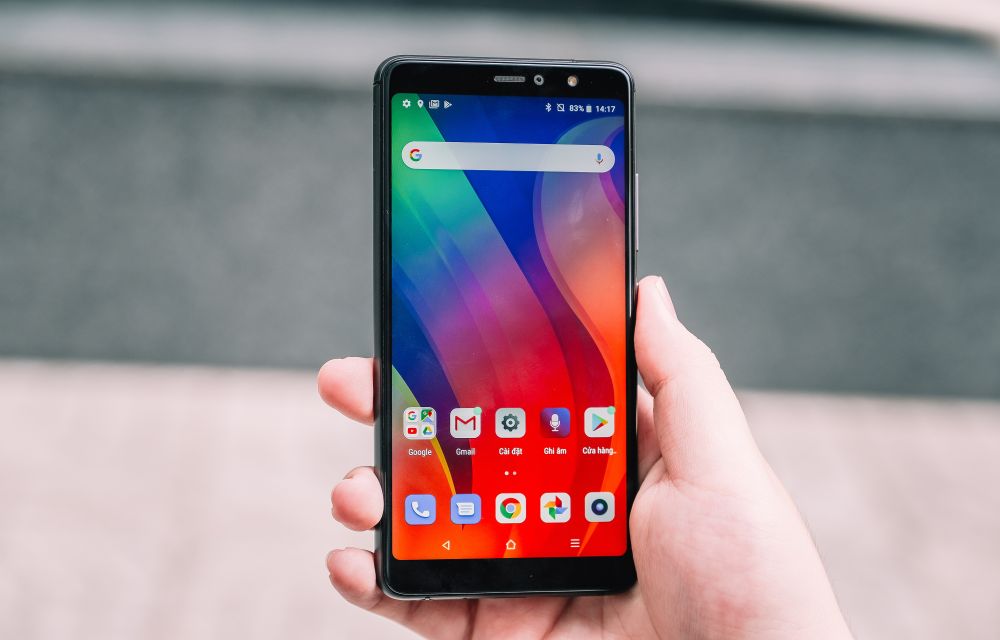
Running Out Of Space On Android? Easy Tips To Regain More Space
Low internal storage is the most common problem for entry-level smartphones. Android-equipped devices coming in various forms like smartphones, phablets, and tablets. But the internal memory capacity is very limited when compared to laptops and desktops. As they equip with 16GB or below memory, it is not enough to carry the Android OS, apps and…
Android N – The Next Android OS Update with New Features
Most awaited Android 6.0 Marshmallow is rolling worldwide. Before the Marshmallow gets rolling on all Android devices, the News about next Android software update rolling in the industry. The next Android update is code named as “Android N”.

10 Best Screen Recorder Apps for Android
Starting an android tutorial channel is not that much difficult these days. You don’t want a camera or video recorder to record the tutorials in your smartphone. All you wanted is a good screen recorder which can record your android screen with an excellent video quality. Nevertheless to say that youtube is full of android channels…
The week in tech, minus the noise.
New reviews, fixes and the stories that matter — once a week, straight to your inbox.
We only use your email to send the newsletter. Unsubscribe any time. See our privacy policy.
Comments