

Dual Whatsapp Review
If you ever wished running two whatsapp accounts on the same device one for your friends and one for the office or business use, this article is for you. Here we are going to share a simple app namely Dual Whatsapp, which allows the users have two different whatsapp accounts on the same device. No more need to carry…
Dual Whatsapp
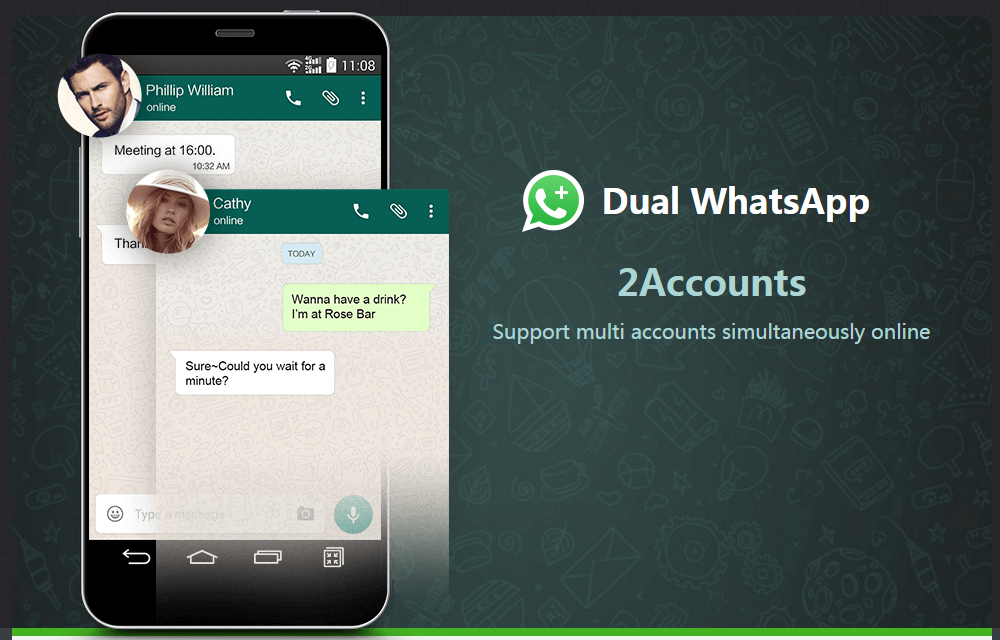
If you ever wished running two whatsapp accounts on the same device one for your friends and one for the office or business use, this article is for you. Here we are going to share a simple app namely Dual Whatsapp, which allows the users have two different whatsapp accounts on the same device. No more need to carry two smartphones to satisfy your friends and boss. One is enough to do the job if you have this app installed on your smartphone.
We will be discussing the features of the Dual Whatsapp alongside the pros and cons. So that, you will get a better idea of running two whatsapp accounts on your smartphone.
Note: If the app is not working on your smartphone, you could try rooting itinspire2rise.com and installing the app after that. Because some smartphones may have restrictions in allowing specific operations of this app. But in our case, we were able to use it without root and accessed dual whatsapp accounts successfully.
Why should you use Dual Whatsapp accounts?
We all know that WhatsApp is essentially one of the most depended sources for communication between people. Either it is a friendly talk or a serious business deal, having a separate environment will always help in maintaining a better communication. But Unfortunately, whatsapp not coming with such a feature to use two different whatsapp accounts on the same sim card or smartphone.
Here comes the role of a dual whatsapp app which is actually a mod to the existing whatsapp app that adds extra capabilities to it. So, if you wish to stay organized with your friends and siblings by making your bosses in a separate lot, dual whatsapp will be a good choice. It is also a good option to use dual whatsapp in case you have recently changed your sim card and has your whatsapp contacts in both the sim cards which is not easily movable.
Dual Whatsapp Interface
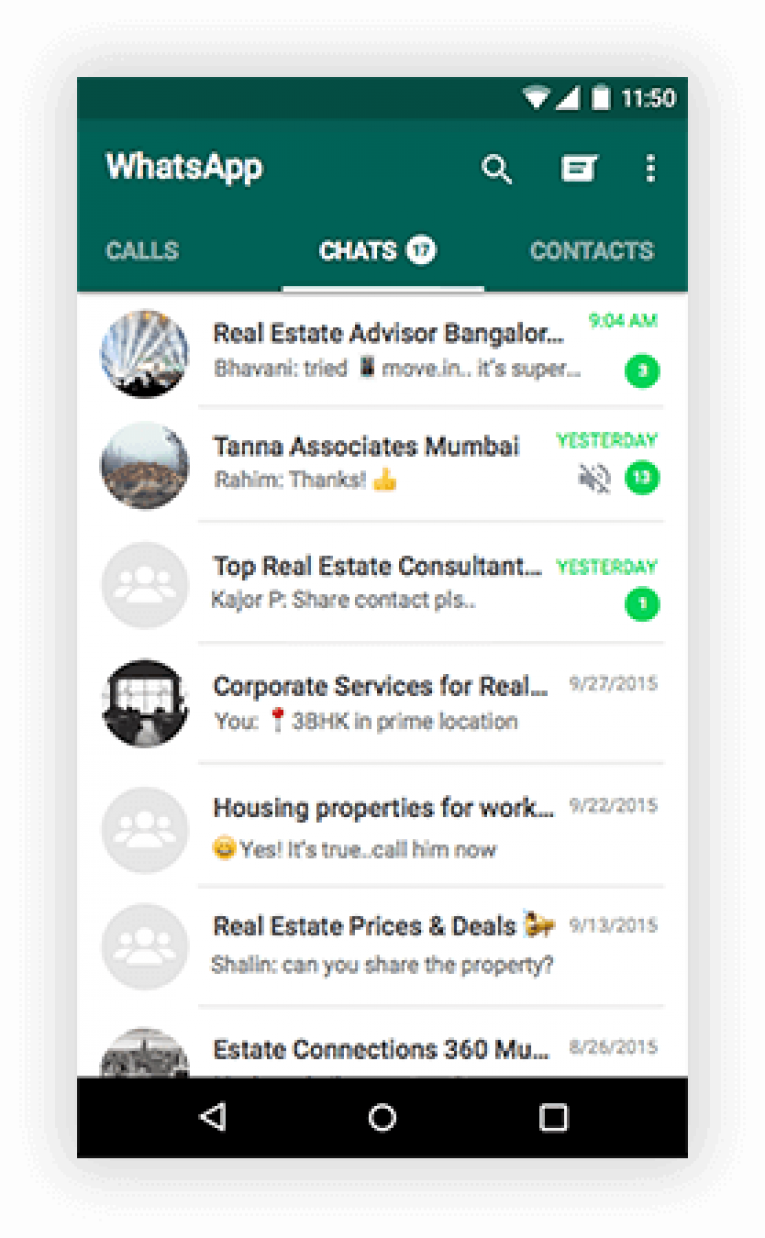
There is no real interface on this app. It has just a simple navigation which directs the users to add one more account alongside the existing one. The dual whatsapp accounts could be easily created after installing this app on the smartphone. After installing the app, it will take you to a screen like above where all remaining screens are of the whatsapp application. Actually, it acts like a mod to the whatsapp which enables the dual whatsapp feature.
In the chat sessions too, no extra features or changes are there after installing the dual whatsapp app. Users could easily switch whatsapp accounts either through the app or by the notification bar. There will be a simple option to switch the whatsapp accounts instantly.
Dual Whatsapp Features
Dual Whatsapp is itself a feature with some more additions to enhance the user experience with some useful set of options. Having a look at them will be helpful.
Also read: Most Common WhatsApp Errors and Its Fixes
Use two whatsapp accounts in one smartphone
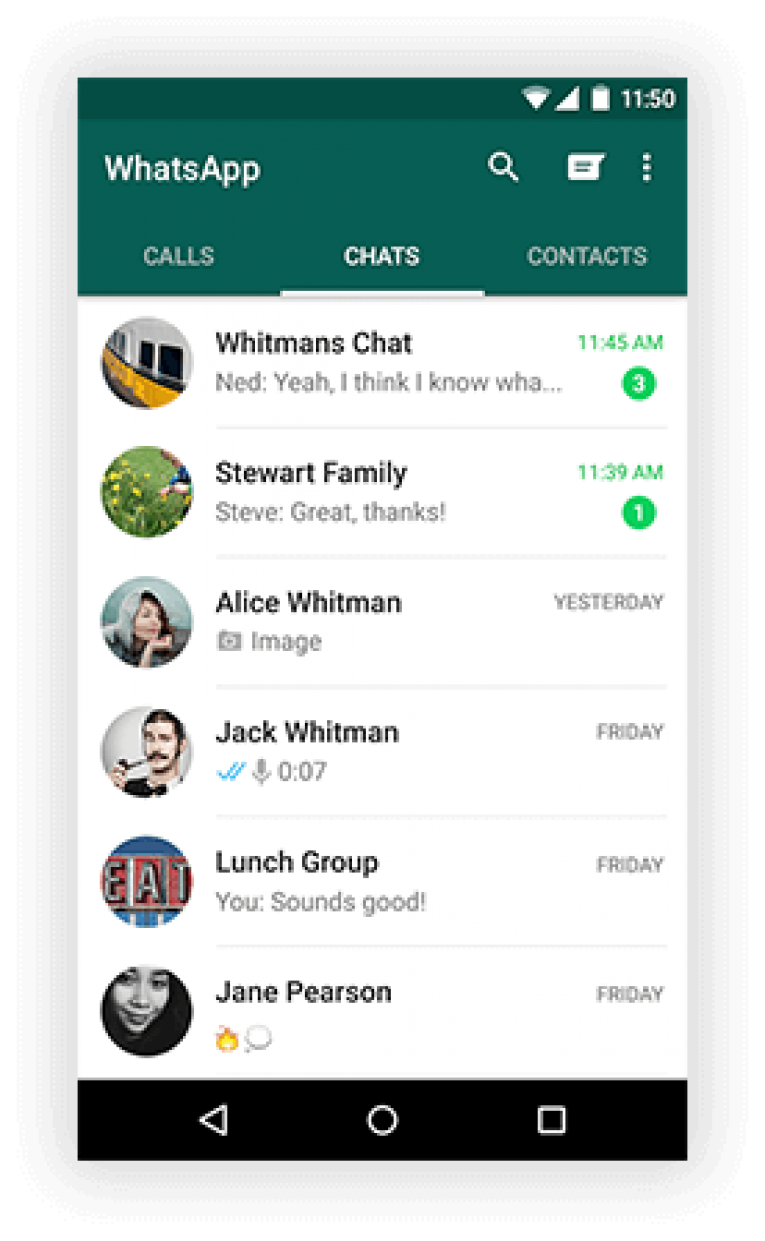
No need to explain this dual whatsapp feature as the app itself coming with the tag. Users will be able to access two different whatsapp accounts from the same smartphone. Actually, you will be able to carry two different identities on the same smartphone. No more need to have two different devices for treating your boss and having fun with your friends. It’s now simple as tapping a button to switch between the whatsapp accounts with this dual whatsapp app.
Very Easy to Use
The Dual Whatsapp is very easy to use. There are nothing more to do than installing it and following the regular whatsapp sign up/sign in procedure. All are like you already familiar. No configurations needed for different accounts because all will be normal as you are using two whatsapp accounts on two different devices.
No data Conflict
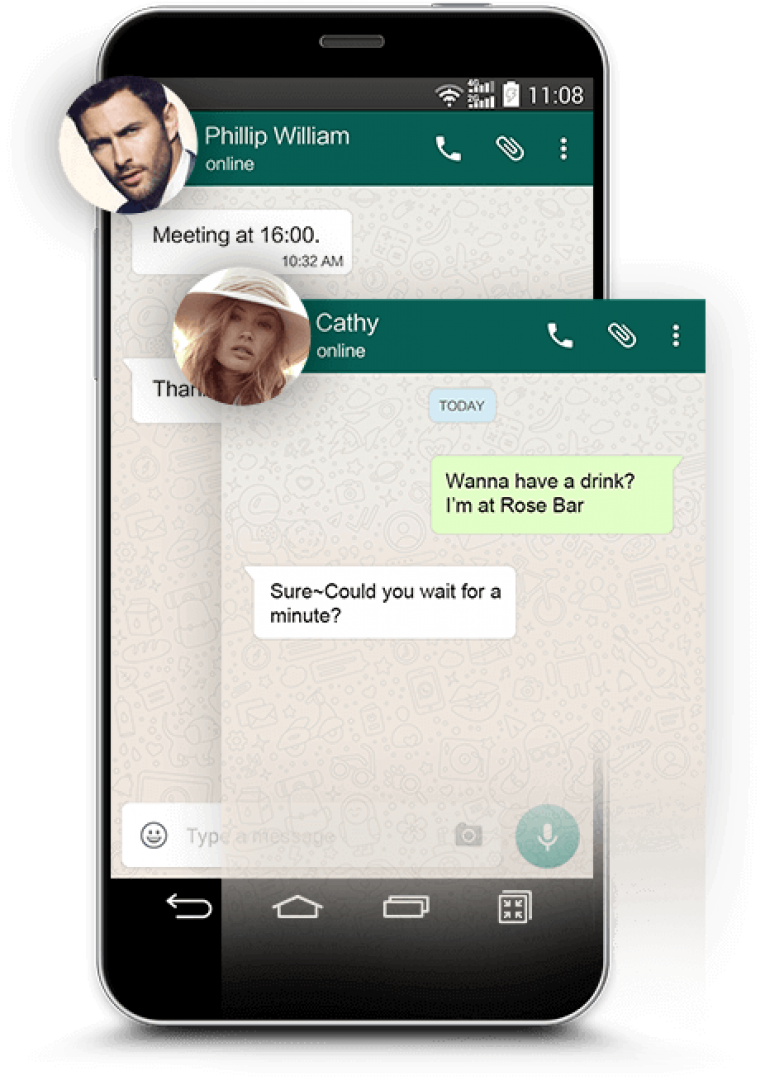
If you are confused about the storage of whatsapp data while using two different whatsapp accounts on the same smartphone, no need to worry. The dual whatsapp can handle the data of two different accounts differently by tunneling them to unique targets on your memory/internal storage. So that, no data conflicts will be there while using two different whatsapp accounts. As I mentioned before, it will feel like virtually using two whatsapp accounts on two different smartphones.
You may also like: How to Get Whatsapp on Tablets
Independent storage for each account
The whatsapp data including photos, videos, chat backups, audio clips, etc. are all will be stored in different locations in your memory/internal storage. Independent storage spaces fulfill the functionality of this app as a complete pit stop for the dual whatsapp needs of the users. Users will be able to redefine the storage spaces as they do on normal whatsapp accounts. This will make it easier to backup and manage the whatsapp data of any account.
Can switch accounts very easily
Apart from having difficult controls for switching between the whatsapp accounts, the app implements a simple control on the app itself alongside on the notifications bar. Users just have to slide between two different whatsapp accounts to switch between them. No conflicts, no hassles and all are easy as having a cupcake with the hot tea.
Pros
- Easy to Use
- Small in size
- Independent data storage for different accounts
- Can easily switch between different whatsapp accounts
Cons
- Not completely free (Asks $4.99 as payment after the free usage)
Also Read: An Easy Way To Install WhatsApp On Your PC/Laptop
Verdict
Dual Whatsapp does the job effectively as the name itself says. No hassles in installation and configuration as the app itself does the job automatically. Users just have to follow the steps for adding an extra whatsapp account as they normally do. All will be like normal after installing the application. If you really need a dual whatsapp solution, this app will be a good choice you can make.
Dual Whatsapp
Excellent
Dual Whatsapp does the job effectively as the name itself says. No hassles in installation and configuration as the app itself does the job automatically. Users just have to follow the steps for adding an extra whatsapp account as they normally do. All will be like normal after installing the application.
- Features8.5
- Usability9
- User Interface9
- Value For Money9
No ratings yet — be the first.

More in App Reviews
GBWhatsapp Review
You might be a Whatsapp user. If so, here we have an interesting application to introduce to you. GBWhatsapp is a modified version of the Whatsapp which has numerous add-ons that can do way more than the basic Whatsapp application. Using this app, users will be able to control their privacy options, be completely invisible…

Why Telegram is Better Than WhatsApp – Explained
It’s not hidden that, WhatsApp rules the messaging worlds with more than 850 million active users. Being the king of the virtual community, it rules the tiny apps which compete. With the most authentic features, WhatsApp serving millions of users all over the world. There is no doubt in the features of WhatsApp and its…
Kika Emoji Keyboard Review – The Best Emo Input Keyboard
Kika Emoji Keyboard is an app with the next generation emoji features which is powerful than our words to express the emotions. Apart from the Whatsapp and Facebook app keyboards where we meet the emo’s, The Kika Emoji Keyboard brings them in all the text areas we met. The Unicode encoding powerfully manages the emoji…
The week in tech, minus the noise.
New reviews, fixes and the stories that matter — once a week, straight to your inbox.
We only use your email to send the newsletter. Unsubscribe any time. See our privacy policy.
Comments