

File Renamer Windows 10 – Review
Admit it: You sometimes become impatient. Why should you waste your time doing the same thing repeatedly? If you’ve ever had to rename multiple files or folders in your Win10 machine, you know how foolish it is to click, stop, click again, type the new name, hit Enter, and then repeat the same thing for…

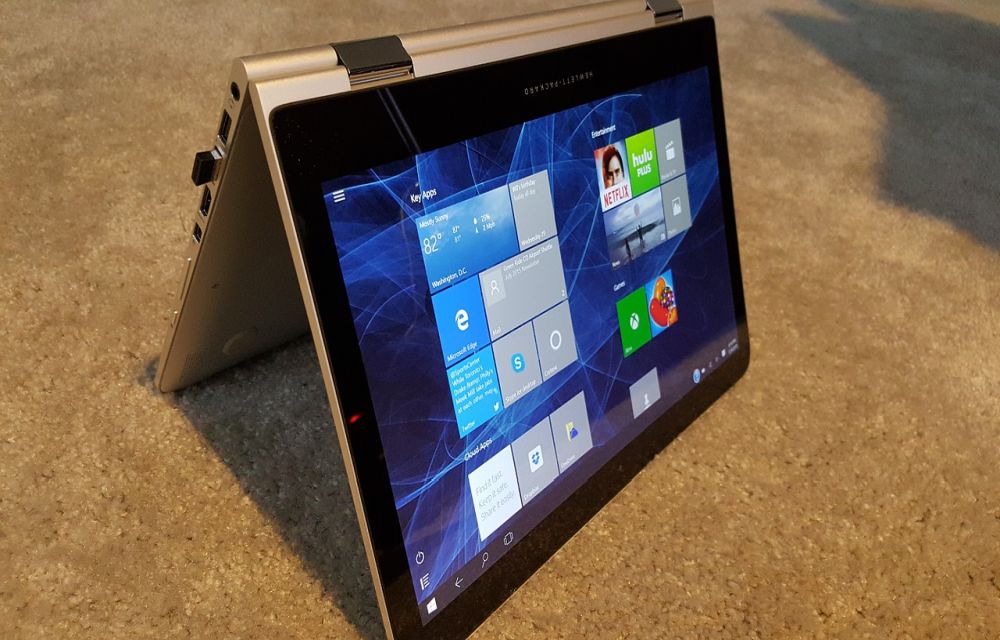
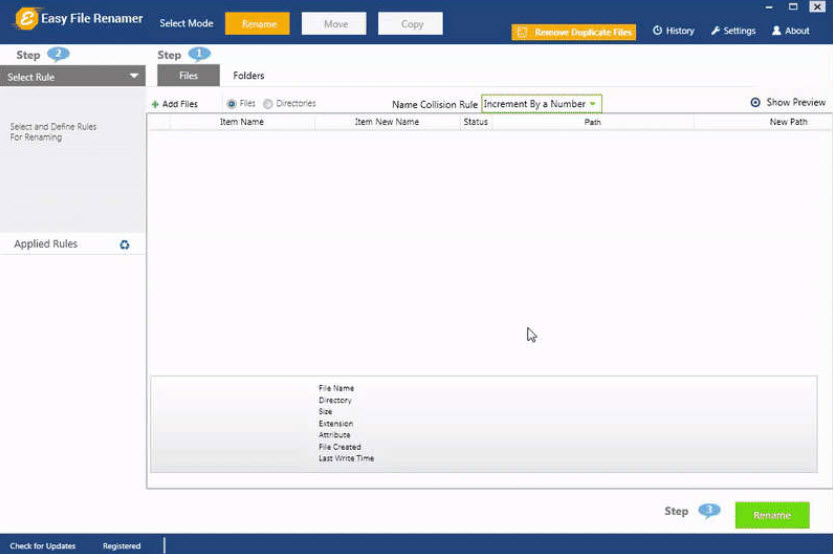
Admit it: You sometimes become impatient. Why should you waste your time doing the same thing repeatedly? If you’ve ever had to rename multiple files or folders in your Win10 machine, you know how foolish it is to click, stop, click again, type the new name, hit Enter, and then repeat the same thing for each and every file you have in your system. This is annoying. But you have now Easy File Renamer (EFR) for Windows 10 that does all you might imagine a file-renaming utility would do and more. You can access it conveniently; it’s just right-clicked away from hundreds or thousands of your selected files. Here’s how you can use it:
- Download EFR: Easy File Renamer Windows 10
- Now you’ve two modes: Files or Folders. Choose one.
- If you choose File mode, you can add all the files you want it to rename:
- If you choose folders, you’ll have 9 rules to apply. Isn’t it cool? Yes, it is. Choose the one you like EFR to do.
Learn how renaming rules work in the EFR:
A.New Name:
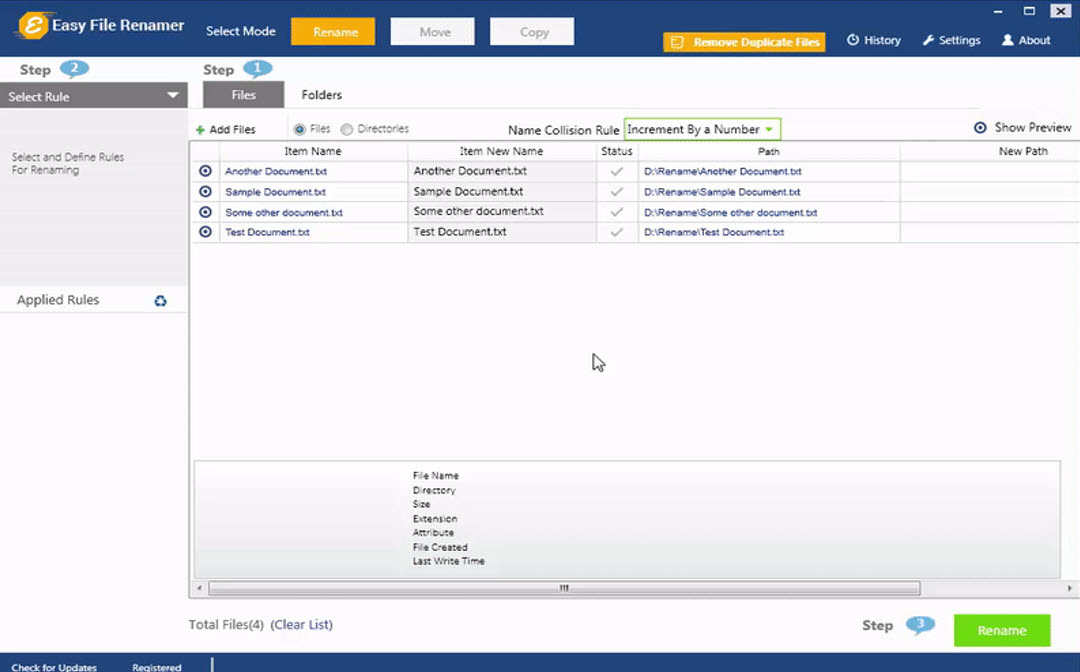
Give your files a new name (the same way I did): Click New Name, write down the name, check the box (increment it with numbers), and hit Apply Rule. After reviewing you can rename the files or folders, you added.
B.Remove Text.
Do it the same way I did.
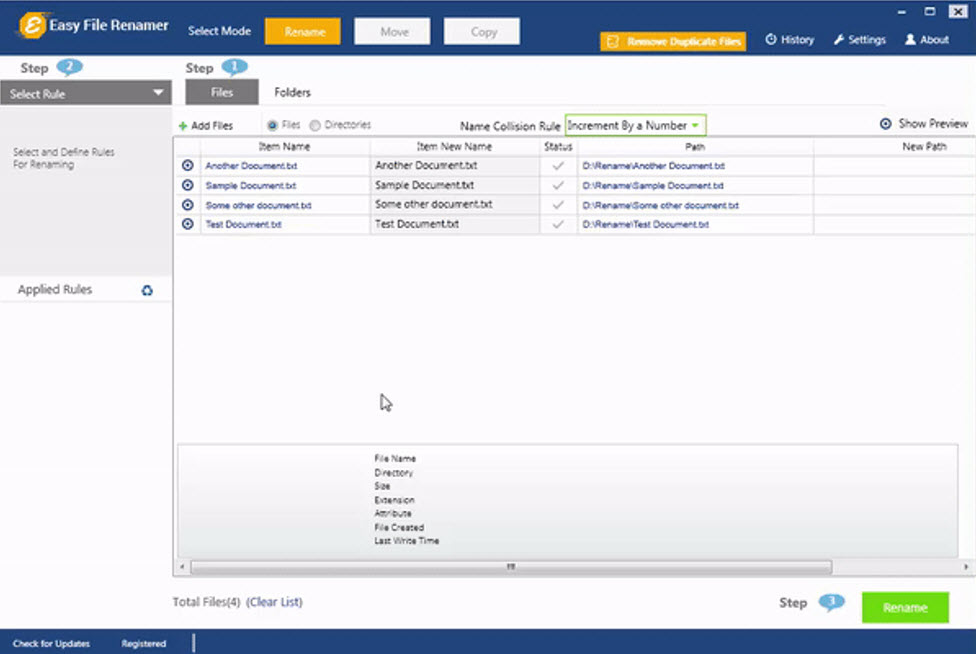
It consists of 3 options: Remove First (that removes only the text you specified), Remove Last (that removes the last one) and Remove All (that completely flushes your text out of your specified files).
Found some duplicates? Use Name Collision Rule. It further consists of several options. You can either Increment By a Number (that numbers your filename) or Replace it (that replaces old with the new files)
C.Replace Text:
This replaces a line or a phrase from your given filenames.
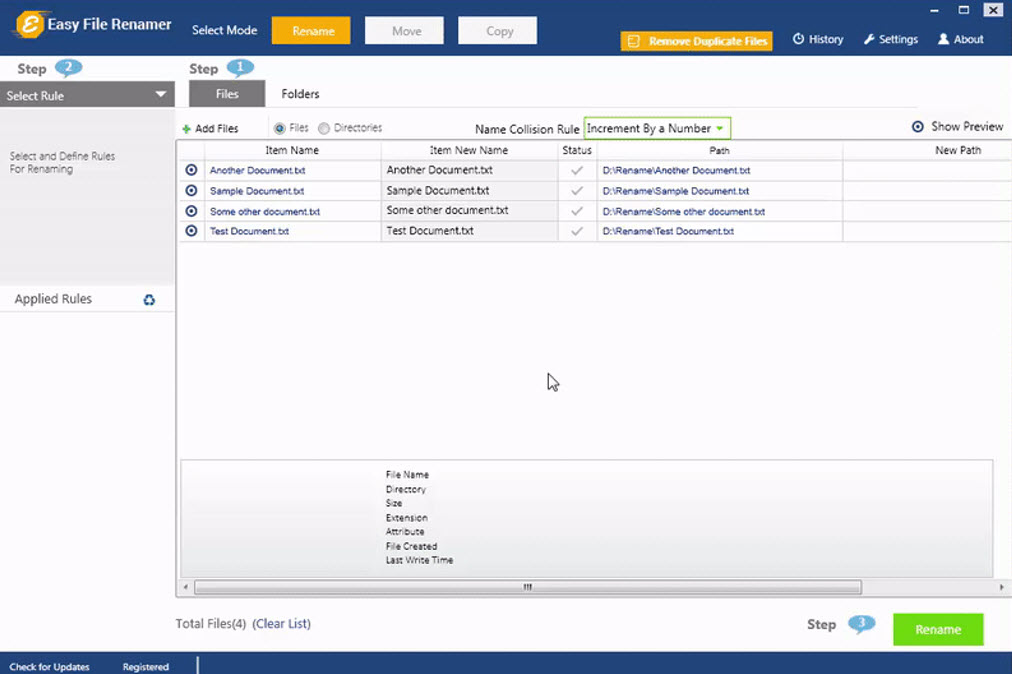
D.Suffix:
You can add a suffix (text) at the end of your filename.
E.Prefix
You can add text (prefix) at the start of your filename.
F.Numbering
This allows you number your files.
G.InsertAt
This rule allows you to insert text anywhere you want. All you’ve to do is to position it where you want it.
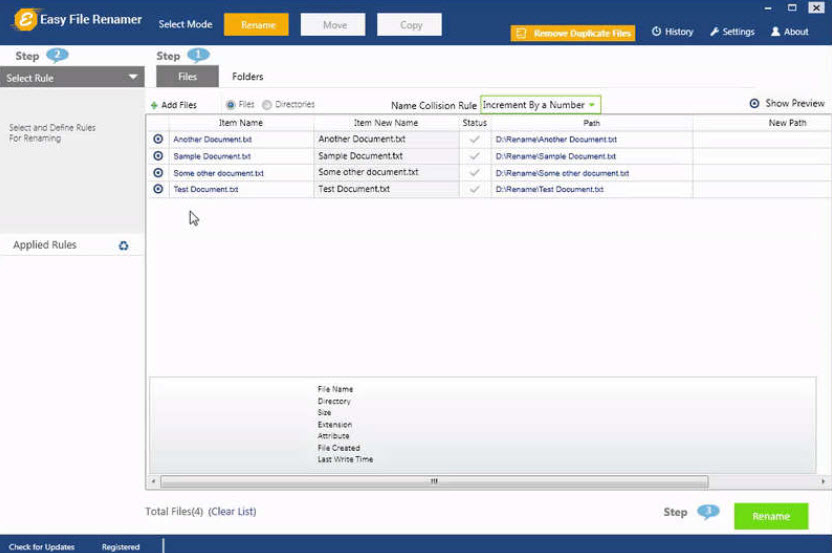
H.Lowercase and Uppercase
It changes lowercase to uppercase and vice versa.
Apply All Rules
EFR is a perfect combo of rules. It allows you to apply multiple rules on your files. It allows you to rename, replace, remove, suffix, prefix, number, insert, and change upper and lower cases of your file names a snap.
Now Rename Your Files
Once you’ve finished doing this, renaming files in Windows 10 is just one-click away. Click the green-colored Rename button, and you’re all set.
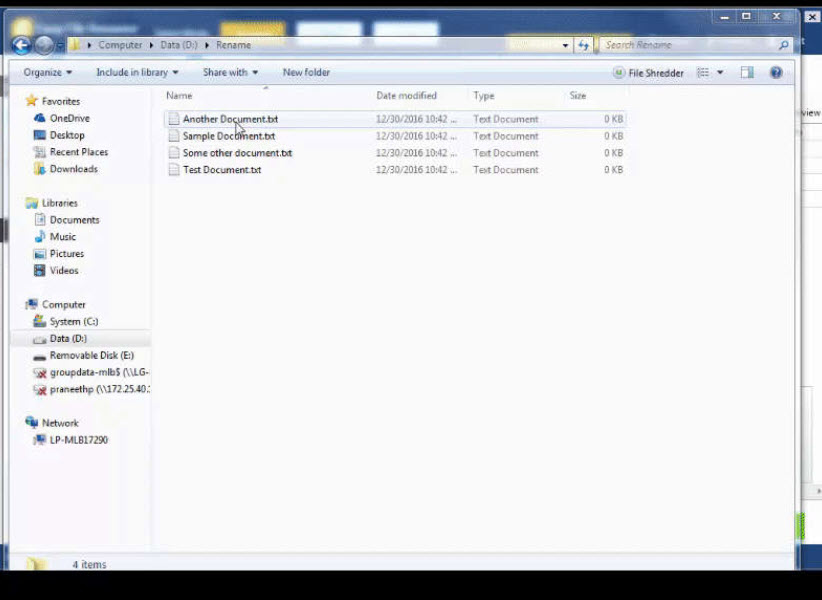
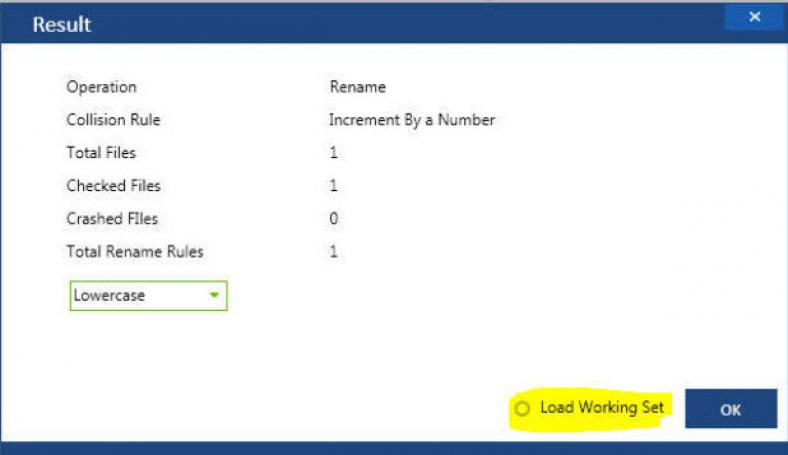
Now see the results (check Load Working Set)
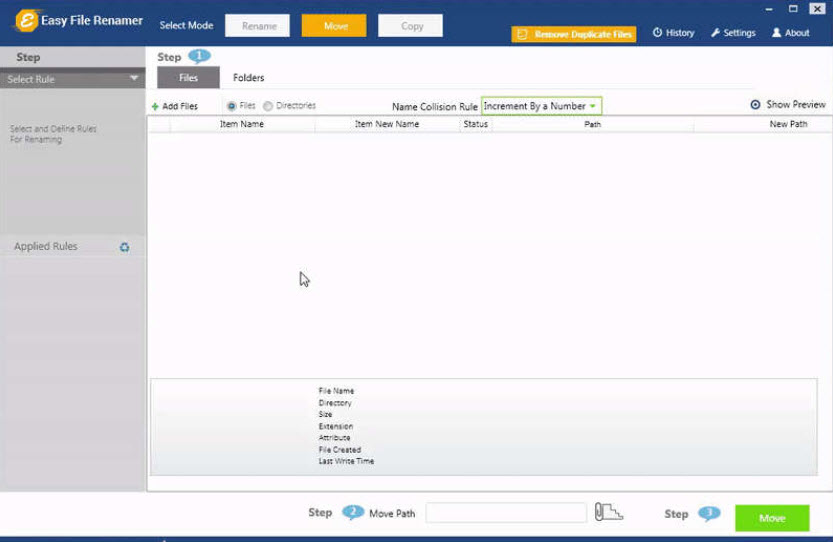
And it doesn’t stop here: You can also Copy and Move your files. This way you’ll have all your files in one location.
EFR History is Your Life Savior
Need to check what you’ve done so far? Try EFR history. It always saves your actions in a log file. This is also a life savior option as it is handy when you’re in urgent need of finding the exact location of your files.
You might also like
Commander One Review – Decent Finder Replacement App for Mac
Mac is one of the OSs out there and surely, the app optimization for this OS is simply amazing. If you’ve ever heard about Total Commander, you know that this is a very powerful software for Windows users. However, Mac OS has its own share of this sweet pie, called Commander One. Yeah, they are…

Wondershare Data Recovery: An Efficient Data Recovery Software
Data recovery softwares are all around you to help in critical data loss. Too many names might be confusing you in the selection of the best out of them. All of them offer high-end features that are almost similar one another. But the bitter truth is that most of them fail in providing what its…
Yodot Photo Recovery for Windows Review
Yodot Photo Recovery for Windows is a software that allows users to recover deleted or lost photo, audio and video files. Users will be able to recover the photos on their cameras, pictures on their computer, and other graphics files using this flexible tool. With a couple of other functions as well, the software is…
The week in tech, minus the noise.
New reviews, fixes and the stories that matter — once a week, straight to your inbox.
We only use your email to send the newsletter. Unsubscribe any time. See our privacy policy.
Comments