

How to Post Tweets with 280 Characters on Twitter
You probably heard that Twitter has increased its tweet limit from 140 characters to 280 characters. But wait a minute before throwing out a party. It is only available for the selected Twitter accounts, or in other words, it is still in the beta version. Which means, most of the users will not be able…


You probably heard that Twitter has increased its tweet limit from 140 characters to 280 characters. But wait a minute before throwing out a party. It is only available for the selected Twitter accounts, or in other words, it is still in the beta version. Which means, most of the users will not be able to enjoy sending long tweets and still have to satisfy the current character limit.
Luckily, there is a way which you can start using this feature even before Twitter makes it available for everyone. In this article, we are going to look at the steps to post tweets with 280 characters. Have a look.
How to post tweets with 280 characters on Twitter?
- Download the Tempermonkey Extension for your browser.
- It will be automatically installed once the download completes. If asked for any permissions, provide it.
- After the extension installed successfully, go to this Github link and click on the Raw button.
- Now, a new screen will open up. There, click on the “Install” button to install the script.
- That’s it, you can now log in to your Twitter account and start tweeting without the 140 character limit.
Now, you have successfully posted your first 280 character tweet on Twitter. It is the time to celebrate. Twitter is still testing this nice feature with some of their users and expected to make it live in the coming days. In our personal opinion, this was a much-needed feature. Several times when we had to type a long sentence to express our thoughts or opinions on Twitter, it wasn’t possible with the character limit.
If Twitter doubles the limit, it is a great news for the Twitter users out there.
More in Internet

How to Delete Twitter Account
Twitter is no doubt, one of the best social media platforms known today. As per the Analysis and Reports, Twitter is the second most popular social media platform right behind the giant, Facebook. Tweets became most common these days. While the Facebook posts are to express and exhibit information to the outer world, the Tweets…
View And Post Social Media Updates From Your Email Account With PowerInbox
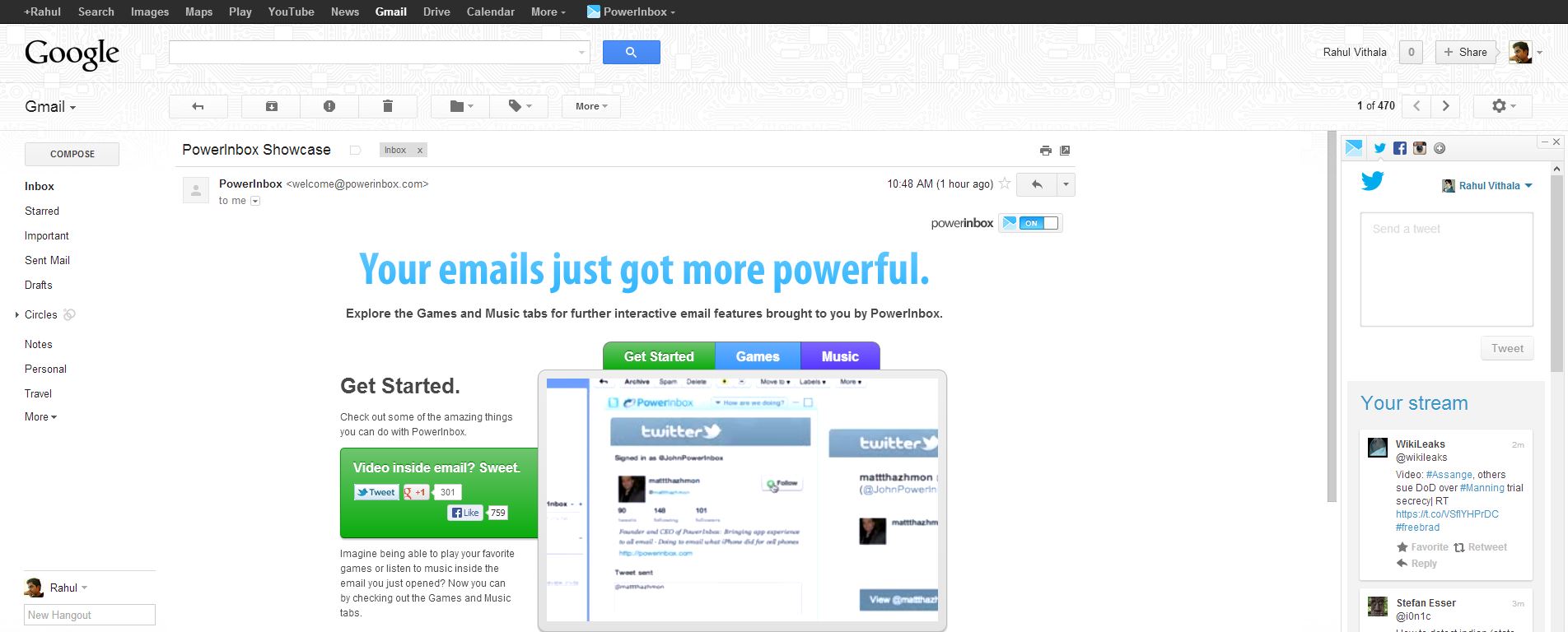
Social networking media became an essential part of our life. PowerInbox is an extension for Chrome, Firefox, Safari and Internet Explorer that that integrates with Gmail, Hotmail/Outlook, and Yahoo and works as a sidebar in your favorite email service. It lets you keep updated with Facebook, Twitter, LinkedIn, Instagram and more. It is a simple extension…

Ten Amazing & Useful Websites Of The Week Saturday-1
This is our first post of “Ten Amazing & Useful Websites of The Week”, weekly we provide most useful website available on the Internet of different categories. If you are looking for a new interesting website to explore this weekend follow our guide. Every week on Saturday we post the latest and most useful top…
The week in tech, minus the noise.
New reviews, fixes and the stories that matter — once a week, straight to your inbox.
We only use your email to send the newsletter. Unsubscribe any time. See our privacy policy.
Comments