

How to make use of Google Lens’ New Features
Google announced several new features coming to Google Lens at the Google I/O earlier this year. Now, some of those features are already rolling out to Google Lens as well. Also, Google Lens was earlier a Pixel-only feature but it has now been rolled out to all Android devices. Google announced that the Google Lens…

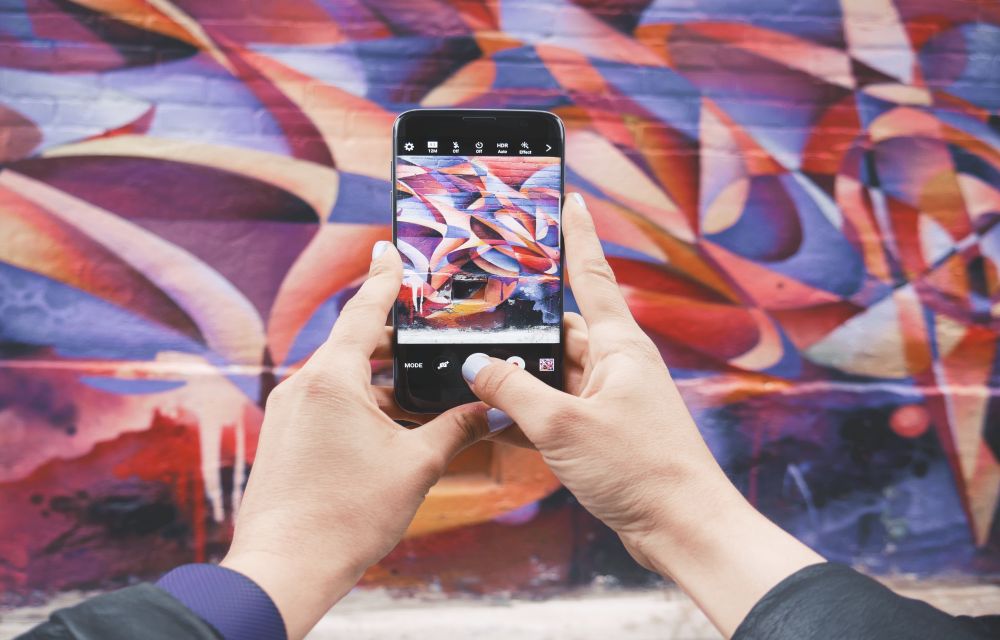
Google announced several new features coming to Google Lens at the Google I/O earlier this year. Now, some of those features are already rolling out to Google Lens as well. Also, Google Lens was earlier a Pixel-only feature but it has now been rolled out to all Android devices. Google announced that the Google Lens will roll out to Google Photos and Google Assistant.
We have now compiled some of the features that will be coming to your smartphones very soon. Also, the ways to use these features have also been listed below
1. Copy Text from Documents
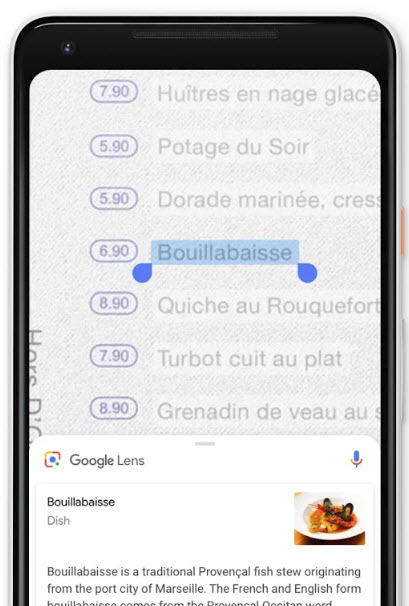
This feature is exactly what it says. Yes, you can now use Google Lens to copy text directly from a document instead of clicking the photo or scanning the document via a scanner. With this feature, you can point at any document, highlight the text and click on Copy to copy the text directly from the Google Lens Viewfinder.
2. Real-Time Analysis with Google Lens
With a feature called Anchor Point in Google Lens, Google can now detect any objects on which the camera is pointed. As soon as Google Lens identifies the object, a card will appear with the detected object.
3. Similar Style feature on Google Lens
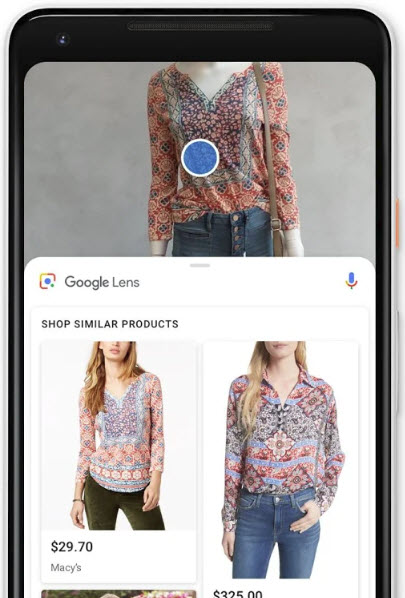
Google Lens also introduced a feature called Similar Style. With this feature, you can point at any clothes that you are wearing or have spotted someone else wearing. After that, Google Lens will suggest items similar to that so that you can buy them. This also works when you want a similar design but you can’t afford the brand.
This feature is currently known to be working for objects such as Clothing and cosmetics such as Shoes and Purses. Also, you can use this to find the name of funky furniture that you have liked and want at your own home or office.
More in How-to
Speed up Lenovo Laptop Running Slow in Windows 10
Your Windows 10 laptop may go slower and slower over time. There are several reasons why your Lenovo laptop is acting up and gone painfully slow over time. Run through the checklist given below to fix this issue permanently.
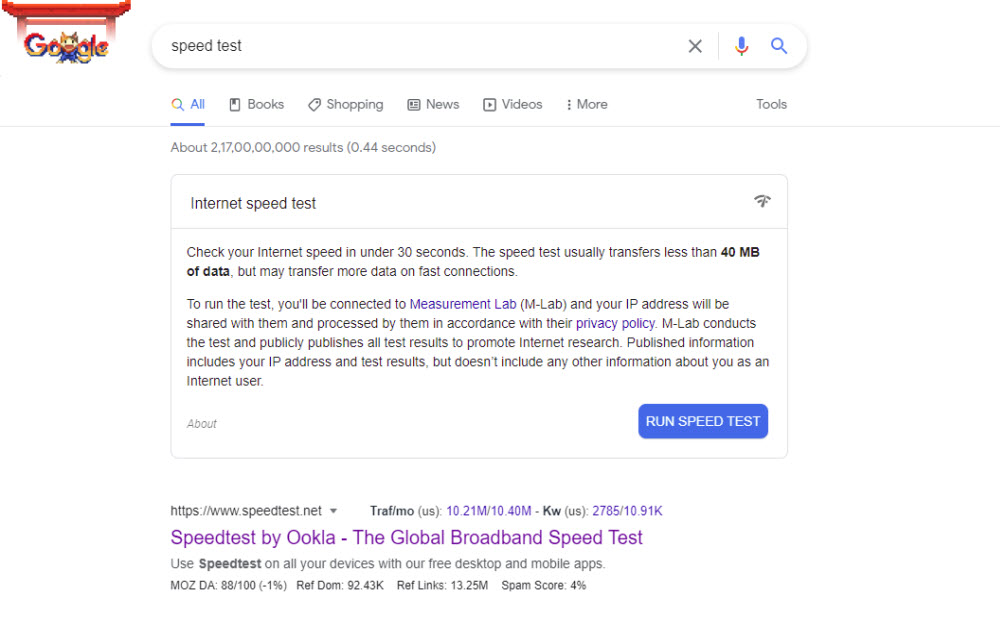
Google “Speed Test” to test your internet speed from Google Search without any third party apps
Google Search is not your regular search bar. It contains a lot of functionalities. For example, you can directly convert units, use calculators, or see the time. Furthermore, to make it more fun, Google has introduced some easter eggs. You’ve probably heard of the Google Easter eggs before. Google Easter Egg is a feature of…
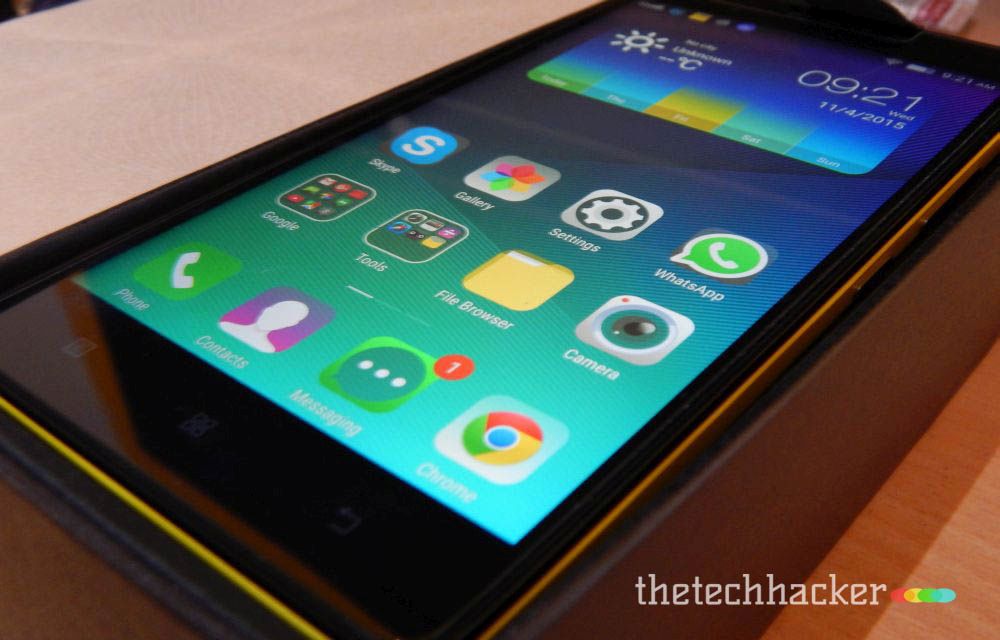
Lenovo K3 Note Problems and Fixes
Lenovo K3 Note is one of the best-selling smartphones currently. The device was arrived with a price range of Rs. 10000 which is a budget friendly pricing for this large display device. The design too looked good with many colour variants which were very punchy. But, the device was also known for some problems and…
The week in tech, minus the noise.
New reviews, fixes and the stories that matter — once a week, straight to your inbox.
We only use your email to send the newsletter. Unsubscribe any time. See our privacy policy.
Comments