

Secure Your Browsing History With Keepsafe Browser
Keepsafe is a company that has long established itself in the Google Play Store as well as the iOS App Store. Some of the notable applications released by the company are Blur for iMessage released for iOS and Photo Vault released for iOS and Android. However, the company is back with another application available on…


Secure Your Browsing History With Keepsafe Browser
Keepsafe is a company that has long established itself in the Google Play Store as well as the iOS App Store. Some of the notable applications released by the company are Blur for iMessage released for iOS and Photo Vault released for iOS and Android. However, the company is back with another application available on both Android and iOS.
What is Keepsafe Browser?
This application is named as Keepsafe Browser and the purpose of this application is to prevent third-party trackers from getting your information. Apart from that, Keepsafe browser also comes with an Adblocker in-built for distraction-free browsing experience.
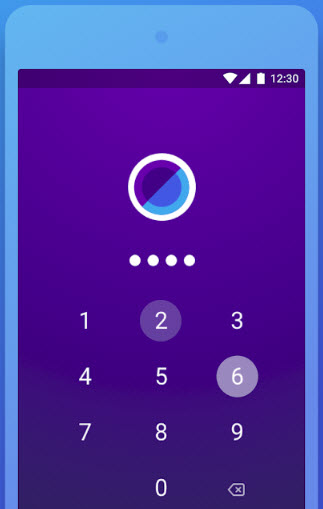
Now, there is one major advantage of using the Keepsafe Browser. We have known that there are security measures placed in the applications as well nowadays. But, these are generally PIN or passwords which we use to unlock our smartphone. Thus, if someone has access to your smartphone’s PIN or password then there is a 100% chance that they can open any of your application. Keepsafe browser comes in handy here as it has a different 4-digit PIN to access the browser alone. Thus, even if someone knows your original PIN, he/she will not be able to open your Keepsafe browser.
The only possibility is that if someone steals your fingerprint scanner than the app can be opened. However, we know that the chances of that happening are very less. As is the case with all the browsers, Keepsafe browser also offers an incognito mode which does not keep track of your history and deletes it as soon as you close the window.
Apart from that, this browser comes in very handy in cases where you are wanting to keep a secret about your purchase or search from someone. In addition, the Keepsafe team recently added support for the iPhone X as well so you can browse with the notch space of the iPhone X being in use.
More in Tech Stories
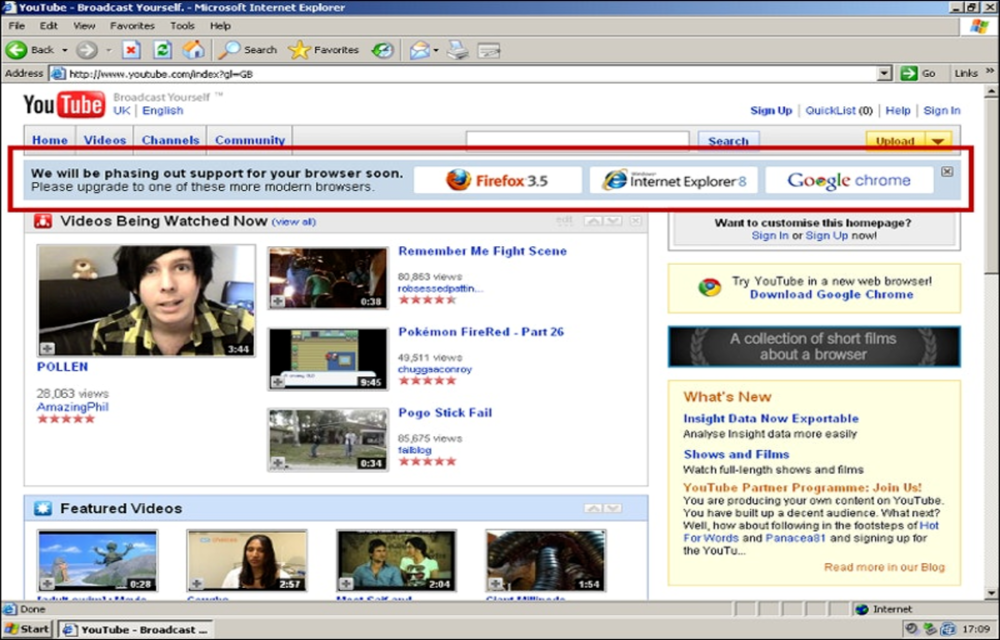
YouTube employees plotted to kill Internet Explorer 6 support in 2009
It has been found that in 2009, YouTube employees planned a way to kill Internet Explorer 6. Apparently, this was done so that the web developers can stop supporting the old Internet Explorer 6. This has been revealed by a former Google employee named Chris Zacharias. He claims that this plan was laid out in…

File management App for Rooted Android – Root Explorer
Android is not a Windows to browse every folder easily. The Android is a Linux-based OS optimized for mobile platform. If you are looking for a way to browse folders on Android like Windows this guide will help you. There are a number of file managers available in the Google Play store. But accessing the…
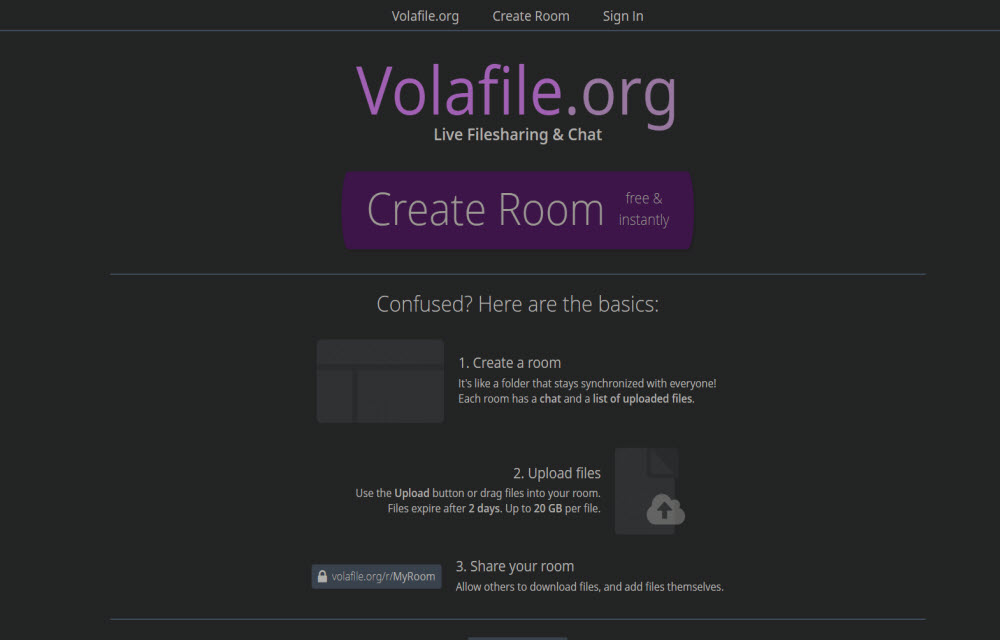
Volafile.org is a chat room service with anonymous file sharing
What it is about?: The article is about Volafile which is a chat room based service that offers anonymous file sharing. There are plenty of file-sharing services available online including Torrents. But many of those services don’t offer anonymous file sharing features. Many services including Dropbox, Google Drive and plenty of more services allow file…
The week in tech, minus the noise.
New reviews, fixes and the stories that matter — once a week, straight to your inbox.
We only use your email to send the newsletter. Unsubscribe any time. See our privacy policy.
4 comments
Is this available for Acer Travelmate laptop?
Unfortunately, the browser is available only for the Android and iOS devices.
Appreciate your time and reply
Is there an app that is similar for my laptop?
There are several browsers such as TOR browser that provide extreme privacy to your browsing sessions by protecting your information.