

Browsers
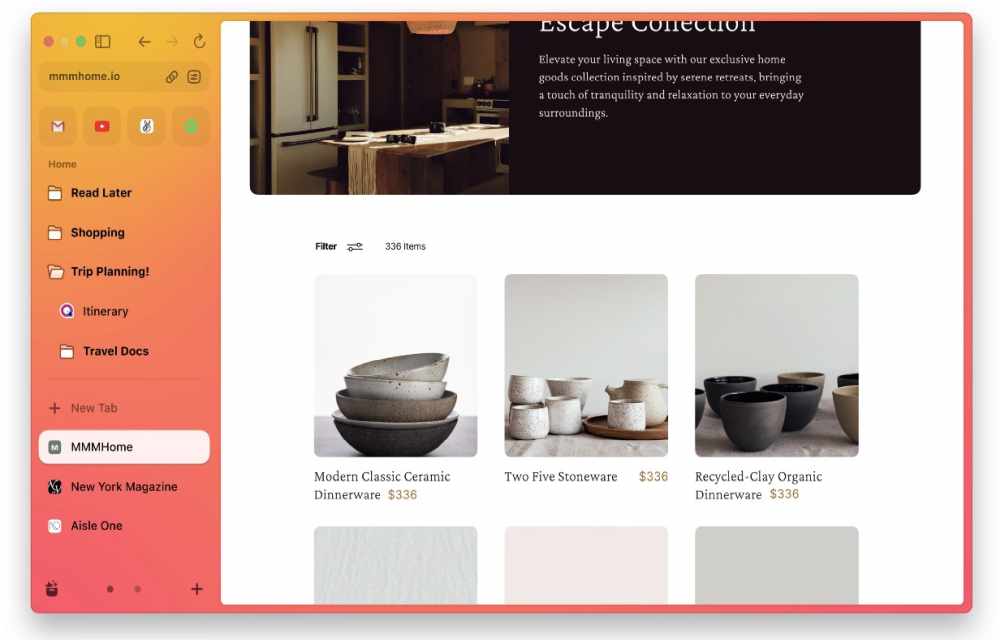
Arc Browser: Accessible for All – Download Now
Arc Browser, the much-awaited Mac and iOS browser from The Browser Company, is now available for everyone to download. After extensive testing spanning

How to Speed Up Opera Web Browser
Do you use Opera instead of many other web browsers out there? Even though it is not the best browser you can use, Opera has a bunch of features that make it unique. The in-built VPN, the ability to control the look and feel of the browser are some of them. However, running based on…
Best Ad Blocker List For 2020
Annoying ads have occupied the place on the Internet in every good service. When you visit a website the frustrating ads popup when you are reading an interesting article. These ads waste your time and some adware can ruin your browsing experience. According to the speed test and experience, the highly ad-enabled sites will increase…

Most Secure Web Browser For Windows, Mac, And Linux (2020)
It’s a no-brainer that almost everything we do online requires some amount of interaction through a web browser. In fact, for some users, 90% of their tasks depends on a web browser. Ranging from banking to virtual meetings, you can end up using a web browser for both important and casual needs. And, that’s why…

Best Download Manager Extensions For Google Chrome
Are you using Google Chrome as a default browser for all kinds of Internet-related activity including downloading files? If yes, this article helps you to download files faster with the help of Google Chrome extensions. Google Chrome is a fantastic browser from the house of Google. Its unmatchable unique features keep the rest of the…

How To Record Audio From A Google Chrome Tab
It is known that there are ways in which you can record audio on platforms such as Windows, macOS, Android as well as iOS. However, it might happen that we are browsing on the internet and there is a need to record audio and since we are in Chrome, we want to record audio there…

Dogpile Search Engine Review – Fast and filtered
Dogpile Search Engine Review: Internet is a place of millions of websites running actively. It is very hard to find the required information from a ton of sites. This is where search engines come into the limelight. A good search engine will fetch the websites on the Internet and get accurate results related to your…

How to auto-delete Firefox browsing history?
Privacy became the most important thing these days. I always suggest Mozilla Firefox over the Google Chrome browser. It has fantastic privacy-related options which let us control privacy and security settings without any hassle. It is becoming more common that many browsers are tracking and collecting user information without their consent. It is advisable to…

How to change language in Google Chrome
Chrome is a fantastic browser from the house of Google. Google Chrome has many interesting features, including Chrome flags, which let you test upcoming Chrome features before they launch. It has many advanced features compared to other competing browsers. It also supports more than 100 languages, which allows users to change their Chrome browser language…

How to identify real download buttons in a website
In most cases, download links and buttons are annoying and confusing. If you click on the wrong button, you end up with lots of pop-ups and advertisements windows open. The ads are used by the download providers to earn extra income from the website. Many third-party ad services use various forms of ad formats and…

Google Chrome’s Privacy Loophole patch will hurt revenue of News publishers
We reported yesterday regarding the privacy loophole that is found inside Google Chrome. This loophole would allow websites to see who is visiting from

How to Turn Off Google Chrome Auto Sign-In feature
Google introduced the auto sign-in feature in Chrome version 69, which is quite helpful and easy to log in the Google related services such as Gmail and others. It is a pretty handy feature but however, some people feel it is quite annoying. Once you log in with any Google service in a browser, it…