

You Can Recognize and Stay Away From Fake Apps on Android and iOS App Store in this Way
We have all been using plenty of apps on our smartphones day in and day out. Most of these apps are some sort of messaging or communication as well as social media apps. However, there are apps such as games and other productivity stuff too. Now, these apps have the highest chances of having a…

You Can Recognize and Stay Away From Fake Apps on Android and iOS App Store in this Way
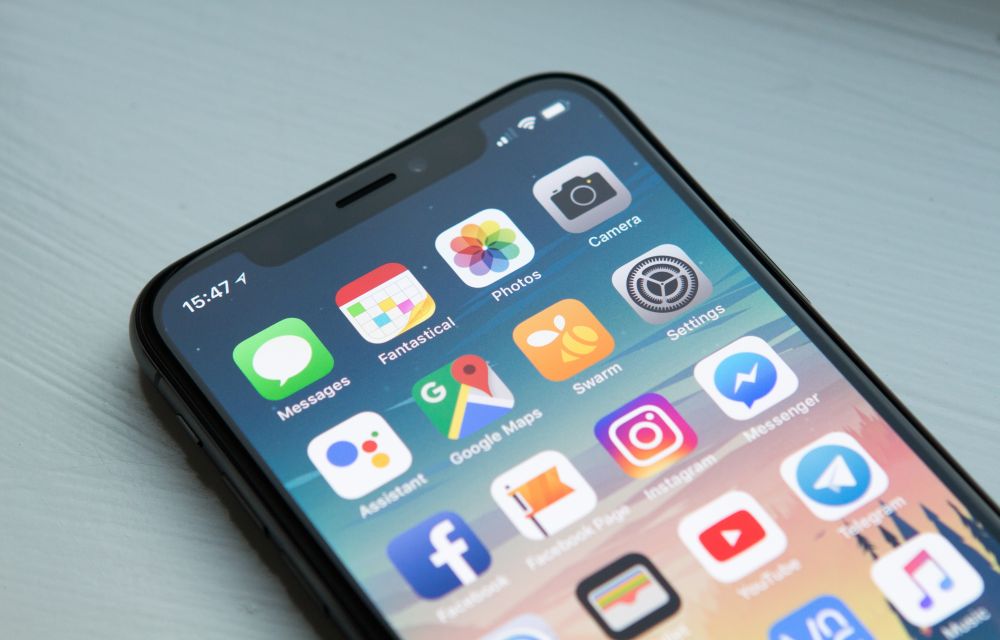
We have all been using plenty of apps on our smartphones day in and day out. Most of these apps are some sort of messaging or communication as well as social media apps. However, there are apps such as games and other productivity stuff too. Now, these apps have the highest chances of having a clone of themselves. These apps are also called fake apps which promise to be the real ones but they are not.
Now, the problem with fake apps is obviously that it is copyright infringement of the real app. However, it is also dangerous for the user’s security and privacy too. As these apps can be a phishing scam and will be able to access storage and media if we are not aware. Therefore, we are here to help you in order to spot fake apps. These will work for both the Google Play Store as well as the iOS App Store.
First of all, you need to look at an app’s logo as well as the name of the developer. However, this is the most basic step so the developers or even the fake apps are not expected to make mistakes. But there are still some obviously fake apps who have the logo of the real app with some tweaks.
This is a giveaway that the app is fake. Other than that, look for the app’s description and check if there are any spelling mistakes. If there are, it is a fake app because real app developers will have the content proof-read by a professional.
Also, check if there are any websites with a domain which is the full name of the application. For example, WhatsApp messenger can be found on WhatsApp.com only. If the app has a website named WhatsAppforandroid.com than it is clearly fake.
One last giveaway is if everything is correct is to check for the company’s social media account and see if the app has been officially launched or not. For example, some apps are not available on Android than also they are found on the Google Play Store which means that they are fake.
More in Tech Stories

Shleep App Will Let You Fix Your Bad Sleeping Habits
The most important and basic habit that we should cultivate in our life is a deep sleep. There are basically two ways in which an individual sleeps at night – deep sleep and light sleep. Light Sleep is where you would wake up even at slightest of noise whereas these things don’t affect you when…
Here’s How you Can Hide App Folder Names in iOS
There are two types of smartphone users: those who like to keep their phones simple and those who like to customise them. Now, if you are one of the latter smartphone users, then Android has long been the go-to option for you. However, if you are using iOS, then we have something for you too.…
Secure Your Browsing History With Keepsafe Browser
Keepsafe is a company that has long established itself in the Google Play Store as well as the iOS App Store. Some of the notable applications released by the company are Blur for iMessage released for iOS and Photo Vault released for iOS and Android. However, the company is back with another application available on…
The week in tech, minus the noise.
New reviews, fixes and the stories that matter — once a week, straight to your inbox.
We only use your email to send the newsletter. Unsubscribe any time. See our privacy policy.
Comments