

You Can Spy On Others Using Apple AirPods With This iOS feature
Apple has launched various products in their lineup of iPhones, iPads, iMacs, and Macbook. Apart from that, Apple launched a new product lineup in 2017 named as Apple AirPods. Apple AirPods is also the first truly wireless earphones from the company. Now, we know that the successor to Apple AirPods will come this year. However,…

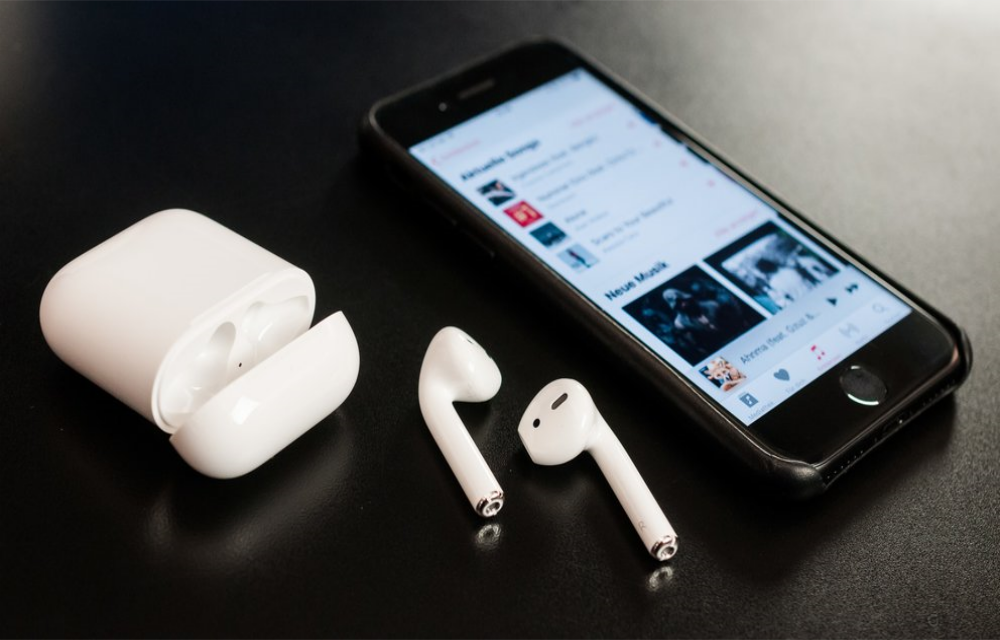
Live Listen feature
Apple has launched various products in their lineup of iPhones, iPads, iMacs, and Macbook. Apart from that, Apple launched a new product lineup in 2017 named as Apple AirPods. Apple AirPods is also the first truly wireless earphones from the company.
Now, we know that the successor to Apple AirPods will come this year. However, we have just found out a hidden feature of Apple AirPods after 1 and half years of existence. This feature, however, is an iOS feature available on all iPhones. The iOS feature that we are referring to is named as ‘Live Listen’
Talking about Live Listen, you can use this feature to spy on others. You also need to own a pair of Apple AirPods for this purpose. With the help of Live Listen, iOS allows you to hear what the iPhone is listening to on your AirPods. As Apple AirPods are wireless and have good connectivity range, you can keep your iPhone in a room which you want to be spy-ed. Then, you can use your AirPods and Live Listen to the conversation from your iPhone.
Apple announced this feature for iPhones with the release of iOS 12. Therefore, any iPhone which is running iOS 12 will have Live Listen. According to Apple’s official statement, “With Live Listen, your iPhone, iPad, or iPod touch can act like a microphone that sends sound to your AirPods. Live Listen can help you hear a conversation in a noisy area or even hear someone speaking across the room,”
Now, we already have reports that Android devices are constantly listening to our conversations. This is also the reason why many prefer to turn the mics on their Laptops and PCs off. Now, the feature can be turned off from the iPhone’s Settings menu but it is definitely an issue in terms of privacy. Though Apple’s intention of bundling this feature is good, it can still be used for eavesdropping or spying which is a matter of concern.
More in iOS
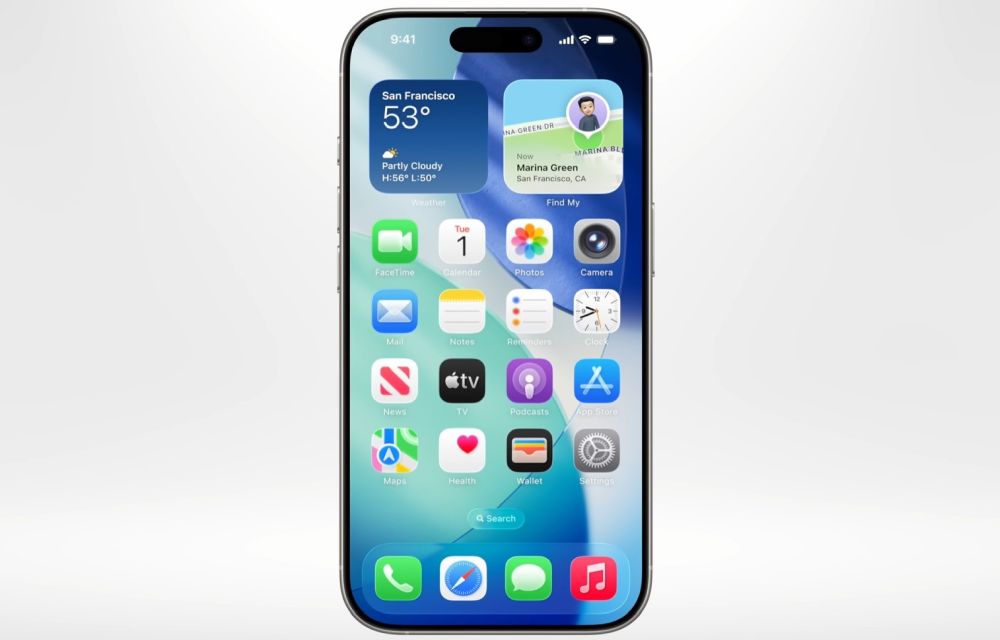
Worthy features of iOS26 (Transparent feature not included)
iOS 26 is designed as a meaningful step forward for iPhone, focusing on intelligence, communication, privacy, and small conveniences that add up in daily use, while skipping the transparent UI talk here by design. The release blends on‑device Apple Intelligence with thoughtful app updates like Phone, Messages, Photos, Safari, and Notes to make routine tasks…
Whats New in iOS 12? A Complete Features List
iOS 12 is announced in WWDC 2018. As like in past, every new iOS update bringing new and advanced features to users. This iOS 12 update has many interesting features packed for a delightful user experience. Find out all the new iOS 12 features in this article. 1. Siri Shortcuts Apple has integrated workflow app…
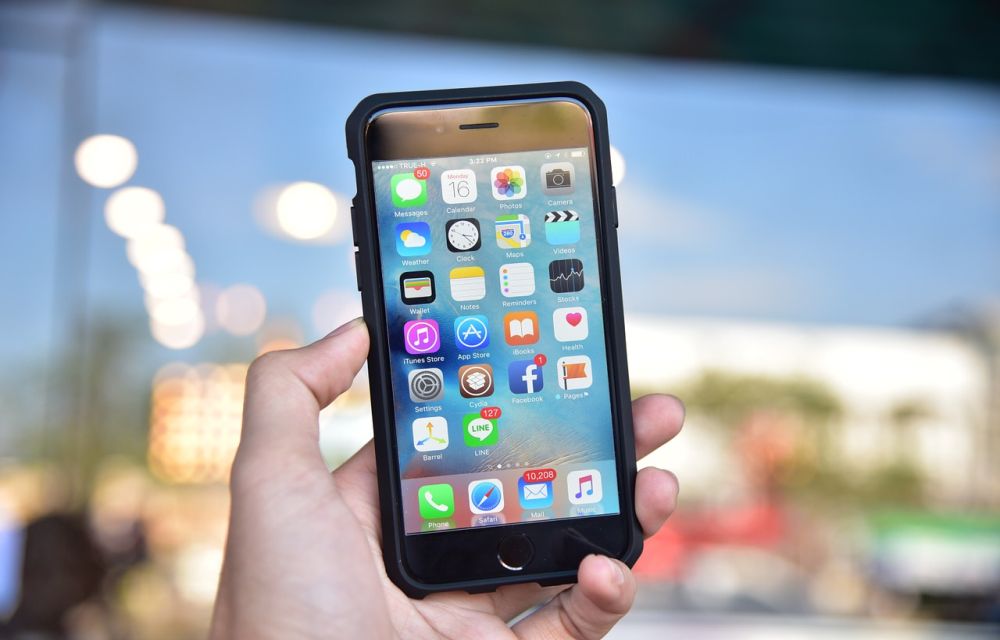
Top 8 File Manager Apps For iPhone To Manage Files On The Go
Recently purchased iPhone or any other iOS device? You may notice that it don’t have any file manager app to browse or manage your files. Apple iOS ecosystem not allows the users to access its internal file system. However, we have few File Manager apps for iPhone, iPad. Don’t worry you don’t need to Jailbreak…
The week in tech, minus the noise.
New reviews, fixes and the stories that matter — once a week, straight to your inbox.
We only use your email to send the newsletter. Unsubscribe any time. See our privacy policy.
Comments