

How to customize a browser to make more user-friendly
Today’s browsers are coming with various features which makes ready to use after installation. However, there are many more options available to users which are available in the form of add-ons and extensions. Today I want to discuss the browser customization, a new set of features which makes your browsing more productive. When it comes…

How to customize a browser to make more user-friendly
Today’s browsers are coming with various features which makes ready to use after installation. However, there are many more options available to users which are available in the form of add-ons and extensions. Today I want to discuss the browser customization, a new set of features which makes your browsing more productive. When it comes to customization word we generally get the idea of changing the look and appearance, but in today’s article, it deals with the new features which make the browser to the next level. Let’s get started.
1. Extensions or Add-ons

Extensions or add-ons we call the different for Google Chrome and Mozilla Firefox. However, the use of both is the same after installation. Google Chrome uses the name extensions which makes the browser more user-friendly with a ton of great options. These extensions let you do almost anything and let you modify your browser in every aspect. For example, if you are a blogger, there are a great set of Chrome Extensions available to access the website data like stats and scores, grammar improvements and much more.
Like this, every browser has its own store for their extensions. Browsers like Opera, Safari, Mozilla Firefox, and Google Chrome. These extensions are additional programs to your browsers and perform various tasks. Using many extensions on your browser will slow down your computer by using system resource. It is always advisable to use a limited set of extensions in a browser.
2. Settings
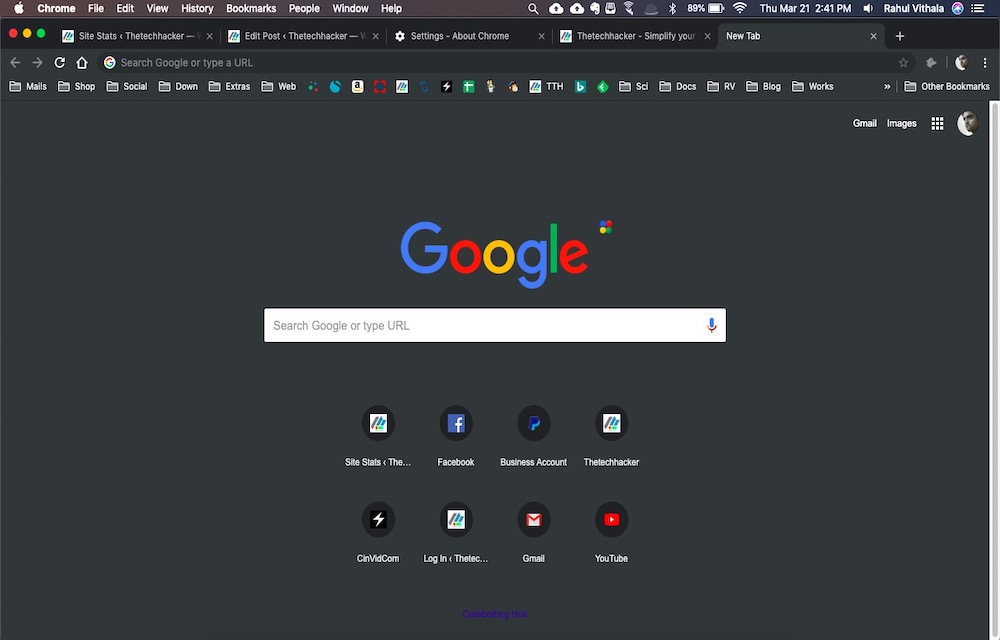
Every browser comes with settings option. This option lets you tweak the browser as per your requirements. For example, for convenient reading, you can change the browser look into a light mode or dark mode. We recently covered an article about enabling dark mode on Google Chrome. Like this, we can enable dark mode on all browsers. Another pretty useful feature we see in settings is guest mode. Guest mode setup is for those who want to give their laptop or Desktop to others for browsing purpose. The guest can’t access all the features you enabled for the browser except a straightforward browsing experience.
3. Chrome Flags (For Google Chrome only)

Chrome Flags are exclusive beta features available for Google Chrome users. We already covered a detailed article about Chrome Flags on thetechhacker. Chrome Flags have a lot of benefits but you have to be careful before using them. Flags are underdeveloping features of Google Chrome which we can expect in the future stable builds. If you want to test them before the actual launch, try Google Flags.
4. Themes
When it comes to customization themes comes first in mind. Almost all browsers support third-party themes to pimp up the look to the next level. A good theme completely transforms the regular look of a browser to the next level. Google Chrome and Mozilla Firefox have dedicated theme websites to transform their look.
Summing up
These are the best possible ways to tweak or customize the browser to the most advanced level. Each installation of extension or add-on can completely change the way of using the browser. So what are you waiting for? Just jump into the tweaking browsers and make your browsing experience super cool.
How you customize your browser? Share it with the world using the comment box below.
More in Internet
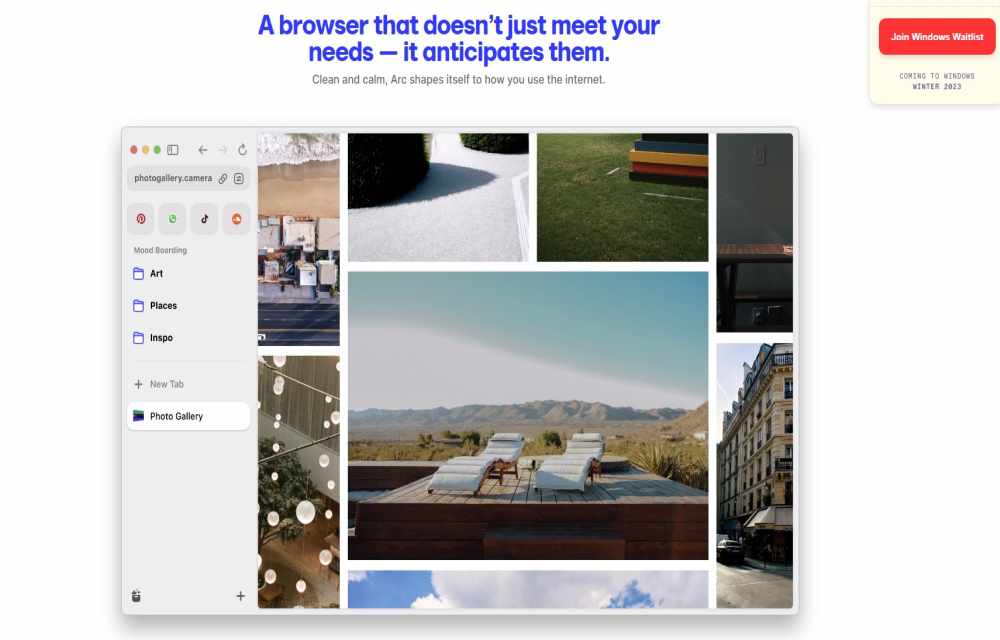
What is Arc Browser? Why it is so popular?
When choosing a web browser for your Mac, you have plenty of options like Safari, Chrome, Firefox, and Edge—familiar choices that have held the fort for years. Yet, these browsers, despite their familiarity, have largely remained unchanged in their design and functionalities. However, the Arc browser by The Browser Company seeks to redefine the browsing…

Microweber-A Quick Glimpse Of New User Friendly CMS
A good content management system makes publishers work very easy. WordPress, Joomla, Drupal are the popular CMS available in the internet industry and the list is slowly increasing. Microweber is a new entry in the content management system programs, it is aimed to deliver maximum ease to the publisher.

What is the Difference Between HTTP and HTTPS
What is the difference between HTTP and HTTPS: Hypertext Transfer Protocol (HTTP) is a system for transmitting and receiving information across the Internet. HTTP and HTTPS are possessed many differences. HTTPS is more secure and SEO friendly than the HTTP. Many bloggers and professionals prefer HTTPS.
The week in tech, minus the noise.
New reviews, fixes and the stories that matter — once a week, straight to your inbox.
We only use your email to send the newsletter. Unsubscribe any time. See our privacy policy.
Comments